10 Social Media Planner Free Tools for 2026
A strong social media planner free setup depends on channel coverage and workflow. Buffer is the simplest multichannel starting point, Metricool adds free analytics, and native tools are best when one platform dominates.
The surprise is how quickly planning has become the default operating model. A 2026 benchmark reports that 73% of social media marketers use dedicated scheduling tools, up from 61% in 2024 and 47% in 2022, while 87% plan at least one week ahead and 34% maintain a two-week content buffer. Scheduling tools save an estimated 6.3 hours per week, or about 328 hours per year, compared with manual posting, according to the social media scheduling benchmark.
A useful planner should handle four jobs: capture ideas, show the calendar, schedule or publish content, and cover enough channels to support a repeatable system. This comparison separates ten free options into three operating models: multichannel schedulers, visual or marketing calendars, and native platform tools.
The practical test isn’t whether a tool has a free checkbox. It’s what breaks first: channel limits, post caps, analytics, collaboration, desktop access, or platform exclusions. A planner organizes distribution, but it doesn’t create the clips, captions, or platform-safe layouts. For creators and B2B teams repurposing podcasts, webinars, and long videos, that distinction matters. A free content calendar for video planning can map the pipeline, but you still need a production step before anything enters the queue. Check quso’s existing coverage for a near-duplicate before publishing this topic, and keep the exact-match slug social-media-planner-free for the final URL.
Table of Contents
- 1. Buffer
- 2. Metricool
- 3. Zoho Social
- 4. Publer
- 5. Planoly
- 6. Pallyy
- 7. CoSchedule Marketing Calendar
- 8. Meta Business Suite
- 9. TikTok Studio and Video Scheduler
- 10. Pinterest Native Scheduler
- Top 10 Free Social Media Planners, Feature Comparison
- Build a Planner Workflow You Will Actually Maintain
1. Buffer
Buffer is the cleanest entry point for a solo creator or small brand that needs one calendar across several networks without a long setup process. Its free scheduler supports up to three channels, with 10 scheduled posts per channel, according to Buffer’s 2026 scheduler feature summary.
The workflow is straightforward. Connect the accounts, choose a posting schedule, draft inside the calendar or queue, then adjust the copy for each platform. Buffer also provides a browser extension for queuing content from any page, an ideas area called Create Space, post templates, and basic AI assistance.
Best fit and practical ceiling
Buffer works well for a creator distributing clips to Instagram, TikTok, YouTube, Facebook, LinkedIn, or X, provided the selected channels and publishing methods are supported on the account. It’s also a sensible test environment for a small social team that wants to prove a consistent rhythm before paying for collaboration or deeper reporting.
The trade-off is capacity. The free plan is intentionally lightweight, and advanced analytics and collaboration features sit behind paid tiers. Channel-specific publishing rules can also vary, so check whether a format will auto-publish or require a notification-based workflow.
Practical rule: Use Buffer when reducing setup friction matters more than building a complex approval system.
For a video workflow, create the short clip first, write a platform-specific caption, then schedule the final asset. This guide to how to schedule social media posts fits naturally into that operating sequence.
2. Metricool
Metricool is the better free starting point for a solo operator who wants scheduling plus starter analytics in the same workspace. Its planner supports multiplatform planning and automatic publishing, while the free tier includes core analytics and a brand model for organizing connected accounts.
That combination changes the decision. Buffer is easier when the main problem is publishing consistently. Metricool makes more sense when you also want to inspect which posts, platforms, or formats deserve another round of production.
Where it earns its place
The brand model keeps account organization relatively clear during onboarding. A coach might use it for a personal brand, while a small SaaS marketer could use the free workspace to connect a single brand and establish a basic reporting routine.
The limitation is the free tier’s scope. It restricts users to one brand, and advanced dashboards and reports require an upgrade. Competitor tracking is also reserved for paid tiers, so this isn’t a complete competitive intelligence system.
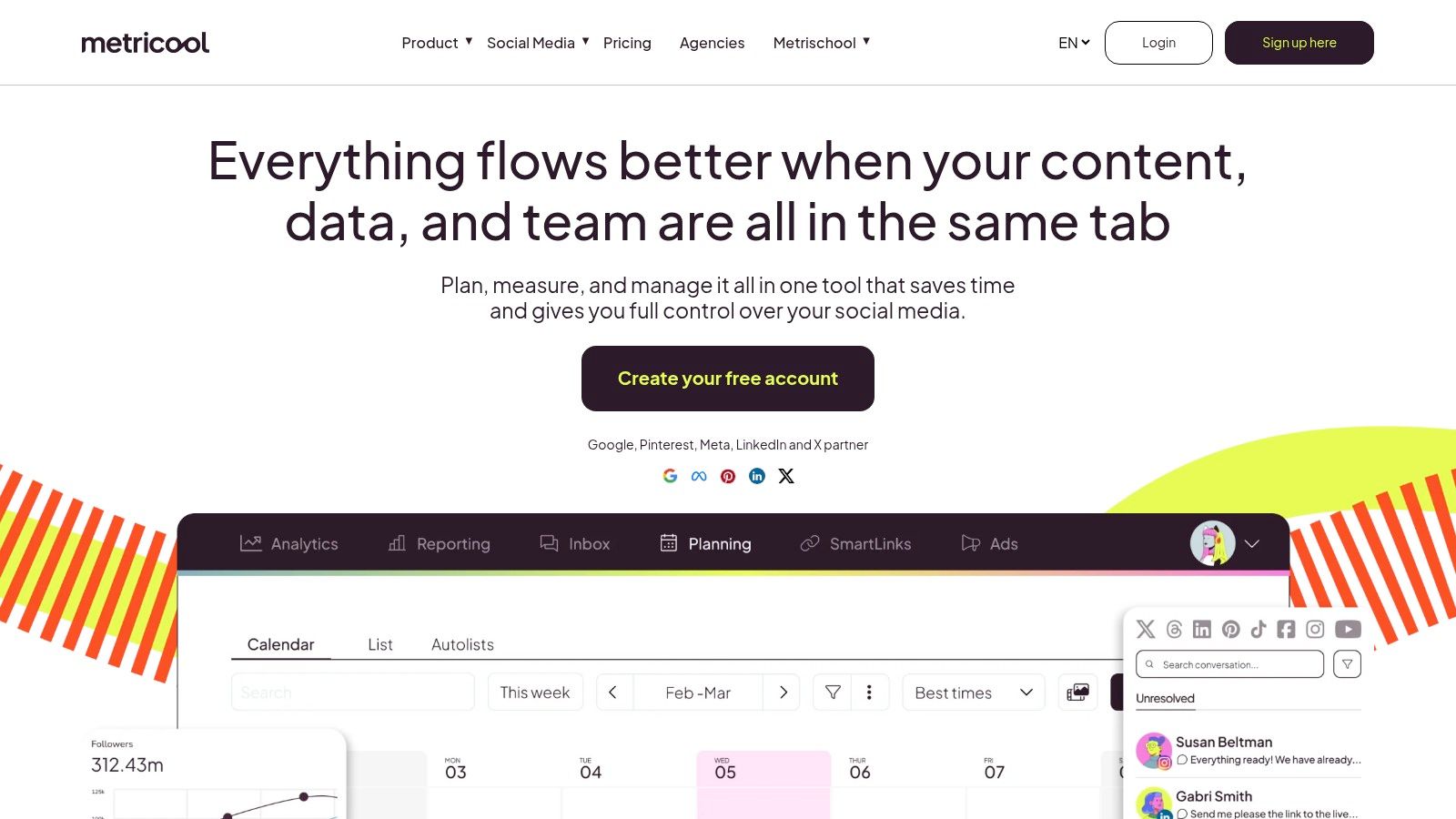
Connect the brand before building the calendar. Then publish enough varied content to make the analytics useful, including short video, text-led posts, and repurposed insights from long-form content. Otherwise, the dashboard only confirms that the calendar exists.
3. Zoho Social
Zoho Social offers unusually broad channel coverage for a free individual-oriented edition. The free plan supports six channels, including a Facebook Page, Instagram Business, a LinkedIn profile or page, an X profile, and a Google Business Profile.
That makes it useful for a solo consultant or small local business that needs more than the usual starter combination of Instagram and Facebook. The planner interface is uncomplicated, and the composer includes an integrated link shortener.
The operator trade-off
Zoho Social’s strongest advantage is that the free option persists after its 15-day trial, so users aren’t forced into a paid subscription because the trial ends. That makes it practical for testing a steady publishing workflow with broad account coverage.
The limits appear when more people need access or when reporting becomes part of the job. Collaboration, deeper reporting, team features, advanced functions, and multi-brand support require paid plans.
A solo B2B marketer can still get value from it. Prepare a batch of clips, assign each to a platform, tailor the copy, and use the calendar to prevent every channel from receiving identical messaging. The planner handles distribution well, but it won’t replace a dedicated video repurposing or captioning workflow.
4. Publer
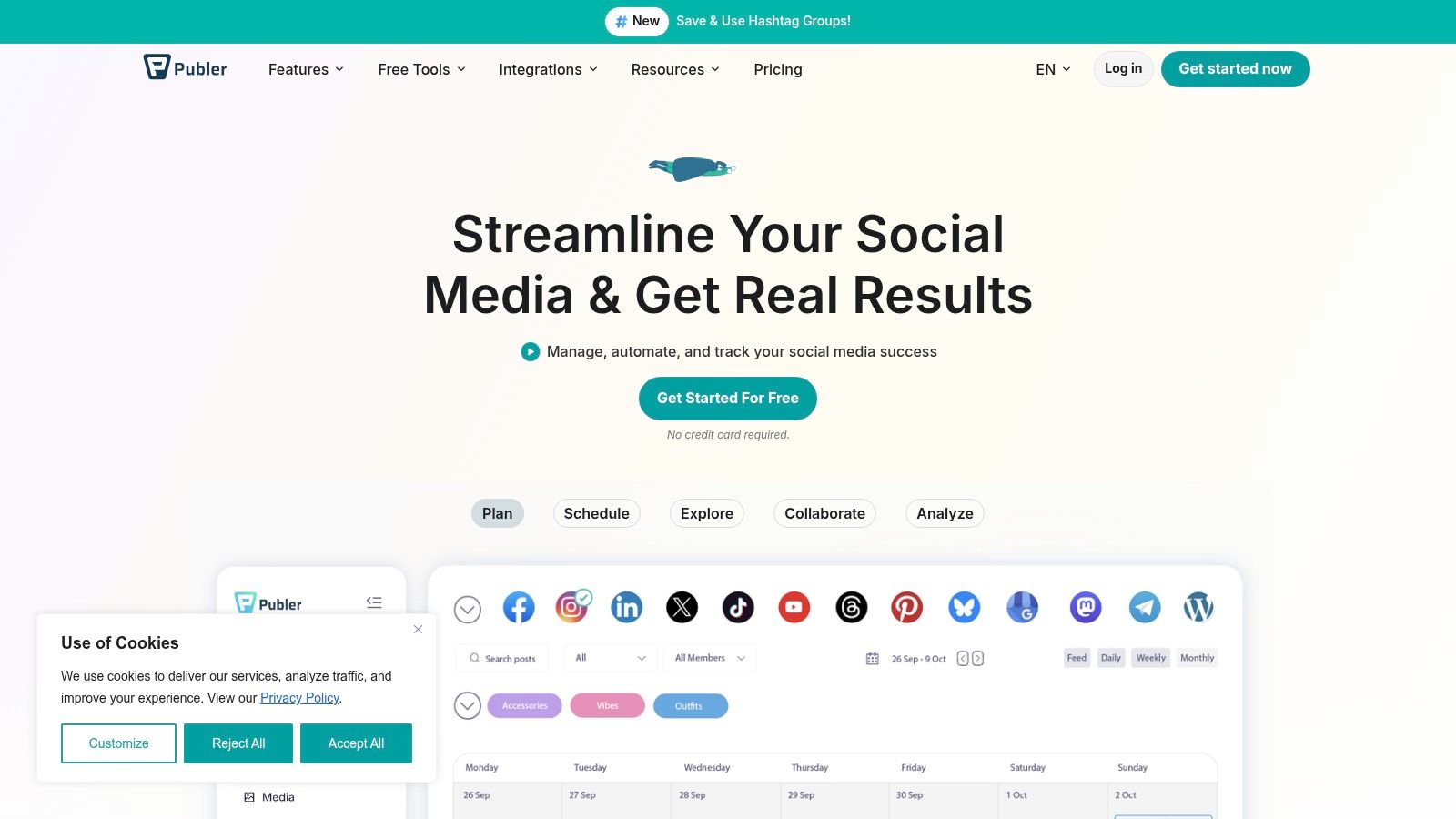
Publer takes a scheduling-first approach and packs several useful utilities into its free tier. It supports scheduling across supported social networks, offers hashtag suggestions, includes link-in-bio pages, and handles multiple media post types.
The appeal is breadth. A creator testing different formats can use one tool to queue text, images, and video while exploring which publishing features are worth keeping as the workflow grows.
What to verify before committing
Publer’s free tier is feature-rich, but specific network and post-type limits can apply. Some integrations and advanced functions are reserved for paid plans, so connect the actual accounts you intend to use before building a large content bank.
This is a good fit for a creator who wants more utilities than a bare calendar provides. It’s less suitable if the team needs strong approvals, detailed reporting, or predictable access to every network without checking plan rules.
A practical test is to schedule one complete content cycle. Include a short clip, a text post, a link-led update, and a platform-specific variation. If the free account handles the formats you publish, Publer can remain useful while you validate the broader system.
5. Planoly
Planoly is the visual-first choice, especially for Instagram creators who care about how the grid looks before content goes live. It supports Instagram grid planning, cross-platform auto-posting capabilities, quick scheduling, basic analytics, and a mobile-first interface.
That visual emphasis is valuable for creators whose profile acts as a portfolio. A fashion brand, educator, or personal brand can arrange thumbnails, check the sequence, and spot an awkward run of similar frames before publishing.
Where the free plan stops working
The free plan allows 10 uploads per month, making it a trial tier for light publishing rather than a complete operating system for an active video team. It’s also app-only, which desktop-focused users may find restrictive.
Planoly works best when visual curation is the bottleneck. It works less well when the main challenge is turning one long recording into a high-volume, cross-platform queue.
Don’t judge a clip only by its grid thumbnail. Review the full-frame preview for text placement and platform safe zones, the areas where interface controls, captions, profile elements, or buttons can overlap the video. A clean Instagram grid won’t prevent a subtitle from sitting beneath a TikTok control or behind a Reels interface element.
6. Pallyy
Pallyy uses a simple “social set” structure that makes it easy to understand which profiles belong to a brand or client. Its interface includes a drag-and-drop calendar, a media library, and support for major social platforms within that set-based model.
This structure suits a freelance social media manager handling client work. Instead of treating every account as a separate project, the manager can group the relevant profiles and plan content from a single workspace.
Good for testing, not unlimited throughput
The free tier is suitable for learning the structure and testing a basic calendar, but its limits are modest. Active users may outgrow the available posts or sets, while advanced analytics and social inbox features require paid plans.
Pallyy’s value is organizational clarity. A manager can keep media, draft copy, and scheduled content together, then decide whether the workflow justifies a paid tier. The upgrade path is smoother than starting over in a new platform, but that doesn’t make the free plan ideal for a busy client roster.
Use the calendar for approved assets, not raw ideas. Store long-video candidates separately, select the moments worth turning into short clips, and move only captioned, reviewed assets into the publishing queue.
7. CoSchedule Marketing Calendar
CoSchedule Marketing Calendar is a strong option when social publishing is only one part of a broader content operation. Its forever-free plan connects one social profile and allows scheduling and publishing from a unified marketing calendar, with a limit of 15 scheduled or drafted social posts at a time.
The calendar view is the main reason to choose it. A B2B marketer can place social posts beside campaign tasks, launch activity, or other content planning without maintaining separate planning systems.
Choose centralization over channel breadth
The free plan’s one-profile limit makes it unsuitable for a multichannel publishing team. The 15-post ceiling is also tight for an active or growing calendar, particularly when a single long video becomes several platform-specific posts.
That constraint can still be useful during a pilot. Connect the profile that matters most, build a small campaign, and observe whether the unified calendar improves handoffs between content and social work.
A calendar is useful only when the people responsible for production and approval can see the same publishing reality.
For a larger social workflow, compare the planning model with this guide to social media planner software, then decide whether the calendar should remain the source of truth or feed a scheduler.
8. Meta Business Suite
Meta Business Suite is the native free planner for Facebook Pages and Instagram Business accounts. It provides a planner or calendar view, scheduling for Page and Instagram posts, and basic post-level insights.
If Meta owns most of your distribution, this is the sensible baseline. A local service business publishing to Facebook and Instagram doesn’t need a third-party tool merely to create a calendar and schedule posts.
The cost of staying native
The limitation is channel coverage. Meta Business Suite is effectively restricted to Facebook and Instagram, so LinkedIn, TikTok, YouTube, Pinterest, and X require separate tools or native workflows. Interface behavior can also change across updates, which means operating instructions need occasional review.
Meta scheduling has concrete queue mechanics. Guidance cited in current coverage describes up to 25 scheduled posts per day and a maximum horizon of 75 days in advance in the relevant Instagram scheduling workflow, as detailed by Meta Business Suite Instagram scheduling guidance.
Use native scheduling when platform reliability and native insights outweigh the convenience of one multichannel calendar. Confirm the Instagram account type, preview the final Reel or post, and check safe zones before committing the queue.
9. TikTok Studio and Video Scheduler
TikTok Studio is the right choice for a TikTok-first creator who wants native scheduling, drafts, creator tools, and platform analytics without adding a third-party layer. It’s free and purpose-built for managing TikTok content.
Native publishing can reduce surprises around platform-specific formats and analytics. A short-form creator can prepare a clip, write the caption, review the cover, schedule it, and monitor results in the same ecosystem.
The platform-first limitation
TikTok Studio doesn’t solve multichannel distribution. If the same source video also needs an Instagram Reel, YouTube Short, LinkedIn post, or Facebook cutdown, you’ll need another publishing path.
The Video Scheduler guidance supports scheduling TikTok posts up to 10 days in advance, according to TikTok’s Video Scheduler documentation. That window can work for a creator who plans weekly, but it offers less runway than a long-term campaign calendar.
Before scheduling, inspect captions and the interface safe zones. TikTok controls and description elements can cover text near the frame edges, so keep key words and faces within the visible central area. For the broader workflow, see how to schedule TikTok posts.
10. Pinterest Native Scheduler
Pinterest Business includes a native scheduling workflow for publishing Pins later from a business account. It’s useful for ecommerce, education, and evergreen content where consistent discovery matters more than rapid reactive posting.
The setup is simple. Create a Pin, add the destination link and description, choose a later publishing time, and let Pinterest handle the release. The native workflow avoids third-party quotas and keeps Pinterest-specific fields close to the publishing surface.
When Pinterest alone is enough
Pinterest’s scheduler supports publishing up to 30 days ahead, according to Pinterest’s business scheduling guidance. That’s sufficient for a focused evergreen calendar, but it doesn’t replace a multichannel planner.
The tool is Pinterest-only, and bulk or advanced automation is more limited than in third-party schedulers. A retailer can manage a Pinterest content stream here, then use another tool for Instagram, TikTok, or LinkedIn.
Repurposed video can still work, but adapt the asset. Use a clear cover, readable text, a useful description, and a destination that matches the Pin. Review the creative on mobile-sized previews, and keep important text away from areas where Pinterest’s interface may overlap the frame.
Top 10 Free Social Media Planners, Feature Comparison
| Tool | Core features | Best for | Strengths (USPs) | Limits | Quso fit & CTA |
|---|---|---|---|---|---|
| Buffer | Calendar & queue across major networks, browser extension, post templates, basic AI | Solo creators & small brands testing posting rhythm | True free plan (up to 3 channels), simple workflow | Advanced analytics & collaboration require paid tiers; feature access varies by network | Pairs with quso for repurposing clips + scheduling, see quso.ai/blog/how-to-schedule-social-media-posts and try quso.ai |
| Metricool | Multiplatform planning, auto-publish, core analytics on free plan, brand model | Individuals wanting planner + starter insights | Free plan never expires; quick setup & education | One brand on free tier; advanced dashboards paid | Use with quso to auto-caption and turn long videos into short posts for scheduling |
| Zoho Social | Publish to 6 channels on free plan, integrated link shortener, straightforward planner | Solo creators & small businesses needing broad channel coverage | Persistent free option with broad channel support | Collaboration and deeper reporting gated to paid plans | Pair with quso for captioned snippets and scheduled short-form from long videos |
| Publer | Scheduling-first: auto-publish, hashtag suggestions, link-in-bio, media scheduling | Users testing scheduling workflows before scaling | Feature-rich free scheduler; clear upgrade path | Network/post-type limits on free tier; some integrations paid | Good for scheduling quso-produced clips and captions for multiple channels |
| Planoly | Visual grid planning (Instagram), cross-platform auto-posting, mobile-first interface | Visual-first creators focused on Instagram/TikTok aesthetics | Best-in-class grid planning; free mobile trial of visual workflows | Free: 10 uploads/month and app-only limits | Use quso to create captioned visual clips, then plan grid posts in Planoly |
| Pallyy | Drag-and-drop calendar, media library, ‘social set’ structure for brands/clients | Brands and agencies managing clients | Intuitive brand/client workflow; easy scale to paid tiers | Modest free limits; analytics & inbox require paid plans | Pair with quso to supply captioned short-form assets for client social sets |
| CoSchedule Marketing Calendar | Unified marketing calendar, connect 1 social profile free, 15 scheduled/drafts cap | Teams wanting a single content calendar view | Reliable calendar UX; free forever for basic planning | Only one profile; 15-post cap is restrictive for active teams | Use quso to repurpose long content into scheduled snippets, see https://quso.ai/blog/social-media-planner-software and try quso.ai |
| Meta Business Suite | Native planner for Facebook Pages & Instagram Business, scheduling, basic insights | Meta-first strategies (Pages + IG Business) | 100% free & native to reduce third-party inconsistencies | Meta-only; limited cross-platform capability | Combine with quso to auto-caption and schedule short-form for Instagram/FB |
| TikTok Studio + Video Scheduler | Schedule TikTok posts, drafts & creator tools, native analytics (scheduling guidance up to 10 days) | TikTok-first creators focused on short-form video | Native stability & platform analytics; free | TikTok-only; scheduling window can be limited | Use quso to repurpose long videos into TikTok-ready shorts with captions, see https://quso.ai/blog/how-to-schedule-tiktok-posts |
| Pinterest Native Scheduler | Schedule Pins up to 30 days ahead, integrated ‘publish later’ workflow | Ecommerce, evergreen-content creators, educators | Native and free within business accounts; reduces third-party dependency | Pinterest-only; limited bulk/automation vs third-party tools | Use quso to create captioned short video Pins and then schedule natively on Pinterest |
Build a Planner Workflow You Will Actually Maintain
Choosing a free planner starts with the publishing system, not the feature list. Confirm the platforms you need, then check the free-tier limits for channels, brands, profiles, uploads, queued posts, and scheduling range. A tool can be free and still be the wrong choice if it excludes your primary network.
Use this buyer’s checklist before connecting accounts:
- Supported platforms: Verify that every priority channel is covered, including the correct account type.
- Free-tier limits: Check channels, brands, posts, uploads, drafts, and scheduling horizon.
- Publishing method: Confirm whether content auto-publishes or requires a mobile notification.
- Visual planning: Decide whether a calendar is enough or whether you need Instagram grid previews.
- Analytics: Identify which post-level metrics are available without upgrading.
- Collaboration: Check approvals, permissions, comments, and client handoffs.
- Migration: Confirm whether you can export captions, media references, or calendar data if the tool no longer fits.
The best match changes by operator. A beginner multichannel creator should start with Buffer. An analytics-minded solo operator should test Metricool. A visual Instagram creator will get more value from Planoly. A client-facing manager may prefer Pallyy’s social set structure. A platform-first publisher should use Meta Business Suite, TikTok Studio, or Pinterest’s native scheduler where one channel dominates.
Timing is a useful input, not a substitute for audience data. A 2026 benchmark identifies Tuesdays and Wednesdays between 11 a.m. and 6 p.m. local time as broad posting windows, according to Sprout Social’s best-times analysis. A separate Instagram benchmark, based on analysis of 9.6 million Instagram posts, identifies Thursday at 9 a.m., Wednesday at noon, and Wednesday at 6 p.m. as leading slots, as reported by Later’s Instagram timing guide. Treat those times as starting points, then adjust around your own audience and content format.
A repeatable video-to-calendar sequence
Start with a weekly content theme. Then turn each long video into several short-form candidates, selecting clips with a clear hook, one focused idea, and a useful ending. Review the transcript, remove unnecessary pauses, and write captions that remain readable without sound.
Next, inspect every frame for platform safe zones. Keep subtitles, logos, faces, and calls to action away from areas where interface controls can cover them. Assign channel-specific copy rather than sending one caption everywhere, then queue the approved assets and check native previews after scheduling.
Tools such as Planable emphasize collaboration, organization, and publishing in one place, which supports a clear approval handoff for teams and clients. The Planable platform is useful as a reference point when collaboration matters more than raw scheduling volume.
A planner can sit beside quso.ai’s free trial when your bottleneck is production rather than distribution. Use the repurposing workflow to create short clips and auto-captions, review safe zones, then send the finished assets into the scheduling system. For broader planning, the social media content calendar and AI caption generator can support the preparation stage without forcing the calendar to carry unfinished work.
For consistency principles beyond the tool itself, review how Kraken Socials helps with consistency. The best free planner is the one your team can maintain after the initial setup, not the one with the longest feature page.
Frequently asked questions
What’s the best free social media planner?
Buffer is the simplest multichannel starting point, Metricool is stronger when free analytics matter, and native tools are best when one platform dominates. The right choice depends on channel coverage, publishing method, and queue limits.
Do free social media planners auto-post?
Some do, but publishing capabilities vary by platform, account type, and free plan. Confirm whether each channel supports automatic publishing or requires a notification-based workflow before scheduling a campaign.
Which free planner works for multiple platforms?
Buffer, Metricool, Zoho Social, and Publer are the clearest multichannel options in this comparison. Check the exact channel and post limits before committing your full content pipeline.
Are native schedulers enough?
Native schedulers are enough when one platform drives most of your work. They become cumbersome when you need shared approvals, cross-platform copy variations, or one calendar for multiple networks.
How should you plan short-form video?
Start with a long-form source, select several focused clip candidates, review auto-captions and safe zones, tailor each caption to its platform, and schedule only after checking the native preview. This separates content production from distribution while keeping both steps connected.
Use quso.ai to turn long videos into short-form clips, generate auto-captions, and prepare publishable assets for your planner. Visit the platform to test a video repurposing and scheduling workflow before you commit to a paid social media management stack.