Free YouTube Clip Maker: Turn Any Video Into Shorts
Turn your YouTube recording into clips. Review each excerpt, adjust its framing, and check the captions before you download a video to share with people who may never have seen the original recording.
Creating an account is free. See pricing for your country.
Trusted by 4M+ video creators
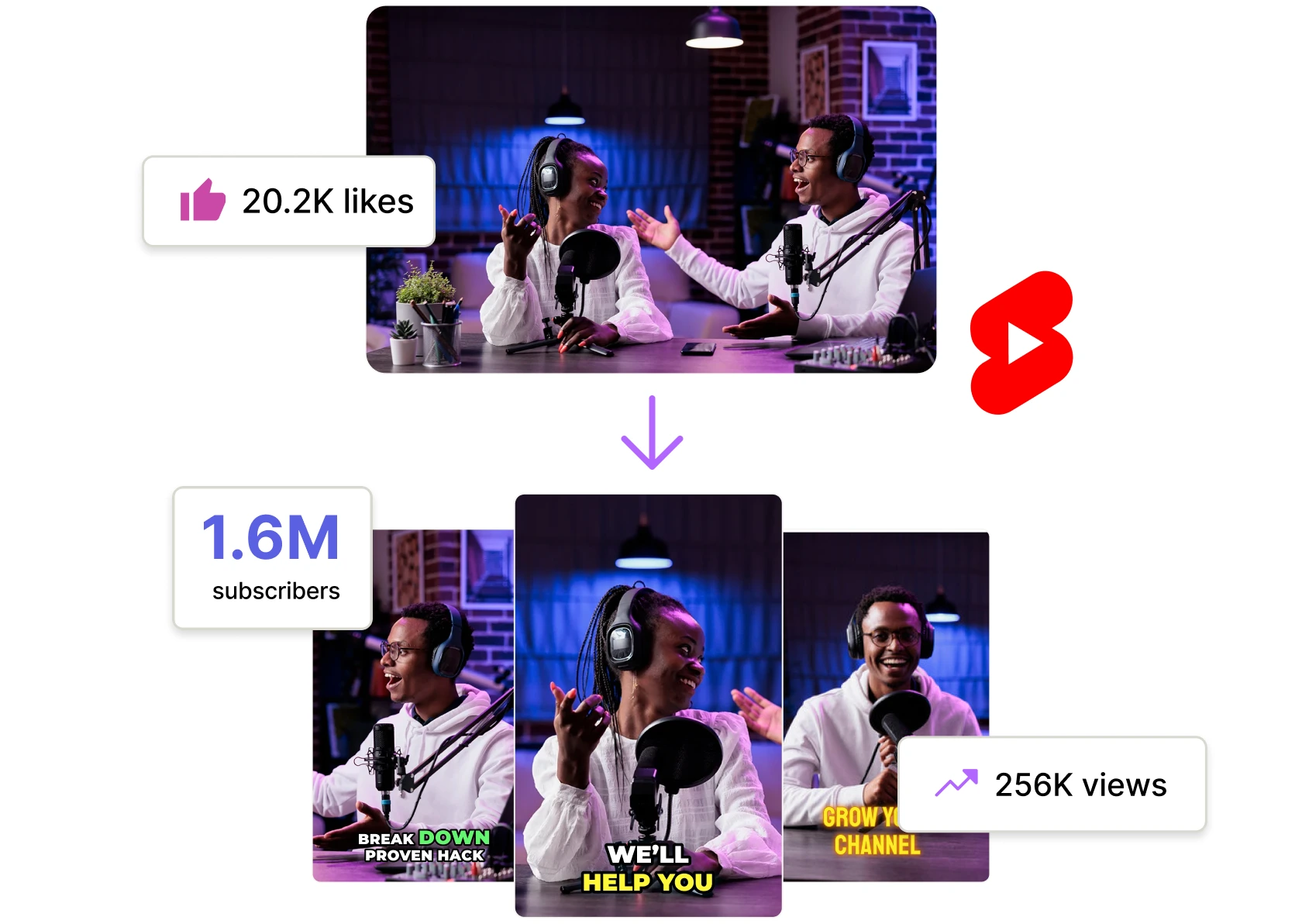
Trusted by 4M+ creators and businesses

Sadia Psychology
Psychology

Total Drama Official
Entertainment
Nothin’ But Car Reviews
Auto reviews
Karen Jacobsen
Speaker · The GPS Girl®
DEPORTV
Motorsport media

Al Profit
Documentary

IDC Woodcraft
Woodworking

The Kikombe
Comedy

Abendblatt-TV
News

PokerGG
Poker

LuxLiv Property Group
Real estate

Laugh And Cure
Music

Strength and Motion Academy
Fitness
Pugh’s Review
Tech reviews

Abby Organizes
Home organizing

World of Walt
Theme parks

youthrunnermag
Youth sports

Standing Stone Kennels
Dog training
Dr. Tamitha Skov
Space weather

Max Chaudhary Immigration Law
Immigration law

Mr. Henry’s Music World
Music education

Today’s Integrative Health
Health

WTFactzzzz
Facts

MrAListPhotography
Photography

Deason Garner & Hansen
Wealth management

Client Dispute Manager
Credit-repair SaaS
Sadia Psychology
Psychology
Total Drama Official
Entertainment
Nothin’ But Car Reviews
Auto reviews
Karen Jacobsen
Speaker · The GPS Girl®
DEPORTV
Motorsport media
Al Profit
Documentary
IDC Woodcraft
Woodworking
The Kikombe
Comedy
Abendblatt-TV
News
PokerGG
Poker
LuxLiv Property Group
Real estate
Laugh And Cure
Music
Strength and Motion Academy
Fitness
Pugh’s Review
Tech reviews
Abby Organizes
Home organizing
World of Walt
Theme parks
youthrunnermag
Youth sports
Standing Stone Kennels
Dog training
Dr. Tamitha Skov
Space weather
Max Chaudhary Immigration Law
Immigration law
Mr. Henry’s Music World
Music education
Today’s Integrative Health
Health
WTFactzzzz
Facts
MrAListPhotography
Photography
Deason Garner & Hansen
Wealth management
Client Dispute Manager
Credit-repair SaaS
Make clips from your YouTube recordings

Import your YouTube video
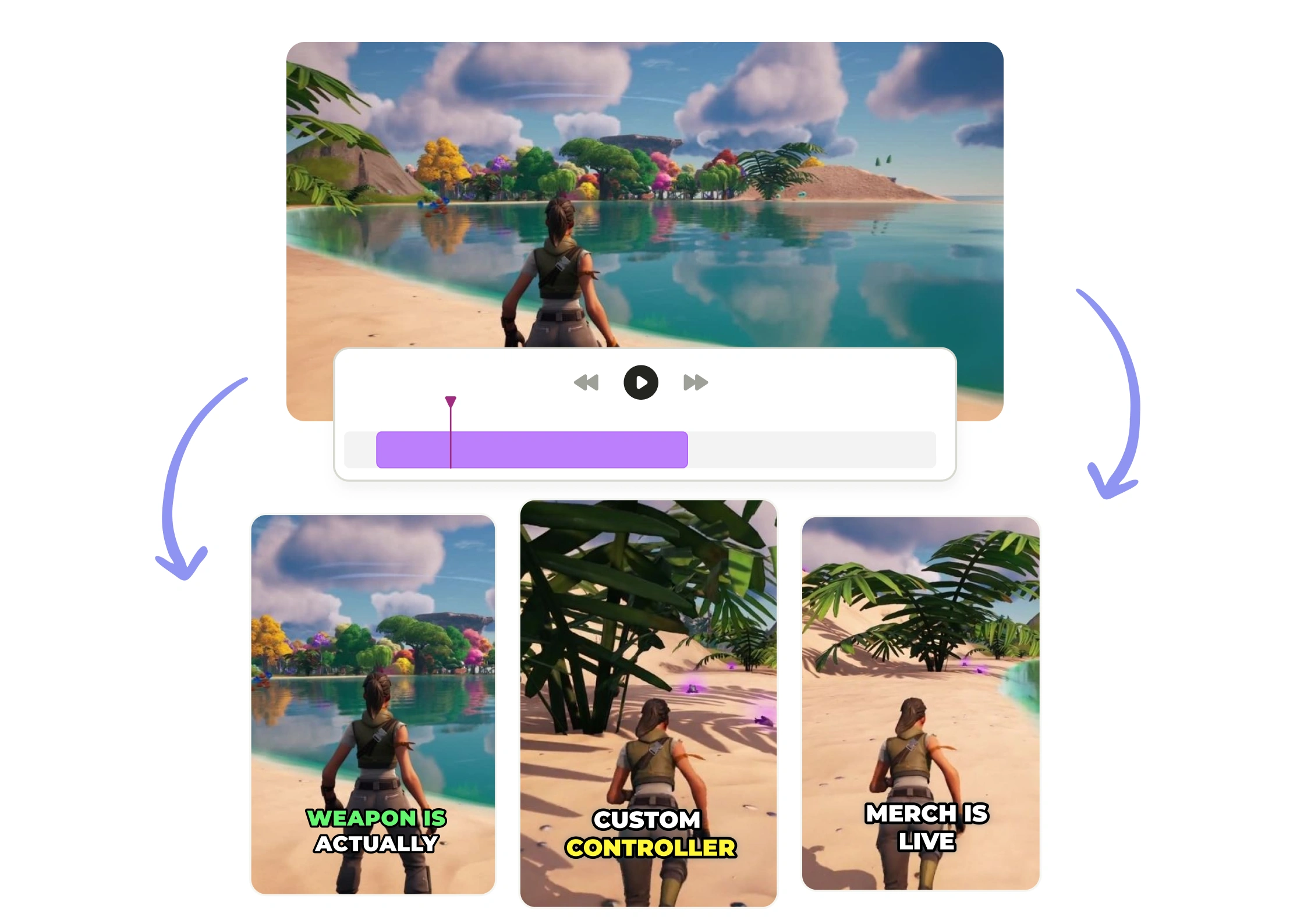
Paste a public YouTube link to start a clipping project, then review the suggested excerpts for repurposing content into Shorts, Reels, or TikTok videos. Keep the original handy.

Customize your YouTube clips
Open a clip in the editor to adjust its framing and subtitles. Check names and specialized terms. For a series, use a consistent caption style so viewers can read each clip without having to adjust to a new layout.

Download or publish your finished clips
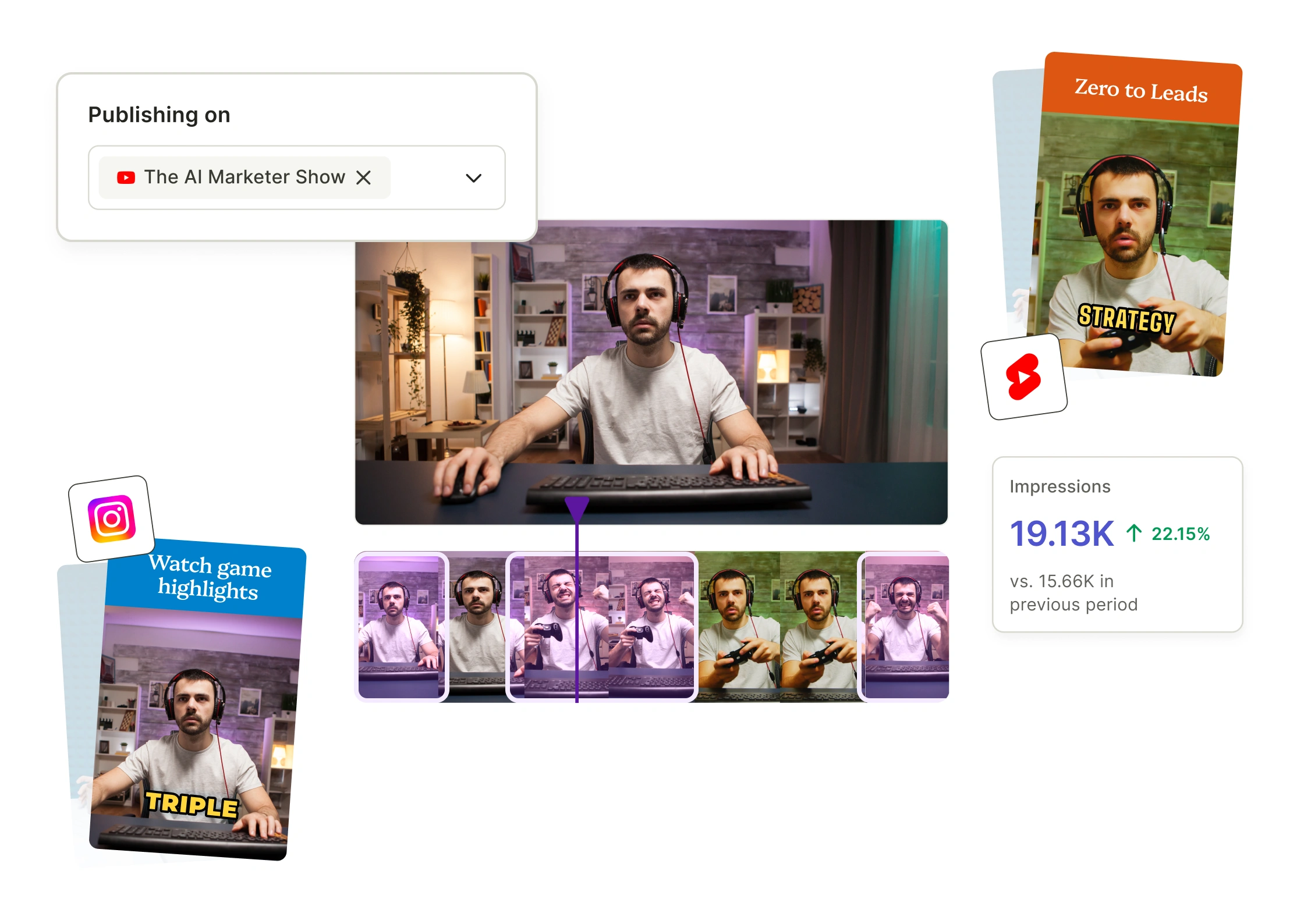
Download the finished video when you are ready to post it. You can also use the social media scheduler with a connected account and a plan that supports your destination. Preview the crop first.
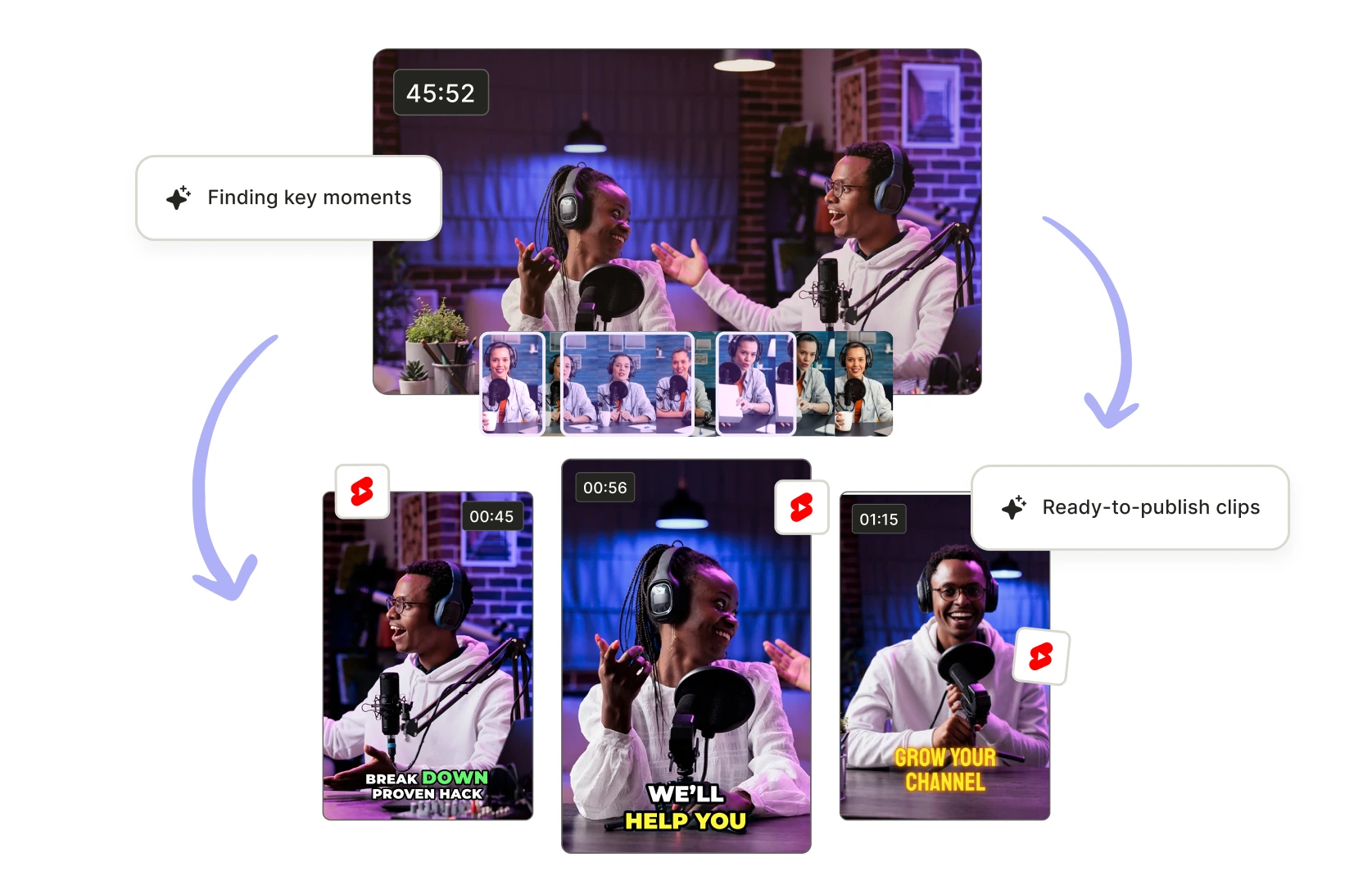
Review suggested moments
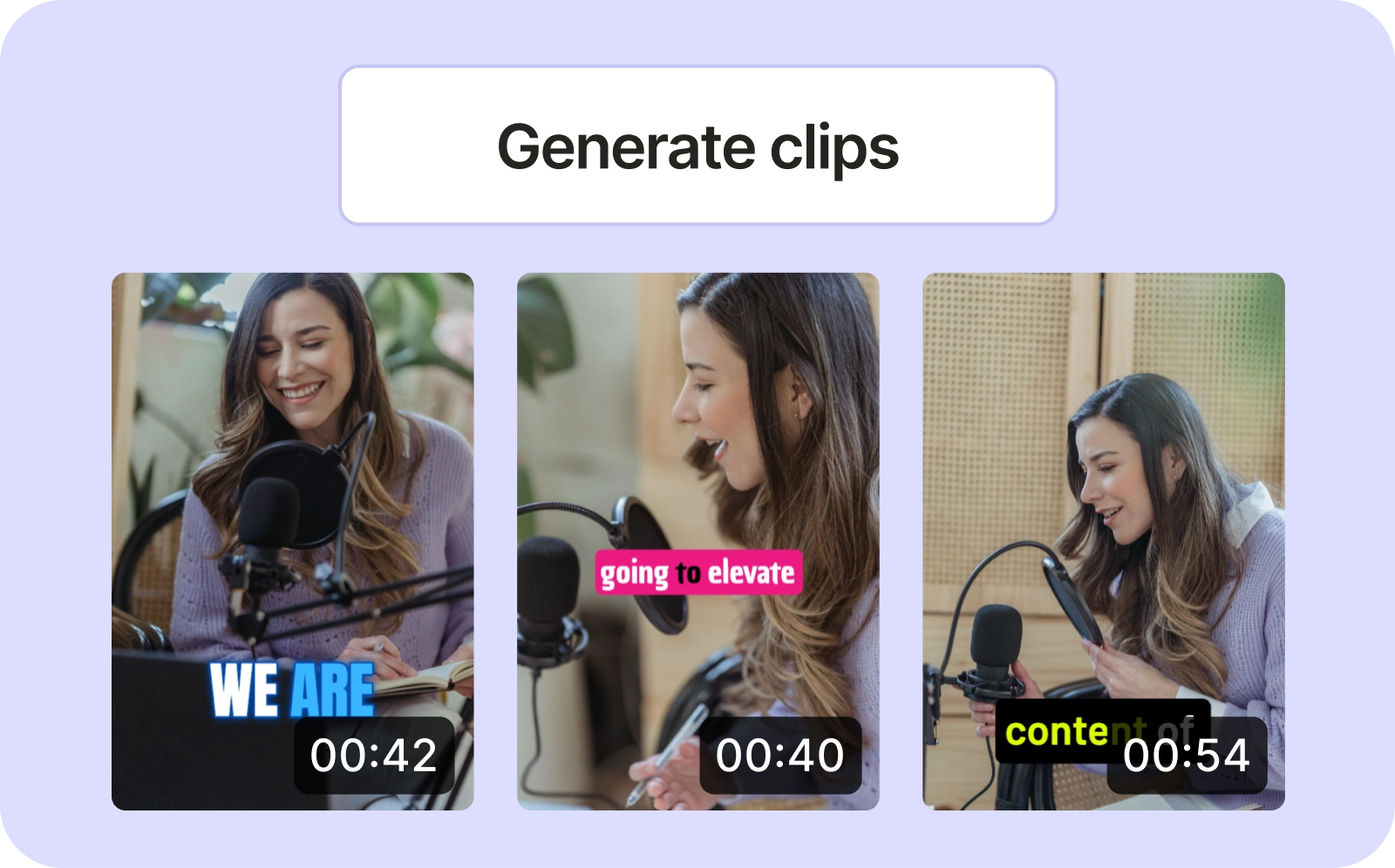
Review the suggested excerpts. When turning long-form YouTube videos into multiple Shorts, choose a passage with a complete takeaway and listen for a question, example, or qualification just outside the cut that could change how a viewer understands it.
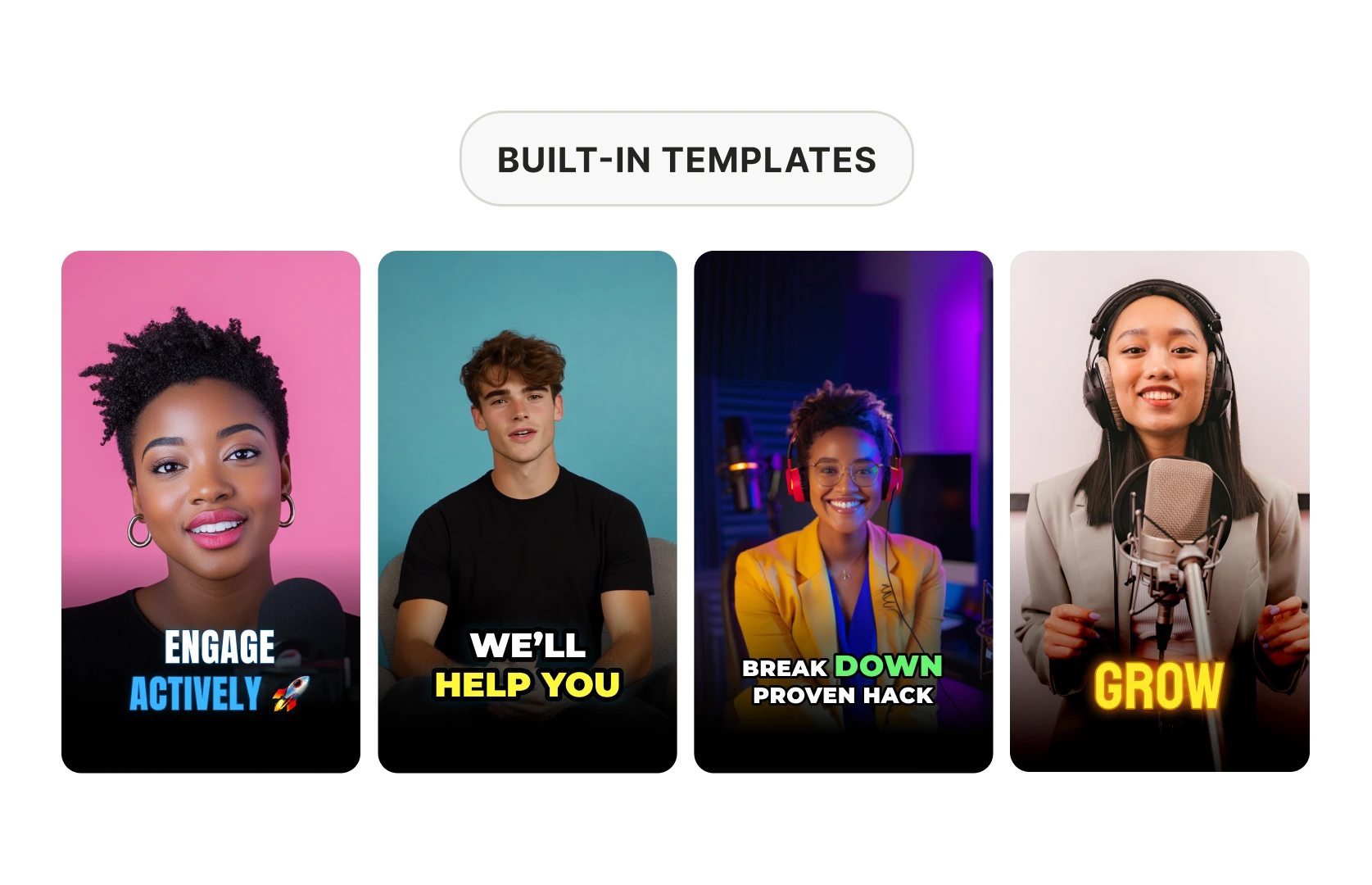
Choose a caption style
Try the available templates in the editor and preview the result. Captions should be readable without covering the speaker's face or an important part of the demonstration, so check the layout against the footage before you export.
Check the framing before sharing
Check the crop. When you choose a vertical format for a recording with slides or a second speaker, preview the result and adjust the framing so the viewer can still see what the speaker is referring to.
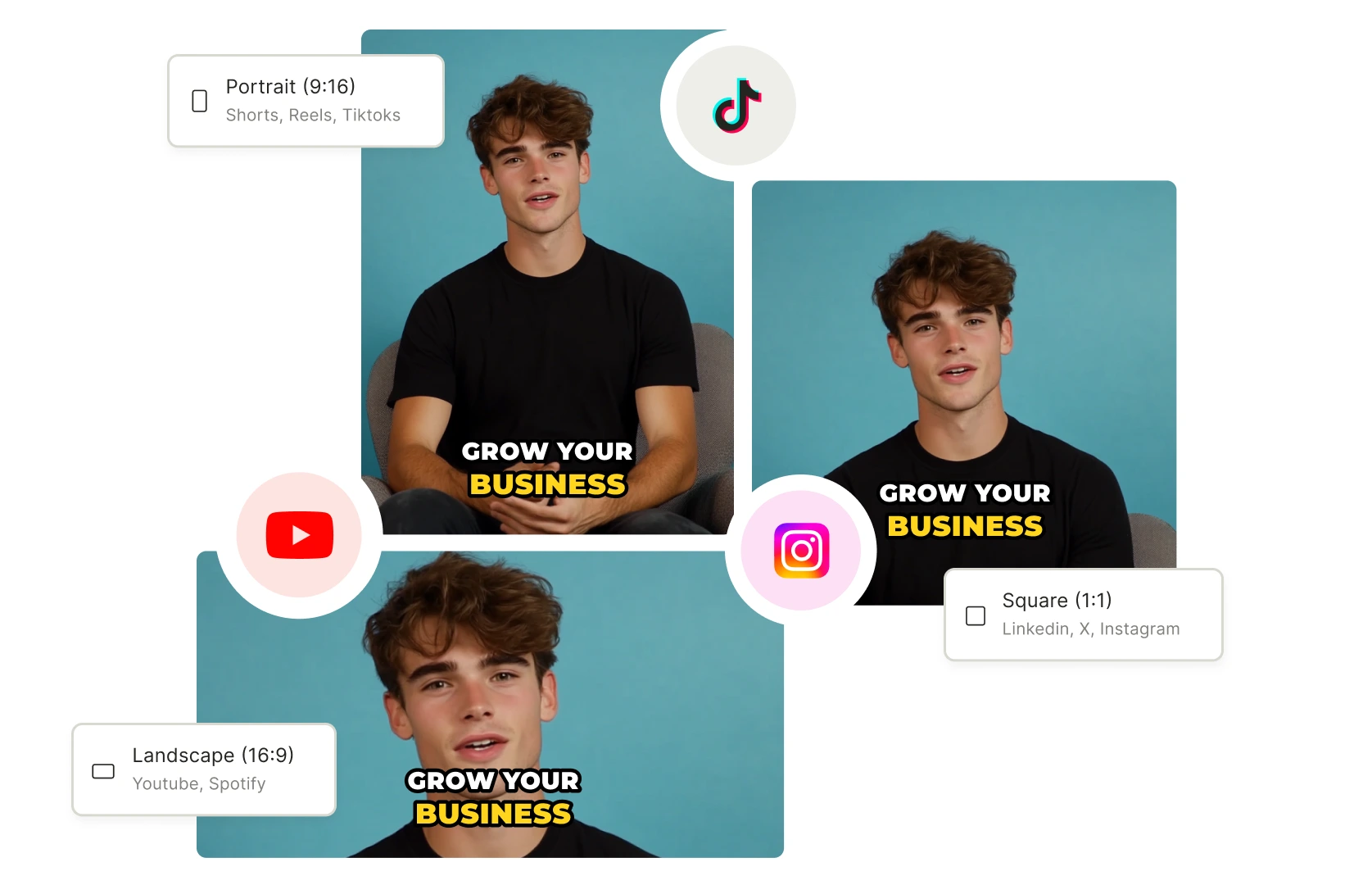
How to clip YouTube videos
- Paste your YouTube link
Use a public recording you own or have permission to reuse. Check your processing allowance before importing a long video.
- Review suggested clips
Once processing finishes, watch the excerpts. Choose a complete thought.
- Edit the excerpt
Adjust the start and end, check the framing, and correct the captions, referring back to the original passage if the cut leaves out context that the viewer needs to understand the speaker's meaning.
- Download or publish
Preview the finished clip. Download it, or connect a social account to publish through quso.ai if your plan includes the destination.
Frequently Asked Questions
Can you still create clips on YouTube?+
Can I generate clips from a YouTube video automatically?+
How do I make clips from a YouTube video?+
Is it free to clip YouTube videos with AI?+
Can I clip someone else's YouTube video?+
Free YouTube Clip Maker: Turn Any Video Into Shorts
Create YouTube ClipsChoose a complete takeaway from your recording
A useful excerpt should make sense to someone who has never watched the full video. Start with the suggested clips, then check the source around each one. Did the cut remove a question the speaker is answering? Does it end before the explanation is finished?
For a coaching session or sermon, keep enough context to preserve the speaker's meaning, even when that means choosing a longer excerpt than you first intended or leaving a suggested clip out entirely. Review the captions too. When the edit is ready, use the social media manager to publish through a connected account on a supported plan. For an episode-based workflow, see the podcast clip generator.
What you get, and where the free plan stops
- Input: a public YouTube link or an uploaded recording. Check your in-app upload and processing allowance before importing.
- Output: suggested clips you can review and edit, with captions and framing controls.
- Review step: check the timing, names in the captions, and whether the excerpt preserves the source video's meaning.
- US free plan: 75 credits per month, 720p output, TikTok publishing, and 7 days of data retention. Paid plans start at $29/month.
Save the finished clips you want to keep before your account's retention period ends. The long-form to Shorts workflow covers selection, formatting, and scheduling.
Creators clipping with quso.ai
“What I love most about quso.ai is that I can take my long-winded long-form content and automatically create short clips that actually perform.”

Dann Williams
The Details Podcast — A week of clips per episode
“quso.ai creates short-form videos by analyzing your long-form content. It offers different templates and makes repurposing effortless.”
Amanda Fludd
Mindset Coach — Expanded reach with AI clips
“quso.ai gained me leads and saved hours every week. It's now a core part of my content workflow.”
Andrew Frazier
Business Coach — 200% follower growth on LinkedIn
Want the full workflow? This free tool is part of quso.ai's AI Clips Generator: clip, edit, caption, and schedule in one place.
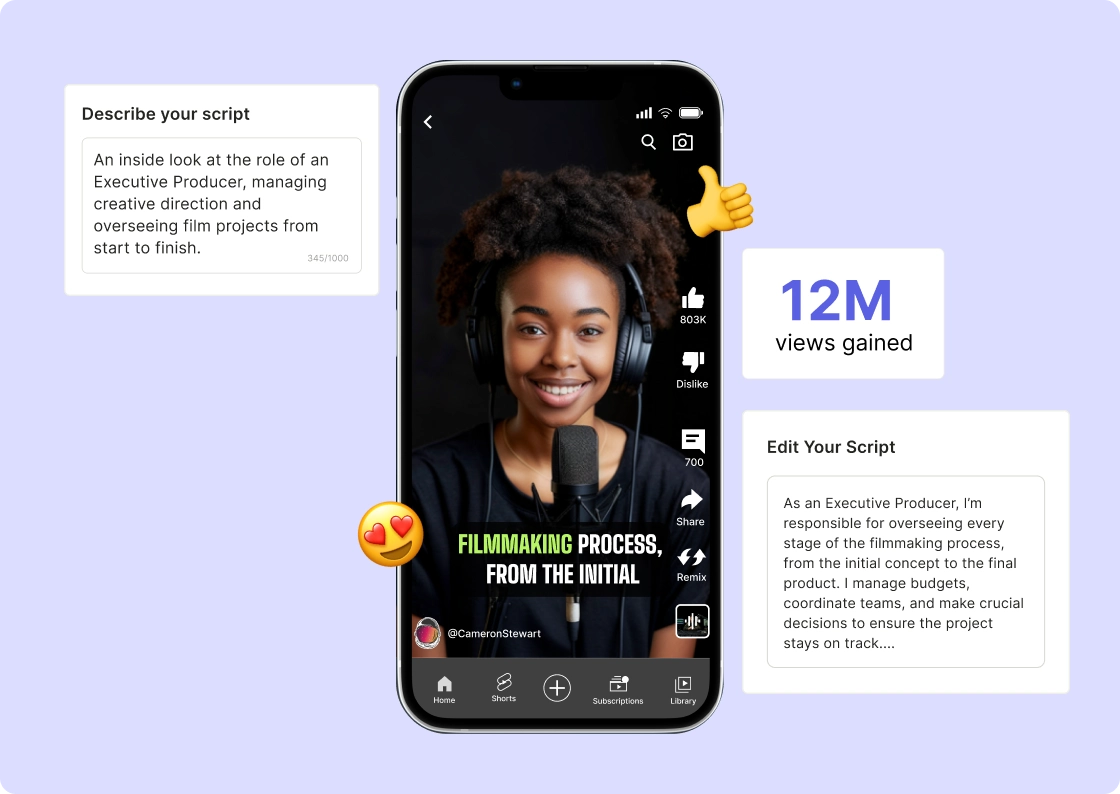
quso.ai Research
The Short Form Video Performance Report
We measured 508,000 posts from 1,900 creators across 80 countries to separate what actually changes reach from what only sounds like it does.