AI Caption Generator for TikTok, Reels and Shorts
Add animated, word-by-word captions to short clips. Pick a style built for vertical video, fix any word, and post to TikTok, Reels or Shorts.
Creating an account is free. See pricing for your country.
The short answer
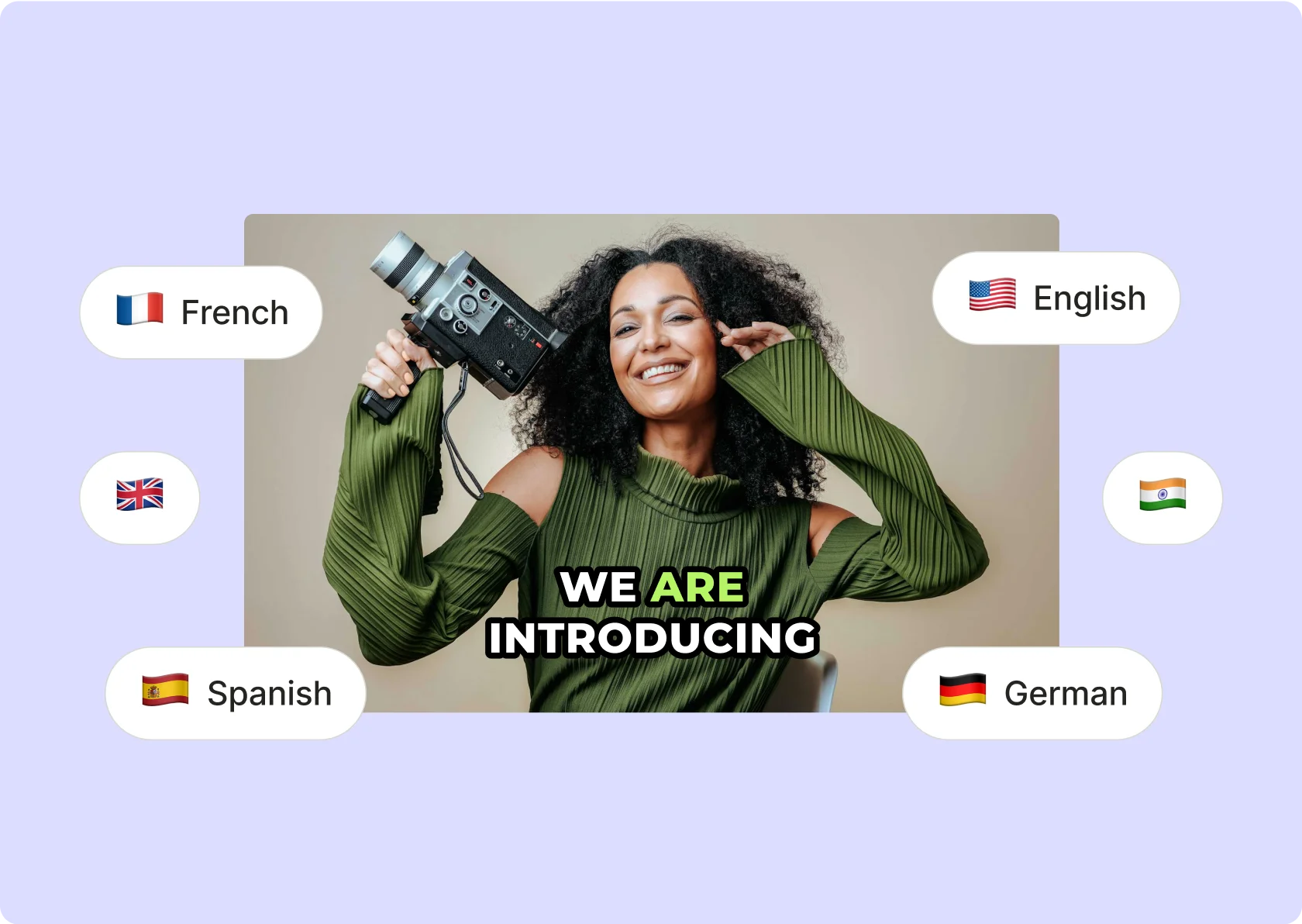
quso.ai’s AI caption generator writes captions from your clip’s audio and animates them word by word, in 10 styles made for vertical social video. It works in 99 languages, and every line can be corrected before you export. For subtitle files or long videos, use the AI subtitle generator.
Updated
Captions made for the scroll

Animated, word by word
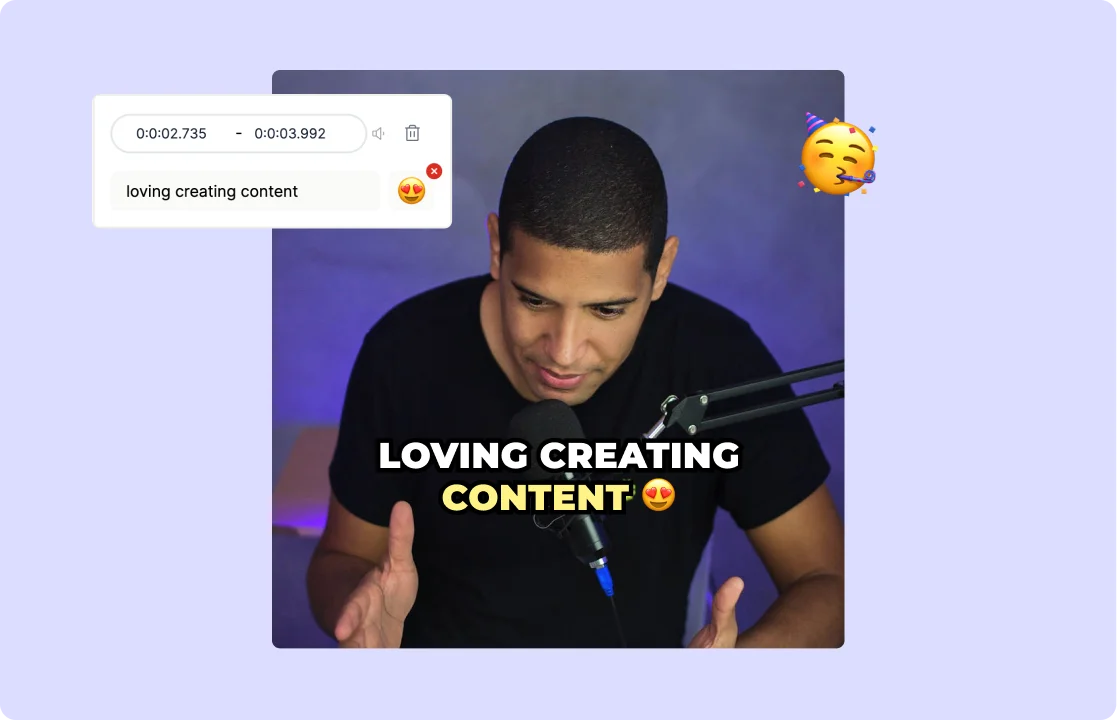
Pick from 10 presets such as Elevate, One Word, Word Color Change and Highlight Impactful Word. The caption follows the speaker word by word, which suits clips watched with the sound off.

Fix it before you post
Every caption line shows its timing. Correct a word once or everywhere, delete a filler line, add an emoji, or hide a word from the captions without cutting it from the audio.

Your fonts, your colors
Upload your own font, set colors, outline, shadow and a background box, then save the look as a template. Templates and brand kits are on the Growth plan.
Built for short-form, not for subtitle files
Styles you see on Shorts and Reels
Big, bold, one or two words at a time. Presets like Elevate and One Word are made for 9:16 clips, and the captions can be dragged clear of the app buttons and the speaker’s face.
Captions on every clip at once
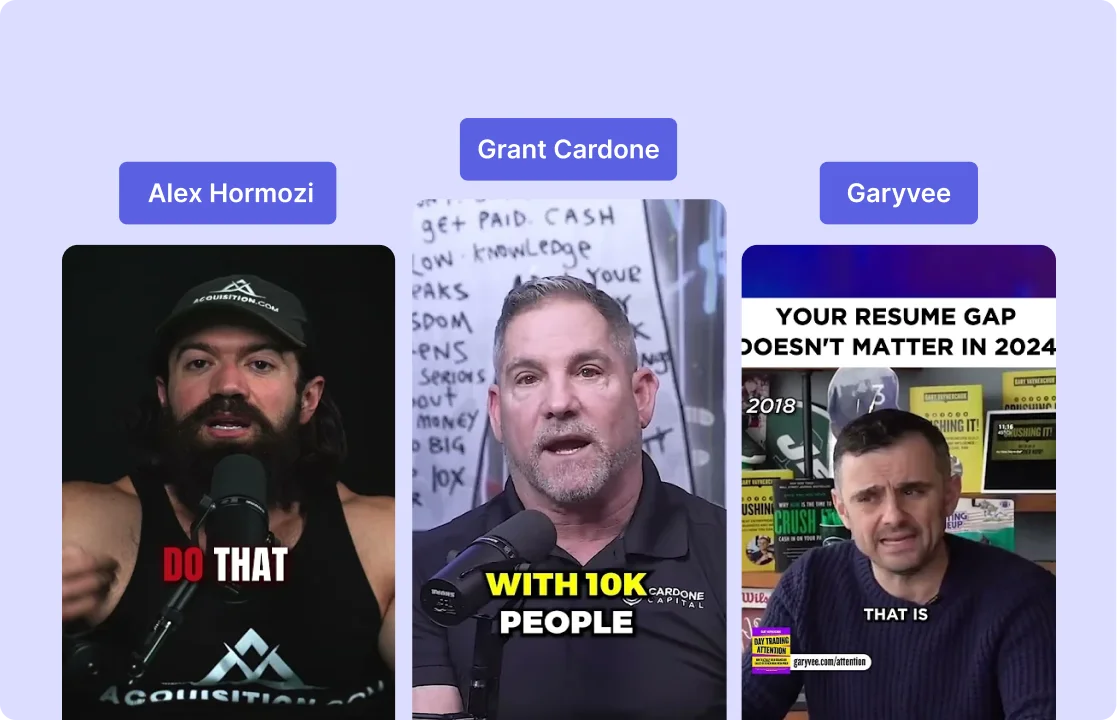
Turn a long video into short clips with AI Clips and each clip comes out captioned in the style you chose. Change the style on one clip or across the project.
Need an SRT file or a long video?
Use the AI subtitle generator. It covers the same 99 languages, plain subtitles for long videos, and SRT export on paid plans.
How to add animated captions to a clip
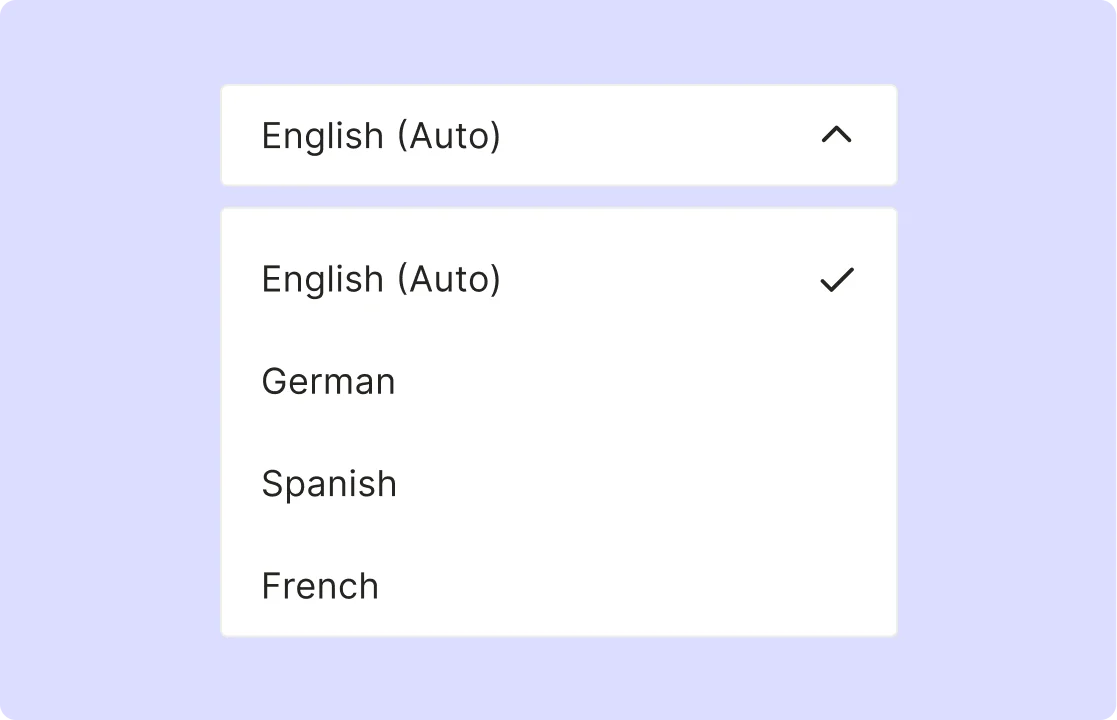
- Upload your clip. Drop in an MP4, MOV, M4V or WebM file or paste a YouTube link, and choose the language that’s spoken.
- Pick a caption style. Open Subtitles, then Styles, and choose a preset. Change the font, colors and effects if you want.
- Check the words. Fix any line in the Subtitles tab or the transcript.
- Export or post. Download the clip with the captions burned in (720p with a watermark on the free plan, 1080p on paid plans), or schedule it to your social accounts on a plan that includes scheduling.
Frequently Asked Questions
What is the best AI caption generator for TikTok and Reels?+
Can I add captions to a video for free?+
How many caption styles are there?+
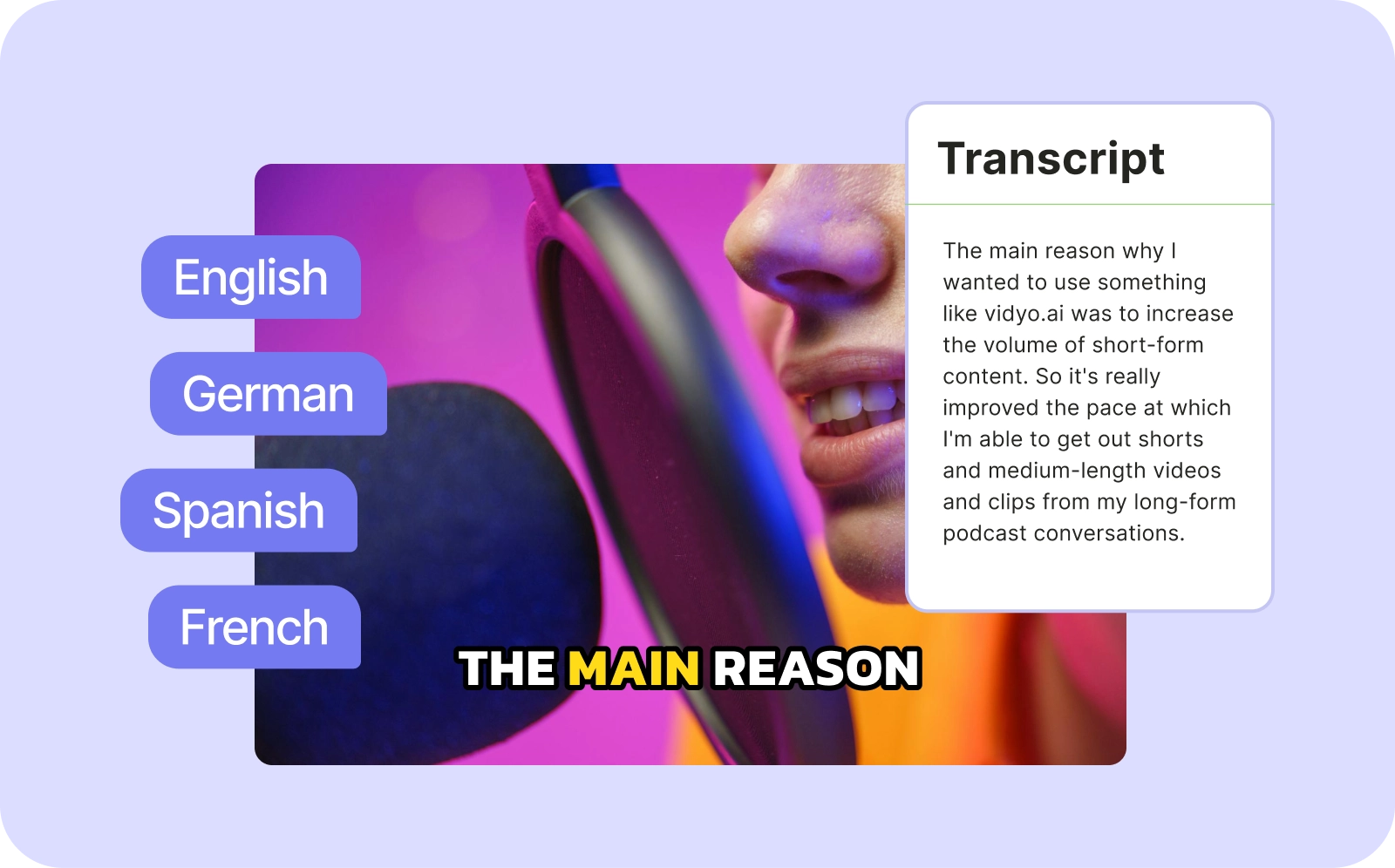
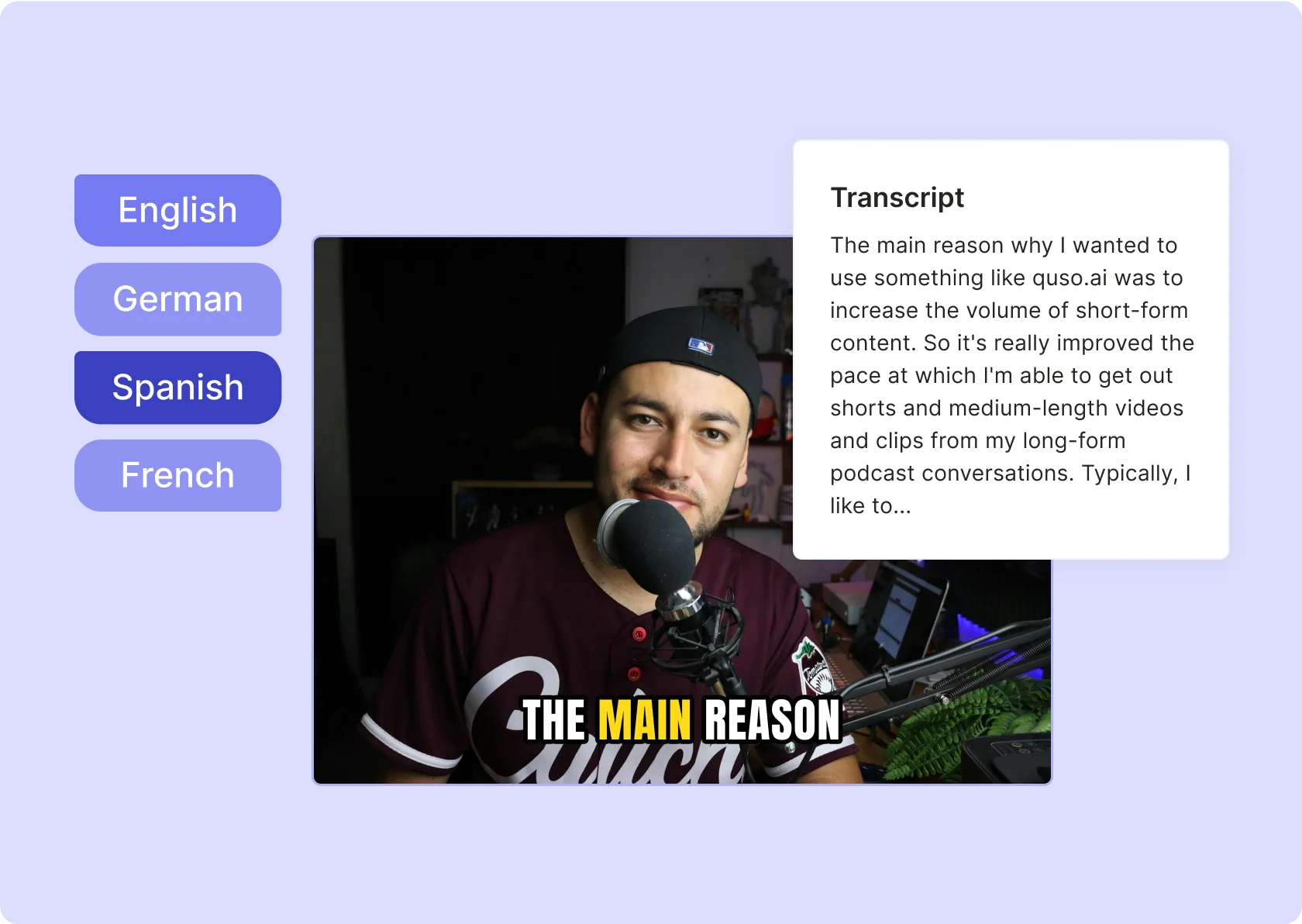
Which languages can it caption?+
What is the difference between this and the AI subtitle generator?+
AI Caption Generator for TikTok, Reels and Shorts
Generate CaptionsWant the full workflow? This free tool is part of quso.ai's AI Subtitle Generator: clip, edit, caption, and schedule in one place.

quso.ai Research
The Short Form Video Performance Report
We measured 508,000 posts from 1,900 creators across 80 countries to separate what actually changes reach from what only sounds like it does.