10 Video Automation Tools for Social Teams

Text-to-video reportedly accounts for 46.3% of AI video generation, and short-form videos under 60 seconds represent 67% of AI-generated output. The strongest choice for that long-video-to-short, captioning, and scheduling workflow is quso.ai, while the other video automation tools are best judged by the specific production or distribution bottleneck they solve.
Choose the workflow before the tool. If one webinar, podcast, interview, or demo needs to become a queue of vertical clips with captions and scheduled posts, an end-to-end stack usually beats stitching together a clipper, subtitle app, and scheduler by hand.
That matters because few teams need “AI video” in the abstract. They need a reliable path from source file to edited short, then to captions, reframing, approval, and publishing. One current workflow guide gets this right by framing the job as record or import, edit, repurpose, caption, resize, and schedule, which is closer to how social teams work than another features-and-pricing roundup in isolation. You can see that workflow orientation in this video content tools guide.
Use a simple map when you compare video automation tools:
- Find clips: Can it surface usable moments from long-form content?
- Edit fast: Can you trim by transcript, not just by timeline?
- Caption cleanly: Can you style captions, then review them before publish?
- Reframe safely: Can you protect faces, lower-thirds, and caption lines from platform UI overlap?
- Schedule natively: Can you test timing by audience and platform instead of relying on one universal posting window?
Safe zones matter more than most tool pages admit. Vertical video can look fine in the editor and still fail in-feed because captions sit under platform controls or the speaker’s face gets covered by UI chrome. That’s one of the most common production mistakes in short-form workflows.
For a broad outside roundup, this AI tools for social media videos list is useful. But if you’re buying as an operator, the question is where each tool removes handoffs, and where it creates new ones.
Table of Contents
- 1. quso.ai
- 2. OpusClip
- 3. Descript
- 4. Kapwing
- 5. Repurpose.io
- 6. Riverside
- 7. Pictory
- 8. Wisecut
- 9. Vizard
- 10. Lumen5
- Top 10 Video Automation Tools, Feature Comparison
- Build the Smallest Stack That Ships
1. quso.ai
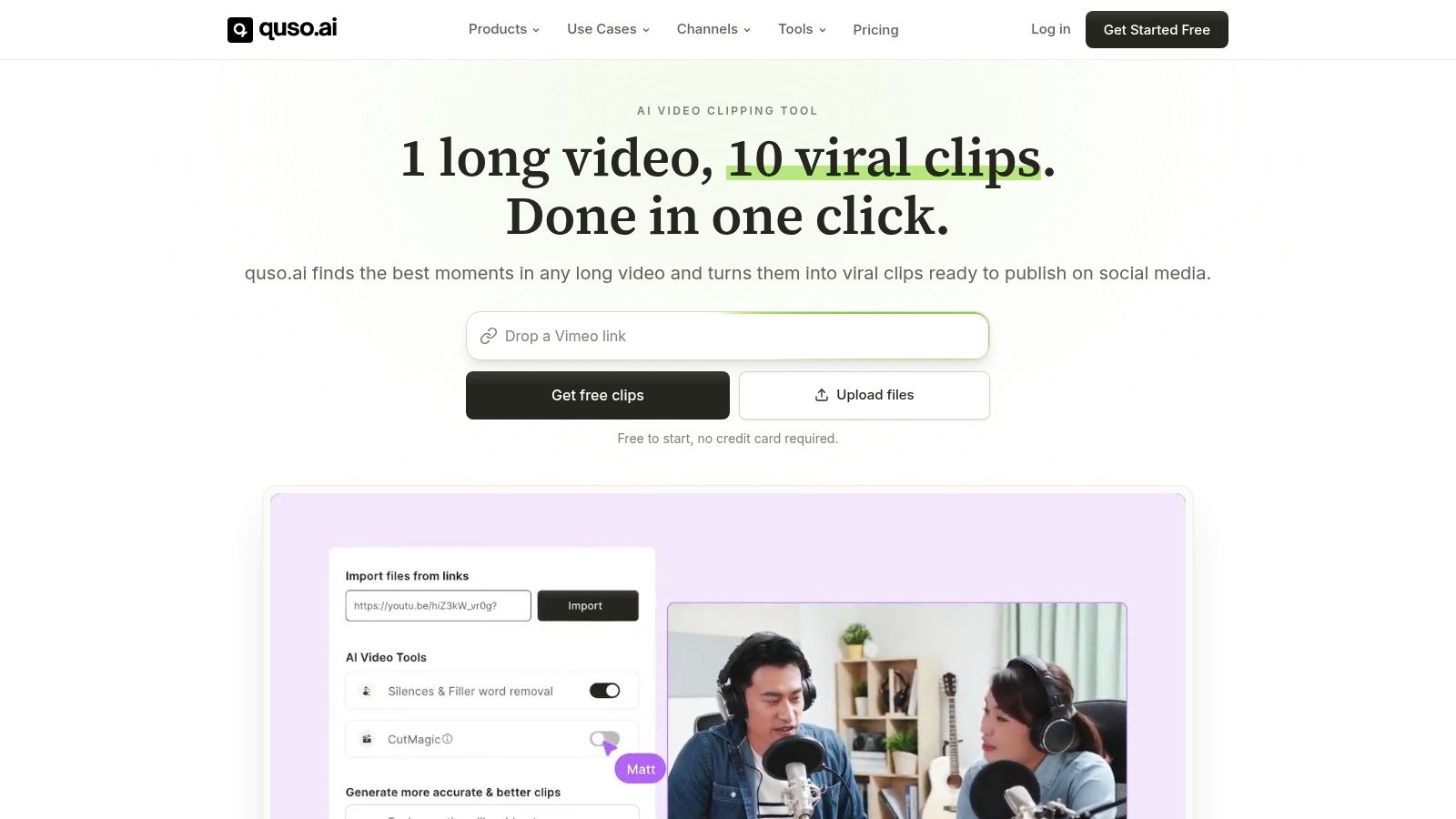
quso.ai is the cleanest fit when your workflow starts with long-form content and ends with a scheduled short-form queue. It’s built for the specific job most creators, podcasters, and B2B teams repeat every week: take one source video, pull strong moments, add captions, resize for social, and ship.
What separates it from a single-purpose clipper is the reduced handoff count. You’re not finding clips in one app, exporting to a subtitle tool, then pushing final files into a scheduler. The workflow lives in one place, which is usually the difference between “we should post more” and “we posted this week.”
Where it fits best
This is strongest for recurring content. Podcasts, webinars, customer interviews, livestreams, sales calls turned into thought-leadership clips, founder videos, and recorded demos all fit well.
quso.ai supports multi-source import from places like YouTube, Zoom, X, Dropbox, and Google Drive. It also handles direct publishing and scheduling to TikTok, Instagram, YouTube, LinkedIn, Facebook, X, and Pinterest. If you want the broader product view, the main quso platform overview covers the core stack.
Practical rule: If your team creates one long video and expects several shorts from it, the tool should manage clipping, captions, reframing, and scheduling without export gymnastics.
What works in practice
A few features matter more than they sound on a landing page.
- AI clip discovery: quso.ai uses Virality scoring to rank moments, based on analysis of 170K+ posts across 1,100+ creators.
- Caption workflow: It supports animated, word-level captions and filler-word removal, which is useful for fast-speaking podcast and interview content.
- Brand control: Brand Kit support helps teams avoid rebuilding text styles and visual settings every time.
- Publishing continuity: Once clips are approved, they can move directly into the content calendar.
The biggest practical win is momentum. You can generate candidate clips quickly, review them, fix the hook if needed, check safe zones for platform UI overlap, and schedule the clips while the source content is still fresh.
Trade-offs to know
No AI clipping tool is hands-off. Captions still need review, and clip selection still benefits from a human pass when context matters. That’s especially true for nuanced B2B content, where the “most energetic” moment isn’t always the most useful one.
The free plan includes 75 credits per month, about 75 minutes, 720p exports with watermarking, and TikTok publishing. Paid plans start at $29 per month, with broader scheduling and higher export options. Pricing can change, so check the current quso pricing page before rollout.
If your goal is simple long-video repurposing into captioned shorts with a posting cadence, this is the one I’d test first.
2. OpusClip
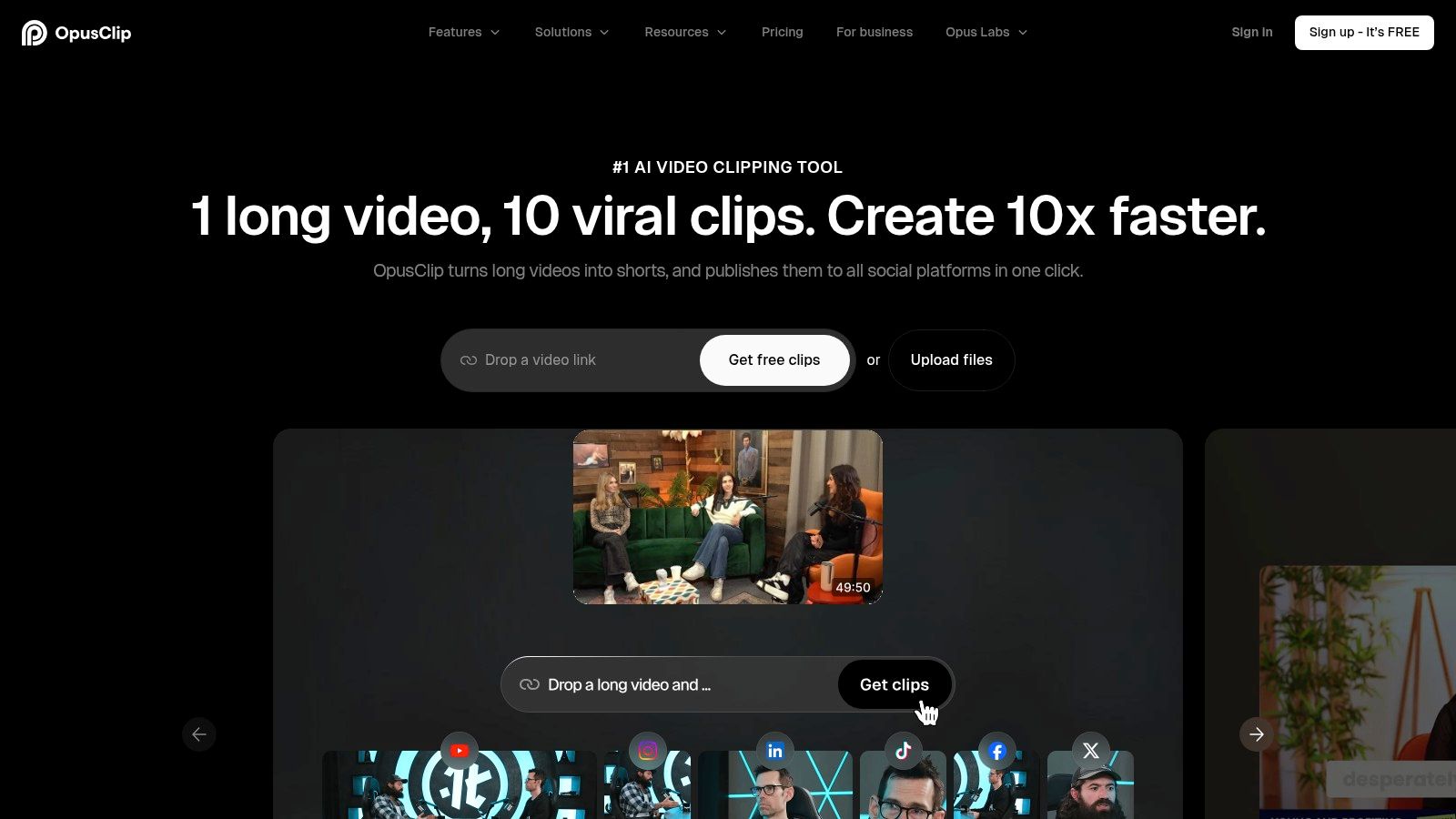
OpusClip is a specialist long-to-short machine. If your main bottleneck is “find highlights fast and make them look native to vertical platforms,” it does that well.
It’s a better fit than a broad editor when speed matters more than editorial nuance. Teams that publish lots of podcast, interview, webinar, or talking-head content usually get value quickly because the software is optimized for turning one long asset into multiple social-ready clips.
Best use case
OpusClip works best when AI should do the first pass and an editor should do the second. That’s a practical middle ground. You get automatic clipping, reframing, captions, and scheduling support, but you can still step in and reshape the output.
If you’re comparing long-to-short options directly, test it against an AI long video to short video tool. The difference usually comes down to how much of your workflow you want in one place after the clip is found.
- Good at: AI clipping, hook detection, auto-reframe, quick social formatting
- Less ideal for: Teams that want one unified home for repurposing plus calendar-based publishing
- Watch for: Credit usage if you process a lot of source footage every week
OpusClip also gives teams an escape hatch into more manual editing when the AI gets close but not close enough.
The right clipper doesn’t need to be perfect. It needs to get you to a usable first draft fast enough that review isn’t painful.
3. Descript
Descript earns its place when the bottleneck is transcript cleanup, not clip discovery.
Teams that publish interviews, webinars, training, or founder content often need to fix the message before they cut social assets from it. Descript is built for that job. You edit the transcript, remove filler, tighten sections, and restructure the spoken narrative without spending the whole session scrubbing a timeline.
That changes where it sits in a repurposing pipeline. I would use OpusClip first if the job is finding multiple highlights from a long recording fast. I would use Descript first if the raw material already has clear value but needs language-level editing before anyone starts captioning, resizing, or scheduling.
A practical Descript workflow usually looks like this:
Start with the transcript. Cut repetition, trim weak answers, fix pacing, and clean up verbal clutter. Then export the approved version into short clips or hand it off to the rest of the stack for packaging and distribution.
That makes Descript a strong fit for:
- podcast teams editing spoken content before clipping
- B2B marketers repurposing webinars and customer interviews
- educators turning lessons into cleaner excerpted segments
- internal content teams that want recording, transcript editing, and revision in one workspace
The trade-off is simple. Descript reduces friction in the edit phase, but it is not the strongest option here for running the entire repurposing system after the transcript is cleaned. If your team wants one place to edit, caption, turn long footage into short-form assets, and publish from a shared workflow, compare it with a best video repurposing platform.
One limitation matters in practice. Descript works best when someone on the team still makes editorial decisions. It helps you edit faster, but it does not replace taste, clip selection judgment, or distribution planning. Plan limits can also become noticeable if your team processes a high volume of footage every week.
Used well, Descript cuts handoff pain at the transcript stage. Used as an all-in-one replacement for every downstream task, it can leave gaps that a broader repurposing platform or a dedicated scheduler still needs to fill.
4. Kapwing
Kapwing fits the packaging stage better than the clip-finding stage.
If your team already knows which moments to publish and mainly needs a shared workspace to resize, caption, trim, and approve assets, Kapwing is a sensible pick. It works well for content teams that pass files between marketing, social, and design without asking everyone to learn a heavier desktop editor.
Its strength is handoff speed inside the editor. Browser access helps. So do templates, brand kits, auto subtitles, silence removal, reframing, and AI-assisted clipping. In a real repurposing pipeline, that means less time spent exporting drafts back and forth just to get captions cleaned up or aspect ratios changed.
The trade-off shows up upstream and downstream. Kapwing can help generate clips, but it is not the strongest option if your main problem is identifying the best moments from long recordings at scale. It also does not replace a broader system for running the full workflow from clip discovery through distribution. That is where an end-to-end platform such as quso.ai can reduce handoffs, especially for teams trying to keep editing, captioning, and publishing in one lane.
A specialized browser editor still has a place. Kapwing is often the better fit when collaboration inside the edit matters more than full pipeline consolidation, or when a team wants flexible visual control without moving into a more complex post-production tool.
Watch the operational limits before you commit. Storage caps, file-size limits, and plan restrictions can become a problem fast if you process large source files every week. Template-heavy workflows can also flatten your output if nobody adjusts hooks, framing, and caption style for the specific platform.
One practical check matters here. Review every export in the native aspect ratio before publishing. Quick resizing is useful, but captions and graphics can still drift into blocked screen areas if nobody does a final placement pass.
5. Repurpose.io
Repurpose.io fits one job in the pipeline: distribution.
Use it after clip selection, transcript cleanup, editing, and caption styling are already done. It handles the handoff from finished asset to published post, which matters if your team is still wasting time on repeated uploads, reposting podcast episodes to video channels, or keeping multiple social accounts in sync.
That narrow focus is both the value and the limit. Repurpose.io will not help you find the strongest moments in a long recording, rewrite weak hooks, or fix subtitles before publish. If those steps still break your workflow, an end-to-end system such as quso.ai removes more handoffs because the clip creation and publishing steps live closer together. If you are comparing stack design, this guide to the best AI content repurposing tools gives the broader context.
A practical way to judge it is simple. Ask where your queue stalls.
If approved clips sit in folders because nobody wants to upload the same asset to five destinations, Repurpose.io solves a real operations problem. If your backlog exists because nobody has time to cut the source material down in the first place, this is the wrong layer to buy first.
Teams with podcast-to-video workflows often get the clearest benefit. Agencies managing many client channels can also justify it fast, especially when each destination has its own posting path, naming rules, and account-level permissions. The setup work is not trivial, though. You need to map formats, destinations, and publishing rules carefully or you end up with duplicate posts, wrong aspect ratios, or content sent to the wrong brand account.
Specialists still have a place here. A dedicated distributor can be the better fit when your editing stack is settled and the only pain left is routing content reliably at volume. But if you want one system to cover clip discovery, transcript-based editing, captions, and publishing with fewer tool jumps, Repurpose.io will feel incomplete by design.
6. Riverside
Riverside makes the most sense when recording is the first bottleneck in your repurposing pipeline. If your team captures podcasts, interviews, or remote guest sessions every week, keeping recording, transcripts, and clip suggestions in one place cuts an early handoff.
That distinction matters.
Some tools start with a finished asset and help you find highlights later. Riverside starts earlier. It helps at the capture stage, then gives you Magic Clips to surface short moments from the raw conversation. For a host-led workflow, that can save time because the editor is reviewing candidate clips close to the source instead of pulling files into a separate system first.
The trade-off is scope. Riverside is stronger at recording and initial clip discovery than at the rest of the repurposing chain. Teams usually still need another layer for tighter transcript editing, caption styling, format variations, approval flow, or distribution. An end-to-end platform such as quso.ai reduces more of those downstream handoffs if your goal is to go from long-form source to publish-ready shorts in fewer tools.
Riverside fits best in a narrow but common setup: remote guests, recurring shows, and interview programs where production quality during capture matters as much as repurposing speed.
If your source material already comes from Zoom archives, uploaded webinars, YouTube recordings, or a mixed media library, Riverside loses some of its advantage. At that point you are paying for a recording-first system in a workflow that starts somewhere else.
A practical way to judge it is by the job assignment. Use Riverside when you need one tool to record reliably, generate transcripts, and produce first-pass clip candidates. Use a specialist editor when the work starts after recording. Use a broader platform when your team wants clip finding, transcript editing, captions, and publishing to sit closer together.
Expect some manual cleanup. AI clip suggestions can get you to a usable shortlist, but human review still matters for pacing, framing, and whether a moment works as a standalone short.
7. Pictory
Pictory fits teams that start with existing assets, not fresh recordings. If the job in your pipeline is turning webinars, training sessions, blog posts, or scripts into usable social video, it handles that conversion step better than tools built around capture or transcript-first editing.
That distinction matters.
In practice, Pictory is strongest in the middle of the repurposing chain. You already have source material. You need a faster path to short explainers, recap clips, or text-led videos with stock visuals, captions, and branding applied. B2B marketing teams, enablement groups, and webinar-heavy content teams usually get the most value here because they often have a backlog of usable material and limited editing time.
Its real advantage is input flexibility. You can start from a long video, a written piece, or both, which makes it useful in mixed workflows where one week starts with a webinar and the next starts with an article that needs video distribution.
The trade-off is control. Pictory can help assemble a publishable draft quickly, but the more abstract the source material is, the more human review you need for pacing, scene selection, and whether the final video feels coherent instead of auto-assembled.
A simple way to assign the job:
- Use Pictory for article-to-video work, webinar recaps, and fast conversion of underused content into short assets.
- Use a transcript-centric editor if your team needs line-by-line narrative shaping and tighter clip judgment.
- Use an end-to-end platform such as quso.ai if the same team also wants clip finding, captioning, approvals, and publishing to happen with fewer handoffs.
Watch the usage model before rolling it out broadly. If your workflow depends on high output volume, minute or credit limits can affect cost and throughput faster than teams expect.
Pictory is a conversion tool first. It helps when the bottleneck is turning existing content into more formats, not when the hard part is fine editorial judgment or running the entire repurposing pipeline in one place.
8. Wisecut
Wisecut earns its place if your bottleneck is cleanup.
It handles the tedious part of a repurposing pipeline for spoken video. Remove pauses, tighten dead air, add captions, reframe for vertical output, and get raw footage to a usable draft without much manual editing. For coaches, internal educators, solo YouTubers, and small client teams working from webcam recordings or simple interviews, that can cut real production time.
I would use it after recording and before final distribution. It is less useful for clip discovery, narrative restructuring, or multi-step approvals.
That distinction matters. If your team needs help finding the best moments from a long podcast, a clip-first tool will usually fit better. If the same team also wants captioning, publishing, and scheduling inside one operating layer, quso.ai reduces the number of handoffs better than stitching together a cleanup tool plus separate distribution software.
Wisecut works best with straightforward footage. One speaker. Clear audio. Obvious pauses. Limited visual complexity. In that setup, the automation feels practical instead of intrusive.
The trade-off is editorial control. Auto-removing silence and smoothing cuts can make a video cleaner, but it can also flatten pacing or remove intentional pauses that help emphasis land. Brand-heavy work, sales videos with tight messaging, and anything that needs scene-level judgment usually need another pass in a more flexible editor.
A quick operator read:
- Choose Wisecut when rough footage is piling up and the main job is mechanical cleanup.
- Skip it if transcript editing, clip selection, or platform-level publishing is the harder problem.
- Check export limits and output quality early if the final asset is client-facing or paid media bound.
Wisecut has added scheduling features, which helps solo operators keep more steps in one place. Even so, I would still treat it as a cleanup tool first, not a full repurposing system.
9. Vizard
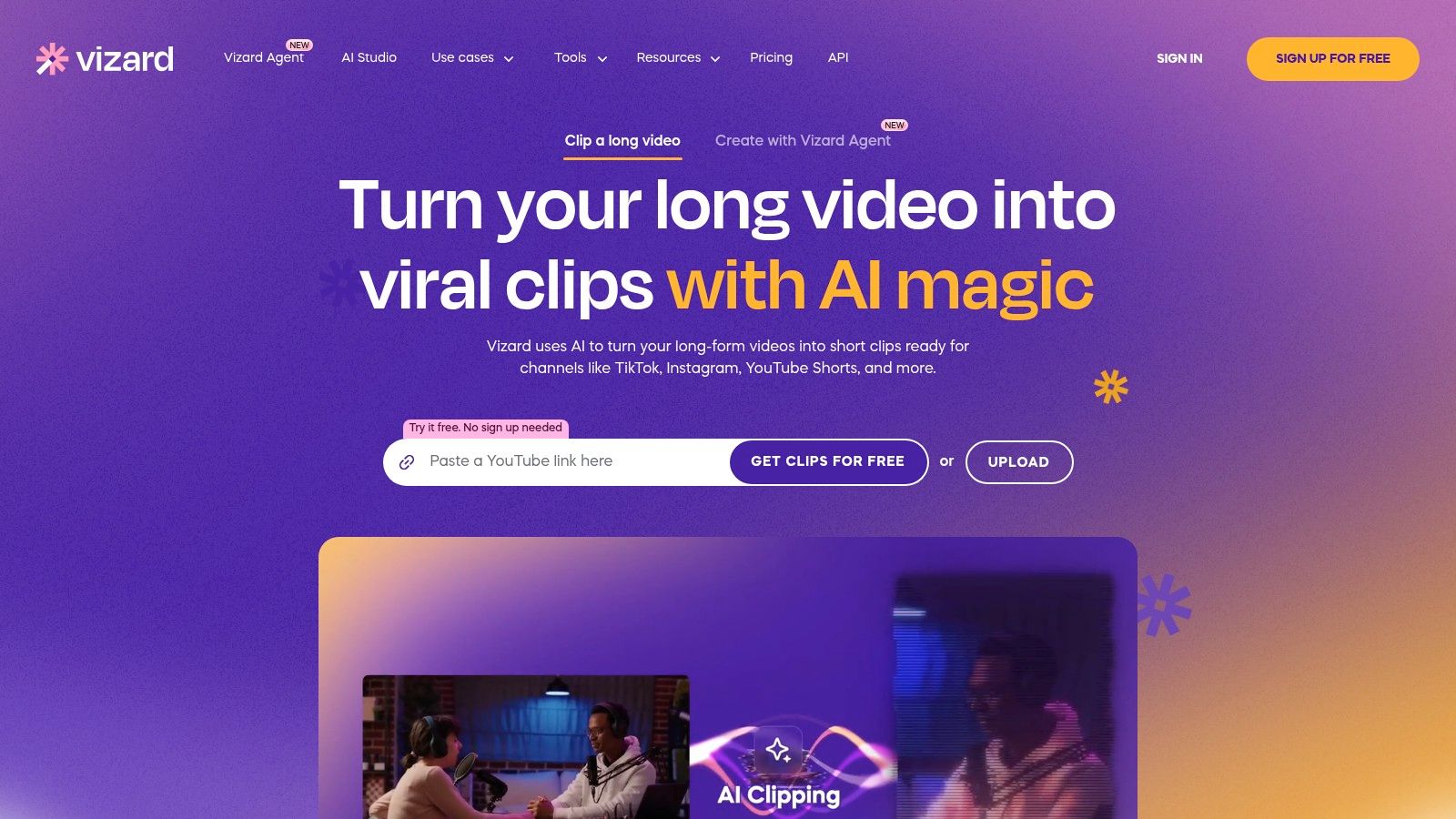
Vizard works best as a clip-production layer for teams already publishing from long recordings every week. Our Vizard review with 2026 prices goes deeper on plans and limits.
The fit is straightforward. You bring in a webinar, interview, podcast, or panel. Vizard helps surface candidate moments, turn them into short clips, add captions, reframe for vertical formats, and prep them for posting. If the hard part of your pipeline is finding usable highlights and packaging them fast, it can save real time.
I would put it in the middle of the repurposing stack, not at the very top or bottom. It is more useful than a basic editor for clip discovery and transcript-guided trimming. It is less complete than an end-to-end system like quso.ai if your team also wants publishing, scheduling, and fewer tool handoffs inside one operating layer.
That difference shows up in day-to-day use:
For clip extraction, Vizard is strong. For transcript cleanup and light social editing, it is solid. For teams trying to consolidate the whole path from source video to scheduled distribution, it may still leave a few operational gaps depending on plan limits and collaboration needs.
Vizard tends to fit three groups well. Content teams with a recurring webinar program. Agencies turning client interviews into short-form assets. Podcast marketers who need a faster path from full episode to captioned social cuts.
The trade-off is that AI-selected moments still need editorial judgment. A clip can be technically clean and still miss the hook. Strong operators usually rewrite the opening caption, tighten the first sentence, and check whether the selected excerpt makes sense without the full conversation around it.
A practical way to evaluate it:
- Choose Vizard if the bottleneck is turning long videos into multiple short clips quickly.
- Expect a manual pass on hooks, framing, and subtitle polish before publishing.
- Compare plan limits early if you have heavy weekly volume, multiple reviewers, or client-facing approval steps.
Vizard is a good production aid for recurring repurposing. It is not the tool I would choose just for raw transcript editing, and it is not the cleanest answer if your larger goal is reducing every handoff from clipping through scheduling.
10. Lumen5
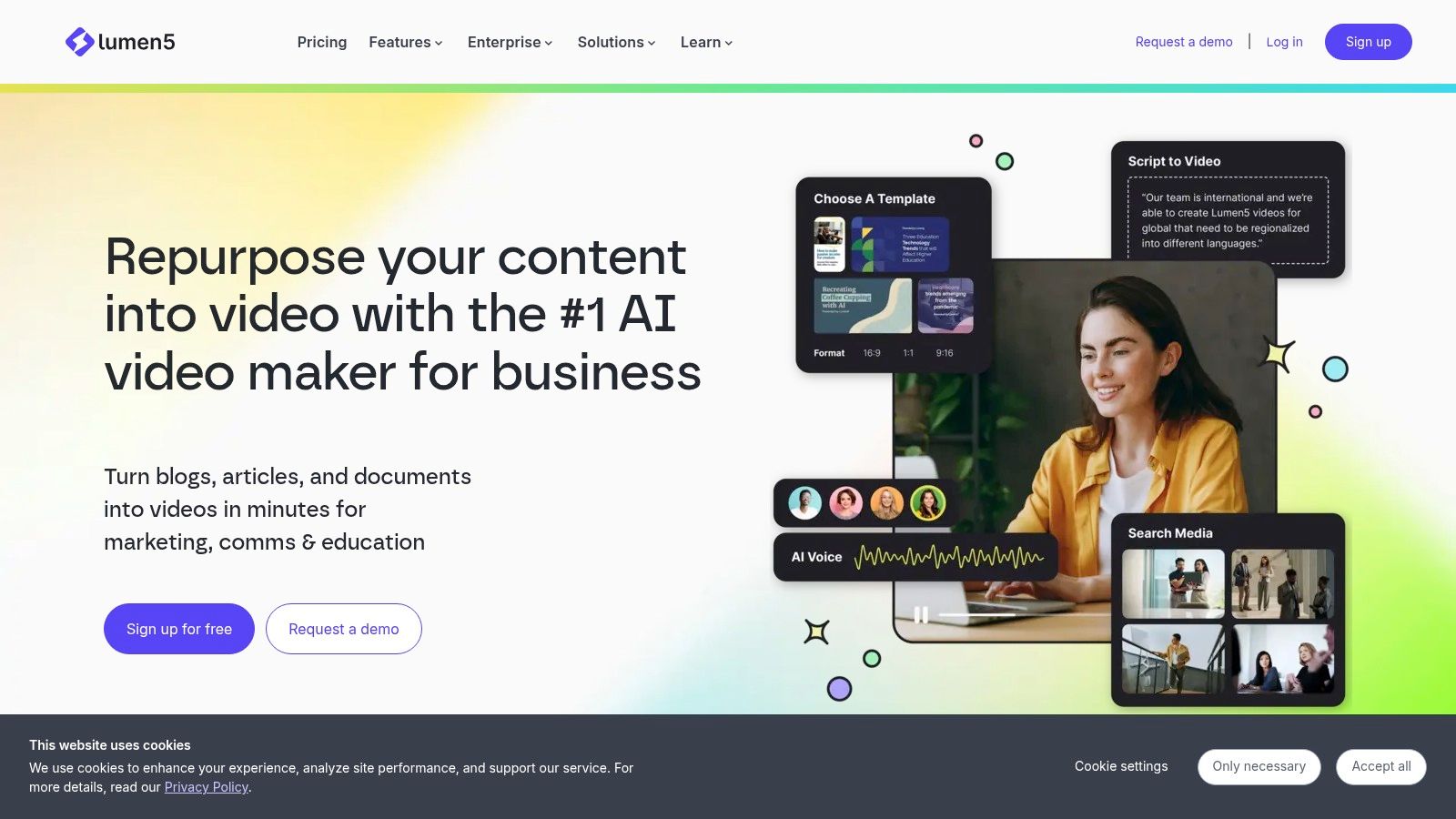
Lumen5 fits a text-first pipeline. If the job is turning blog posts, scripts, newsletters, or product messaging into branded video, it does that job more cleanly than tools built around finding clips inside long recordings.
That matters because “video automation” covers two different production problems. One is repurposing source video by selecting moments, editing the transcript, adding captions, and pushing finished cuts to distribution. The other is generating net-new video from written material. Lumen5 sits in the second category.
For a content team, the practical question is simple. Where does the asset start?
If it starts as a webinar, podcast, sales call, or interview, Lumen5 usually creates an extra handoff. Someone still has to decide what excerpt matters, clean up the spoken transcript, and shape the story before the content is ready for social. An end-to-end repurposing platform such as quso.ai reduces more of that path because it is built around clipping, captioning, and scheduling from video-first inputs.
If it starts as an article, Lumen5 can save time. Brand control is easier to maintain, templated explainers are straightforward to produce, and non-editors can assemble serviceable marketing videos without opening a full editor.
I see Lumen5 as a distribution-format tool, not a source-footage tool.
Use it for blog-to-video workflows, campaign explainers, and repeatable brand content where consistency matters more than editorial precision. Skip it if the bottleneck is finding strong moments inside conversations or turning long-form recordings into short clips that still feel native on social.
That trade-off is fine for B2B teams with a deep content library and a thin video bench. It is a weaker fit for operators trying to shrink every handoff from raw recording to published short-form.
Top 10 Video Automation Tools, Feature Comparison
| Tool | Core features | Best for | Workflow strengths (repurposing / captioning / scheduling) | Price & limits |
|---|---|---|---|---|
| quso.ai (recommended) | Auto‑clip long→short, auto‑reframe, animated captions (99 languages; 20+ in AI Clips), Virality ranking (based on analysis of 170K+ posts across 1,100+ creators), calendar scheduling | Solo creators, podcasters, social teams, B2B marketers | End‑to‑end: clip selection → captioning → Brand Kit → schedule & publish from one place; quick review workflow. Try quso.ai free to generate a week of clips: https://quso.ai/products · https://quso.ai/pricing | Free tier (75 credits/mo, 720p w/ watermark, TikTok publish). Paid from $29/mo for 1080p & full scheduling |
| OpusClip | AI clipping, Virality/hook detection, auto‑captions, auto‑reframe, scheduler | Creators who want fast auto→manual edit handoff | Good balance of automated clipping + manual editor for native‑looking shorts | Free trial; credit system on paid tiers (monitor for heavy use) |
| Descript | Transcript‑first editing, clip creation, filler removal, dubbing/translation, Brand Studio | Podcasters, YouTubers, teams needing transcript edit workflows | Precise edit‑by‑transcript → smooth social clip exports; team/brand controls | Tiered plans with media‑minute/AI credit caps; higher tier for team features |
| Kapwing | Browser editor, auto‑subtitles, Smart Cut (silence removal), templates, collaboration | Cross‑functional social teams wanting low‑friction tools | No‑install, template + brand kit for fast on‑brand assets | Free tier with limits; 4K & larger storage on paid plans |
| Repurpose.io | Connects accounts, automatic cross‑posting, prebuilt workflows | Teams needing high‑throughput multi‑platform distribution | Automates publishing/resizing across channels, pairs with a clipper/editor | Tiered by account volume; 14‑day trial; minimal editing features |
| Riverside (Magic Clips) | Remote multitrack capture, transcripts, Magic Clips highlight suggestions | Interview shows, podcasters who record remote sessions | Capture→auto‑suggested clips workflow with studio capture quality | Free/paid tiers; plan limits on download hours and features |
| Pictory | Auto highlights, text‑to‑video & video‑to‑video, captions, templates, stock library | Marketing teams repurposing webinars and written content | Flexible inputs for webinar→shorts and article→video repurposing | Credit/minute model; advanced features on higher tiers |
| Wisecut | Auto silence removal, jump cuts, captions, Autopilot workflows, Social Hub | Solo creators needing very fast rough cuts | Fast rough‑cut automation + scheduling/auto‑publish options | Free tier limited (low res); credits/minute for higher volumes |
| Vizard | AI clipper, auto‑subtitles, brand kit, scheduling, team workspaces | Marketers repurposing recurring webinars/podcasts | Clean UI for repeatable repurposing with multi‑account publishing | Credit/minute pricing; Business tier for collaboration/storage |
| Lumen5 | Text‑to‑video, templates, brand kits, translation | B2B marketing/content teams turning articles into video | Template‑driven, templatizable output for consistent volume | Paid tiers for stock media, team features, and watermark controls |
Build the Smallest Stack That Ships
Teams don’t need more tools. They need fewer handoffs.
If your bottleneck is long-video repurposing, captioning, and scheduled posting, start with an end-to-end platform. That’s usually the fastest route from source content to a real publishing cadence. If your bottleneck is transcript-level editing and message control, use a transcript-led editor. If publishing operations are the pain point, choose a distribution specialist. If your inputs are mostly articles and scripts, use a text-to-video tool.
The implementation sequence should stay simple.
First, import one source asset and define the target formats before you generate anything. Decide whether the output needs 9:16, 1:1, or both. Set caption placement with platform safe zones in mind so text doesn’t sit under interface controls.
Next, review AI-selected clips instead of accepting them blindly. Short-form research found a significant inverted U-shaped relationship between video length and engagement, with an optimal length of 34.69 seconds in one study, which is a useful editing benchmark when a clip feels too long or underdeveloped in the middle in this short-form engagement study. Another short-form benchmark reported that TikTok videos from 15 to 30 seconds had the highest engagement rate at 6.00%, while videos from 120 to 180 seconds earned the most median views at 11,136, which is a practical reminder that your target metric should shape your edit length in this short-form benchmark report.
Then verify captions and framing manually. Automated captions help accessibility, but speech-recognition captions can contain interfering errors, so review before publishing still matters based on this accessibility research on caption errors. Also check whether faces, product demos, or lower-third text drift into blocked areas after auto-reframing.
After that, apply brand controls, publish natively, and inspect the workflow before scaling. One source file, three to five approved shorts, and a working scheduling rhythm is enough to prove whether your stack is helping or just creating more review work.
Before publishing this piece, I’d also check for a near-duplicate post on the same URL path, and I’d re-verify any product details or pricing pages because these tools change fast.
FAQ
What do video automation tools do
They automate parts of the production pipeline such as clip discovery, transcript editing, caption generation, reframing, resizing, publishing, and scheduling. The best choice depends on which step is slowing your team down.
Which tool is best for repurposing long video into short clips
For an end-to-end workflow that takes long-form content into captioned shorts and a posting queue, quso.ai is the strongest fit in this list. If transcript editing is the top priority, Descript is a strong alternative. If distribution is the bottleneck, Repurpose.io may fit better.
Do automated captions still need review
Yes. Auto-captions save time, but they can introduce errors that affect clarity and accessibility. Review is especially important for names, technical terms, accents, and fast speech.
How do scheduling tools fit with editors
Scheduling tools matter after the asset is approved. Some platforms combine editing and scheduling, while others specialize in one side of the workflow. If your team loses time during handoff from edit to publish, an all-in-one setup usually works better.
How do you avoid duplicate or poorly framed cross-posts
Set platform-specific formats before export, review caption placement against safe zones, and don’t push the same file everywhere without checking hooks, aspect ratio, and metadata. Cross-posting is useful, but native-looking posts usually need at least light adjustment per platform.
If your workflow starts with one long video and ends with several captioned clips on a publishing calendar, quso.ai is built for that exact job. It gives creators and social teams one place to find clips, clean them up, add captions, and schedule posts without bouncing across a pile of separate tools.