English Subtitle Generator
Turn spoken English into timed subtitles. Choose the accent that matches the speaker, fix names once for the whole video, and download the video or an SRT file.
Creating an account is free. See pricing for your country.
The short answer
quso.ai writes English subtitles from your video’s audio and lets you pick English (Global), US, UK or Australia to match the speaker. You correct the text line by line, choose one of 10 caption styles, and download the video with captions burned in. Paid plans also export an SRT file.
Updated
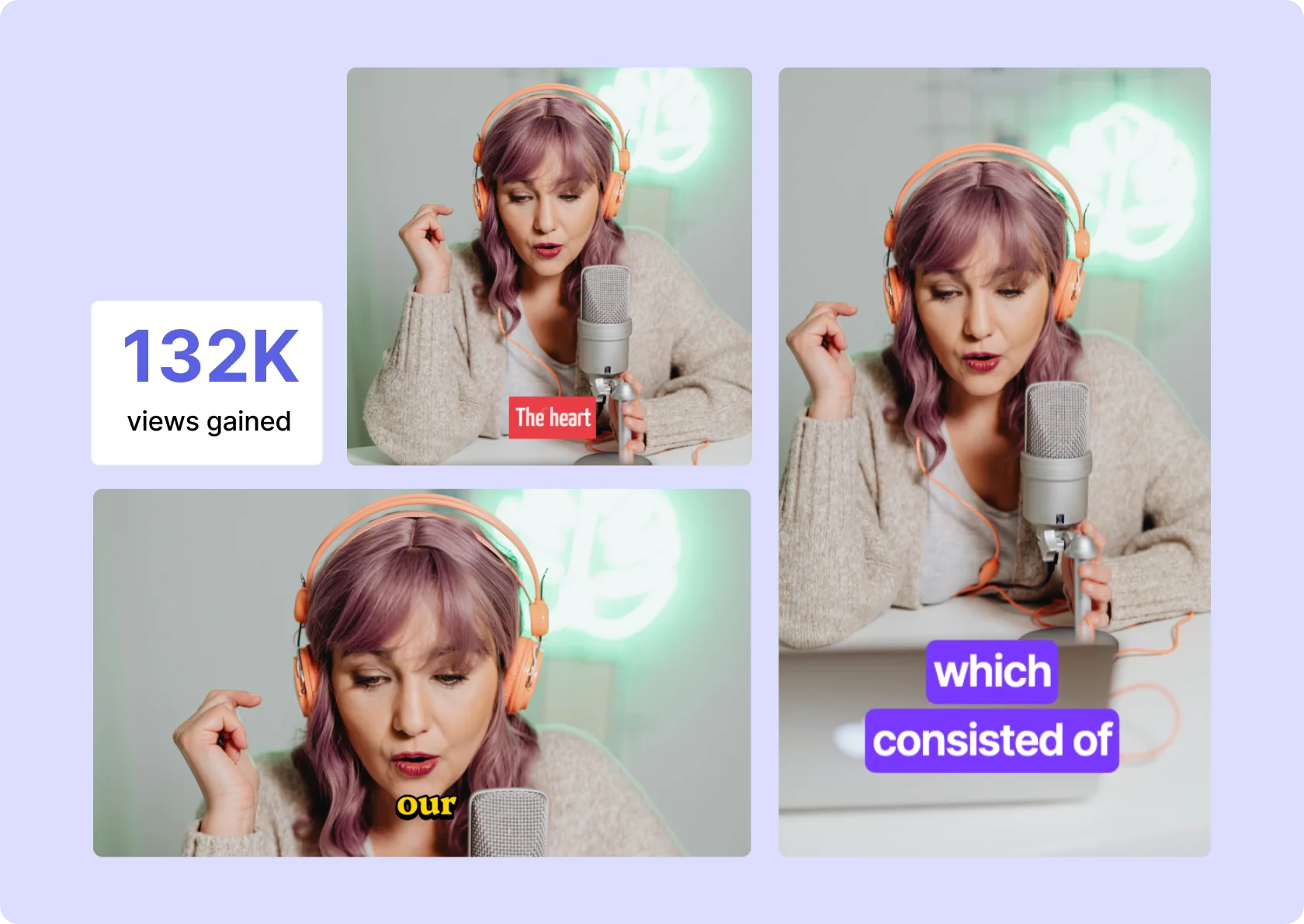
What you get with English subtitles in quso.ai
Timed subtitles from the audio
Choose English when you upload and quso.ai writes the subtitles with start and end times for every line.
Edit every line
Fix a word, change the timing, delete or add a line. In the transcript, Correct everywhere fixes a repeated word in one go.
10 styles, your font
Pick a caption preset, then upload your own font and set colors, outline and background. Download the video with captions burned in, or an SRT file on a paid plan.
How to add English subtitles to a video
- Upload the video. Drop in an MP4, MOV, M4V or WebM file, or paste a YouTube link.
- Choose English. The language has to match the speech in the video.
- Check the text. Read the first minute in the Subtitles panel and fix anything the AI misheard.
- Style and download. Pick a caption style and font, then download the video with the captions burned in (720p with a watermark on the free plan, 1080p on paid plans) or, on a paid plan, the SRT file.
English subtitles: what to check
- Pick the closest accent. The upload menu has four English options: Global, US, UK and Australia. Use the one that matches how the speaker sounds. For other accents, or a panel with several, start with English (Global) and check the first minute.
- Fix names once. Product names, people and places are where English transcripts slip. In the transcript editor, correct the word and choose Correct everywhere to fix every instance in one go.
- Keep lines short for vertical video. English words are short enough for the word-by-word styles (One Word, Two Word) to read well on a phone. For a long interview, Basic Subtitles is easier to follow.
- Spelling follows the speech, not your style guide. If your brand writes "colour" or "color", check a few lines after transcription and fix them with Correct everywhere.
What the subtitles look like
A subtitle line from a video spoken in English, as it looks in an exported SRT file:
1
00:00:00,000 --> 00:00:02,400
Welcome back to the channel.
Font: Any bold sans-serif reads well on a phone; the presets already use one.
Frequently Asked Questions
Can I choose between American and British English?+
How do I add English subtitles to a video?+
Can I download English subtitles as an SRT file?+
Can quso.ai translate a video into English?+
Is it free?+
English Subtitle Generator
Generate English subtitles for FREEPart of quso.ai's AI Subtitle Generator, which writes subtitles in 99 languages.