TikTok Scheduler: Plan & Auto-Post to TikTok
Automate your posting with quso.ai's TikTok scheduler to reach your audience at the best times and keep engagement growing.
Schedule your TikTokTrusted by 500K+ Users
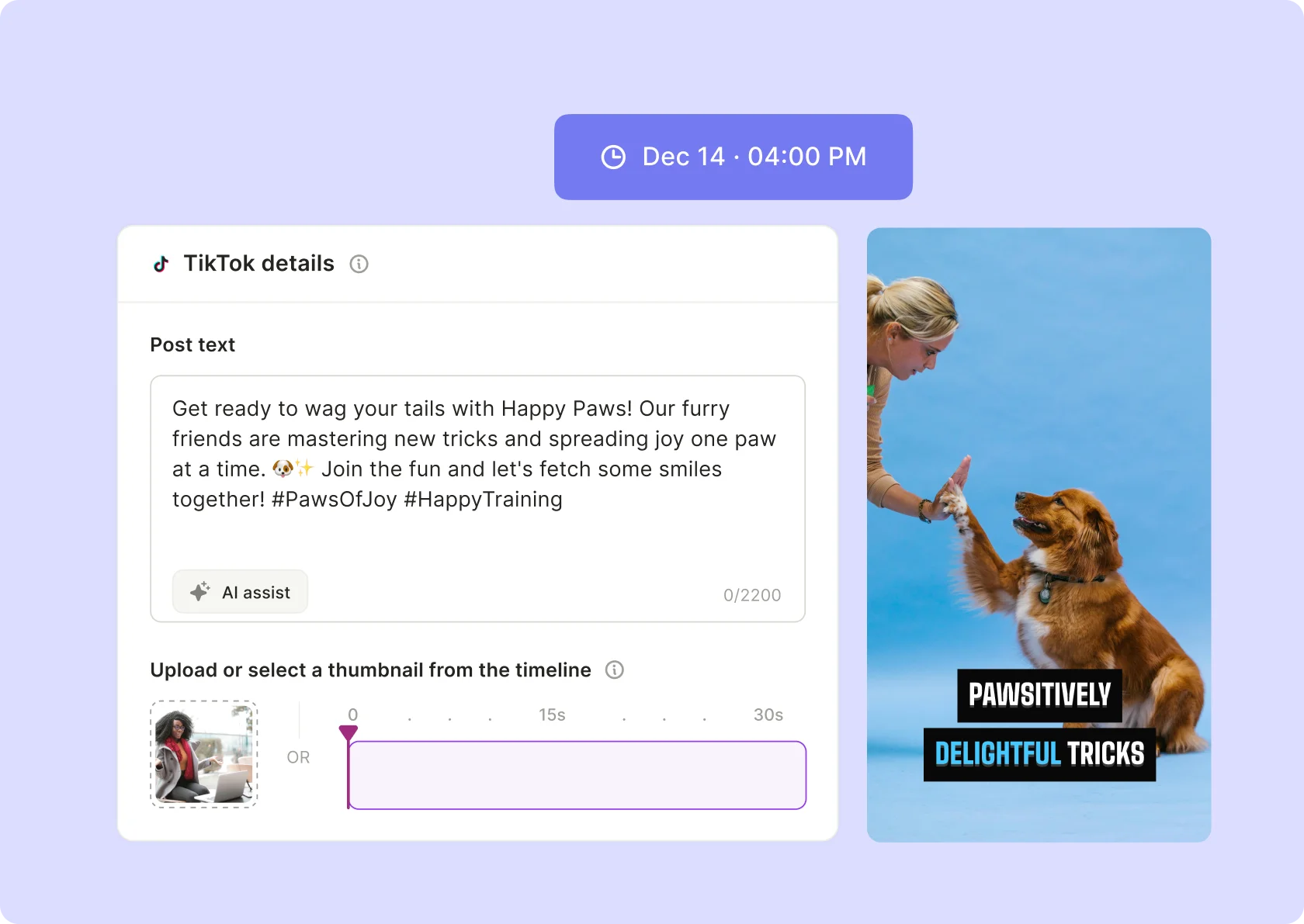
quso.ai is your go-to for simplifying TikTok scheduling

Automated Scheduling
Plan your TikTok posts with ease using quso.ai's automated scheduling feature. Choose your preferred dates and times, and quso.ai will publish your content at optimal moments, even when you’re offline. Whether organizing weekly or monthly schedules, quso.ai ensures a robust and impactful TikTok presence.

Streamline Your TikTok Content Calendar
Manage all your TikTok content from a single, unified dashboard. quso.ai's detailed content calendar provides a comprehensive view of your scheduled posts, facilitating strategic planning and easy adjustments. This tool is essential for anyone looking to efficiently organize and schedule their TikTok content.

Improve Your Workflow
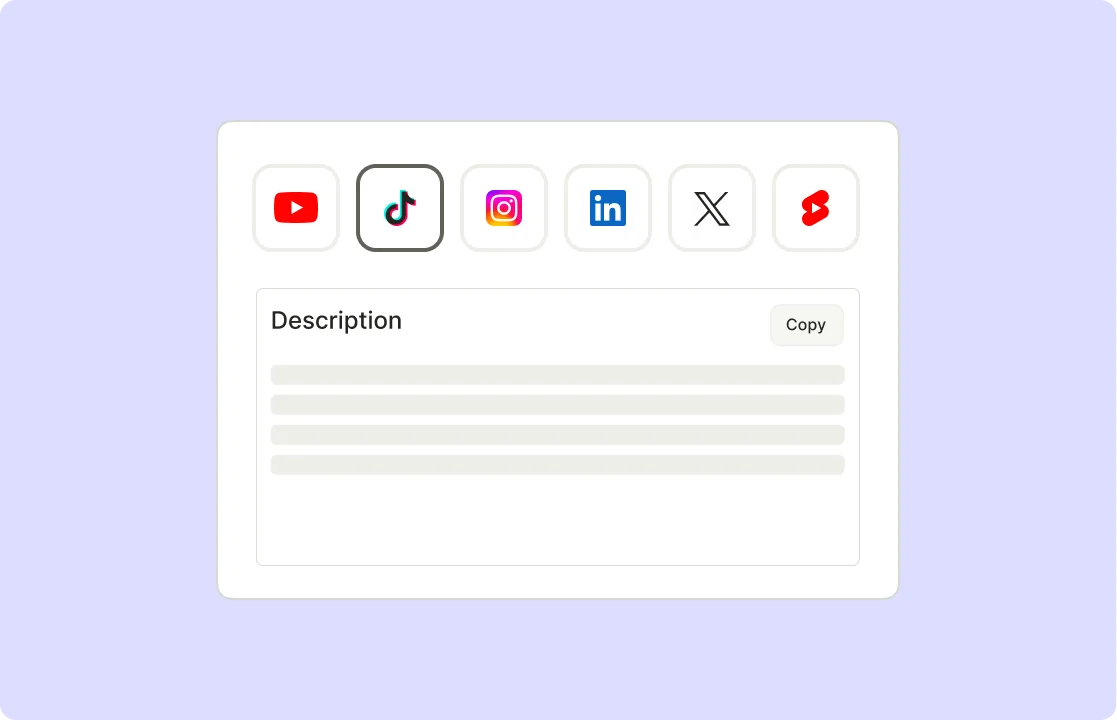
Repurpose content across multiple platforms effortlessly with quso.ai's batch content feature. This functionality streamlines scheduling and ensures each post is optimized for its respective platform. By working in batches, you save time and enhance your social media strategy.
Multi-Platform Support
Manage your content across various social media platforms from a single interface. quso.ai supports scheduling for TikTok, YouTube, LinkedIn, Instagram, Facebook, LinkedIn, and Twitter (X), ensuring a cohesive presence across all channels.
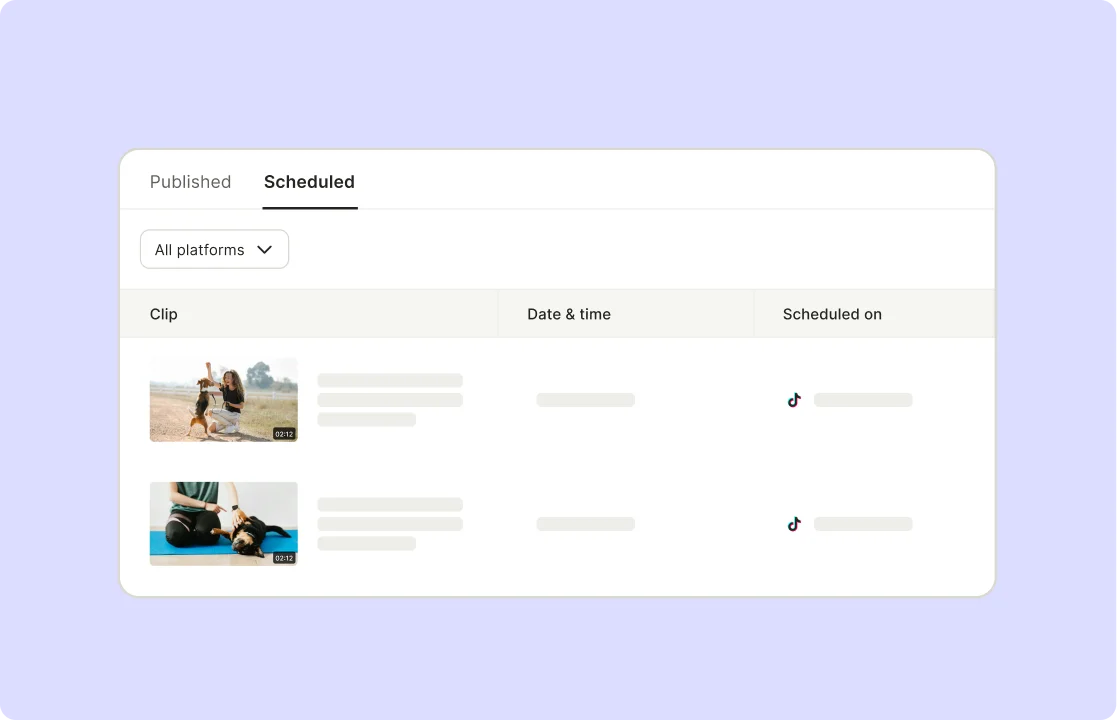
Maximize Efficiency
Save time and boost your workflow by uploading multiple pieces of content simultaneously. With quso.ai's Custom Growth plan, you can schedule up to 300 TikToks in one batch, complete with videos, hashtags, and descriptions. This feature is vital for maintaining audience engagement and ensuring consistency.
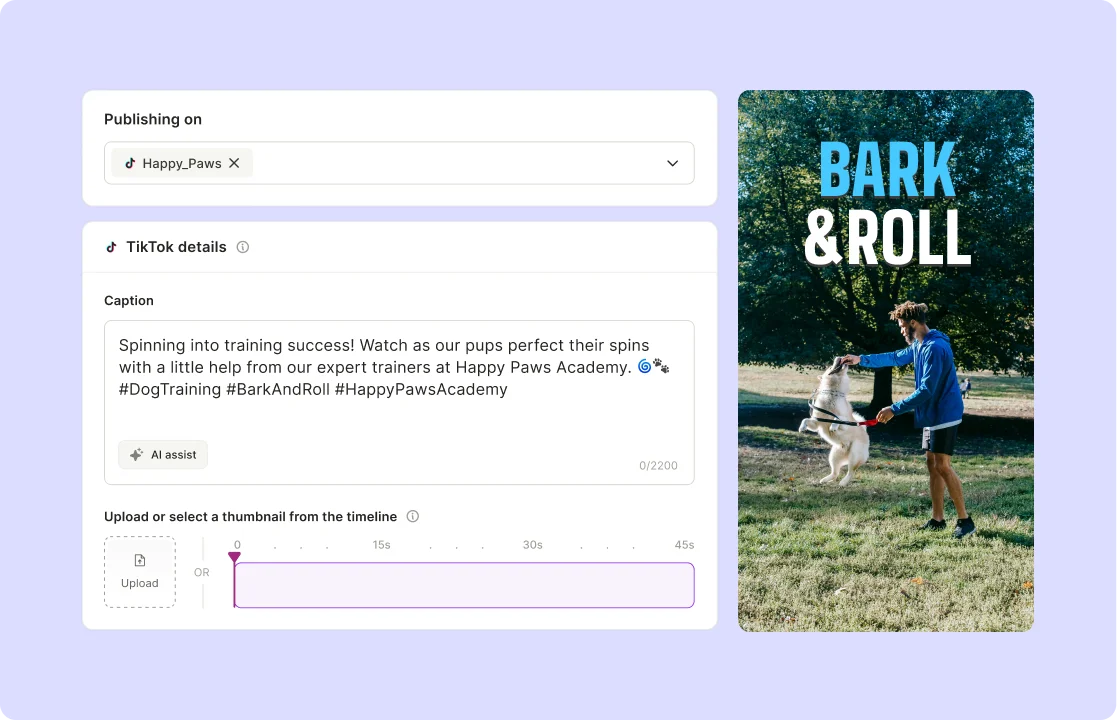
Optimize Your Reach
Leverage quso.ai's AI-driven hashtag manager to analyze your content and suggest the most relevant hashtags. This tool ensures your hashtags are contextually appropriate and varied, maximizing your reach and engagement.
How To Schedule Posts On TikTok
- Connect Your TikTok Accounts
Link your TikTok account securely to the social media scheduling tool to ensure smooth and authorized posting.
- Upload Content
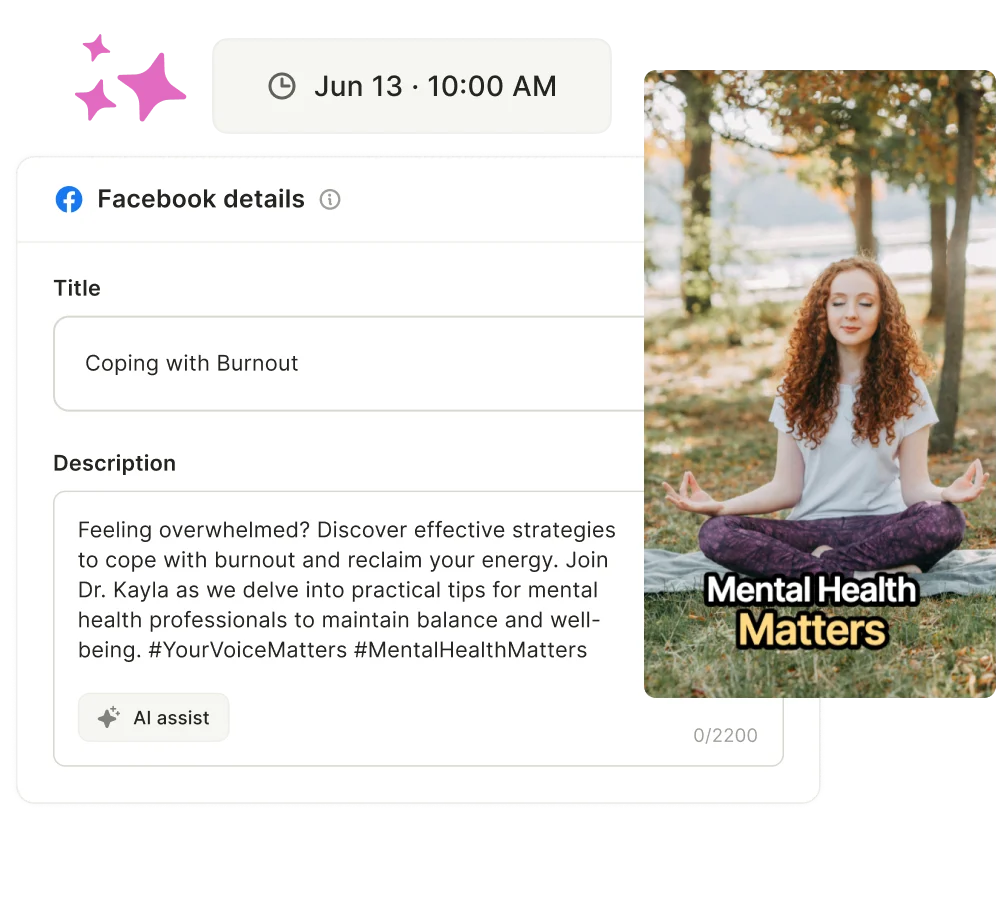
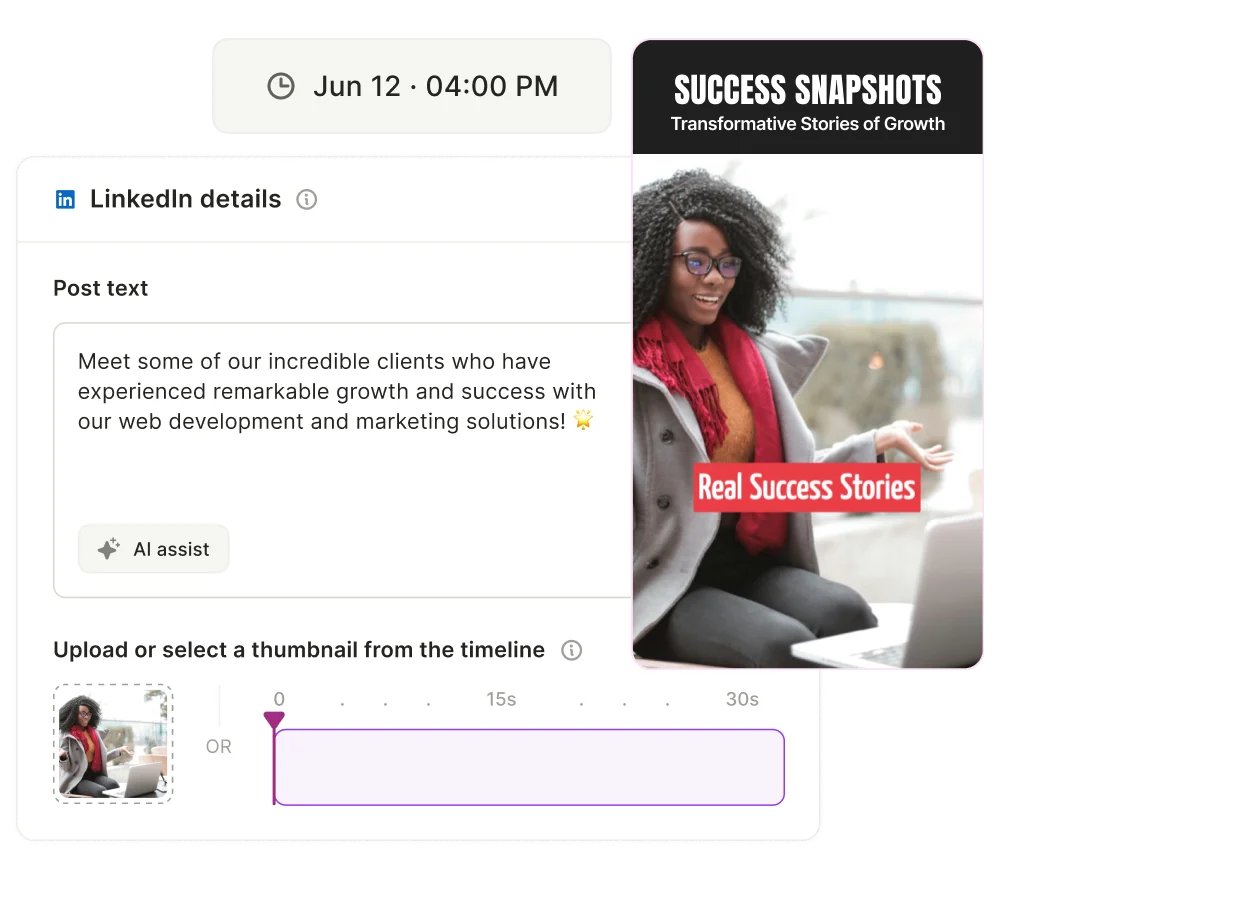
Select and upload your image or video content. Add a caption and relevant hashtags within the scheduler to complete your post.
- Set Time and Date
Pick your preferred date and time for posting directly inside the scheduling tool, helping you plan your content calendar in advance.
- Schedule Post
Confirm your settings and click “Schedule.” The tool will automatically publish your content to the TikTok account at the chosen time, saving you time and effort.
Frequently Asked Questions
How do I schedule a TikTok post?+
Does quso.ai add anything to my TikTok caption on the free plan?+
How Do I Schedule TikToks for Free?+
How Does quso.ai's TikTok Scheduler Work?+
Is There a Limit to the Number of Posts I Can Schedule?+
How Do I Schedule TikToks?+
TikTok Scheduler: Plan & Auto-Post to TikTok
Schedule your TikTokWant the full workflow? This free tool is part of quso.ai's Social Media Scheduler: clip, edit, caption, and schedule in one place.

.webp)
.webp)
quso.ai Research
The Short Form Video Performance Report
We measured 508,000 posts from 1,900 creators across 80 countries to separate what actually changes reach from what only sounds like it does.