Free AI Twitch Clip Generator: Turn Streams Into Clips
quso.ai's AI Twitch clip generator turns your streams and long VODs into viral clips automatically, optimized for Twitch, TikTok, and Shorts.
Creating an account is free. See pricing for your country.
Trusted by 4M+ Users
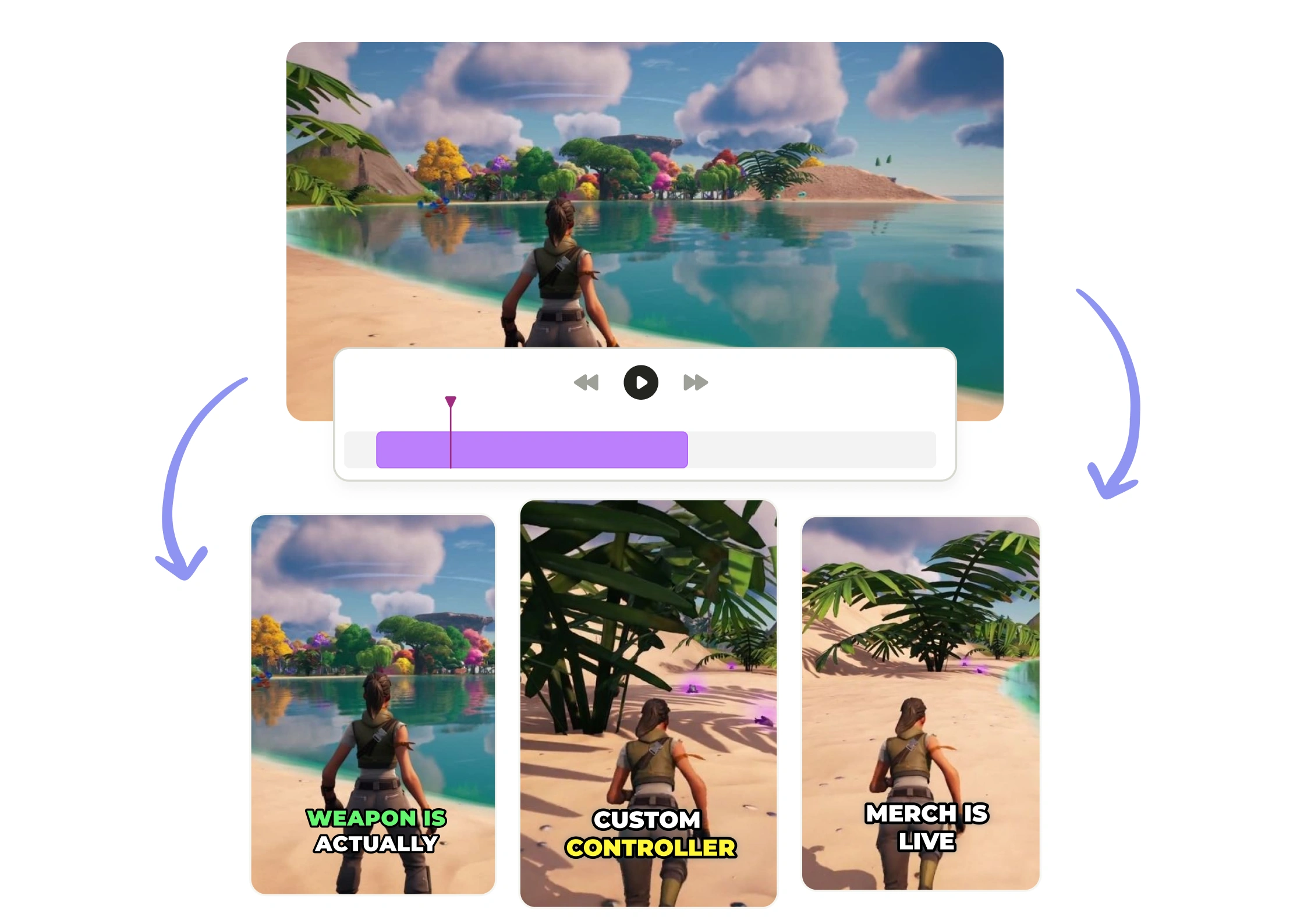
Instantly turn Twitch streams into viral clips without manual editing

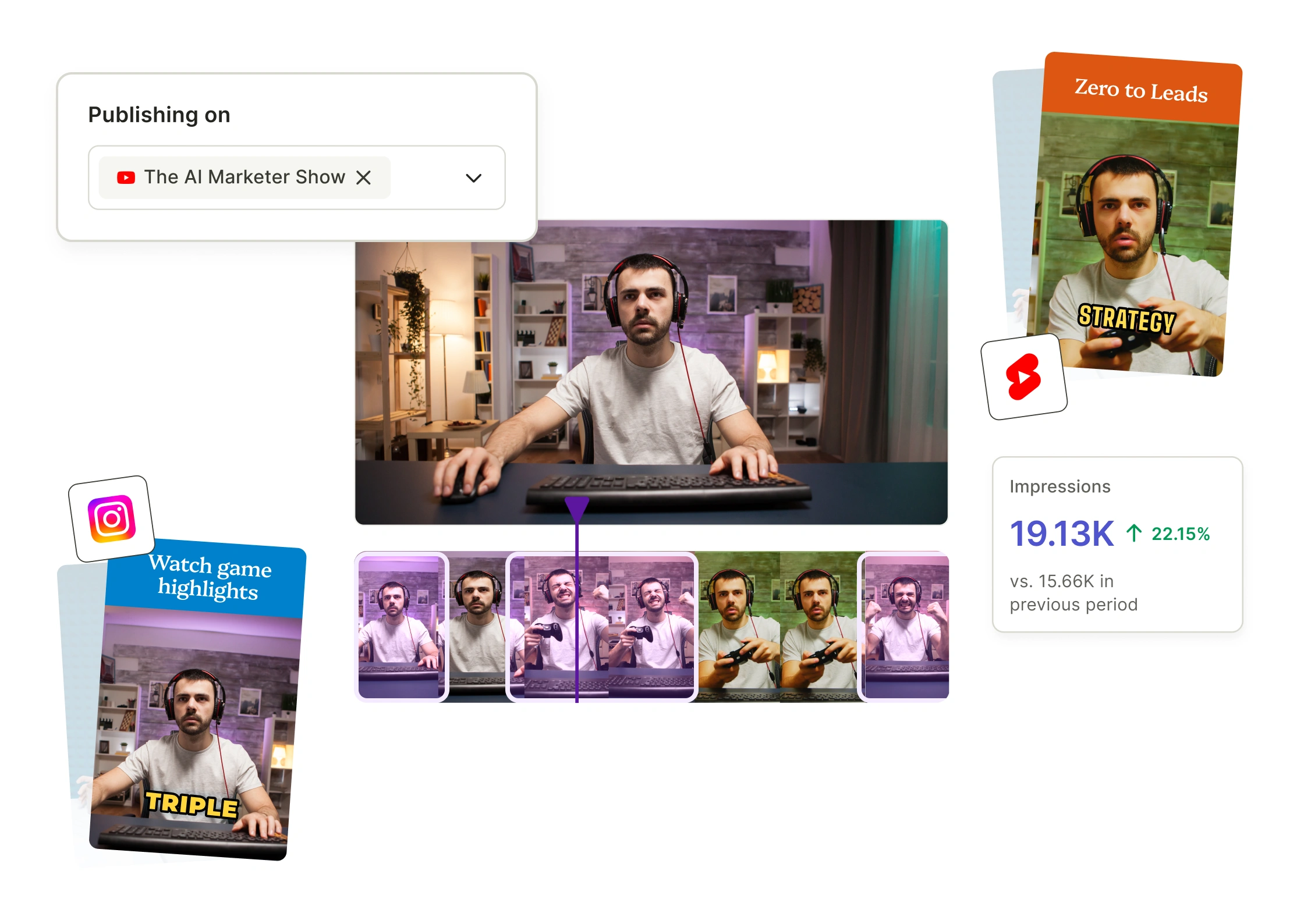
Create Stream Highlights in Minutes
Skip the hours of rewatching and manual editing. Our AI Twitch clip generator automatically detects and captures your stream’s most engaging moments—no guesswork involved. In just minutes, you’ll have perfectly clipped, ready-to-share highlights that are optimized for Twitch and social platforms.

Boost Engagement and Grow Your Audience
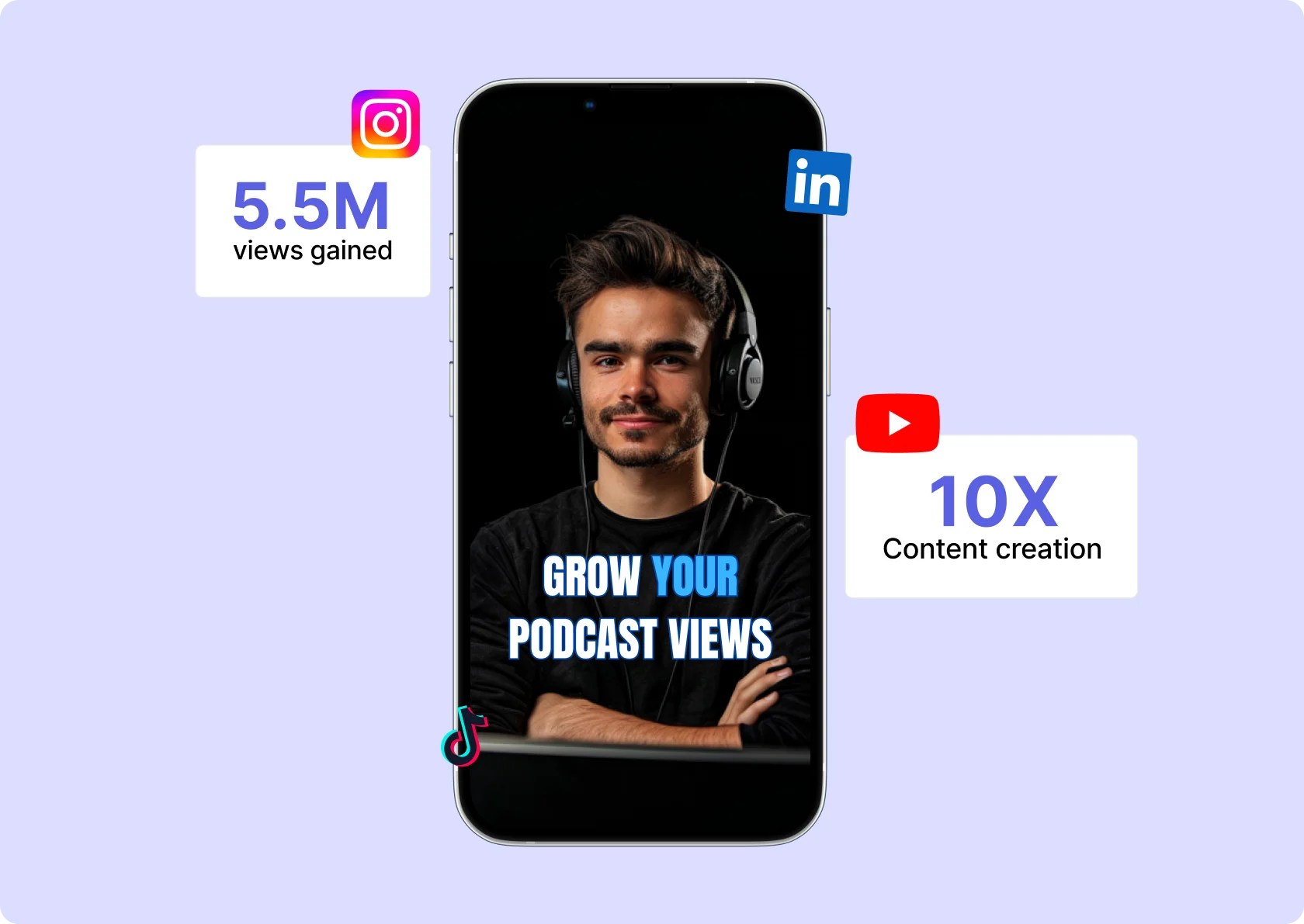
Sharing nonstop content is key to growing your Twitch channel. Our Twitch AI clip maker makes it easy to generate regular highlights from your streams. Keep your audience engaged with viral clips and reach new viewers across multiple platforms. The more clips you share, the more opportunities you have to grow your community and boost engagement.

Earn From Every Stream
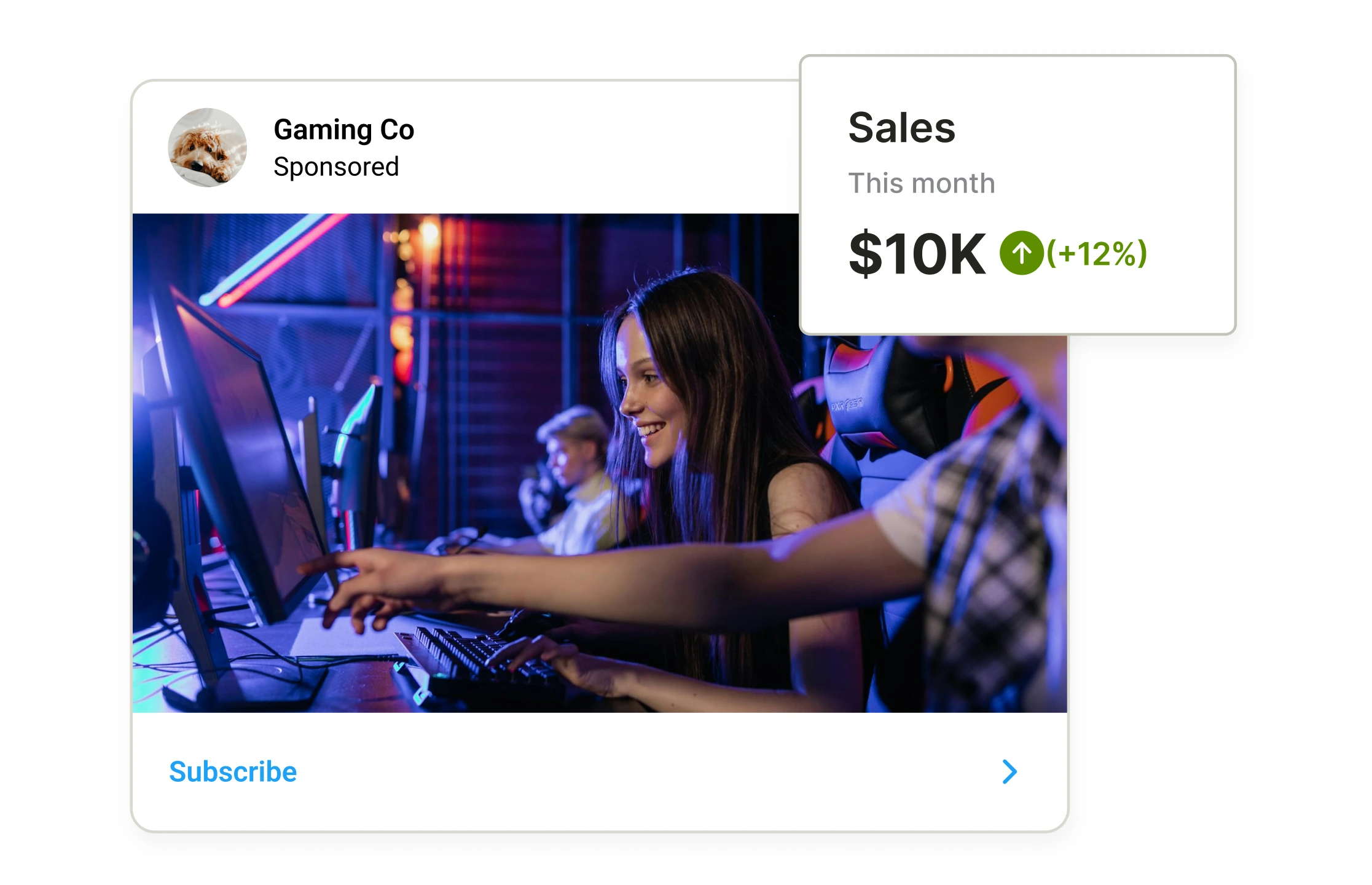
Monetize your streams by turning your Twitch clips into short-form content that attracts sponsorships, ads, and collabs. With an automated Twitch clip creator, you can create more opportunities for income without increasing your workload. Use short-form content to boost your earnings and grow your brand.
Powerful AI Clipping Technology
With quso.ai’s AI Twitch clip generator technology you can quickly spot the most exciting moments in your streams. The AI-powered tool automatically identifies key highlights, emotional reactions, and gameplay wins, saving you time while ensuring your clips are optimized for Twitch, TikTok, and YouTube Shorts.
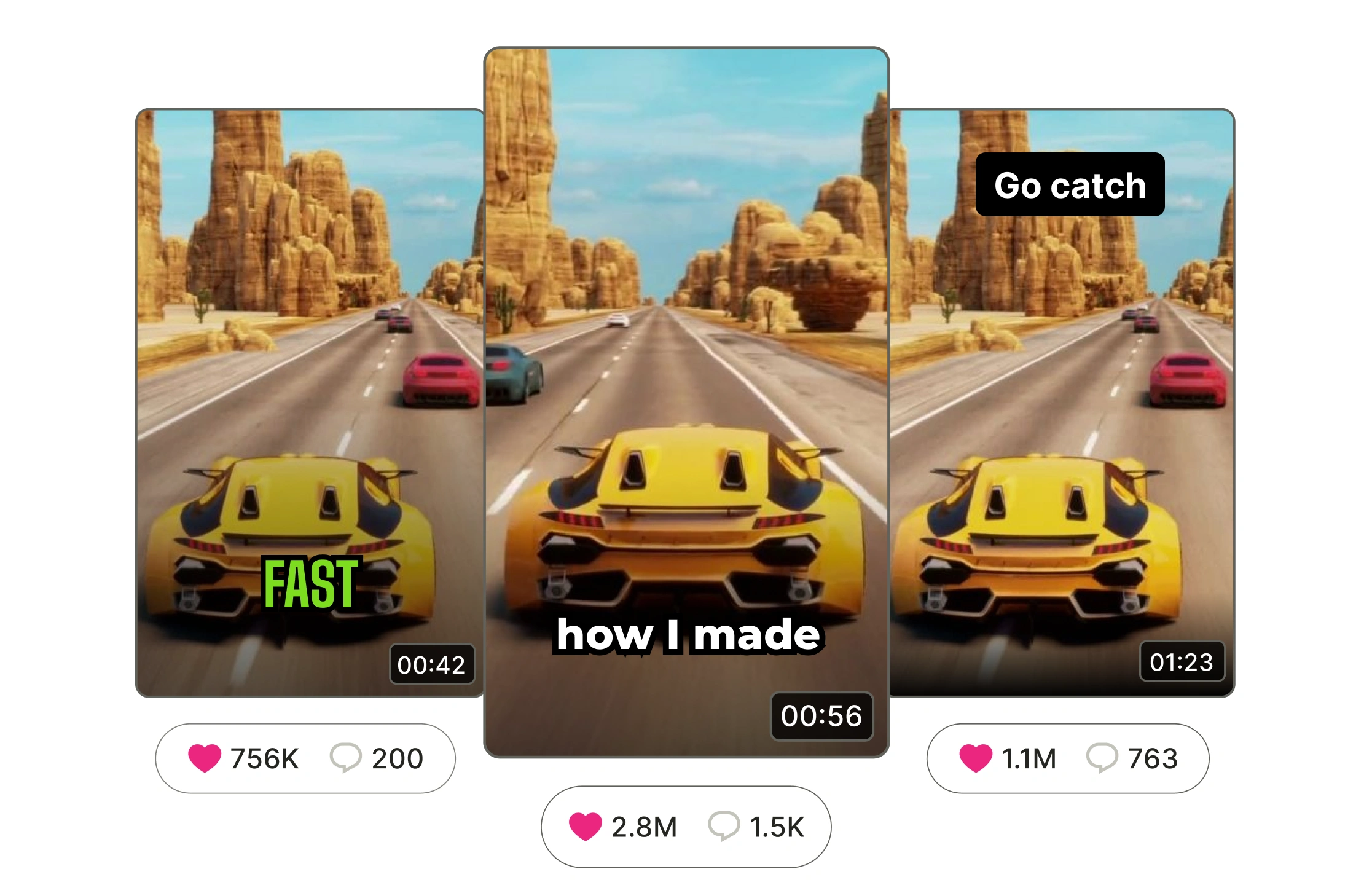
Powerful Video Editing Features
quso.ai’s video editor lets you refine your Twitch clips. Trim, add dynamic captions, motion text, and apply your branding—all in one tool. Enhance your clips for viral engagement on Twitch, TikTok, and YouTube Shorts without external editing software.
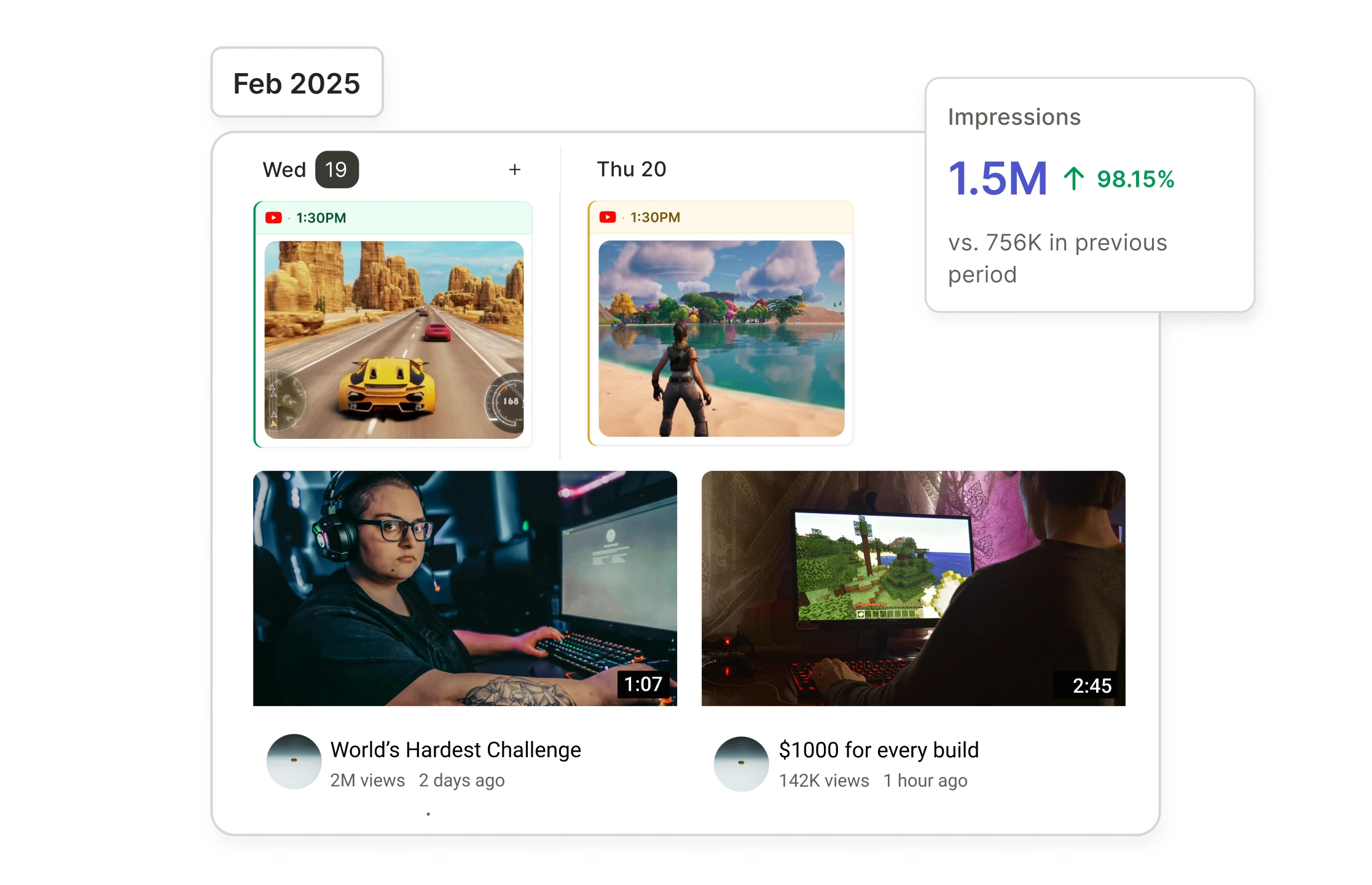
Consistent Branding with Brand Kit
Maintain a consistent brand with quso.ai’s Brand Kit. Upload your logo, select brand colors, and choose fonts for every clip. While using the Twitch clip creator your clips will always reflect your unique style and be instantly recognizable.
How to Create Twitch Clips With AI?
- Upload or Link Your Twitch Stream
Import your recorded stream by uploading the video file or pasting a Twitch link into an AI clipping tool.
- Let AI Detect Key Moments Automatically
The AI scans the stream to identify highlights, emotional reactions, gameplay wins, or other clip-worthy events.
- Customize Clips With Edits and Enhancements
Review the AI-selected clips, trim or refine them if needed, and add captions, overlays, or branding for extra impact.
- Export Clips to Save or Share Across Platforms
Download your finished clips instantly or directly post them to Twitch, TikTok, YouTube Shorts, or other channels.
How to clip a Twitch stream, step by step
Turning a long Twitch VOD into short clips used to mean scrubbing the whole stream. quso.ai does it for you:
- Paste your Twitch link. Drop a VOD or clip URL into quso.ai (or upload the file). Twitch import works on desktop and mobile.
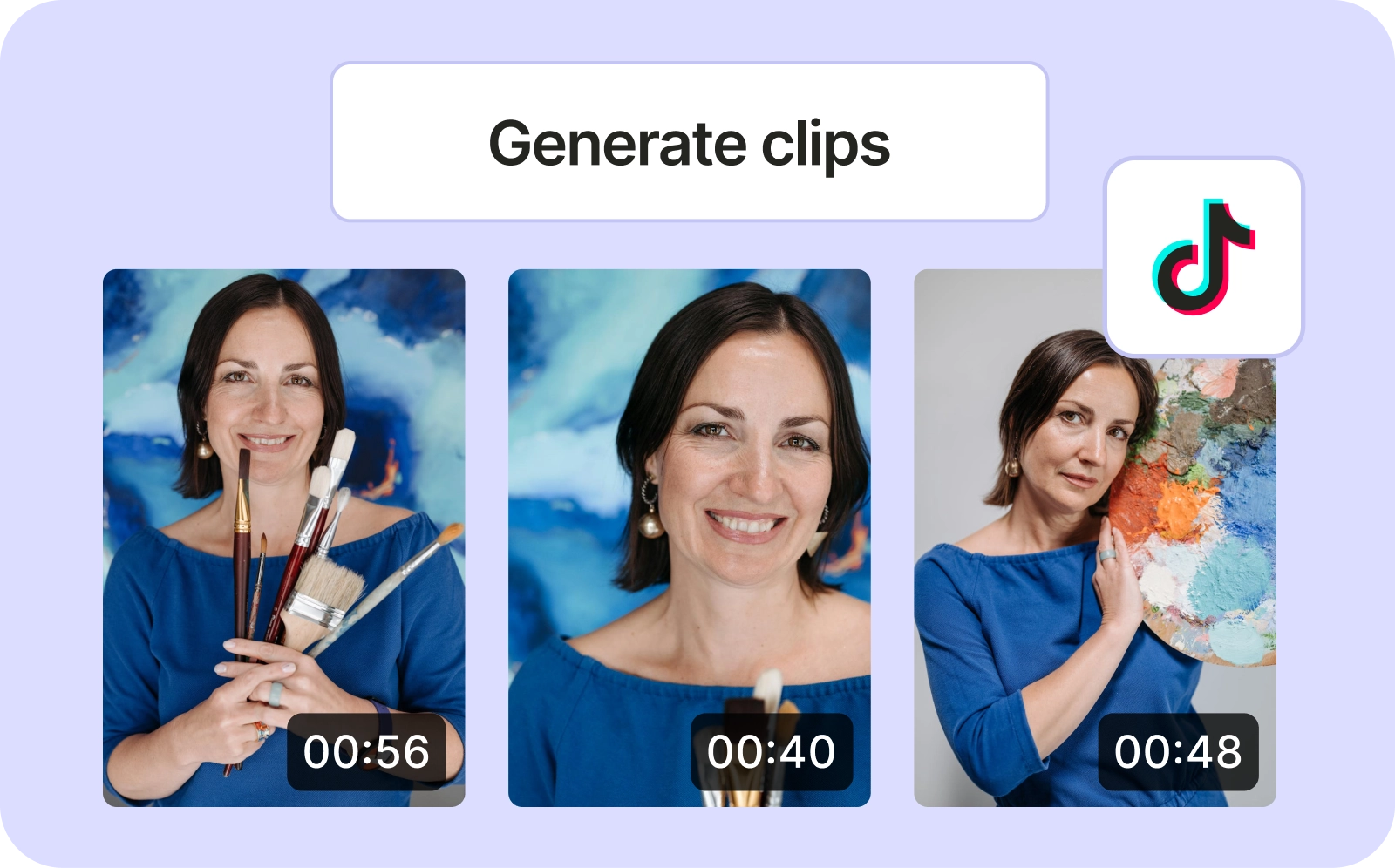
- Let the AI find the moments. It scans the stream, ranks the highest-potential moments by a virality score, and cuts them into vertical clips.
- Caption and brand. Animated captions are added automatically; tweak the style, add emojis, and apply your brand kit.
- Download or schedule. Export any clip as an MP4, or schedule it straight to TikTok, YouTube Shorts, and Reels with the built-in social media scheduler.
Turn one Twitch VOD into a week of Shorts
A single multi-hour stream usually holds a dozen postable moments. Instead of manually hunting for them, import the VOD once and quso.ai returns a full set of captioned, ready-to-post clips scored by predicted performance. Working across platforms? The same clips reframe and schedule to TikTok, YouTube Shorts, Instagram, Facebook, and LinkedIn, so your Twitch content keeps working long after the stream ends. For non-Twitch sources, the YouTube clip maker and AI clip maker use the same engine.
Frequently Asked Questions
How do I clip on Twitch?+
How do I download Twitch clips as MP4?+
Can I import a Twitch VOD to clip it?+
How do I manage and repurpose my Twitch clips?+
How to make clips on Twitch? +
How to make Twitch clips into TikToks?+
What is a Twitch Clip Maker?+
Can I edit Twitch clips inside the Twitch Clip Maker?+
Why use an AI Twitch Clip Maker instead of manual editing? +
Free AI Twitch Clip Generator: Turn Streams Into Clips
Clip Your Twitch StreamHow to clip a Twitch stream, step by step
Turning a long Twitch VOD into short clips used to mean scrubbing the whole stream. quso.ai does it for you:
- Paste your Twitch link. Drop a VOD or clip URL into quso.ai (or upload the file). Twitch import works on desktop and mobile.
- Let the AI find the moments. It scans the stream, ranks the highest-potential moments by a virality score, and cuts them into vertical clips.
- Caption and brand. Animated captions are added automatically; tweak the style, add emojis, and apply your brand kit.
- Download or schedule. Export any clip as an MP4, or schedule it straight to TikTok, YouTube Shorts, and Reels with the built-in social media scheduler.
Turn one Twitch VOD into a week of Shorts
A single multi-hour stream usually holds a dozen postable moments. Instead of manually hunting for them, import the VOD once and quso.ai returns a full set of captioned, ready-to-post clips scored by predicted performance. Working across platforms? The same clips reframe and schedule to TikTok, YouTube Shorts, Instagram, Facebook, and LinkedIn, so your Twitch content keeps working long after the stream ends. For non-Twitch sources, the YouTube clip maker and AI clip maker use the same engine.
Want the full workflow? This free tool is part of quso.ai's AI Clips Generator: clip, edit, caption, and schedule in one place.
quso.ai Research
The Short Form Video Performance Report
We measured 508,000 posts from 1,900 creators across 80 countries to separate what actually changes reach from what only sounds like it does.