Video Marketing Tools: 10 Best Platforms for 2026
Video marketing tools are no longer a nice-to-have stack, they’re the operating system for teams that want to publish more without hiring a full post-production department. Teams still run 5 to 7 separate tools when 2 to 3 can cover the bulk of the work, especially if the primary job is repurposing long-form video into short clips, adding captions, and scheduling distribution. That matters because short-form repurposing is where reach concentrates now, and the format winners are brief, captioned clips you can move fast. For context on the AI clipping category, the quso.ai podcast tools roundup shows how teams are already turning one long recording into a week of posts, and the broader browse 2026 explainer platforms guide is a useful adjacent comparison if you also make top-of-funnel explainers. The picks below are organized by workflow stage, repurpose, caption, host, distribute, measure, with honest trade-offs and pricing reality, not affiliate-style fluff.
Table of Contents
- 1. quso.ai
- 2. Vidyard
- 3. Wistia
- 4. SproutVideo
- 5. Brightcove Marketing Studio
- 6. Sprout Social
- 7. Buffer
- 8. vidIQ
- 9. Descript
- 10. VEED
- Top 10 Video Marketing Tools Comparison
- Build a Video Marketing Stack That Ships Every Week
1. quso.ai
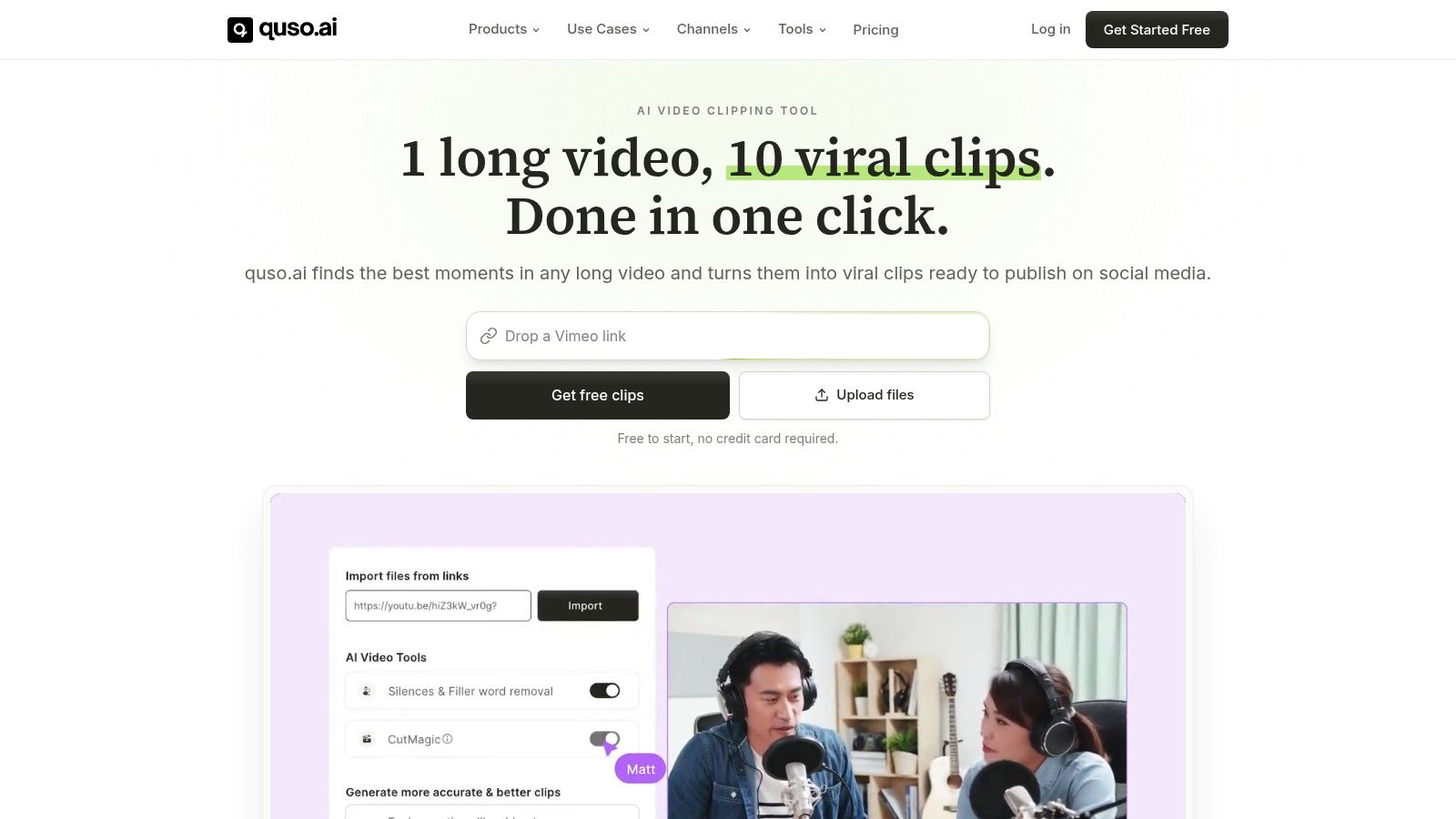
quso.ai is the tool to pick when the bottleneck is repurposing, captions, and scheduling. It serves creators, social managers, and B2B teams that already have long videos, podcasts, webinars, courses, or livestreams and need those assets turned into short clips ready to publish.
Its AI Clips Generator auto-detects shareable moments and scores them by Virality. That matters because the product is doing the hard part first, selecting clips that are worth publishing, not just trimming footage. Teams that live inside a content calendar need that kind of filter, because weak clips waste time fast.
The workflow stays practical after that. You get word-level animated captions in 99 languages (20+ in AI Clips), one-click filler-word removal, cross-platform scheduling for TikTok, Reels, Shorts, LinkedIn, Facebook, and X, plus text-based editing that feels closer to editing a document than fighting a timeline. The Brand Kit lock keeps output consistent when multiple people touch the same channel.
Practical rule: If your team publishes one long recording every week, start here before you buy a separate clipper, subtitle tool, and scheduler.
quso also makes sense as a stack reducer. It includes an AI Content Planner, social analytics, and integrations with YouTube, Zoom, and Google Drive, so you can keep more of the workflow in one place instead of stitching together disconnected tools. For a closer look at how the repurposing flow works, see the quso.ai repurpose video content guide.
The limitation is simple. quso.ai is strongest for turning existing content into distributed clips, not for polished long-form editing or heavy post-production. If your team needs a full studio editor, a separate tool still makes sense. If your goal is to publish more short-form video from assets you already have, quso.ai is the cleaner buy.
2. Vidyard
A sales rep sends a demo follow-up, and the question is not whether the prospect watched it, but whether that watch turned into a usable signal. Vidyard is built for that exact job. It gives GTM teams lead capture and contact-level measurement, so pipeline teams can see who watched, where attention dropped, and what to do next.
Its strongest features sit where marketing ops works. You get in-player lead gates, CTAs, forms tied to contact records, and CRM-connected reporting. Browser recording and basic editing are enough for fast follow-up videos, product walk-throughs, and account-based outreach, but they stop well short of a full creative suite. Vidyard measures attribution, and that is the right trade-off for teams that care more about revenue visibility than production polish.
Best for sales-adjacent video, not content factories
Vidyard fits when video is part of a funnel. Per-viewer heatmaps and account-level insights show engagement by viewer, and native integrations with HubSpot, Salesforce, and Marketo make routing practical. That is why teams buy it. The output can be measured in pipeline terms, not just engagement vanity.
Operator takeaway: Use Vidyard when the video has to qualify, route, or accelerate a deal. Do not force it to turn a webinar into 12 shorts.
The limitation is obvious. Editing stays basic, and many of the stronger features sit behind paid tiers. If your team needs clip generation, caption styling, or social scheduling, pair Vidyard with a repurposing tool instead of asking it to do that work.
3. Wistia
Wistia is the better choice when the viewing experience matters as much as the video itself. It’s built for brand-first hosting, clean presentation, and lead capture that feels native to the page.
The player does most of the work. Turnstile email capture, in-player CTAs, and branded Channels let you build a video hub that feels like part of your site instead of a pasted-in embed. For campaigns, webinars, evergreen libraries, and customer education pages, that matters more than raw editing power.
Built for branded libraries and conversion pages
Wistia also gives you viewer-level analytics and marketing integrations, so leads can move into the stack without developer help. That combination fits teams that want a polished home for content and do not want to build custom video infrastructure.
Use Wistia after editing is done. It is not a creator tool, and that is fine. If your main job is turning long recordings into social clips, Wistia sits downstream in the workflow. It hosts the finished asset and keeps the presentation clean, but it will not make the first cut for you.
Website: Wistia
Image: 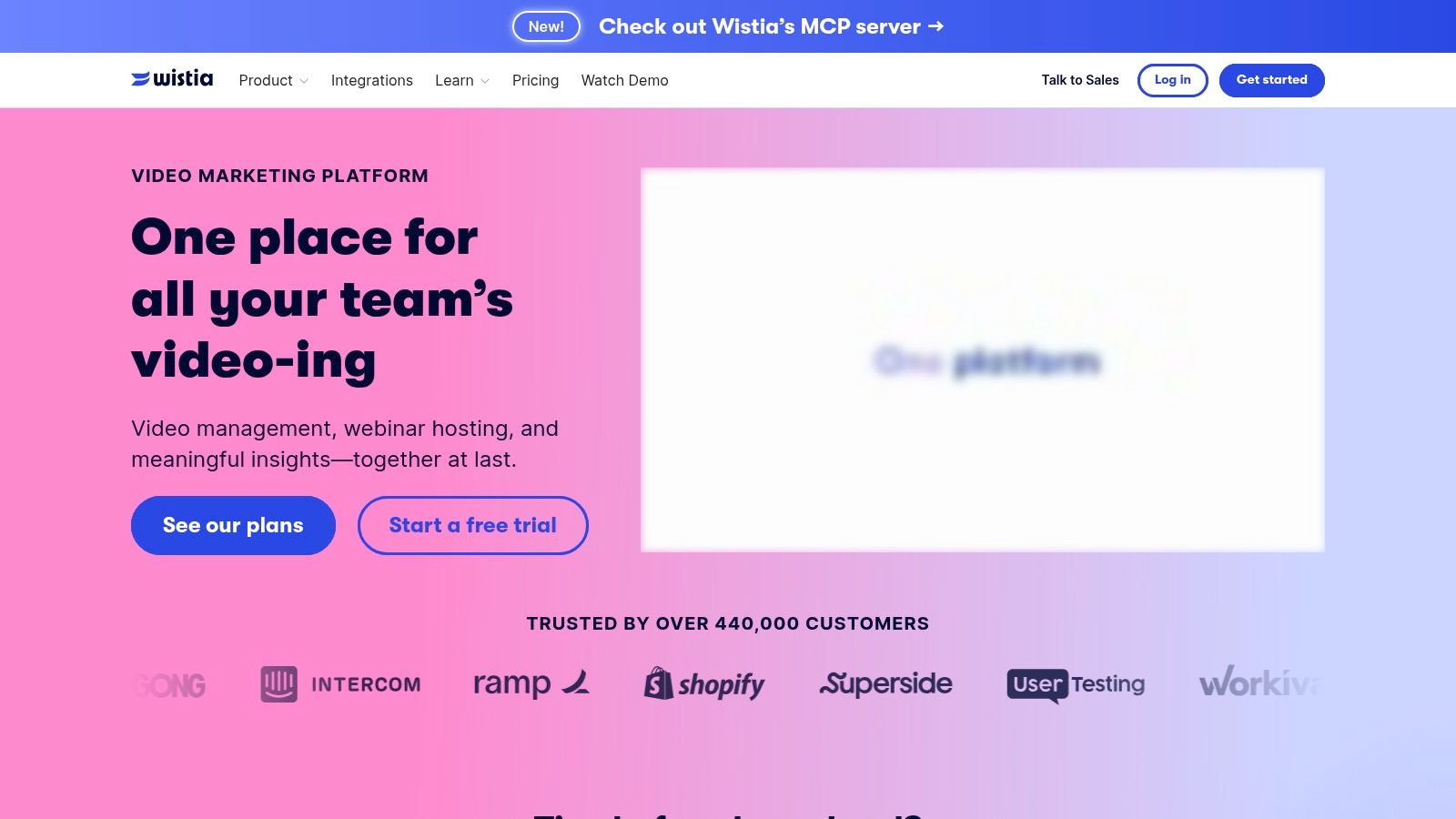
4. SproutVideo
SproutVideo is the practical SMB hosting option when you want marketing features without enterprise baggage. It gives you lead capture, post-play CTAs, SEO fields, engagement heatmaps, and a clean unbranded player without making setup a project.
That makes it useful for service businesses, SaaS teams, and agencies that need a straightforward video home for demos, webinars, and product videos. It doesn’t chase flashy creation features, it focuses on getting the hosted video to behave like a marketing asset.
Simple hosting that still supports lead flow
The biggest strength here is clarity. SproutVideo’s feature set is easy to understand, and the 30-day free trial is long enough to test your actual workflows instead of guessing from screenshots. If you want to send views into HubSpot, Zapier, Mailchimp, Keap, or Drip, it’s built for that kind of practical integration work.
The limitation is equally clear. SproutVideo is not trying to replace an editor or a clipping platform. It pairs well with one, and that’s the right mental model. Use it when your problem is hosting and conversion, not asset creation.
Website: SproutVideo
Image: 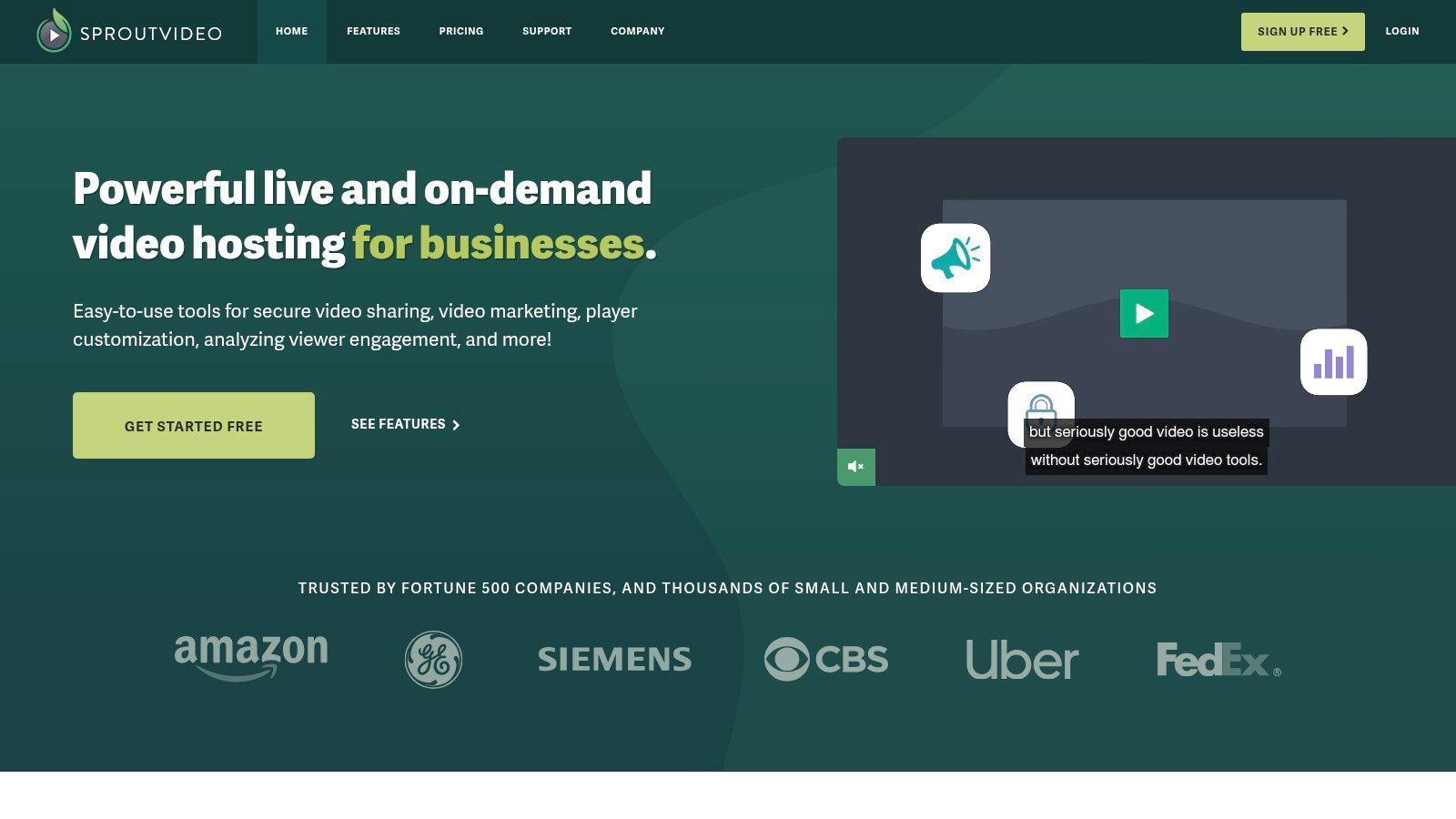
5. Brightcove Marketing Studio
Brightcove Marketing Studio is the enterprise answer for teams that need governance, global delivery, and deep integration control. It’s not the fastest tool to set up, but that’s not the point. The point is stability, compliance, and infrastructure that can survive many teams touching the same video program.
The player is built for performance at scale, and the platform leans into adaptive bitrate streaming, roles and permissions, SSO, and compliance support. The AI Suite and Campaign add-on are what make it relevant to marketers, especially when attribution has to flow into MAPs and CRMs rather than live in a silo.
The right pick when scale beats simplicity
Brightcove is the tool for large orgs that need multiple stakeholders, approval paths, and global distribution without compromising controls. That means more implementation effort and quote-based pricing, which makes it a poor fit for smaller teams.
If you’re a lean creator or a startup, skip it. If you’re in a regulated or complex environment and need a platform that acts like infrastructure, Brightcove belongs on the shortlist.
Website: Brightcove Marketing Studio
Image: 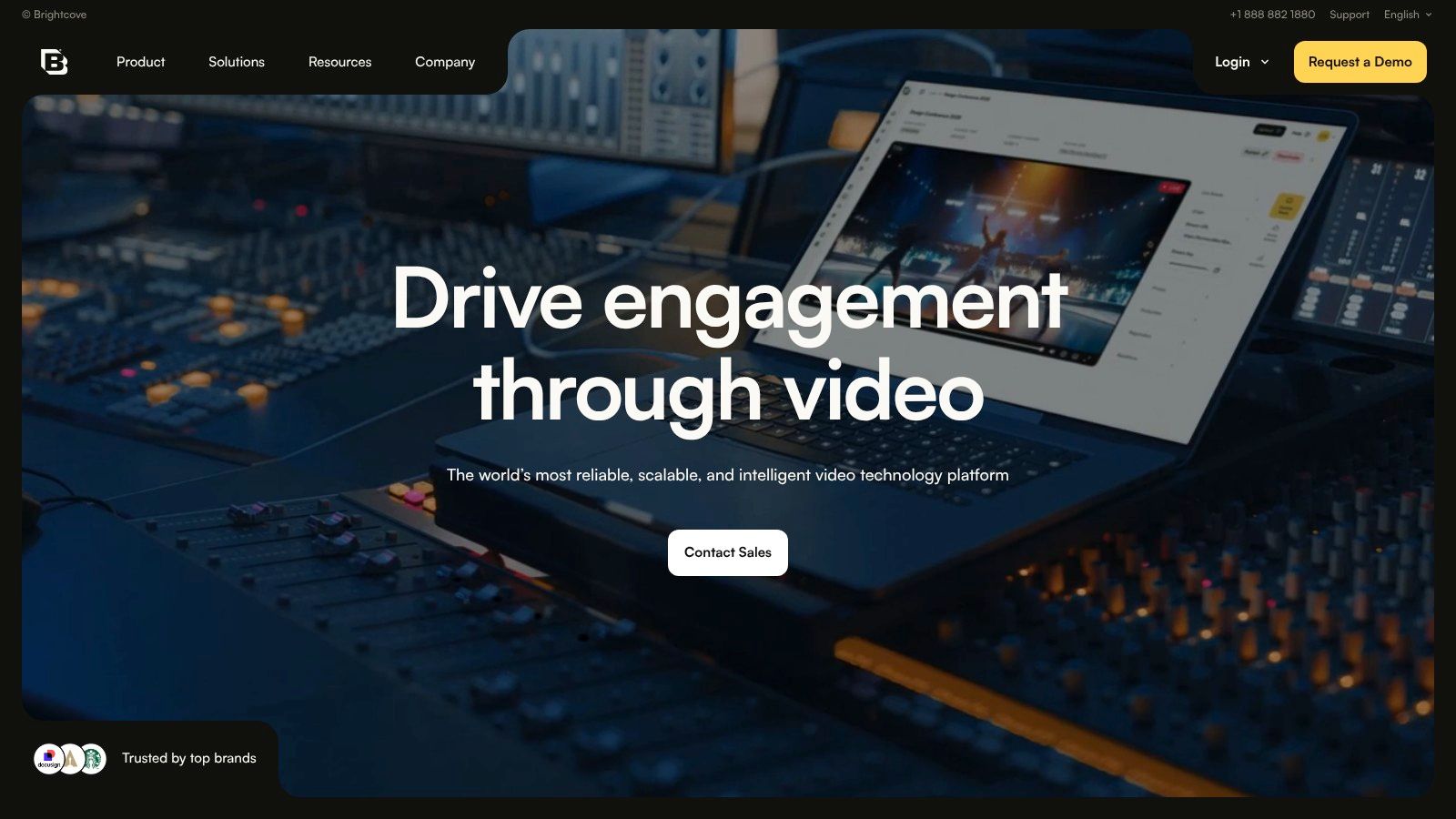
6. Sprout Social
Sprout Social is the right call when distribution and team workflow are the bottlenecks, not content production. It is a full social media management suite, so the value sits in publishing, scheduling, approvals, asset management, and reporting across channels.
For video teams, that means a finished clip can move into the calendar without bouncing between tools. Direct video publishing works where platform APIs allow it, and the calendar-based workflow is solid for social teams that need control more than novelty.
Good for social operations, not clip creation
Sprout Social’s reporting is the other reason to care. It gives you a way to compare paid and organic performance in the same environment, which helps if your video output has to support both content and demand generation. If your team needs to prove what video did across channels, that matters.
The trade-off is cost and flexibility. Per-seat pricing can climb, and platform API limits will shape what you can do with video. Use it when your team needs one place for approvals and publishing. Skip it if you expect a repurposing engine.
Website: Sprout Social
7. Buffer
Buffer is the tool I’d put on a small team’s shortlist first if the job is simple scheduling. It’s lightweight, predictable, and easy to teach to someone who doesn’t want to learn a complex social suite.
The scheduler, queues, basic analytics, and campaign tagging cover most of what individuals and small teams need for short video posts. It also has a straightforward pricing model by connected channel, which is a real operational advantage when you don’t want surprises.
Best when you already have the content
Buffer’s weakness is the same thing that makes it approachable. It’s lighter on analytics and doesn’t host long-form video. That means it should sit next to a repurposing or hosting tool, not replace one.
For teams that mainly need to publish clipped content and keep the calendar moving, it’s a clean choice. For teams that need deeper measurement or integrated video creation, it will feel too thin.
Internal link: Buffer review for social media managers
Website: Buffer
8. vidIQ
vidIQ is for YouTube teams that want growth help inside the platform where the audience lives. It’s focused on keyword research, SEO scoring, competitor tracking, and channel audits, which makes it much more relevant for YouTube-led creators than for multi-network marketers.
The browser extension is the practical advantage. It keeps the optimization workflow close to the work, titles, tags, ideas, and channel performance all sit in the same operating context.
Good for YouTube strategy, weak for everything else
vidIQ is strong when YouTube is your primary distribution engine. It helps you find topics, tune metadata, and make channel decisions without leaving the platform.
The drawback is obvious. It’s narrow. If you need cross-platform scheduling, clip generation, or hosting, vidIQ won’t carry the stack. Use it for YouTube growth, then pair it with a repurposing tool for the social distribution side.
Website: vidIQ
Image: 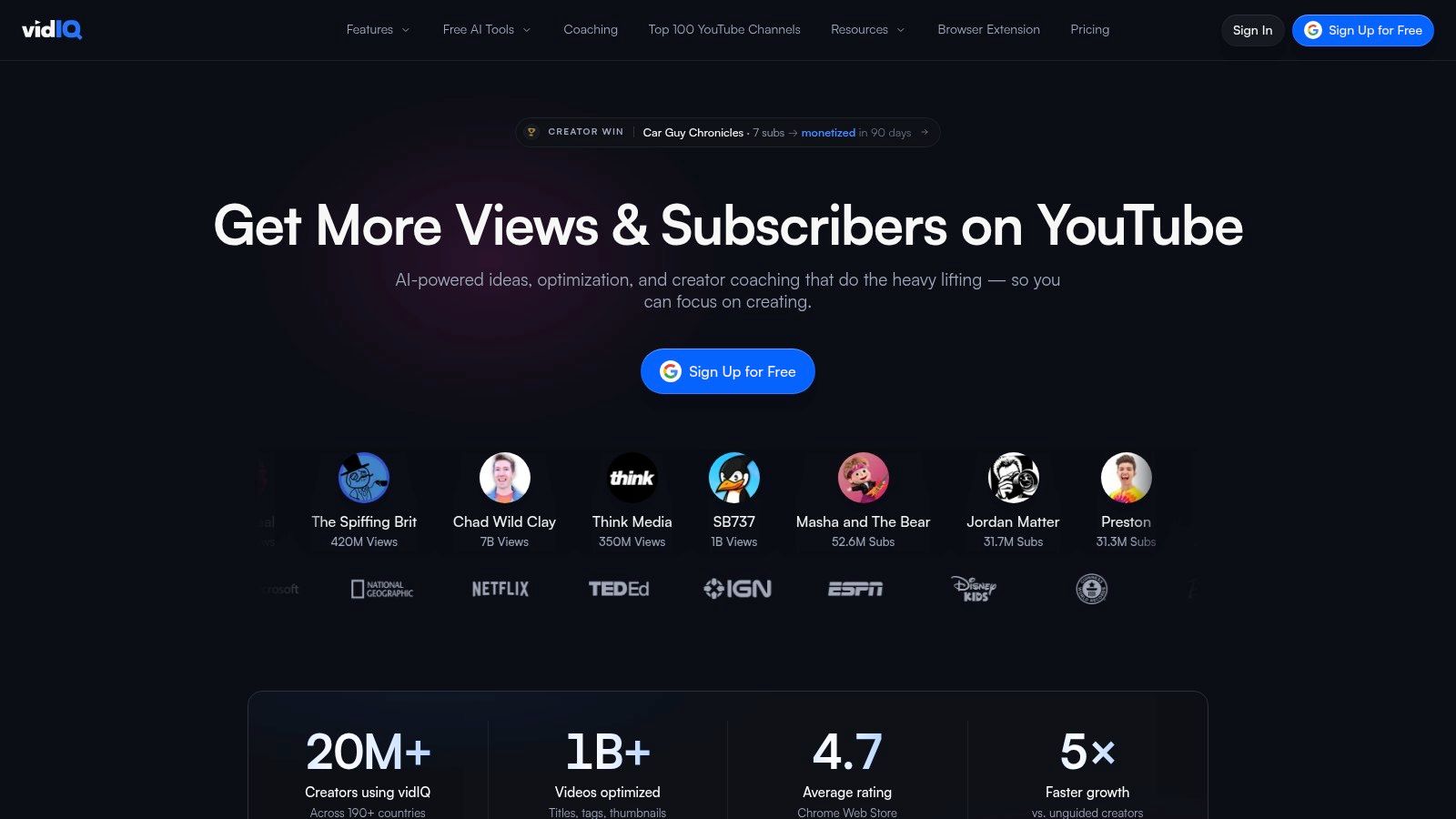
9. Descript
Descript is the right choice for teams that edit from transcripts and need to move fast. It is a text-based editor built for filler-word removal, dead-air cleanup, and captioned repurposing, so it beats timeline-first editing for spoken content.
Podcasters, educators, and talking-head creators keep it in the stack for a reason. Raw recordings turn into social-ready cuts quickly, and the transcript stays the control surface instead of the timeline.
Fast repurposing for spoken-word content
Descript also includes screen and webcam recording, multitrack editing, and AI voice options, so it handles more than basic cleanup. That makes it useful for teams that record, trim, and publish from the same workspace. The main benefit is speed. If most of your content is spoken-word, Descript saves time every week.
The trade-off is clear. It is the wrong tool for complex motion graphics or cinematic edits. Use it for assembly, captions, and quick turns, then stop there.
Website: Descript
Image: 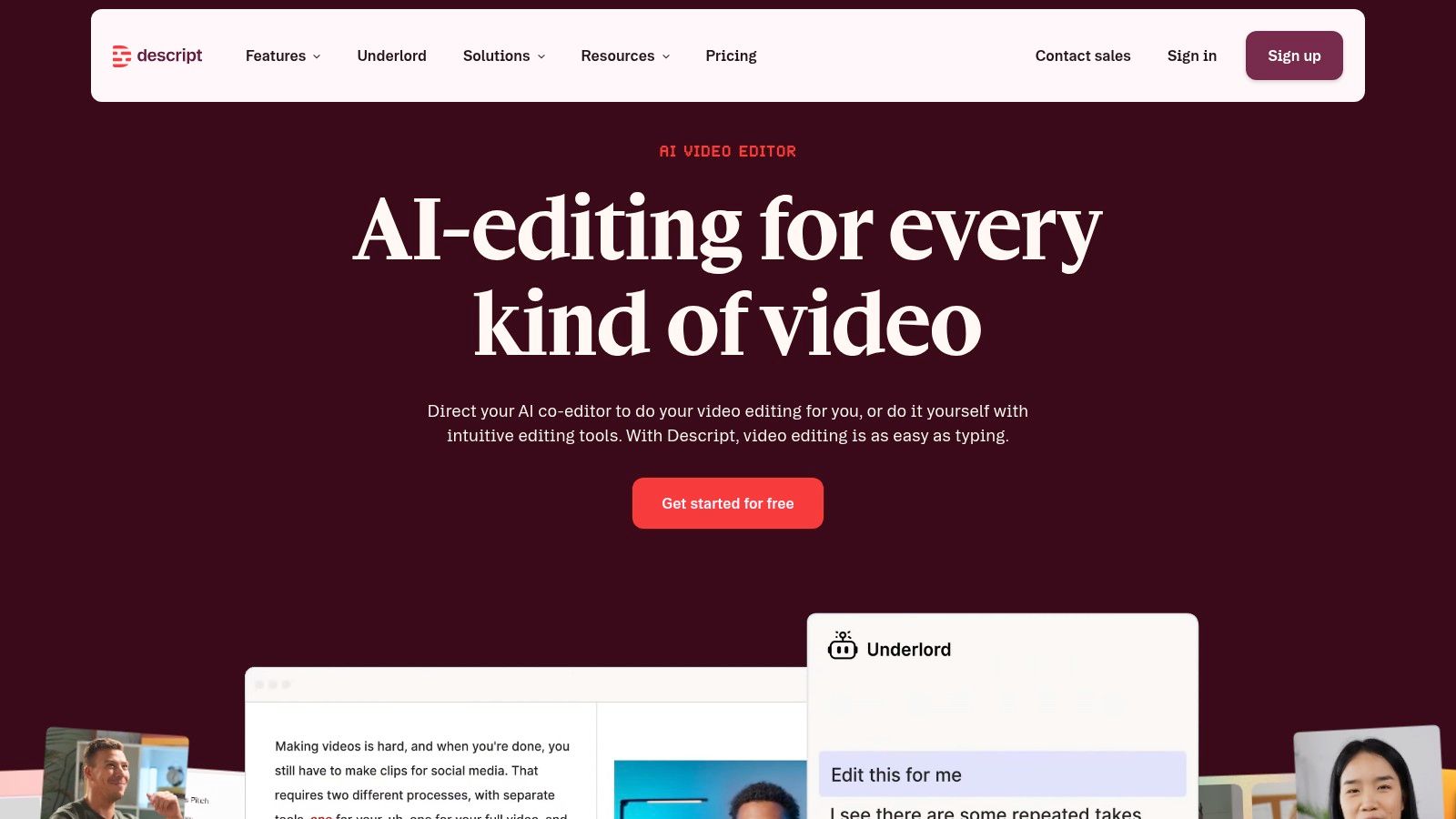
10. VEED
VEED is the browser-based pick for teams that want speed, captions, and social-friendly clipping without installing desktop software. Its auto-subtitles, translations, and long-to-short Clips workflow make it especially useful for TikTok, Reels, and Shorts.
The editor is approachable, and the subtitle styling tools are good enough for fast-turn social content. For creators and managers who need a quick path from footage to post, VEED gets out of the way.
Best for short-form output and caption-first workflows
The biggest reason to use VEED is accessibility and reach. Captions are baked into the workflow, and the translation features are useful when you publish in more than one market. The browser experience is also easier for teams that want minimal setup.
The limit is that it’s still a browser editor. Heavy edits can feel cramped, and you need to watch the plan limits closely. Use VEED for short-form clipping and caption work, not for complex production.
Internal link: VEED alternative comparison
Website: VEED
Image: 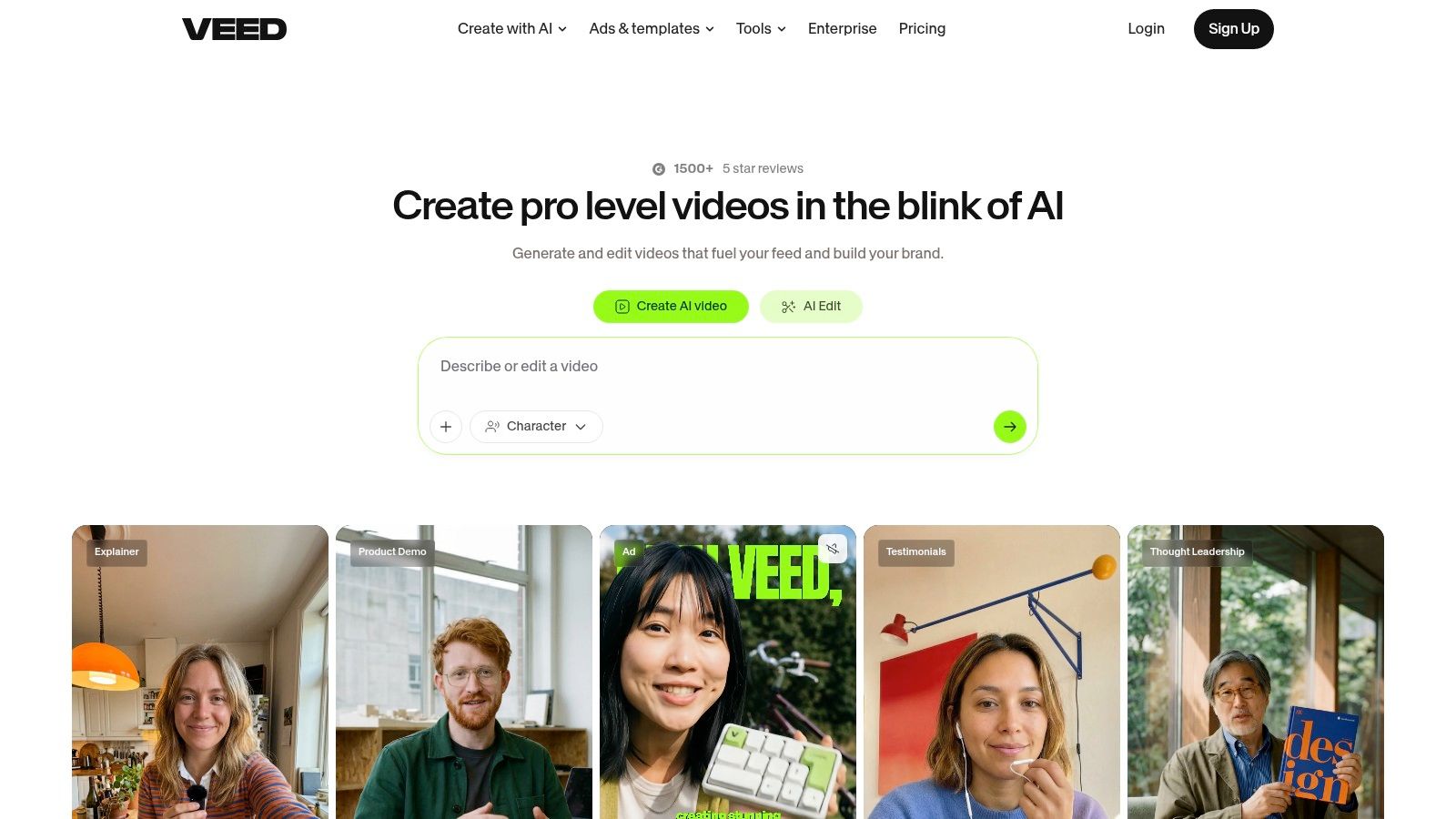
Top 10 Video Marketing Tools Comparison
| Tool | Core features | UX & quality | Value proposition (repurpose / caption / schedule) | Best for | Pricing / Notes |
|---|---|---|---|---|---|
| quso.ai | AI Clips Generator, word‑level captions (100+ langs), filler‑word removal, text‑based editor, Brand Kit, cross‑platform scheduler, integrations | Fast one‑click outputs; auto-captions strong (quick human review advised); Virality scoring (based on analysis of 170K+ posts across 1,100+ creators) | End‑to‑end repurpose → caption → schedule workflow; replaces multiple tools. Try quso.ai’s AI Clips Generator, get started free. Repurpose guide | Solo creators, podcasters, social managers, agencies, small content teams | Free starter tier; paid plans from $29/mo; replaces ~$300+/mo across six tools |
| Vidyard | Hosting, per‑viewer heatmaps, in‑player CTAs/forms, CRM/MAP integrations, browser recorder | Contact‑level analytics for ABM; basic editing for quick turnarounds | Best for marketing/sales video + lead capture and CRM attribution (not focused on batch repurposing/captioning) | Sales & GTM teams, demand gen | Paid tiers; enterprise features gated behind higher plans |
| Wistia | Branded channels, turnstile captures, viewer analytics, marketing integrations | Polished, brand‑first viewing experience; simple setup | Branded video hub + lead flow into marketing stack; not a full repurposing scheduler | Campaigns, webinars, evergreen content libraries | Pricing scales with assets and team size |
| SproutVideo | Lead gates, post‑play CTAs, engagement heatmaps, SEO fields, marketing integrations | Clean unbranded player; SMB‑friendly UX | Marketing‑centric hosting with lead capture; pairs with external editors for clip creation | Small‑to‑mid marketing teams, SMBs | 30‑day free trial; affordable SMB plans |
| Brightcove Marketing Studio | High‑performance player, ABR streaming, AI Suite, Campaign add‑on, SSO & governance | Enterprise‑grade reliability; requires implementation | Enterprise delivery, compliance, and deep MAP/CRM attribution at scale | Large organizations with global delivery & security needs | Quote‑based pricing; can be costly for smaller teams |
| Sprout Social | Multi‑network calendar, scheduling/approvals, analytics, asset library, team workflows | Consolidated publishing and reporting; enterprise governance | Full social management (publishing + analytics); not specialized in clip virality or auto‑captions | Social teams, agencies, enterprise comms | Per‑seat pricing; 30‑day trial available |
| Buffer | Multi‑network scheduler, queues, campaign tagging, basic analytics | Lightweight, predictable UX; easy onboarding | Affordable cross‑platform scheduling; pairs with repurposing/captioning tools | Individuals, small teams, freelancers | Channel‑based pricing; predictable tiers. quso Buffer review |
| vidIQ | YouTube keyword research, SEO scoring, competitor tracking, channel audits | Strong in‑platform extension UX; YouTube‑first workflows | YouTube growth & SEO optimization; not multi‑platform repurposing | YouTube creators and channel managers | Tiered plans with credit/usage limits |
| Descript | Automatic transcription, filler‑word removal, text‑based editor, multitrack recording, Overdub | Fast transcript‑driven edits; great for talking‑head & podcast repurposing | Rapid clipping & captioning workflows; pairs with schedulers for distribution | Podcasters, educators, creators focused on talking‑head content | Tiered plans; credits/limits for AI/TTS features |
| VEED | Auto‑subtitles & translations (100+), long→short clips workflow, subtitle styling, web + iOS editor | Fast browser editor; strong captioning & translation UX | Quick social clipping & captioning in browser; less comprehensive scheduling/integration | Social teams needing quick edits and translations | Check export/usage caps (monthly vs annual). quso VEED alternative |
Build a Video Marketing Stack That Ships Every Week
The right stack is boring on purpose. One tool should help you repurpose and caption, one should host or schedule, and one should only exist if YouTube growth or lead capture is a real bottleneck. That’s the lesson teams learn after paying for too many overlapping subscriptions.
The workflow split is the cleanest way to choose. If you start with a long webinar, podcast, founder update, or customer interview, use a repurposing engine first. If you need a branded home for finished assets or a measurement layer tied to contacts, add hosting or analytics second. If your main output is social distribution, schedule from a tool built for that job instead of forcing a host to behave like a planner.
A simple stack usually beats a crowded one. For many creators and B2B teams, that means one repurposing tool, one scheduler, and one host or analytics tool. The mistake is trying to make one platform do everything, then living with weak clips, inconsistent captions, and a calendar that never quite fills up.
FAQ
What is the best video marketing tool for small teams?
The best fit is the one that cuts the most handoffs. For small teams that repurpose long-form content into shorts, a tool like quso.ai is the strongest starting point because it combines clipping, captions, and scheduling in one workflow.
Are there free video marketing tools worth using?
Yes, but the best free option depends on the job. Free tiers are most useful for testing a workflow before you commit, especially if you need to verify whether repurposing, captioning, or scheduling is the bigger bottleneck.
How do I repurpose long video into shorts without wasting time?
Start from the long video, identify the strongest moments, add captions, trim filler, and schedule the clips in one pass. A repurposing-first workflow is faster than editing each short from scratch.
How accurate are auto-captions for marketing videos?
They’re good enough for a fast workflow, but they still need a human pass for brand names, product terms, and compliance-sensitive messages. Auto-captions save time, but they shouldn’t be the last review layer.
Should I compare quso.ai with other AI clip tools before choosing?
Yes, if you’re deciding between similar clipping platforms, read the quso.ai vs. Crayo review to see how the workflow and use case differ.
If you’re running a podcast, webinar, or founder channel, stop chasing a giant stack and tighten the process. Pick two core tools, ship weekly, and keep iterating until your clips, captions, and distribution work together.
quso.ai turns long video into short, captioned clips you can schedule without dragging three other tools into the workflow. If your team needs a clean way to repurpose webinars, podcasts, or founder videos into consistent short-form posts, start with quso.ai and build from there.





