10 Video Content Tools for Creators in 2026

The best video content tools depend on the workflow, and quso.ai is the strongest all-in-one pick for turning long videos into captioned, scheduled short-form content. The decision is whether you need one platform that handles repurposing, captions, resizing, and publishing, or a narrower tool for recording, transcript editing, or distribution.
video content tools work best when you map the path from Record or Import → Edit → Repurpose → Caption → Resize → Schedule before you buy. If you skip that step, you usually end up with overlapping subscriptions, extra exports, and too much manual cleanup in the middle of the pipeline.
Start with the workflow, not the feature list. A long interview, webinar, or podcast has to be trimmed, clipped, subtitled, formatted for vertical video, and published with the right copy for each platform. That means the practical questions are simple. Who finds the best moments, who fixes the transcript, who handles platform safe zones, and who presses publish?
For a quick check on fit, keep this workflow in mind and compare each tool against the step it removes from your stack.
Record or Import → Edit → Repurpose → Caption → Resize → Schedule
A lot of teams also miss a simple publishing risk. Whenever captions or dimensions change, check platform safe zones so text doesn’t sit under UI overlays. That’s the mistake that makes a solid clip look sloppy on mobile.
Before publishing a comparison post, check whether quso already has a near-duplicate article on the topic. If one exists, flag it instead of creating a competing URL. While drafting, add 2 to 3 relevant internal links to other quso pages so the article supports the broader repurposing workflow.
Table of Contents
- 1. quso.ai
- 2. OpusClip
- 3. Munch
- 4. Descript
- 5. VEED
- 6. Kapwing
- 7. Repurpose.io
- 8. Riverside
- 9. Buffer
- 10. Captions
- Top 10 Video Content Tools, Feature Comparison
- Choose the Smallest Stack That Ships
1. quso.ai
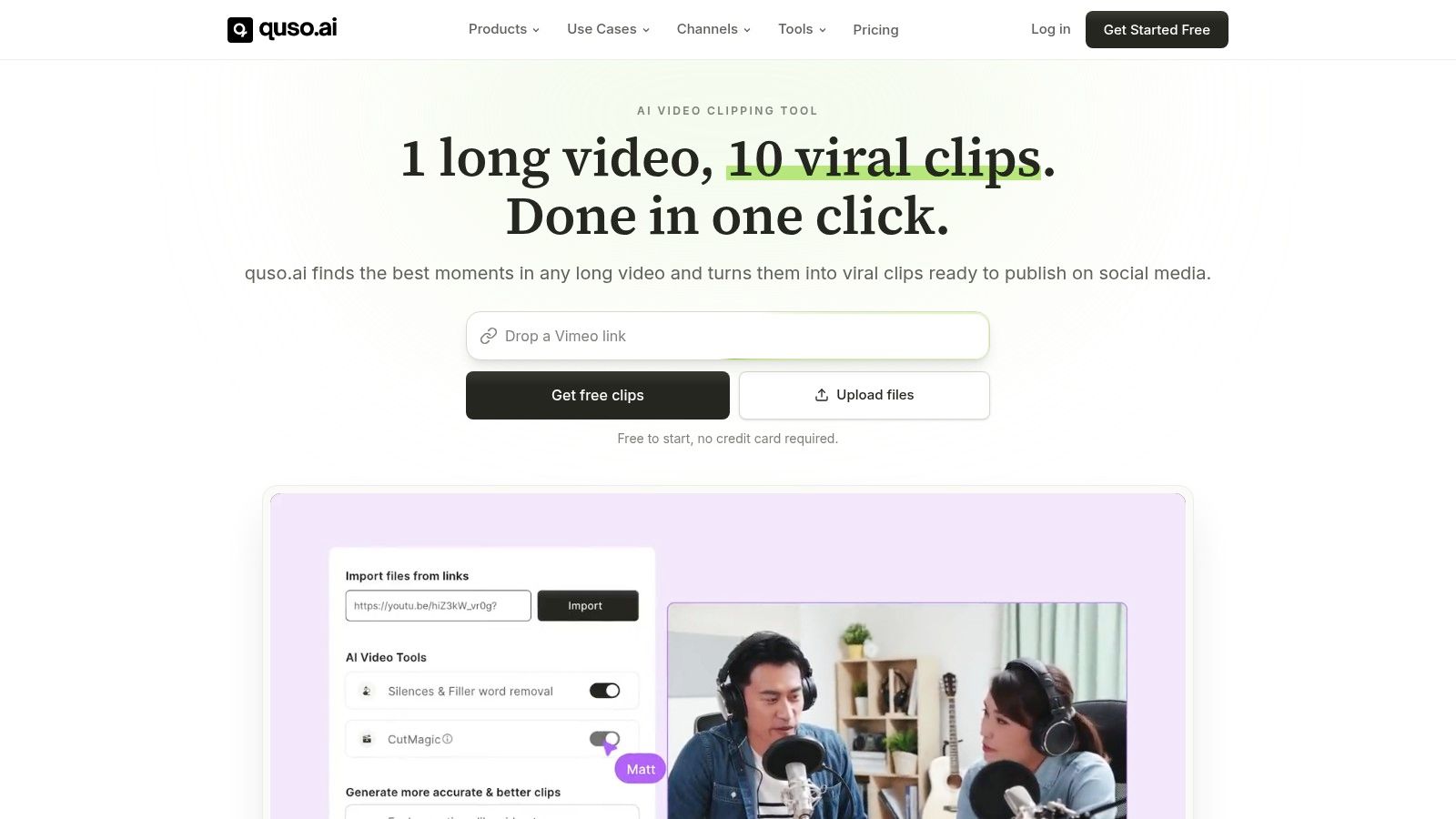
quso.ai is the cleanest fit when one team needs repurposing, auto-captions, resizing, and scheduling without bouncing between separate tools. It’s built for long-form video and podcast workflows, then turns that source material into short clips you can publish across platforms from one place. The product homepage shows the platform focus directly, so the fit is clear for creators and B2B teams who want fewer handoffs and faster output. quso.ai | video content tools
Why it reduces production friction
The big advantage is consolidation. Instead of using one tool to clip, another to caption, another to resize, and a fourth to schedule, the whole short-form pipeline stays in one dashboard. That matters because video editing software demand keeps rising, with the global market estimated at USD 3.09 billion in 2023 and projected to reach USD 5.13 billion by 2032, implying 5.8% CAGR over 2024 to 2032 (source).
It also fits the way teams publish. Wistia’s caption research found that videos with captions had 40% higher total views than videos without captions, and captioned videos were watched longer on average (Wistia referenced in verified data). On mute-first channels, captions aren’t decorative. They’re part of distribution.
Practical rule: if your workflow starts with a 45-minute recording and ends with a week of social clips, use the tool that handles the most steps before you hand anything off.
What still needs human review
Automation helps, but it won’t make every clip publish-ready. AI-picked moments still need a human pass for brand nuance, timing, and context, especially in B2B content where the best quote isn’t always the most clickable quote. If your team needs deep motion graphics or highly customized frame-by-frame edits, a specialist editor may still sit outside the stack.
That said, quso.ai’s appeal is obvious for teams that care about speed and consistency. The platform’s virality-first clipping approach is built around prioritizing moments that are more likely to work as short-form content, which makes it a strong default for creators, podcasters, and social media managers who repurpose at volume. For a practical starting point, try repurposing one long recording into multiple clips, then schedule them from the same place.
2. OpusClip
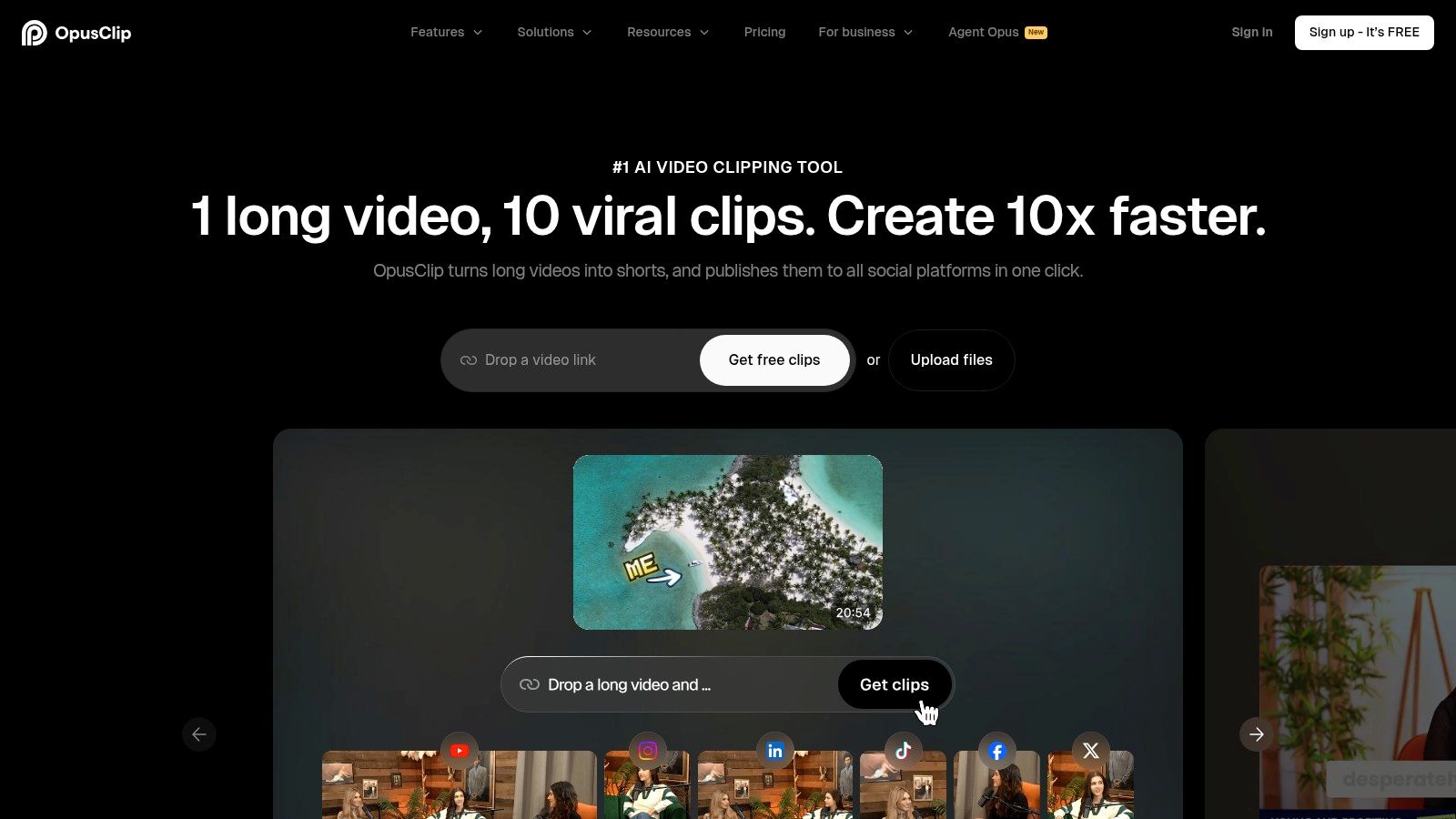
OpusClip is best when the job is simple, fast repurposing of long videos into short clips. It’s a web-based option that focuses on one part of the workflow well, which is why many teams use it as a straight-ahead shorts engine rather than a full production hub. OpusClip
Where it fits and where it stops
Its strongest value is speed. Topic detection, highlight detection, auto-reframing, and dynamic captions reduce the time it takes to get a talking-head clip into a social-ready format. For creators who need a fast baseline rather than a precisely controlled edit, that’s enough to ship.
The trade-off is control. OpusClip works best on straightforward spoken content, and it gives you less room than a traditional editor when a project needs more nuance. That’s fine if your main goal is to move quickly. It’s not fine if the clip needs careful pacing, multi-layer storytelling, or heavy visual correction.
Use it when you want a quick clip factory, not a full content studio. If your workflow depends on detailed edits before publishing, the time saved at the clipping stage can disappear later in review.
Best use case
It’s a good fit for creators who already know which recordings are worth mining and just need a quick way to find the usable moments. If your team’s bottleneck is selection and formatting, not recording or distribution, OpusClip solves a real problem.
3. Munch
Munch is the better pick when you need both video clips and channel-specific copy from the same source file. It’s useful for B2B teams because the output isn’t limited to short-form video. It also helps create post copy, descriptions, threads, and carousel-style text assets, which reduces the second job many teams forget about after clipping. Munch and a deeper breakdown is available in the quso review of Munch, Get Munch AI for video repurposing
Why it helps B2B social teams
The main advantage is that it thinks past the clip. A repurposed video is only part of the deliverable set for a social manager. Someone still has to write the post, adapt the angle for LinkedIn or X, and make the description sound native to the channel. Munch cuts down that follow-up work.
That matters because video workflows are shifting toward recurring SaaS habits, not one-time desktop ownership. Paid users in the video editing market were estimated at 43 million in 2023 and 48.22 million in 2025, while annual subscription value rose from about USD 4.52 billion to USD 5.59 billion (source). The market is clearly rewarding tools that compress several jobs into one workflow.
Where human QA still matters
The text generation side is useful, but it still needs review. Tone can drift, a clip can get framed around the wrong angle, or a post can sound too generic for a specific audience. That’s not a flaw unique to Munch, it’s the normal trade-off with AI-assisted repurposing. The shortcut is worth it if someone on the team still signs off before publishing.
4. Descript
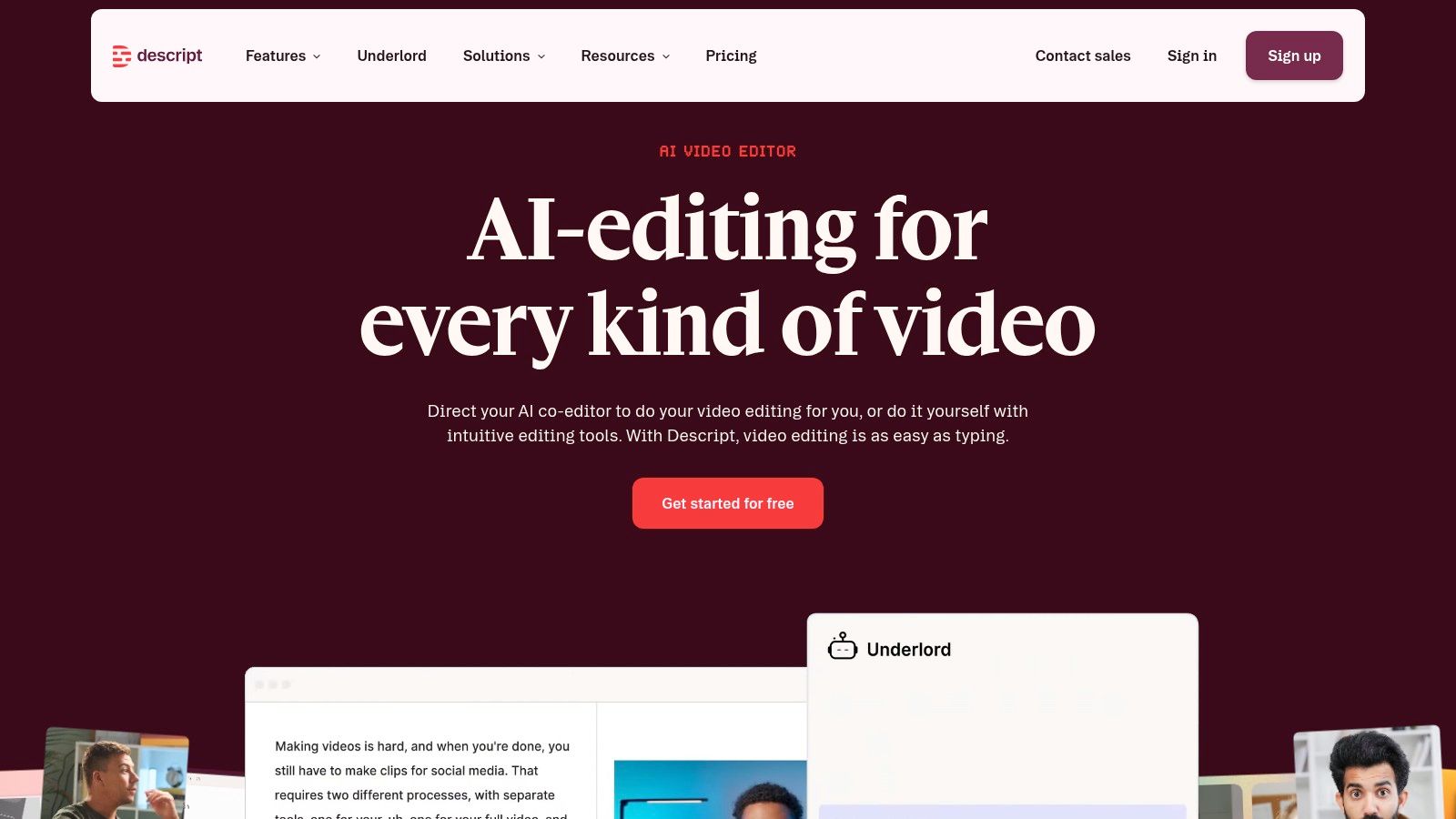
Descript is the strongest option when source recordings need cleanup before social distribution begins. Teams that work from podcasts, interviews, webinars, or screen recordings often use it as the transcript-centered editing layer before anything gets repurposed. Descript
Best for transcript-first workflows
Editing by transcript is the reason people keep it in their stack. If your team thinks in spoken paragraphs instead of timeline markers, Descript removes a lot of friction. Screen recording, multitrack work, filler-word cleanup, and captions make it practical for teams that produce a lot of talking content.
That fit depends on transcript quality, so it makes sense to test transcription software performance before you rely on any transcript-heavy workflow. In a large user study of AI-generated video tools, 1,527 valid responses were analyzed out of 1,535 completed questionnaires, and the study measured familiarity, usage frequency, satisfaction, data-security concerns, price acceptance, ease of use, functionality, and template quality (source). Those are workflow signals, not vanity features. They point to usability and template quality as drivers of repeat use.
Descript is easiest to trust when the source recording needs cleanup before repurposing, not after.
What it doesn’t replace
It still does not replace a full social publishing system. You can use it to prepare content, but a team that wants clip selection, caption styling, resizing, and scheduling in the same place still needs something else downstream. Descript works best as the editing hub, while quso.ai is the kind of layer that can consolidate repurposing, captions, and scheduling once the raw recording is ready.
5. VEED
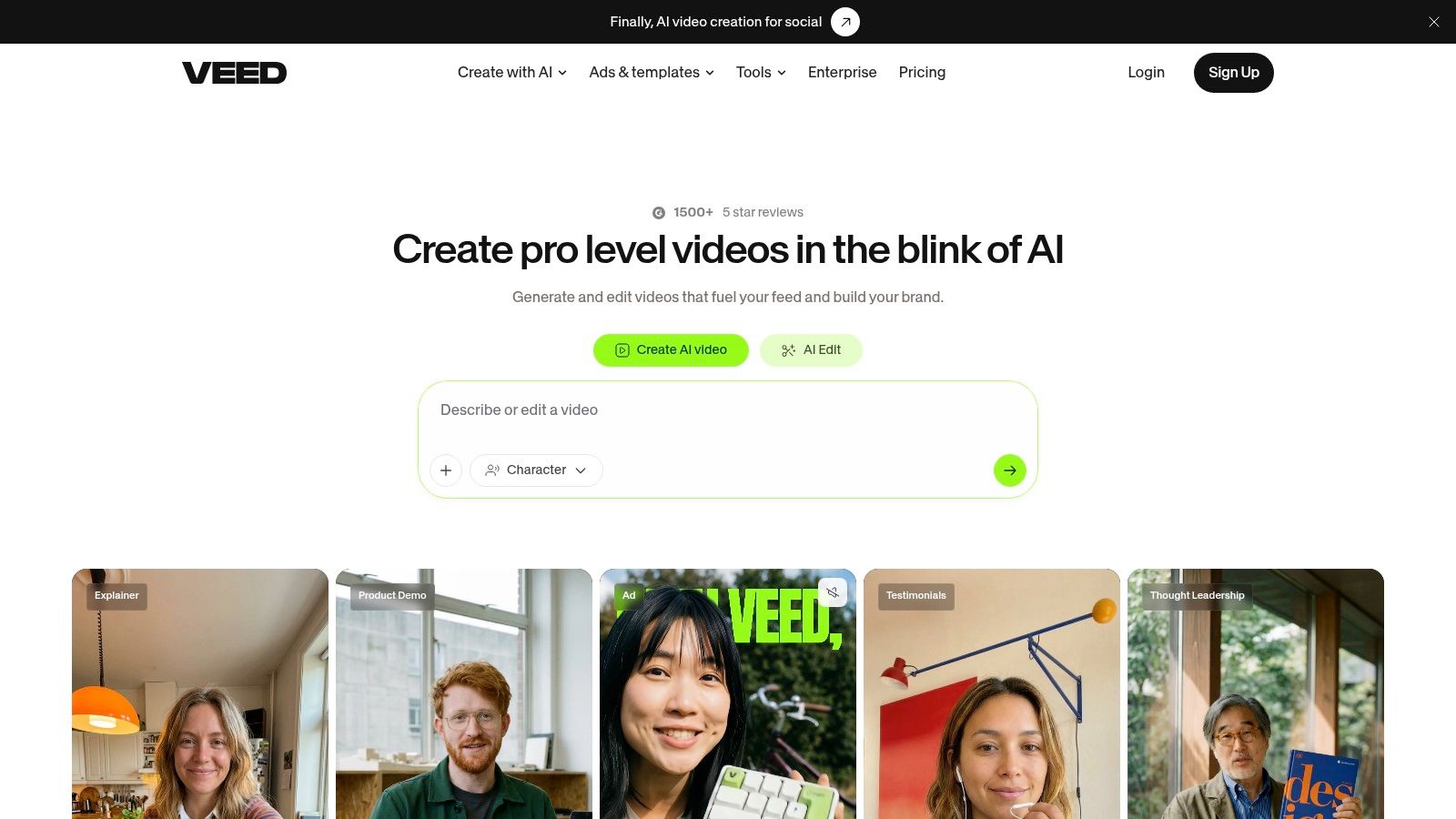
VEED is the browser editor teams choose when fast turnaround matters more than desktop-style control. Its auto-subtitles, templates, brand kits, and translation tools fit social workflows that need speed and consistent output. VEED
Where VEED is strong
The main advantage is accessibility for non-technical users. Teams can open a project, add subtitles, apply a branded style, and export with little training. That makes VEED practical for agencies and marketing teams that need multiple people to touch the editor without slowing production.
Captions are the clearest use case. Silent viewing and accessibility demand real subtitle quality. AbilityNet says up to 85% of content is watched without sound by choice, and it also says YouTube’s automatic captions are enabled by default on uploads, with accuracy ranging from 50% to 80% depending on audio quality (source). A browser editor with solid subtitle tools removes a lot of manual cleanup.
The trade-off
The free plan limits exports and features, and the browser-first workflow still gives less precision than a dedicated pro editor. That works for social content where speed is the priority. It falls short when each project needs detailed visual correction.
6. Kapwing
Kapwing works well for teams that want browser speed with hands-on control over the repurposing flow. It handles auto-subtitles, Smart Cut, background removal, and collaboration, so social teams can standardize a repeatable clip format without giving up review before export. Kapwing and a fuller evaluation is available in the quso review of Kapwing, Kapwing review
Why teams keep it around
Kapwing removes a lot of the awkward middle steps. Dead air cleanup, caption styling, and social variants usually eat time when editors do them one by one. For teams shipping many clips, that saved time matters.
Short-form delivery also rewards clean formatting. A benchmark summary reported average engagement rates of 5.91% for YouTube Shorts, 2.80% for TikTok, and 0.65% for Instagram Reels in the same comparison set (source). The practical takeaway is simple. Platform-specific hooks and formatting deserve human attention, even when the editing is automated.
What to watch
The free plan is limited, and the watermark can block public use. Kapwing fits teams that value browser convenience and repeatable outputs, while still keeping a person in the loop for clip choice, final wording, and export checks. For teams comparing repurposing stacks, this Kapwing review gives a clearer sense of where it saves time and where the workflow still needs manual review.
7. Repurpose.io
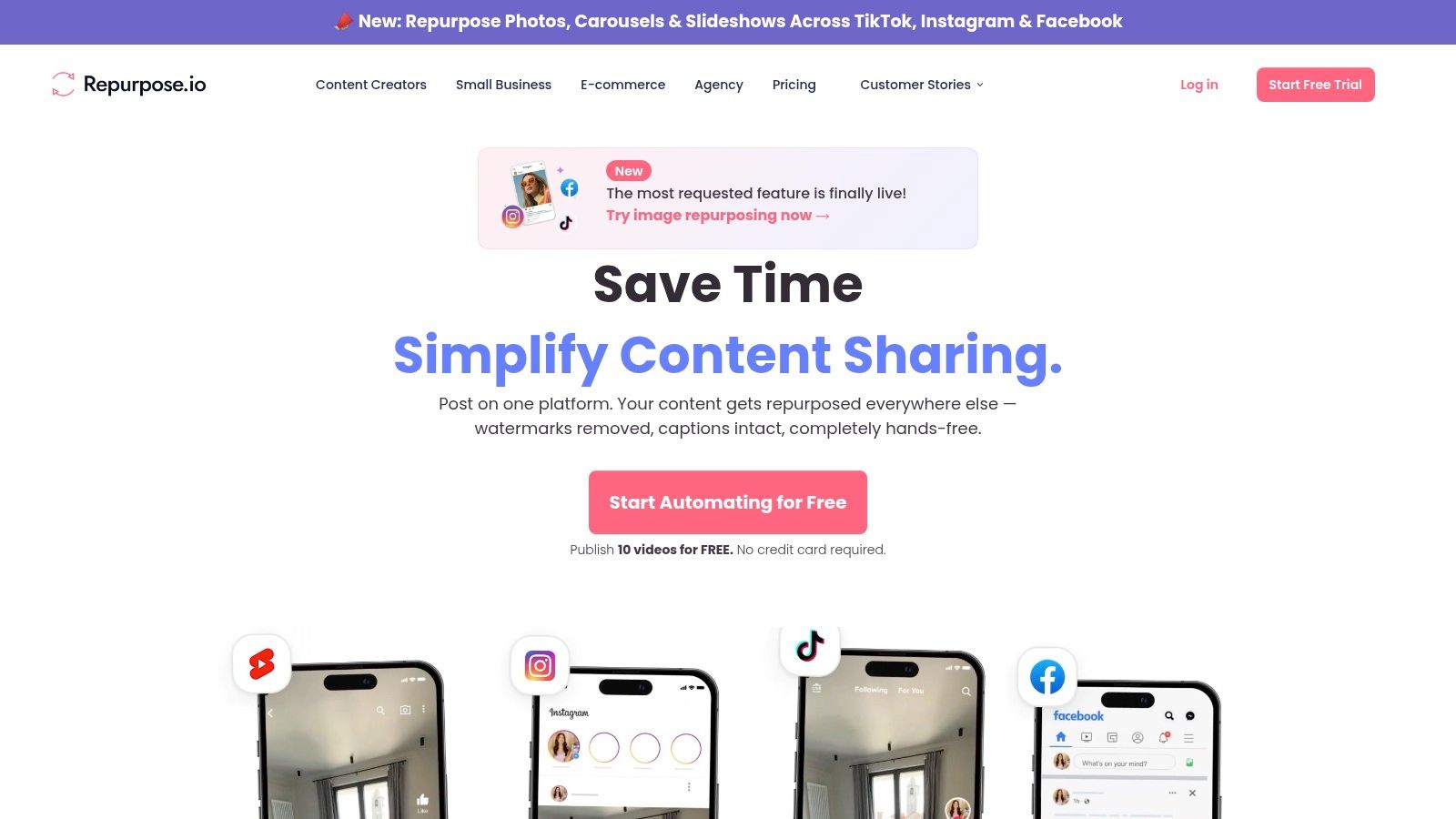
Repurpose.io automates uploads, conversions, and cross-posting for content that is already edited and captioned. It keeps the distribution layer moving after the creative work is done. Repurpose.io
Best used after editing is done
That boundary matters. Repurpose.io removes repetitive publishing work, but it assumes the clip, captions, and layout are already ready for export.
Use it once your team has a finished content pipeline and the bottleneck is getting the same asset onto several platforms. The gain is consistency and less manual posting. It does not help choose the right moment to cut or fix weak creative decisions, so teams still need human review upstream.
Operational fit
It suits podcasters, livestream hosts, and creators who publish the same content in multiple places. Setup takes care, especially if each destination has different formatting rules. After that, it becomes a practical set-and-forget layer that saves time without touching the edit itself.
8. Riverside
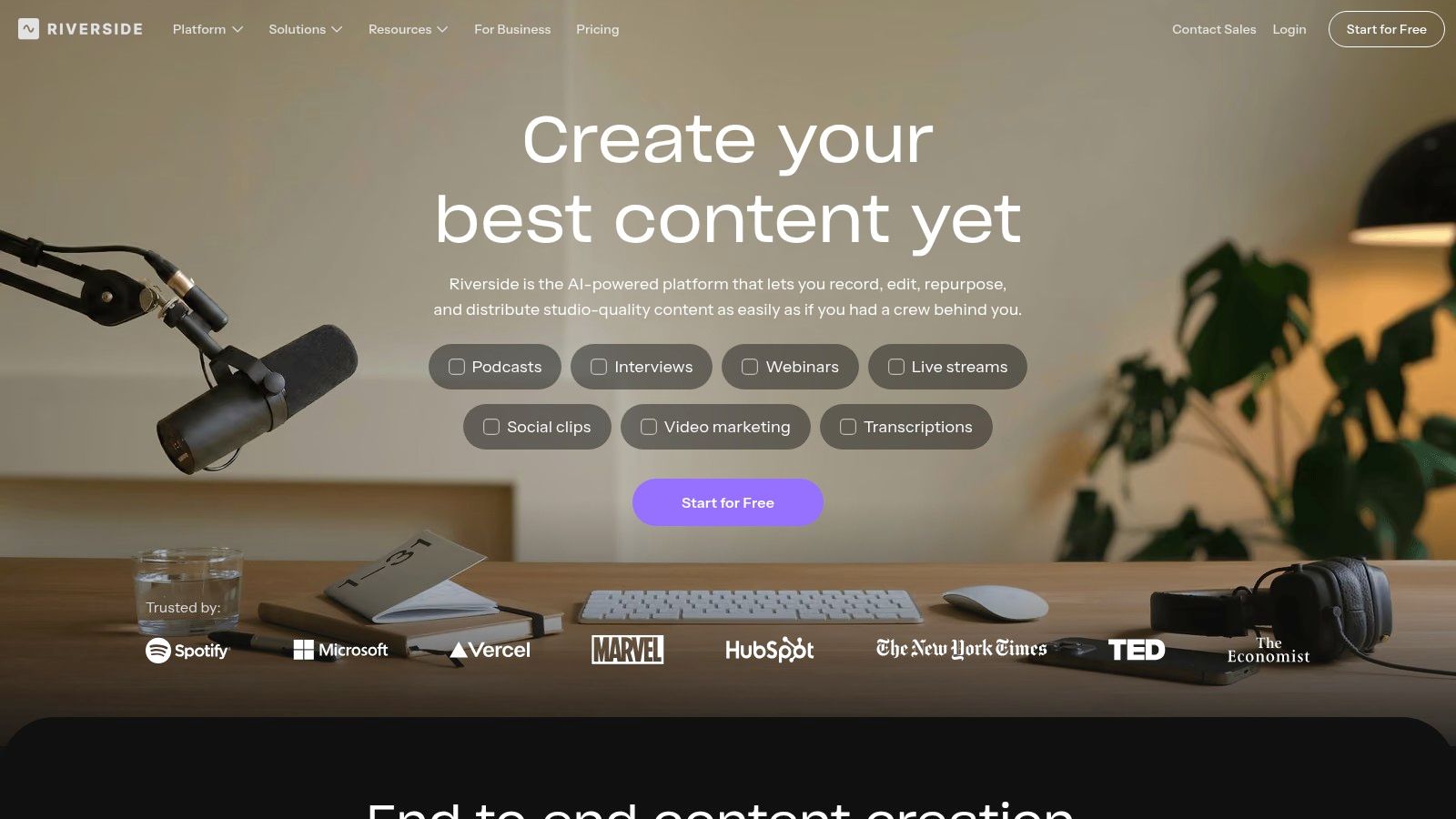
Riverside captures remote guests in lossless multi-track quality, giving podcasters and interview shows a clean source file to repurpose later. It keeps each participant on separate tracks, so editors have more control when they cut, clean audio, or pull quotes for social. Riverside
Why recording quality affects the rest of the stack
Good clips start with good source files. Clean audio makes transcripts easier to trust, and separate tracks reduce repair work when you turn a long session into shorts. Riverside fits at the top of a repurposing workflow, before the edit gets complicated.
Its Clips feature helps teams pull short-form moments from longer sessions without leaving the recording environment. That matters for interview-led content, where the strongest clip is often inside a long conversation and needs quick handling before it gets published elsewhere.
The limitation
Riverside is a capture tool. Editing, branding, caption styling, and scheduling still need to happen in other tools.
9. Buffer
Buffer provides calendar control, drafts, approvals, and analytics for teams that already have prepared clips and need a clean way to queue them for publishing. It fits the final handoff stage, where the edit is done and the main task is keeping posting organized across people and channels. Buffer and a detailed breakdown is available in this Buffer review
Where it’s useful
Buffer works well when social managers are managing finished assets and need one place for scheduling, draft review, approvals, and performance tracking. It reduces the friction of moving clips between spreadsheets, inboxes, and platform tabs.
That makes it useful in a long-video-to-social workflow, but only at the publish stage. The clipping, captioning, reframing, and versioning still need to happen earlier in the stack, which is why tools like quso.ai are often used to consolidate repurposing, captions, and scheduling before the final handoff.
What it cannot do
Buffer doesn’t clip video. It doesn’t add captions in a production sense. It doesn’t reframe content for new aspect ratios. If those are the pain points, start earlier in the workflow and use Buffer only for queue management and review.
10. Captions
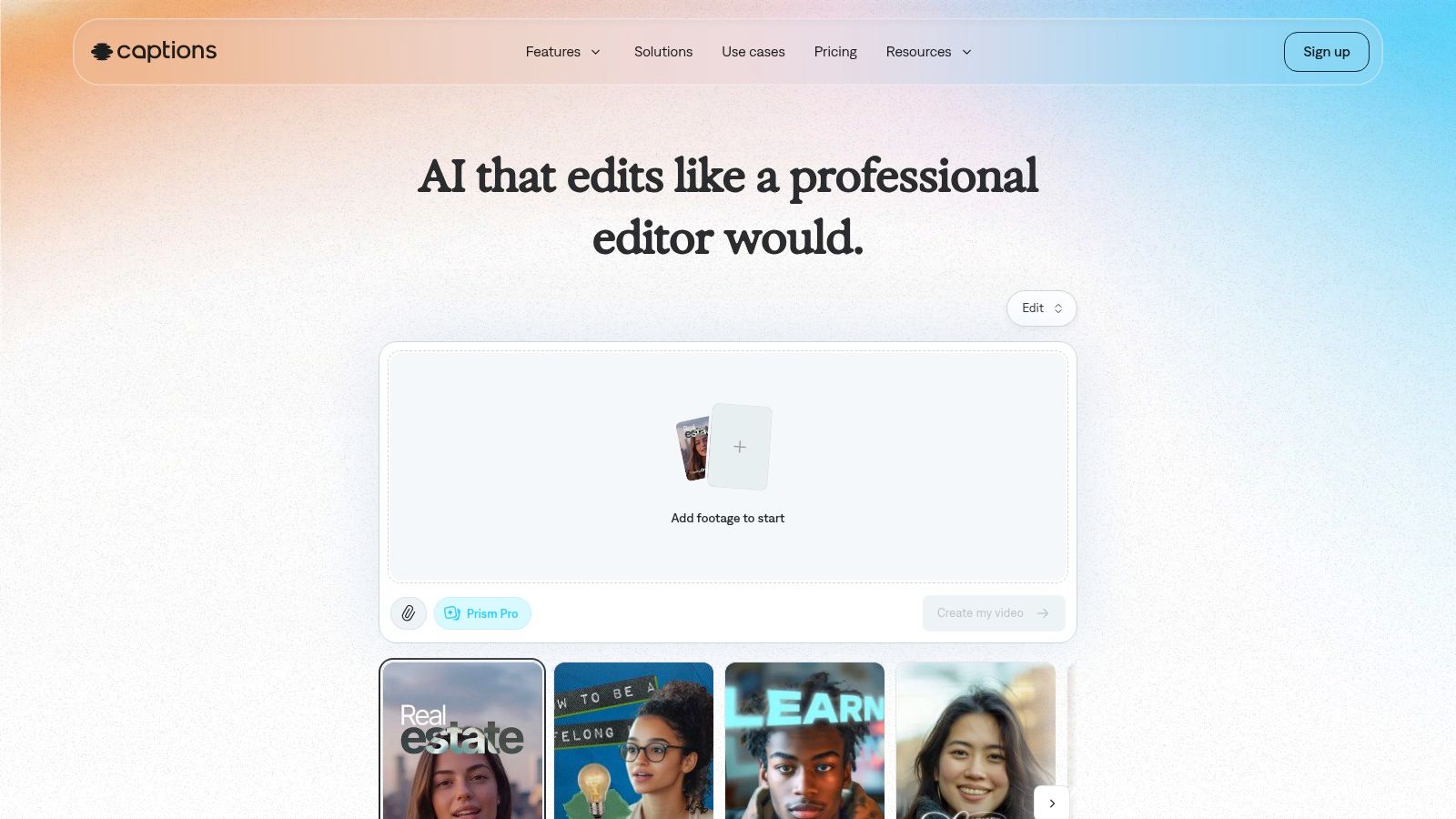
Captions is the best fit for mobile-first, stylized short-form editing. It leans into animated captions, quick social edits, dubbing, translation, and creator-style output that feels native to Reels, Shorts, and TikTok. Captions
Why creators like it
The appeal is speed plus style. If your content strategy depends on attention-grabbing subtitles and fast turnaround from a phone or lightweight web workflow, Captions is a practical choice. It’s especially useful for solo creators who publish often and don’t want to sit in a heavier editor.
That said, mobile-first convenience comes with a trade-off. Teams that need shared review, deeper project structure, or more traditional desktop workflows may find it less comfortable than browser-based options built for collaboration.
Use Captions when the output is a creator-style short. Use a broader platform when the workflow has to include clip selection and scheduling too.
Top 10 Video Content Tools, Feature Comparison
| Product | Core features | Target audience | Key strengths / USP | UX / quality notes | Pricing |
|---|---|---|---|---|---|
| quso.ai (recommended) | Auto-clips, animated word‑level captions, filler‑word removal, cross‑platform sizing, built‑in scheduler; AI Clips Generator auto-scores moments (based on analysis of 170K+ posts across 1,100+ creators) | Solo creators, social managers, podcasters, B2B content teams | End‑to‑end repurposing workflow; virality‑first clip selection; subtitles (99 languages; 20+ in AI Clips); Brand Kit & direct imports | Single dashboard replaces clipper+captioner+scheduler; automation speeds output but may need manual tweaks | Free tier (no card); paid $29 / $39 / $49 per mo (tiered) |
| OpusClip (Opus) | One‑click clip generation, auto B‑roll, dynamic captions, smart reframing, team workspaces | Creators focused on rapid shorts production | Extremely fast clip turnaround; good hook detection; low friction | Web‑based and fast; best for talking‑head content; less granular control | Free + paid tiers; credit/limit model |
| Munch | Multi‑format outputs (shorts, carousels, threads), AI copy generation, multilingual, brand settings | B2B social teams and creators needing video + copy | Strong text outputs alongside clips; reduces copywriting overhead | Fast generation; recommended human QA for clips/copy | Paid plans from ~$9/mo; credits apply |
| Descript | Transcript‑based editing, multitrack & screen recording, filler removal, auto captions | Podcast/video teams who edit via transcript | Edit like a document; studio sound cleanup; big time‑saver | Gentle learning curve; some AI features have limits; complex projects may need NLE | Free + paid plans |
| VEED | Auto‑subtitles, translations/dubbing, brand kit, templates, collaboration | Non‑technical teams and creators needing quick captioned output | Fast online editor; strong subtitle/caption tooling | Accessible UI; free plan limits and watermarks on outputs | Free + paid tiers |
| Kapwing | Auto‑subtitler/translator, Smart Cut (pause removal), background removal, templates | Teams standardizing social outputs; creators needing balanced control | Good balance of speed & control in browser; team workspaces | Helpful for rapid repurposing; free plan caps quality/exports | Free + paid plans |
| Repurpose.io | Automated workflows (sources → destinations), aspect conversion, caption preservation | Creators/teams that want hands‑off cross‑posting | Reliable set‑and‑forget distribution; saves upload time | Best used after edits are finished; setup requires initial routing | Tiered paid plans |
| Riverside | Local lossless multi‑track recording, producer mode, Magic Clips auto‑exports | Podcasters and interview shows feeding a shorts pipeline | Studio‑quality source files; Clips reduce time to social snippets | Capture‑first tool; editing/branding typically done elsewhere | Free + paid plans |
| Buffer | Queue & schedule posts (video), calendar, drafts, approvals, analytics, basic AI caption help | Social media managers and teams posting prepared clips | Clean, client‑friendly UI; per‑channel pricing options | Scheduling/analytics focus only, no editing capabilities | Free + paid plans |
| Captions | Mobile‑first auto‑captions, animated caption styles, lip‑sync translation, dubbing, mobile app | Creators who edit on mobile for Reels/TikTok/Shorts | Very fast on‑the‑go editing with stylized captions | Mobile‑first UX excellent for quick edits; some features gated to higher tiers | Free + paid tiers |
Choose the Smallest Stack That Ships
The best stack is usually the smallest one that gets the job done. Choose quso.ai when one workflow has to handle long-video repurposing, captions, resizing, and scheduling in one place. Choose OpusClip or Munch when repurposing is the main job and you want a narrower tool. Choose Descript, VEED, or Kapwing when transcript editing or browser editing is the bottleneck. Choose Riverside for recording, Repurpose.io or Buffer for distribution, and Captions for mobile-first stylized shorts.
A practical implementation checklist keeps the stack honest. Start with source quality, because poor audio and messy framing create downstream edits you’ll keep paying for. Review clips before they go public, especially if AI chose the highlight. Check caption accuracy and platform safe zones, because silent viewing and UI overlap are still common failure points. Keep brand consistency in the open with a Brand Kit or reusable style rules, assign one person to approve the final version, and decide whether scheduling happens in the same tool or a separate publishing layer.
Short-form distribution has its own constraints too. Instagram Reels are commonly published in 9:16 vertical format with a 90-second maximum in the referenced scheduling guide, and YouTube Shorts must be vertical and under 60 seconds (source). If the tool doesn’t help you respect those limits, it creates more work later.
For beginners, the safest choice is the tool that removes the most steps with the least setup. For teams, the safest choice is the one that reduces handoffs without hiding review control. That’s why a repurposing-first platform like quso.ai usually wins when the goal is to ship more clips from fewer long recordings.
FAQ
What are the best video content tools for beginners?
Begin with the tool that matches your main bottleneck. If you need captions and repurposing, a consolidated platform is easier to learn than a multi-tool stack. If you only need editing or scheduling, start narrower.
Which tool turns long videos into shorts?
The strongest fit is the platform built for repurposing long-form content into short clips. OpusClip and Munch are good focused options, and quso.ai is the broader all-in-one choice.
Which video tools add captions?
Several of these do, including quso.ai, OpusClip, Descript, VEED, Kapwing, and Captions. The difference is whether captions are a side feature or part of a larger publishing workflow.
Can one platform handle video editing and scheduling?
Yes, but not every tool does it well. A repurposing-first platform is the cleanest way to keep clip creation, captions, resizing, and scheduling together.
What’s the safest tool choice for social teams?
Pick the smallest stack that still gives you clip review, caption control, and platform-safe formatting. If you need one dashboard for repurposing and scheduling, quso.ai is the most practical starting point.
If you want one workflow that turns long recordings into short, captioned clips and queues them for publishing without extra handoffs, quso.ai is the one to try first. It’s built for creators and B2B teams that need to move from source video to scheduled social output with less friction. The right next step is to test one long video and see how much of the stack it replaces.
If you’re repurposing long video into short clips, adding captions, and scheduling posts from one place, quso.ai is built for that workflow. It helps creators, podcasters, and marketing teams reduce handoffs and ship more social content from a single dashboard. Visit quso.ai to try the full repurposing workflow.





