Top AI Tools for Social Media Managers: 2026 Guide
65% of marketing teams now use AI tools for at least some social media content-creation or scheduling tasks, and managers using AI save an average of 5.1 hours a week. The best AI tools for social media managers are the ones that turn that time back into output, especially when they consolidate repurposing, captioning, and scheduling into one workflow.
The AI tools that consolidate your workflow matter more than another shiny login. A social media manager’s day gets fragmented fast, and the win is shrinking the toolchain so one long video can become clips, captions, and scheduled posts without bouncing between half a dozen apps. For a practical starting point, compare the broader stack in social media management tools and then decide whether you need an all-in-one platform or a specialist point solution.
Table of Contents
- 1. quso.ai
- 2. Buffer
- 3. Hootsuite
- 4. Later
- 5. Sprout Social
- 6. ContentStudio
- 7. Metricool
- 8. Canva
- 9. VEED
- 10. OpusClip (Opus.pro)
- Top 10 AI Tools for Social Media Managers, Comparison
- Building Your AI-Powered Social Media Stack
- FAQs about AI Tools for Social Media Managers
1. quso.ai
quso.ai is the strongest fit when your bottleneck is repurposing long video into social-native clips. One upload can turn into short-form clips, auto-captions, and scheduled posts, which is exactly the kind of end-to-end workflow busy teams need when the source material is a webinar, podcast, or interview.
The reason that matters is simple. Recent industry summaries say social teams using AI save time on caption writing, scheduling, hashtag research, and reporting, and that time only becomes operationally useful when the output moves straight into a publishing queue rather than another editing step industry summary. quso.ai’s clip workflow is built around that handoff, with Intelliclips for moment discovery, animated word-level captions (20+ languages and accents on AI Clips, 99 in AI Captions), filler-word removal, and direct scheduling across social platforms from one calendar.
Practical rule: if a tool helps you find the clip but still forces a second tool for captions or publishing, you haven’t actually consolidated the workflow.
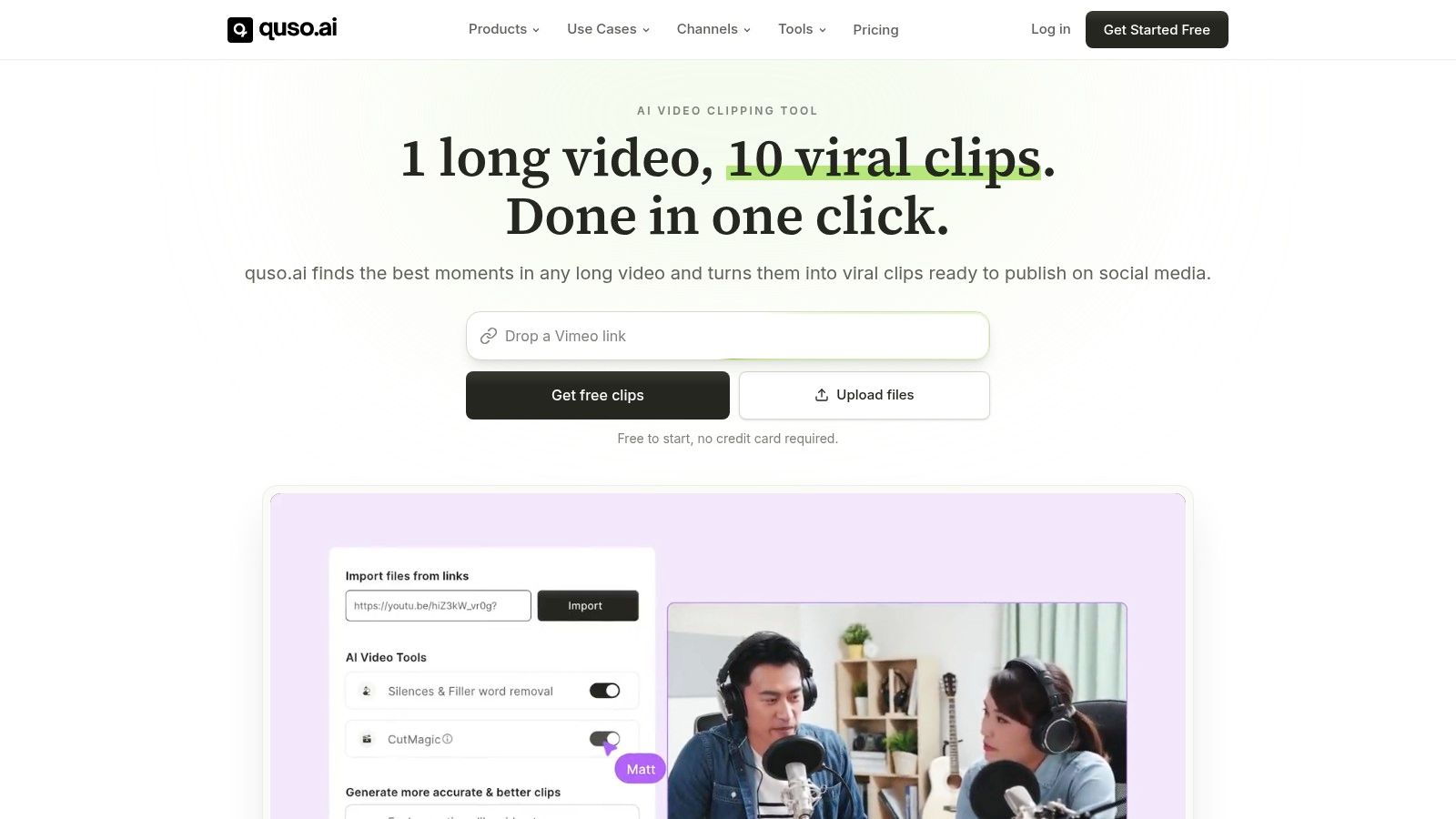
The performance angle is what separates it from generic AI writers. quso.ai says its Virality scoring is based on analysis of 170K+ posts across 1,100+ creators, which makes the clip selection workflow more focused on distribution potential than on random trimming. For creators, podcasters, and SaaS marketers, that means you can pick stronger moments faster, reframe them to vertical, and keep the publishing cadence tight without handing the project to an editor.
If you want the cleanest operator use case, use one long recording to produce a week of clips, then push them to TikTok, Instagram Reels, YouTube Shorts, LinkedIn, Facebook, or X from the same place. You can see the product workflow in the AI Clips Generator, review the tiers on pricing, and scan customer stories for the kinds of teams already using it.
Pros
- End-to-end repurposing: clip discovery, subtitles, editing, and scheduling live in one app.
- Performance-first clipping: Virality scoring helps surface the moments most worth publishing.
- Platform-ready output: imports from major sources and publishes to major social channels.
- Brand consistency: animated captions and brand-kit style controls reduce manual design work.
- Low-friction start: free entry, then paid plans if you need a fuller stack replacement.
Cons
- Not a desktop editor replacement: it’s built for fast repurposing, not frame-by-frame NLE control.
- Full team depth needs paid tiers: the free path is useful, but heavier scheduling and collaboration will push you into subscription plans.
2. Buffer
Buffer is the cleanest option when you want simple scheduling with AI help rather than a sprawling social suite. It works best for small teams that need to tailor posts by channel, queue them quickly, and move on.
The main practical advantage is that Buffer’s AI Assistant is tuned for cross-network adaptation, not generic text generation. Zapier notes that it detects the target channel and adjusts the post output accordingly, which matters when the same idea needs to sound right on LinkedIn, X, and Instagram without rewriting everything from scratch Zapier review. Buffer also lists a free plan for 3 channels and 10 posts, with paid plans starting at $5 per month per channel on its pricing page, so it stays predictable for lean teams Buffer pricing.
Buffer’s weakness is depth. It handles scheduling well, and the AI copy help is useful, but it won’t replace a fuller operational stack if you need heavier listening, enterprise approvals, or advanced reporting. For a lot of small brands, that’s fine. The platform earns its place by staying out of the way.
If your biggest problem is posting consistently, not running a complex governance model, Buffer is enough platform for the job.
Best fit
- Solo operators and small teams that want AI-assisted scheduling without setup drag.
- Channel-specific posting where rewriting for each network matters more than deep analytics.
- Budget-sensitive stacks that need a dependable queue and basic AI support.
Trade-off
- Per-channel pricing can become awkward as the account count grows.
- Analytics and listening are lighter than full social management platforms.
Internal reading that helps here, see the Buffer review on quso.ai.
3. Hootsuite
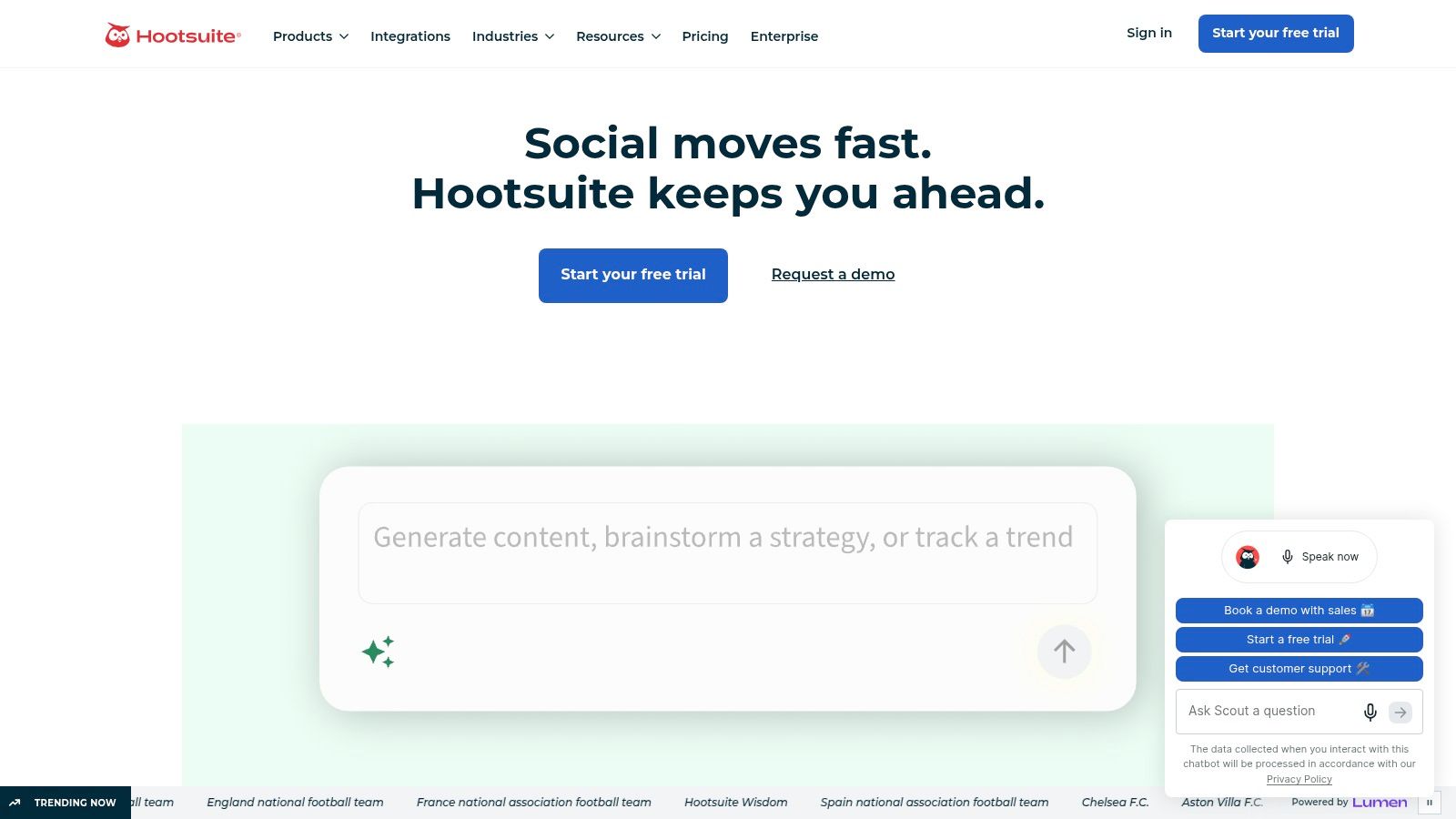
Hootsuite is the more serious choice when the job expands beyond publishing into publishing, engagement, analytics, and listening. It’s built for teams that need a governed workflow and don’t mind paying for breadth.
The AI angle is practical, not decorative. Hootsuite’s stack includes OwlyWriter AI for captions and ideas, plus performance and listening features that help teams make decisions faster. The broader market context supports that direction, since social management tools with scheduling, analytics, and AI content generation are where the market is concentrating, not in standalone AI writers market research summary. Hootsuite fits that pattern by combining creation and measurement in the same environment.
The trade-off is cost and complexity. If you only need to move quickly on content production, Hootsuite can feel like a bigger machine than you need. If you need a central inbox, reporting, and team collaboration, it starts to make sense quickly.
Use it when
- Multiple stakeholders need to review and approve content.
- Listening matters as much as scheduling.
- Reporting needs to live inside the same platform as publishing.
What to watch
- Higher starting price than lightweight schedulers.
- Advanced features tend to sit on higher tiers, so the cost depends on the workflow you need.
For a closer breakdown, the Hootsuite review on quso.ai is the right companion read.
4. Later
Later is the visual-first pick for teams that live in Instagram, TikTok, and Shorts-style workflows. It’s less about heavy governance and more about keeping the feed clean, the calendar readable, and the content moving.
Its AI tools are built to reduce draft time, not replace strategy. Later’s Caption Writer and idea prompts speed up post creation, while the visual planner keeps the grid and media library organized. For creators and brands that care how the feed looks before it goes live, that’s a useful advantage. It also supports auto-publishing for Reels and Shorts, so the workflow stays closer to distribution than to manual posting.
The practical caution is that Later is still a scheduler first. If you need deep analytics, bigger listening workflows, or a heavy approval model, you’ll probably pair it with something else. It does one job well, and that job is visual publishing without friction.
Best for
- Creators and visual brands that plan around the grid.
- Short-form content teams that need fast scheduling and mobile support.
- Teams that want AI draft help without switching to a heavier suite.
Keep in mind
- AI credits reset monthly, so usage can feel metered.
- Advanced reporting is reserved for higher tiers.
5. Sprout Social
Sprout Social is the premium choice when the team needs analytics, listening, and customer care more than a lighter scheduling stack. It’s built for brands that care about what social conversations mean, not just how many posts are in queue.
That focus shows up in the workflow. Sprout’s AI Assist helps with post creation and insights, but the deeper value is in turning social activity into decision-ready reporting. The broader industry conversation has also shifted toward integrated workflows and content reuse, not just isolated copy generation, which is why platforms like Sprout keep winning a place in the stack workflow research. It’s a better fit when social is tied directly to brand health, support, and stakeholder reporting.
Social teams don’t outgrow scheduling first. They outgrow the inability to explain what social is doing for the business.
Sprout’s downside is obvious. It’s not the cheapest option, and smaller teams may not use enough of the platform to justify the investment. But if your team already lives in listening dashboards and approval workflows, the efficiency gain is real.
Use it for
- Advanced listening and sentiment tracking.
- Cross-functional reporting that leaders read.
- Customer care workflows that need a unified platform.
Limitations
- Higher cost than SMB tools.
- Full listening and advanced features sit on upper tiers.
6. ContentStudio
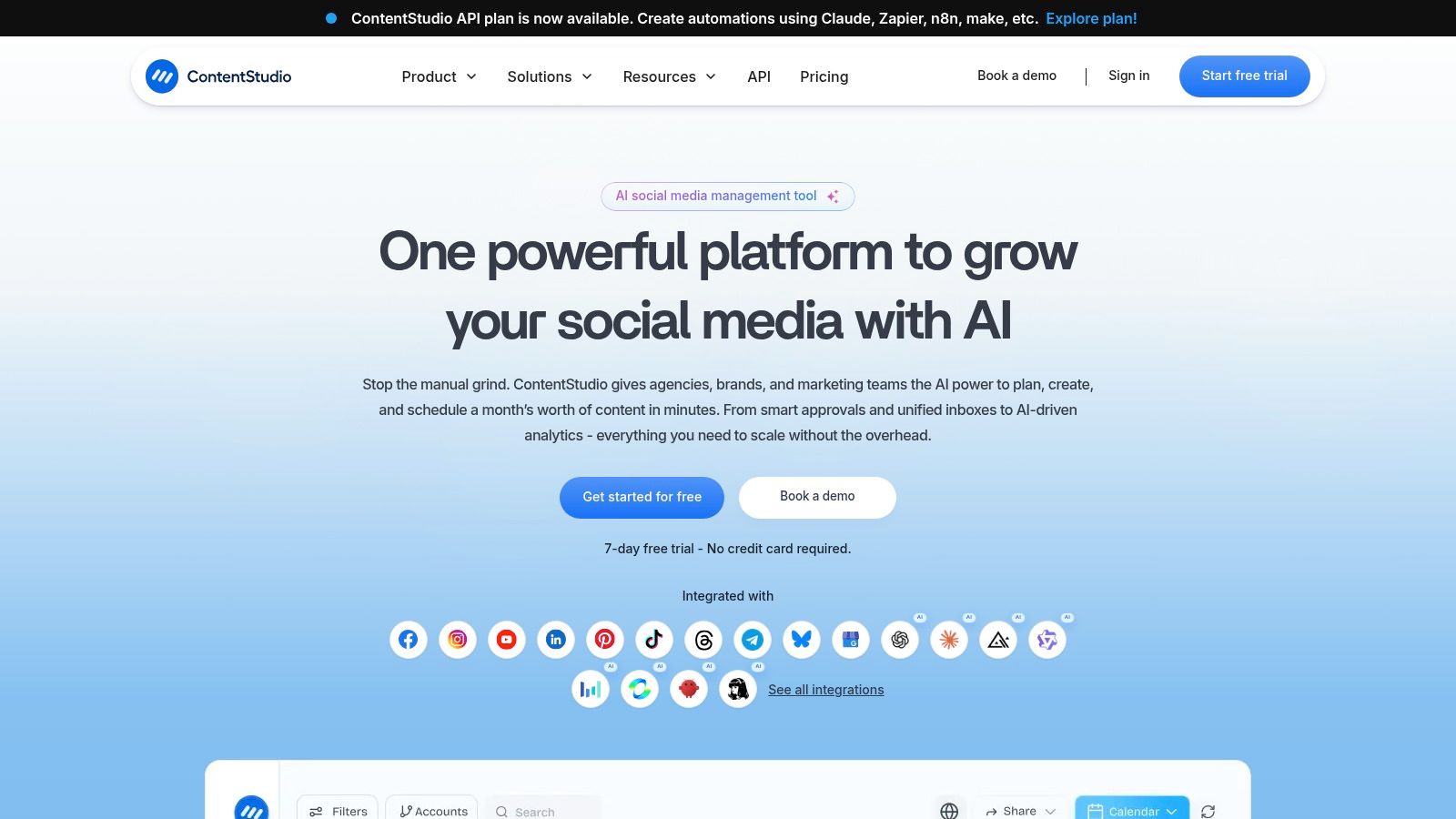
ContentStudio is a strong agency tool because it solves a different problem, what to post when you don’t want to invent every post from scratch. It blends content discovery, AI captioning, scheduling, and reporting into one workspace.
That matters for teams balancing original content with curation. The platform’s AI tools can generate captions, but the more important function is discovery. You can pull in topics, curate assets, and move them into a social calendar without stitching together a separate research tool. For agencies managing multiple brands, the roles and approvals setup is a key operational benefit.
The downside is that it can feel dense for solo users. If your workflow is original video repurposing and quick scheduling, ContentStudio may be more system than you need. If you’re curating across clients, it earns its place.
Best use cases
- Agencies juggling multiple brands and approvals.
- Teams that curate as much as they create.
- Managers who want discovery and scheduling in one workflow.
Watch for
- A learning curve if you’re used to simpler schedulers.
- Potential overkill for single-brand, original-content-only teams.
7. Metricool
Metricool is useful when your team wants planning and analytics with enough AI to remove small repetitive tasks. It isn’t trying to be the most elaborate content engine. It’s trying to keep the publishing calendar and reporting workflow under control.
The AI additions are practical. Things like AI Alt-Text Generator support accessibility and speed up posting hygiene, while the planner and approval setup keep publishing organized across brands. The reason teams choose Metricool, though, is that it treats reporting as part of the workflow instead of an afterthought.
That makes it a good middle-ground option. You get enough structure for multi-brand management without the overhead of heavier enterprise software. If your team spends too much time on reports and not enough on content decisions, Metricool is worth testing.
Strengths
- Useful reporting without excessive complexity.
- Multi-brand support for growing teams.
- Small but real AI helpers that reduce admin work.
Weak points
- Some AI and connector features are gated by plan level.
- Not a full replacement for deeper social listening platforms.
8. Canva
Canva earns a place on this list because plenty of social teams are blocked by asset production, not scheduling. If the bottleneck is creating branded graphics, thumbnails, and quick captions, Canva gets the work moving fast.
Its AI features sit inside the design workflow, which is the point. Magic Design helps produce on-brand creative from prompts, and the AI caption generator can draft copy while the asset is being built. Canva also includes a basic planner, so you can get some posts from draft to publish without leaving the tool.
The limitation is obvious. Canva is a design platform first, not a full social management suite. It helps you create the post, but it won’t replace a deeper scheduler if your team needs serious inbox handling or reporting.
Best when
- Design output is the bottleneck.
- Brand consistency matters across a lot of assets.
- Quick social graphics need to be produced by non-designers.
Not ideal when
- You need a full social inbox.
- You want advanced analytics or richer publishing controls.
For more context, see the SponsorRadar Canva page.
9. VEED
VEED is a browser-based option for teams that need to turn raw footage into captioned social videos without leaning on desktop editing software. It’s especially useful for social managers who get clips from webinars, interviews, or talking-head recordings.
The value is speed. Auto-subtitles, translation, dubbing, and short-form presets make it easier to produce social-ready video fast. That matters because captions are not cosmetic, they’re part of the viewing experience, and the practical mistake many teams make is overlooking safe zones where the UI overlaps the frame. If your captions or lower-thirds sit too low, they get covered by platform elements on Reels, Shorts, or TikTok, which wastes the edit.
VEED does the creation part well, but it’s not a scheduler. You’ll likely pair it with a publishing tool if your workflow goes beyond editing.
Good fit
- Fast subtitling for short-form social.
- Browser-based editing with minimal setup.
- Multi-language video workflows.
Limits
- Not a social scheduler.
- Plan caps can affect how much you process.
10. OpusClip (Opus.pro)
OpusClip is the specialist for teams that need long-form to short-form repurposing and nothing extra. It finds highlights, reframes them, adds captions, and outputs clips designed for Shorts, Reels, and TikToks.
That focus is what makes it valuable. When the source is a podcast, webinar, or YouTube episode, OpusClip removes a lot of the manual detection work. It also gives you hook or virality-style scoring, which helps prioritize clips before you spend time polishing them. For a repurposing-first workflow, that’s a meaningful time saver.
The trade-off is that it stays specialized. If you want broader social scheduling, community workflows, or a fuller operating hub, you’ll need another tool around it. If the job is clipping, it does that job well.
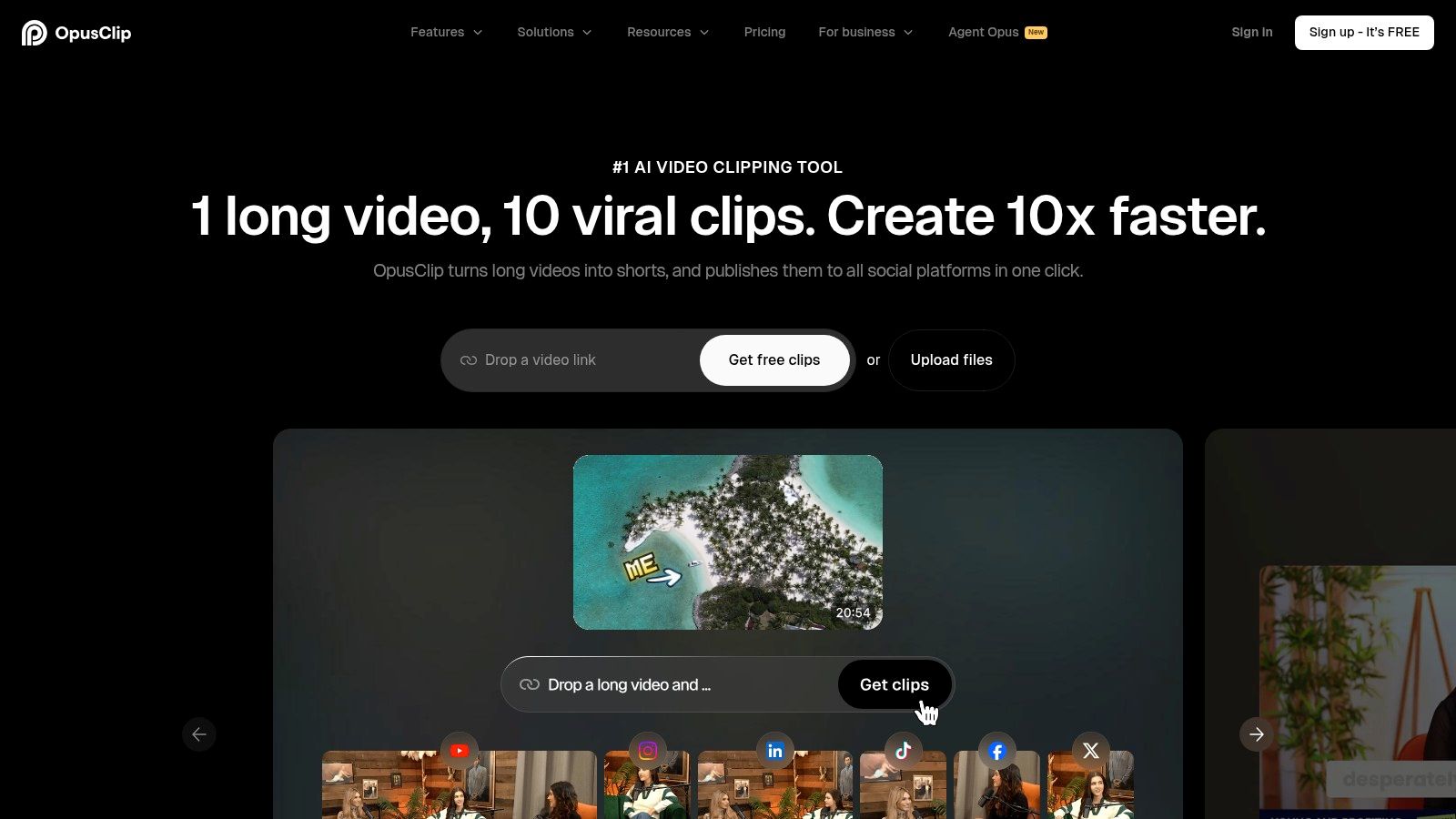
A deeper pricing breakdown lives in the OpusClip pricing guide on quso.ai, which is useful if you’re comparing it to broader workflow platforms.
Best for
- Podcasters and YouTubers repurposing long-form video.
- Short-form content pipelines built around volume.
- Teams that want clip discovery before manual editing.
Watch the limit
- Talking-head and long-form source material are where it shines.
- Creative polish still needs human review before publishing.
Top 10 AI Tools for Social Media Managers, Comparison
| Product | Core features | Unique selling points | Best fit audience | Pricing & notes |
|---|---|---|---|---|
| quso.ai | Auto-clip discovery (Intelliclips), Virality scoring, animated word-level captions (99 languages; 20+ in AI Clips), filler removal, brand kit, scheduler, platform-ready exports | End-to-end repurposing pipeline; Virality scoring (based on analysis of 170K+ posts across 1,100+ creators) speeds moment selection, try quso.ai free | Creators, podcasters, social managers, B2B content teams needing fast repurposing + captions | Free plan (no card); paid from $29/mo; replaces multiple point tools; full scheduler/analytics on paid tiers |
| Buffer | Per-channel scheduling, AI assistant for captions/ideas, queue, basic analytics | Simple, easy-to-learn scheduler with AI copy help | Small brands, solo social managers who want straightforward scheduling | Affordable entry; per-channel pricing can add up |
| Hootsuite | Publishing, engagement, analytics, listening; OwlyWriter AI | Comprehensive workflow, mature integrations, approvals & reporting | Teams scaling to enterprise needing deep reporting & collaboration | Higher starting price; advanced features on upper tiers |
| Later | Visual feed planner, AI Caption Writer (credit-based), media library, auto-publish Reels/Shorts | Visual-first planner and mobile workflow for Instagram/TikTok | Visual creators and brands focused on grid aesthetics and mobile-first posting | AI features run on monthly credits; some advanced features premium |
| Sprout Social | AI Assist for posts & insights, listening, advanced reporting, customer care tools | Market-leading analytics, social listening, and care integrations | Brands needing enterprise-grade reporting, listening, and customer care | Premium pricing; top-tier features for larger teams |
| ContentStudio | AI captioning, content discovery, multi-brand scheduling, roles & approvals | Agency/client workflows with content discovery + caption AI | Agencies and multi-brand teams with approval needs | Competitive agency pricing; UI can be heavy for solo users |
| Metricool | Planner with best-time recommendations, AI alt-text, reporting, API/connectors | Strong SMB reporting and practical AI additions (alt-text) | Managers who need scheduling plus solid reporting | Tiered plans; advanced connectors/API on higher plans |
| Canva | Magic Design, templates, AI caption generator, brand kit, basic scheduler | Rapid on-brand creative + AI copy in one design workflow | Creators and marketers needing fast templated visuals | Scheduler basic vs. dedicated schedulers; design-first pricing tiers |
| VEED | Auto-subtitles/captions, translator/dubbing, AI clip generator, presets | Fast web-based subtitling, translation, and short-form presets | Creators needing quick subtitling, translations, and web editing | Credits/feature caps vary by plan; often paired with a scheduler |
| OpusClip (Opus.pro) | Auto-clip selection with hook/virality scoring, auto-captions, auto-reframe, batch export | Built specifically for short-form repurposing and batch clip generation | Podcasters, webinar creators, long-form hosts focused on shorts | Optimized for talking-head/long-form sources; creative fine-tuning still recommended |
Building Your AI-Powered Social Media Stack
The right ai tools for social media managers aren’t about collecting more software, they’re about removing handoffs. The best setup starts with one core platform that solves your biggest bottleneck, then adds a specialist only where the workflow needs it. That’s the difference between a stack that creates speed and one that just creates more tabs.
If your team spends the most time on source-video handling, a repurposing-first platform makes the most sense. If the pain is planning and channel-specific posting, a lighter scheduler is often enough. If reporting and listening are what slow you down, you’ll need a fuller suite that can keep pace with stakeholders and approvals.
The market is clearly moving toward tools that combine scheduling, analytics, and AI content generation, and recent adoption data shows AI is already part of day-to-day social work market summary industry summary. That doesn’t mean every team needs the same setup. It means the smartest buyers now ask which platform shortens the repurposing-to-publishing loop with the fewest manual edits.
For many teams, the best path is straightforward. Choose one platform that can own the main workflow, use specialist tools sparingly, and keep a tight eye on where the time drain lies. When you do that, social stops feeling like a stack of disconnected tasks and starts behaving like an operating system.
If you want to turn one long recording into a week of clips, captions, and scheduled posts, try quso.ai and see how much of the workflow you can keep in one place. It’s a practical way to test whether repurposing-first software can replace a patchwork of separate tools without adding extra manual work.
FAQs about AI Tools for Social Media Managers
What are the best AI tools for social media managers?
The best tools are the ones that reduce manual work in the exact part of your workflow that slows you down. For repurposing video, quso.ai and OpusClip are strong fits. For scheduling, Buffer is simple and effective. For deeper listening and reporting, Hootsuite and Sprout Social are better bets.
Should I choose an all-in-one platform or a specialized tool?
Choose an all-in-one platform if your team wants fewer handoffs and a cleaner process. Choose a specialist if one task, like clipping or design, is the clear bottleneck. Most busy teams end up with one core platform and one or two focused add-ons.
How do AI tools help with captions and scheduling?
They speed up first drafts, tailor copy for different platforms, and reduce the time spent moving posts into a calendar. Some tools also suggest timing, which helps when you’re trying to publish based on actual audience behavior instead of guesswork.
What should I watch for when comparing social media AI tools?
Check whether the tool can handle platform-specific captions, scheduling, approvals, and analytics without forcing extra exports. Also pay attention to caption placement and safe zones for short-form video, because UI overlays can cover text if the framing is off.
Is quso.ai only for video repurposing?
It’s strongest for long-video repurposing, auto-captions, and scheduling. That makes it especially useful for creators, podcasters, and B2B teams that want one source asset to produce multiple social posts without rebuilding the workflow from scratch.





