10 Best Short Video Maker Online Tools for 2026
Short-form video has become a mainstream distribution system, with YouTube Shorts reaching 200 billion daily views in 2026 after rising from 70 billion in March 2024 and 30 billion in 2021. The top 10 online short video makers for creators and marketers are quso.ai, Kapwing, VEED, Microsoft Clipchamp, Canva, Adobe Express, Descript, InVideo, OpusClip, and Pictory.
You probably already have the long-form source material sitting in a podcast feed, webinar archive, demo recording, or interview folder. The challenge is turning that footage into clips that are short enough to publish, captioned enough to watch on mute, and scheduled often enough to keep up with audience demand.
That’s where a short video maker online earns its keep. The best tools don’t just trim video, they help you repurpose the same recording into multiple social-ready assets without bouncing between a clipper, subtitle tool, editor, and scheduler.
Table of Contents
- 1. quso.ai
- 2. Kapwing
- 3. VEED
- 4. Microsoft Clipchamp
- 5. Canva
- 6. Adobe Express
- 7. Descript
- 8. InVideo
- 9. OpusClip
- 10. Pictory
- Top 10 Online Short-Video Makers: Feature Comparison
- Choosing the Right Online Video Maker for Your Workflow
1. quso.ai
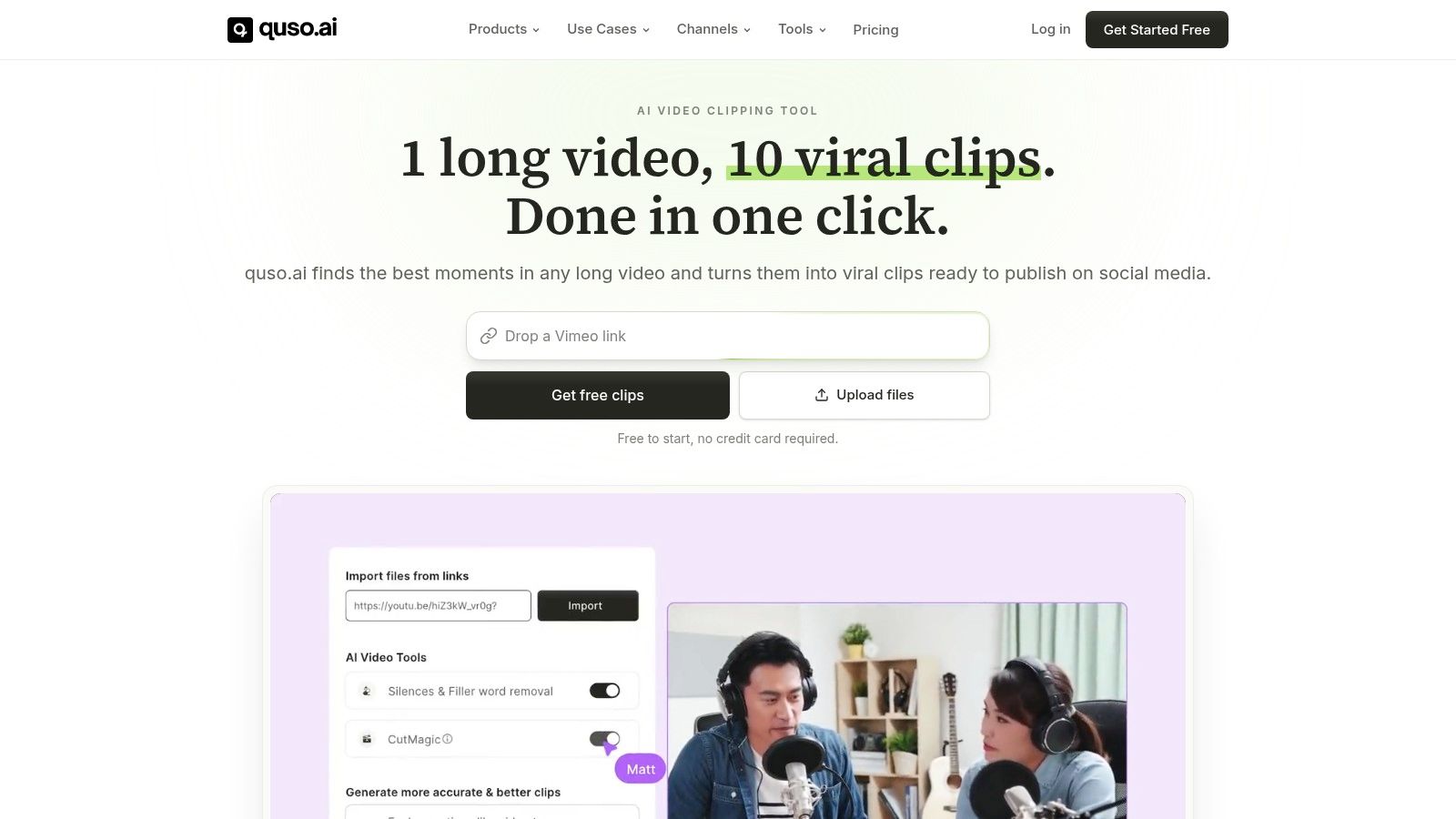
For teams that need to go from one long recording to a week of scheduled shorts, this is the most complete stack in the list. It’s built around repurposing, auto-captions, and publishing, so the workflow stays in one place instead of turning into a handoff mess. Visit the quso.ai website if you want the shortest path from source video to posted clip.
Why it fits repurposing work
The big advantage is operational. You can turn a webinar, podcast, or livestream into vertical clips with word-level animated captions, filler-word removal, a text-based video editor, a brand kit, and a multi-platform scheduler without stitching together separate tools. That matters because short-form now has the scale to justify a real repurposing workflow, and industry trackers put short-form ad spending at $111 billion in 2025 in the same ecosystem where repurposed clips compete for attention (Kapwing’s 2026 short-form video statistics).
Practical rule: if your team publishes from the same long-form source every week, the tool that reduces export, re-upload, and caption cleanup usually saves more time than the one with the flashiest editor.
The clipping logic is also tuned for performance. Its Virality scoring is based on analysis of 170K+ posts across 1,100+ creators, which gives operators a way to prioritize moments that are more likely to hold attention rather than guessing at the best cut. That’s useful when you’re trying to turn one recording into several platform-specific clips instead of editing by instinct.
What it replaces and what it doesn’t
quso.ai can replace a clipper, captioner, lightweight editor, and scheduler for a lot of creator and marketing stacks. It’s especially useful for podcasters, solo creators, social media managers, and B2B/SaaS teams that care more about throughput than frame-by-frame perfection.
- Replace manual clipping: Pull highlights from a long source faster than scrubbing timelines by hand.
- Replace subtitle cleanup: Use auto-captioning and animated subtitles instead of hand-timing every line.
- Replace separate schedulers: Publish across channels from a single calendar.
- Keep a human review pass: Tone, pacing, and exact cut decisions still benefit from a quick check.
The free plan makes it easy to test without friction, and paid plans start from $29/mo. That’s why it’s the best first stop when your real problem is not video creation, it’s getting more short-form output from the footage you already have.
2. Kapwing
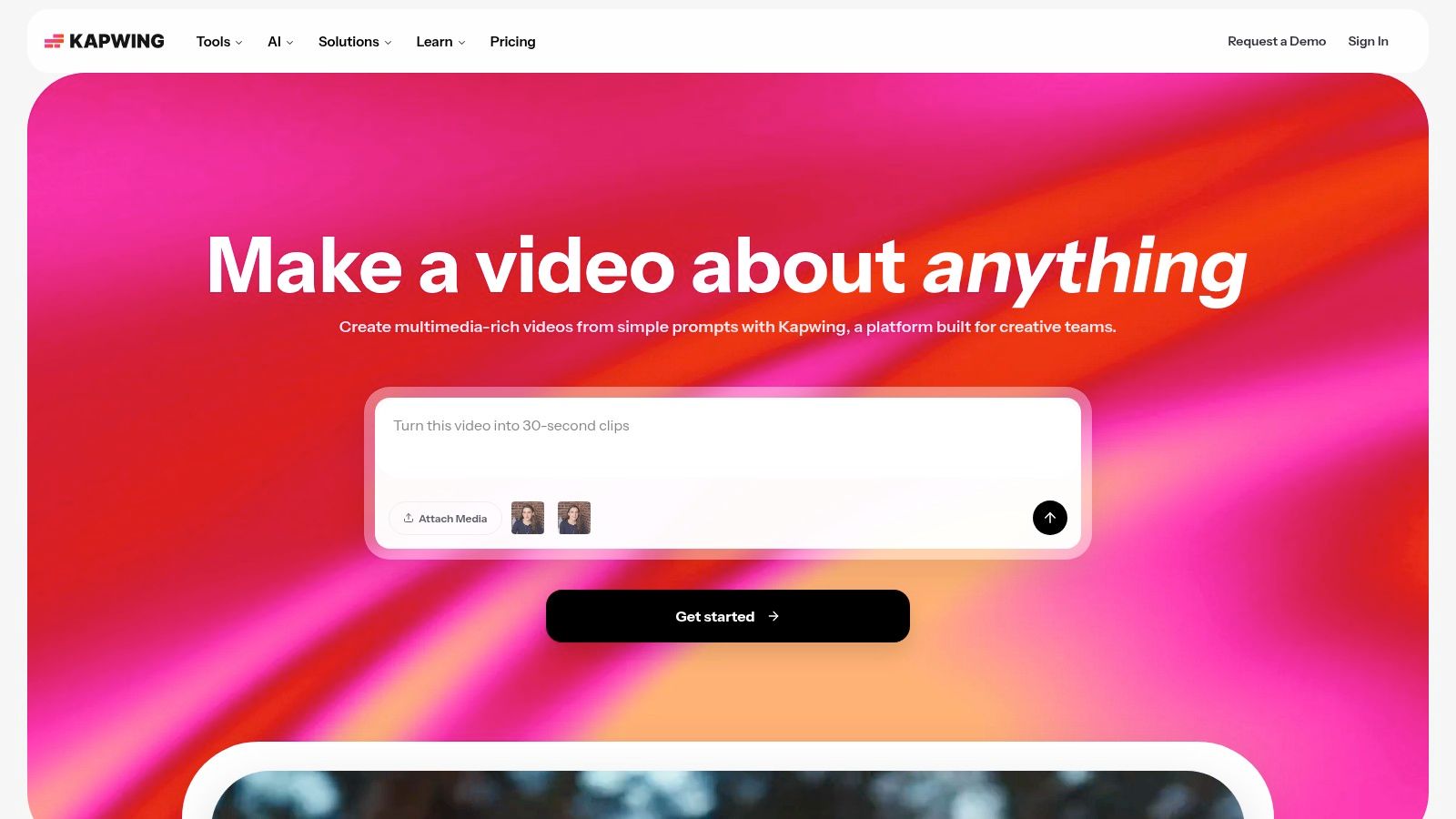
Kapwing is the browser-based choice when speed matters and the team still wants a shared workspace. It’s strongest for social teams that already know the clip they want and need to resize, subtitle, and publish without a heavyweight editor in the middle. Use the Kapwing homepage if collaborative browser editing is your default operating style.
Where Kapwing works well
The tool gives you auto-subtitles, dubbing, AI cleanup, templates for TikTok, Shorts, and Reels, 1-click link import, 4K export, and shared workspaces. That makes it practical for teams that pull source video from a URL, then need a quick cut for social without a long production cycle.
For operators, the useful part is predictability. Clear limits around credits, exports, and storage make capacity planning easier, especially if you’re producing in batches. The trade-off is obvious too, the free plan adds a watermark and caps exports at one minute, so serious repurposing work usually moves into a paid tier quickly.
Trade-offs in a real workflow
Kapwing is good when you already know the source and need a browser-first editing lane. It’s less useful when your main bottleneck is finding the best moment inside a long recording, because that’s where AI-first clippers tend to move faster.
The strongest use case is a social team that wants collaboration and brand control more than deep timeline editing.
If you’re comparing tools specifically for short-form repurposing, this is a solid complement to a dedicated clip finder, but it doesn’t try to be the all-in-one publishing stack that some teams want. For a broader repurposing playbook, see quso’s YouTube Shorts maker guide.
3. VEED
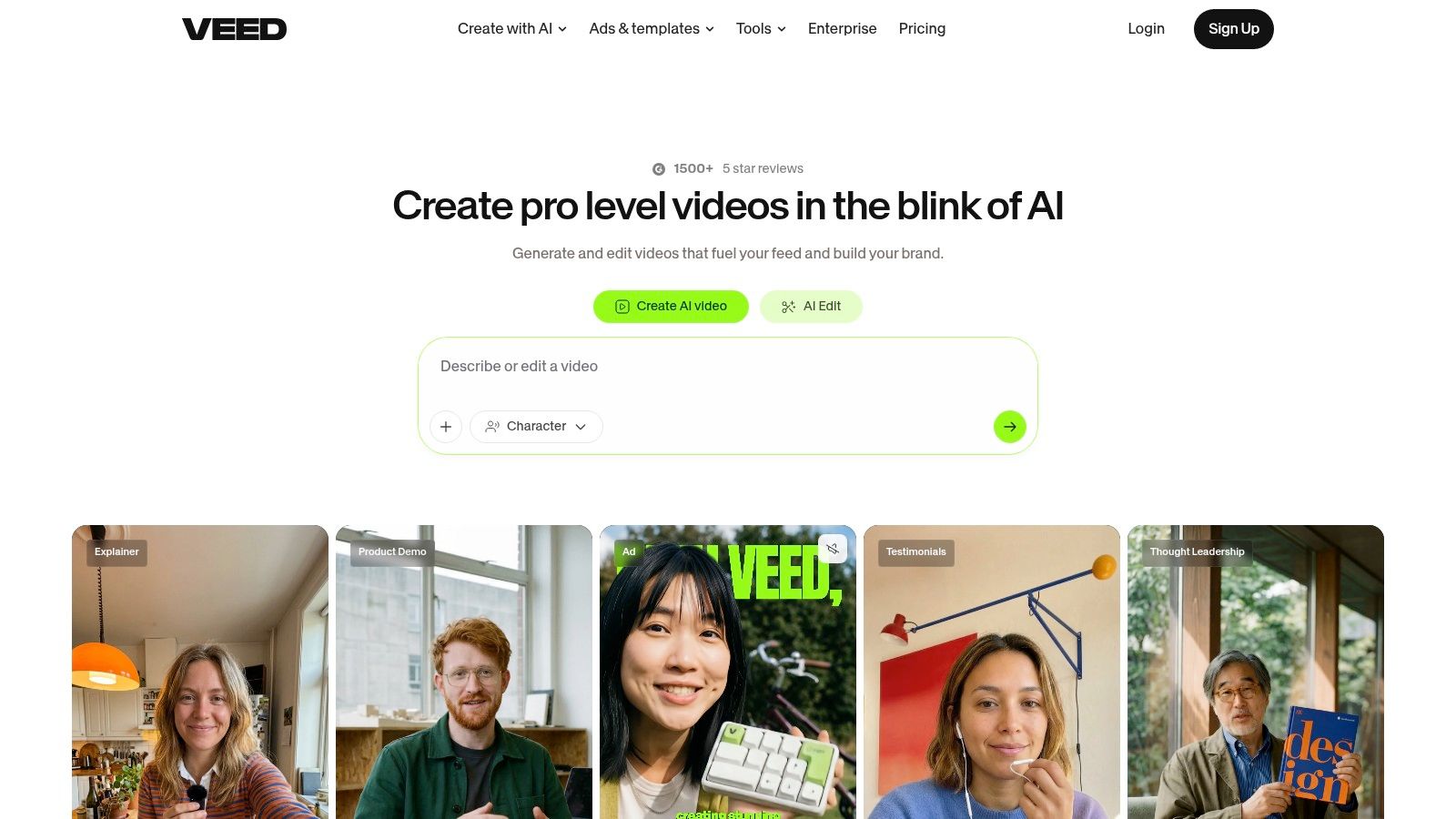
VEED is a browser editor for teams that want to record, caption, translate, and resize in one place. It’s a practical pick for social teams that move quickly and don’t need a traditional desktop editing suite. Start with the VEED site if your workflow is built around fast output and browser convenience.
Why social teams keep it in the stack
The core feature set is broad enough to cover most short-form basics, including auto-subtitles, translation and dubbing, a teleprompter, AI Clip Generator, AI Script tools, a screen and webcam recorder, templates, team controls, and an API. That combination matters if you create both recorded talking-head content and repurposed cuts from longer sessions.
VEED is especially useful when the same person or team wants to move from recording to publishing without leaving the browser. The subtitle and translation stack is straightforward, which lowers the learning curve for teams that need a tool others can use without a training manual.
The practical limitation
Its depth is lighter than a full NLE, so precision-heavy editors may eventually want more control elsewhere. Pricing also changes dynamically, which means you should check current plan details before standardizing on it.
For many marketers, that trade-off is acceptable. The value is in having an all-in-one browser path for short-form output, not in chasing advanced timeline work. If your team is mostly repurposing webinars, interviews, and screen recordings, VEED stays relevant because it handles the boring parts quickly.
4. Microsoft Clipchamp
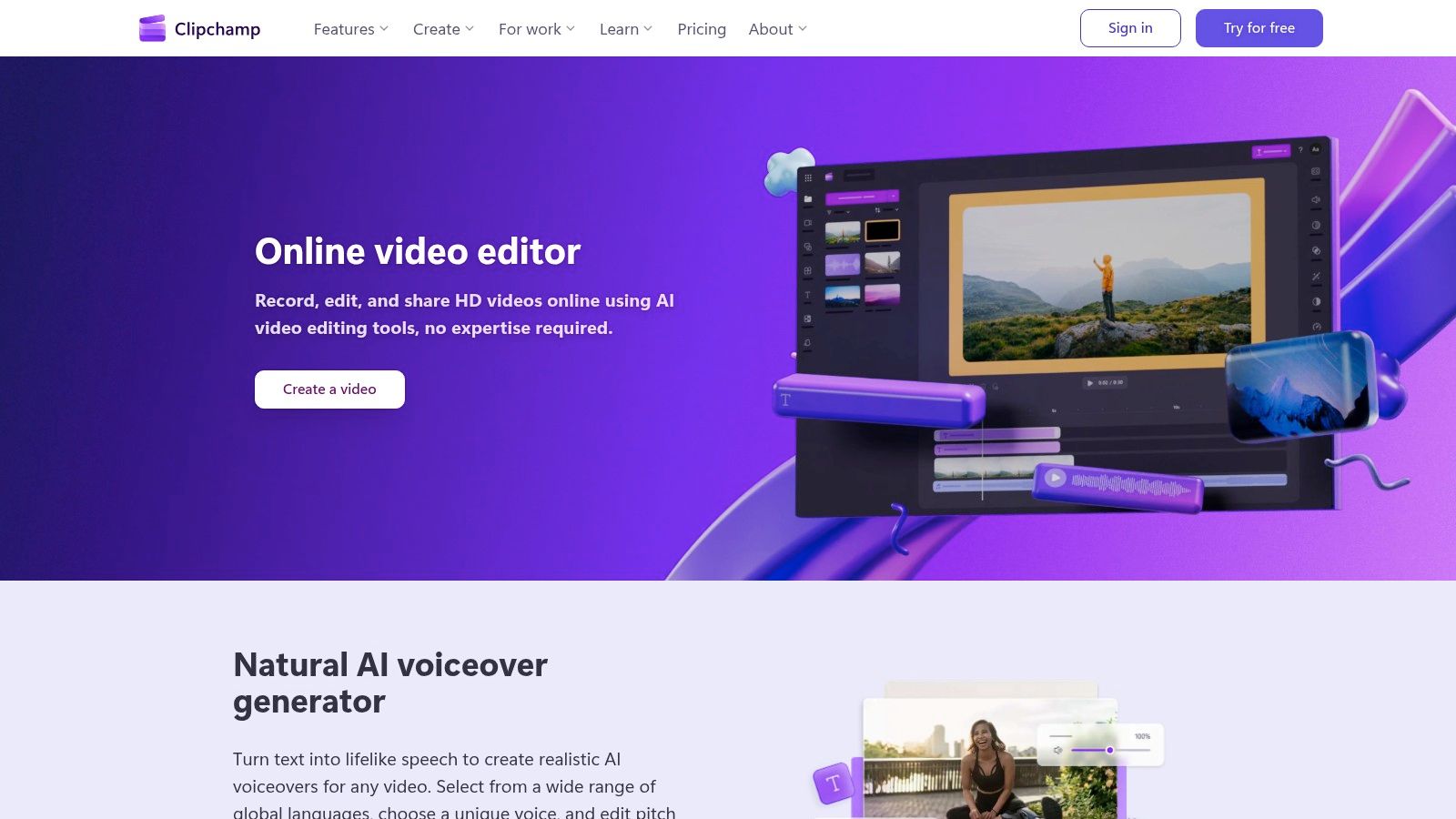
Clipchamp is the cleanest fit for organizations already inside Microsoft 365. It’s simple, template-driven, and familiar enough that non-editors can use it without much onboarding. Go to the Clipchamp site if your procurement and user management already live in Microsoft.
Why it works in corporate workflows
The main appeal is convenience. Clipchamp offers a web editor, a Windows desktop app, stock media access, social output presets, personal and work/school versions, and Copilot integrations for business subscribers. For teams that need short clips without adding another vendor category, that’s enough to make it easy to adopt.
Many Microsoft 365 subscribers also get premium features included, which can reduce procurement friction. For compliance-minded teams, that integration can matter as much as the feature list itself.
Where it falls short
Clipchamp is simpler than creator-first tools, and that’s both the strength and the weakness. It’s great when the request is “make this clean and postable,” but not when you need AI-led clipping across a long back catalog of recordings.
If your content engine is built around repurposing a single source into multiple social clips, Clipchamp works best as a lightweight production layer, not the center of the workflow. It’s a sensible internal tool, not usually the fastest path for high-volume short-form publishing.
5. Canva
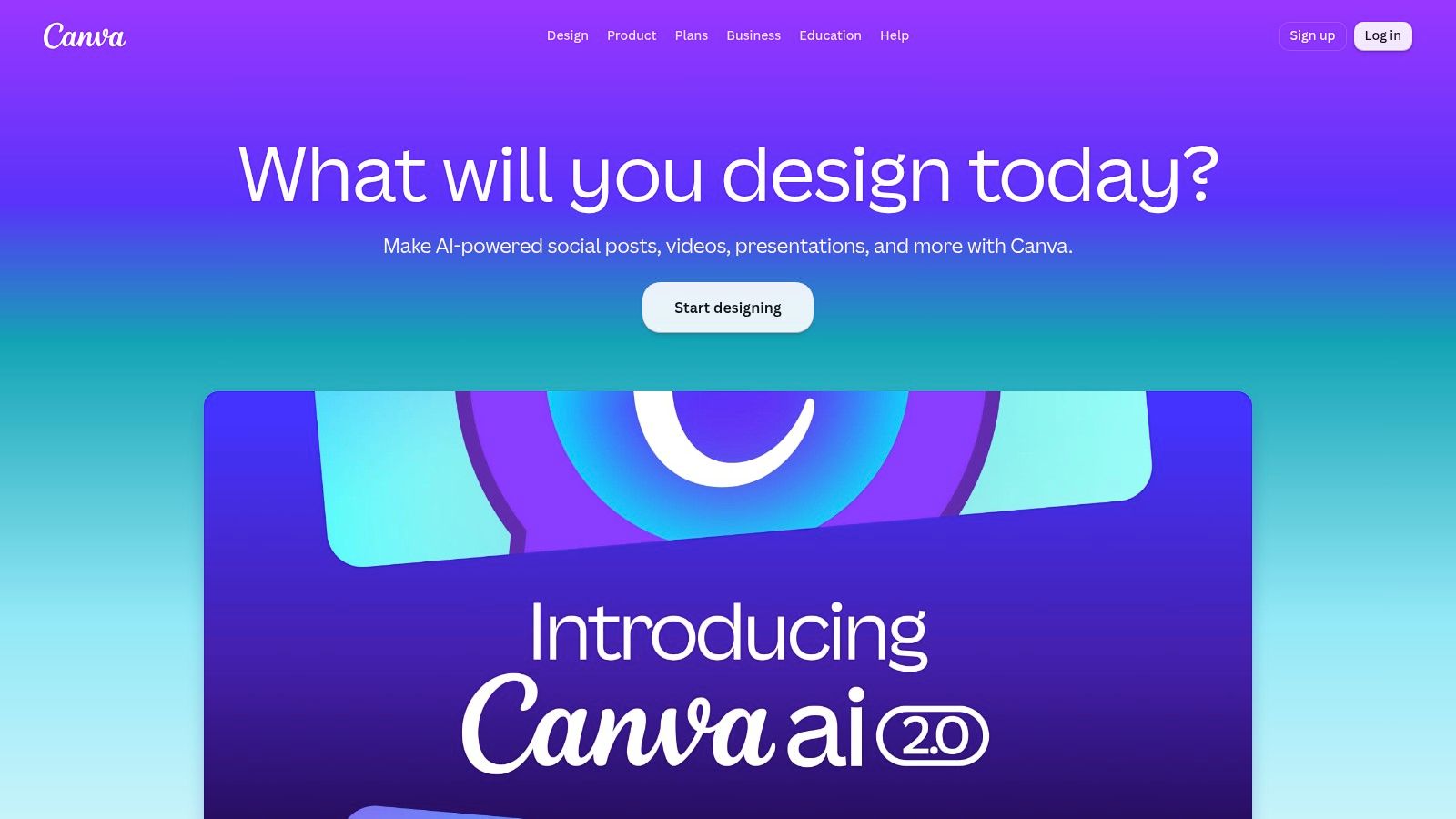
Canva is the easiest short video option for teams already using it for design. The handoff from static creative to video is smooth, which is why many marketers keep it as their default social content environment. Use the Canva video tools when brand consistency matters as much as speed.
Best for brand-safe publishing
Canva’s video stack includes templates for TikTok, Reels, and Shorts, Brand Kits, a stock library, scheduling to multiple channels, collaborative comments, approvals, timeline editing, and caption tools. That makes it a natural fit for teams that need consistent-looking output across many assets.
The biggest practical advantage is brand control. If your social team already lives in Canva for thumbnails, ad creative, or slide decks, moving into video doesn’t feel like switching systems. That reduces the friction that often slows repurposing workflows.
What to watch for
It’s not the strongest choice for precision audio work or detailed cutdown edits. Some premium assets and features require a paid plan too, so it’s better for polished social output than for advanced editorial control.
Canva is best when design consistency is the priority and the edit itself is fairly straightforward.
For creators and marketers who mainly want to turn long recordings into branded clips that look uniform everywhere, Canva is dependable. For more aggressive auto-clipping and publishing automation, it usually works better as part of a broader stack.
6. Adobe Express
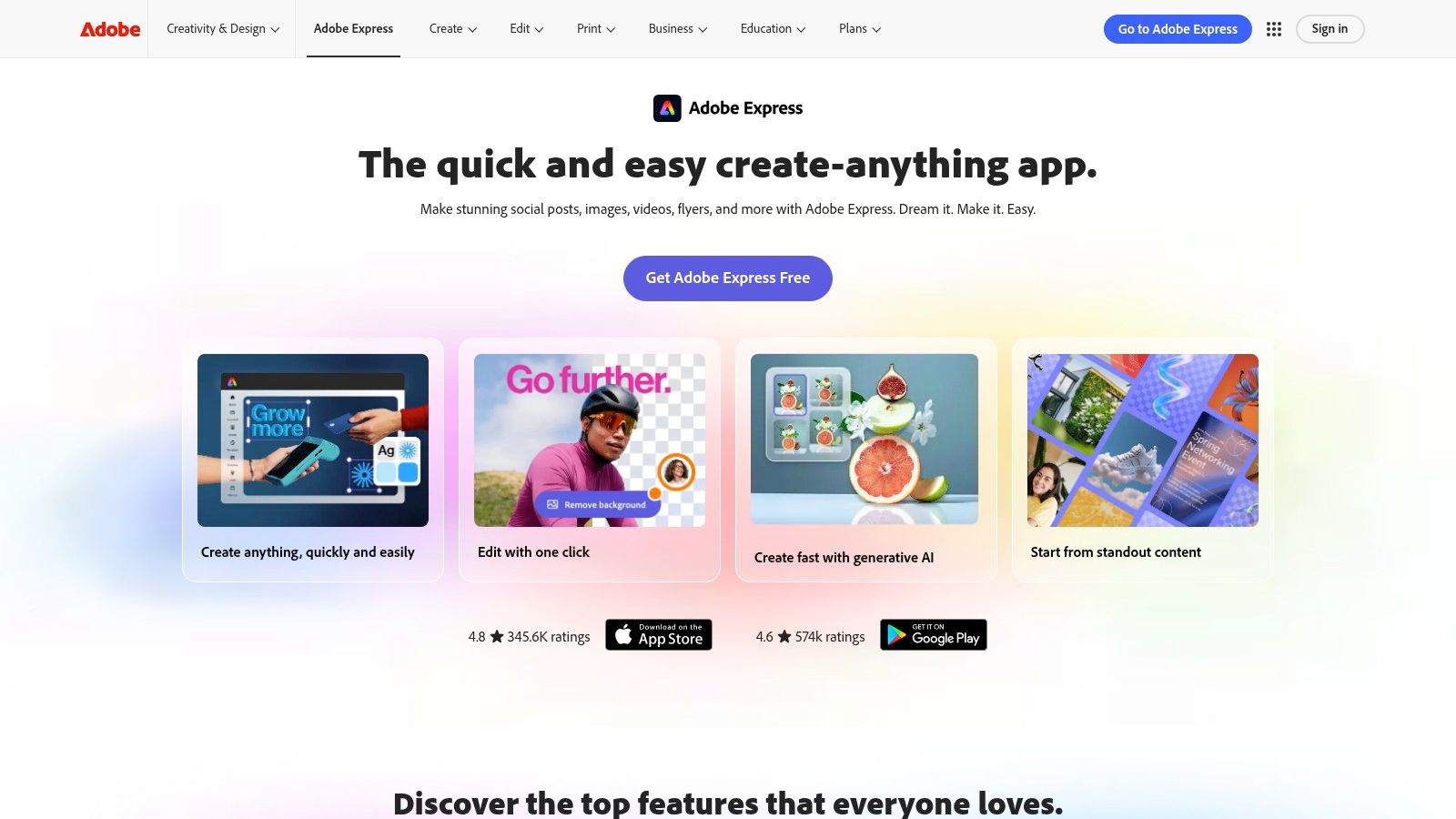
Adobe Express fits marketers who want simple video tools plus access to Adobe’s asset ecosystem. It’s browser-based, familiar, and good at the polishing stage of short-form production. Try the Adobe Express video page if your team already trusts Adobe’s workflow.
A good fit for polished short clips
The useful pieces are drag-and-drop short video editing, animations, Quick Actions like Caption Video, Resize Video, Merge and Trim, 4K export on paid plans, Adobe Stock access, Adobe Fonts, and built-in scheduling to multiple social accounts. That makes it practical for teams that want a fast edit plus a clean finish.
The strongest advantage is the bridge into the larger Adobe ecosystem. If a clip later needs more work in another Adobe app, the path is already there. That matters for marketing teams that want one creative family across assets.
The trade-off
The free plan is limited, and the plan naming can be confusing if you’re not already inside Adobe. That means it’s less friendly than some creator-first tools for one-off use.
For repurposing workflows, Adobe Express is strongest when the clip is already chosen and you just need to polish, caption, resize, and schedule it. It’s less compelling as the place where you discover the best moment in a long recording.
7. Descript
Descript is the cleanest option for anyone who thinks in transcripts. If you edit podcasts, interviews, or tutorials, the text-first workflow is a real speed advantage. Start at the Descript site if transcript editing is already how your team works.
Why transcript editing changes the job
The core experience is editing video by editing text, with tools like Remove Filler Words, Remove Retakes, Create Clips, Studio Sound, eye-contact correction, translation and dubbing, and 4K export on higher tiers. That gives long-form creators a direct path from transcript to short clip without scrubbing timelines for every cut.
Descript is especially strong for dialogue-heavy content. Podcasters and YouTubers can cut dead space, pull a highlight, and shape the short around the transcript rather than the timeline. That usually feels faster because the content is already language-first.
Where it can hit limits
The downside is that heavy use can run into media-hour and credit caps, and power users sometimes want more precise timeline control. Still, it’s a strong repurposing tool for teams whose raw material is mostly spoken word.
For a deeper look at repurposing tools built around clips, see quso’s AI clip tools guide. To try one now, paste a link into quso.ai’s AI clip maker. Descript stays in the conversation because it cuts the work where many creators think, in the transcript.
8. InVideo
InVideo combines an AI workspace with a more traditional editor, which makes it useful for teams that want both generation and manual control. It’s a flexible option when you’re experimenting with different output styles and don’t want to lock into one creation method. Visit the InVideo platform if you want an AI-plus-editor hybrid.
Why the hybrid model matters
The platform includes AI Clip Generator, a timeline-based Studio editor, a model marketplace, stock integrations, subtitles, translation, platform presets, and individual or team options with a credit system. That means you can generate, refine, and adapt content without changing tools every few minutes.
For operators, the appeal is flexibility. If one generation model doesn’t give you the right cut, you can test another approach inside the same environment. That is useful for teams that are still figuring out what their short-form pipeline should look like.
The main caution
Credit accounting across models can get complicated, and plan details are dynamic. That means InVideo rewards teams that are comfortable managing generation workflows, not just clicking one export button.
It works best for marketers who want a broad feature set and don’t mind a little operational overhead. If your team is repurposing long content into different styles of shorts, the hybrid editor can be useful, but it’s not the simplest tool on the list.
9. OpusClip
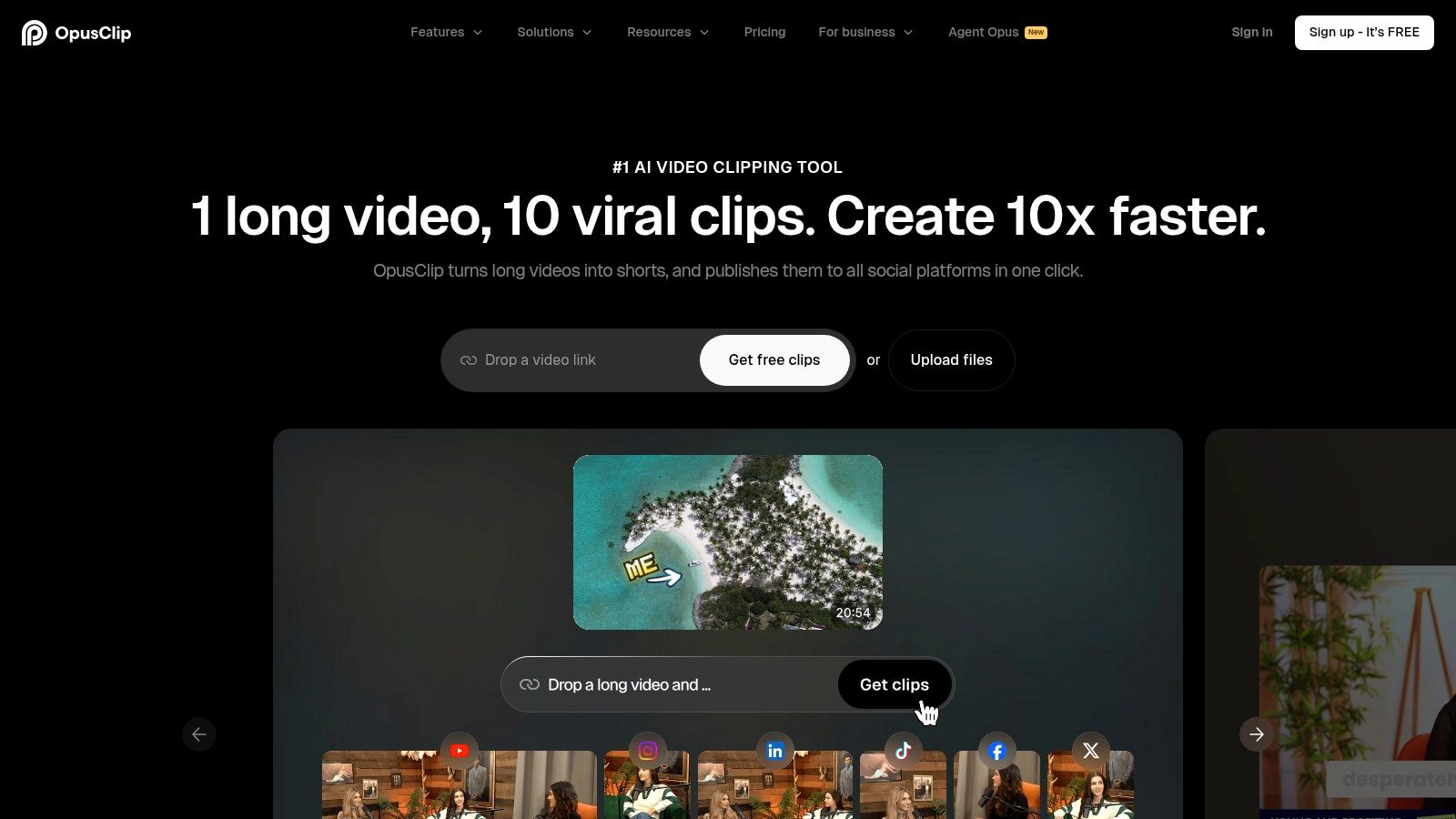
OpusClip is built for one job, finding moments in long-form content and turning them into vertical shorts fast. That narrow focus is exactly why many creators like it. Use the OpusClip site when your main problem is discovering the best clip, not building a full edit from scratch.
Fastest path from source video to clips
Its workflow centers on AI clipping, spoken-word moment detection, auto-reframe, AI captions, keyword and emoji additions, and multi-source imports from Drive, YouTube, Zoom, and Loom on paid tiers. That makes it useful for webinar, interview, and podcast cutdowns where the source is long and the target is multiple shorts.
The speed advantage is real. If you need to get several candidates out of one recording quickly, OpusClip is one of the most direct ways to do it. It also offers workflow integrations like Zapier and a scheduler API on upper tiers, which helps larger production setups.
The limits to keep in mind
The free plan is restrictive, with watermarks and export limitations, and editing after automatic clipping is lighter than in full editors. That means it’s strongest as a clip finder, then weaker as a polish tool.
Use OpusClip when you want the machine to do the first pass, then move finished candidates into your publishing workflow.
For long-to-short conversion specifically, it remains one of the sharpest tools. If your stack needs a clipper that can feed scheduled posting downstream, it pairs naturally with a platform built for repurposing and publishing.
10. Pictory
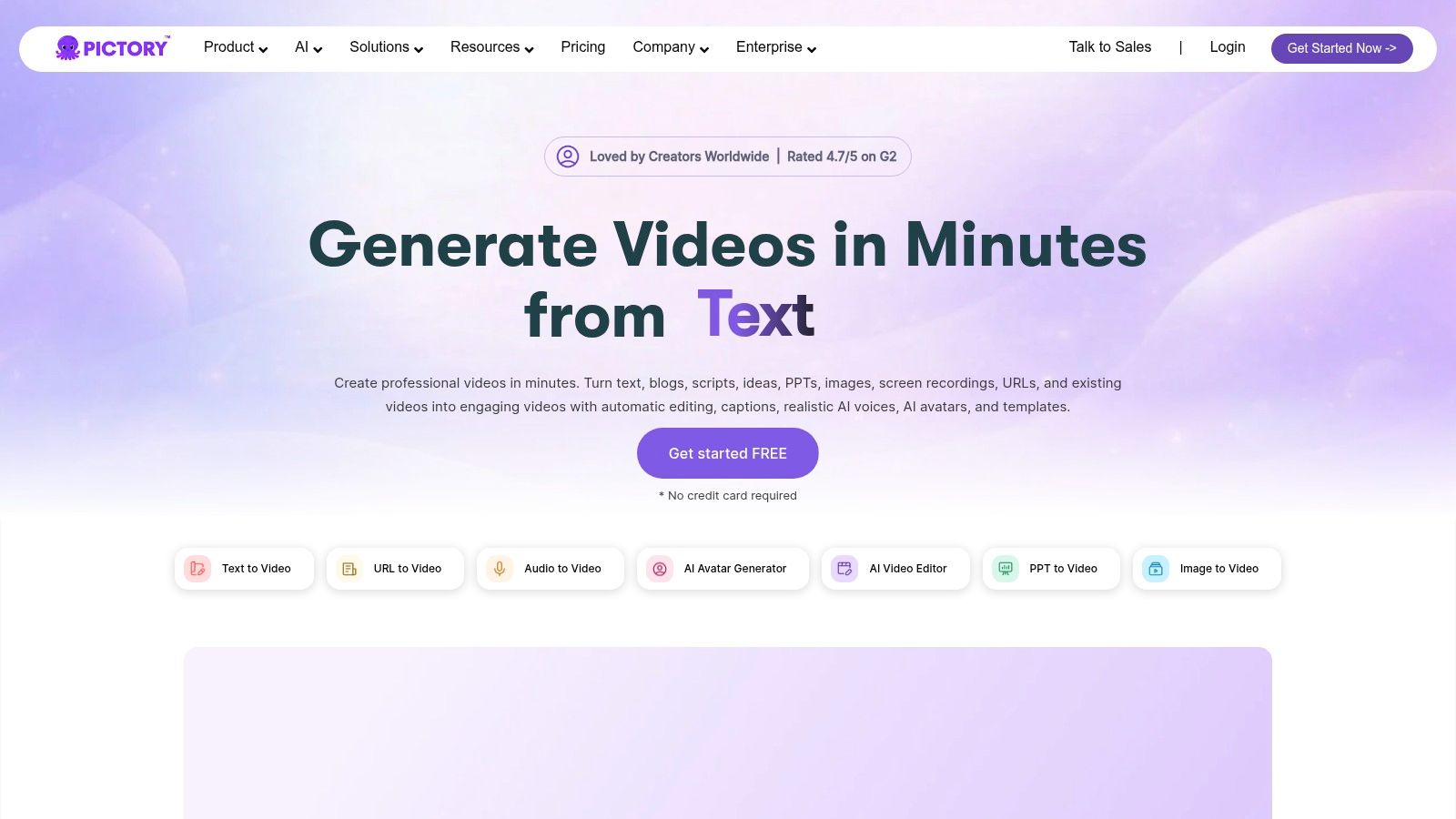
Pictory is a good fit when the source is a script, article, or long recording that needs to become a narrated short with stock support. It’s popular with educators and businesses because it handles text-led production cleanly. Start at the Pictory site if your shorts are often explainers or simple educational clips.
Where it fits in the workflow
The key features are text-to-video and video-to-video summarization, captions, voice options, stock libraries from Getty and Storyblocks, brand kits, and team or enterprise options with minute allocations. That makes it practical when the content source isn’t only spoken video, but also written material that needs to be turned into short social assets.
It’s especially useful for batch production. If your team publishes many educational clips or simple explainers, Pictory can standardize the look and pace of that output without requiring a custom edit every time.
What it’s not best at
Heavy stock and AI workflows can be credit-intensive, and annual versus monthly plan inclusions vary, so it rewards careful plan checking. It’s less attractive for teams that want deep clipping intelligence from long conversations.
Pictory makes the most sense when the clip needs narration and structure more than spontaneous highlight selection. For educators, service brands, and small marketing teams, that can be enough to keep it in the rotation.
Top 10 Online Short-Video Makers: Feature Comparison
| Product | Best for | Core features | Unique value / USP | Price & limits |
|---|---|---|---|---|
| quso.ai | Creators, podcasters, social managers, small marketing teams | AI clip detection (virality-scored), word-level animated captions (100+ langs), filler-word removal, text-based editor, brand kit, multi-platform scheduler | One end-to-end repurposing workflow: long video → week of platform-ready clips + captions + scheduled posts; Virality scoring based on analysis of 170K+ posts across 1,100+ creators | Free starter plan; paid from $29/mo. Try quso.ai free to clip, caption, and schedule. (See: tools roundup, long→short tools) |
| Kapwing | Small teams making memes, shorts, Reels | Auto-subtitles & dubbing, templates, 4K export (paid), brand kit, collaborative workspaces | Fast browser editor with strong collaboration/brand controls and clear credit/export limits | Free plan has watermark & 1‑min export cap; paid tiers remove watermark and add credits |
| VEED | Social teams needing an all-in-one record→caption→publish flow | Auto-subtitles/translation, AI clip/script tools, screen/webcam recorder, templates, API | Straightforward subtitle/translation stack plus growing AI generators for repurposing | Tiered plans; some pricing shown dynamically, review before purchase |
| Microsoft Clipchamp | Organizations with Microsoft 365 licenses | Web + Windows app, stock media, social presets, Copilot integrations (business) | Low procurement friction for M365 orgs; familiar Microsoft UX for non-editors | Many M365 subscribers get premium features included; feature set simpler than creator-first tools |
| Canva (Video) | Teams already using Canva for design → video | Social templates, timeline editing, captions, brand kits, scheduling | Seamless move from static design to consistent short-form video with collaborative controls | Free/paid tiers; premium assets/features require paid plans |
| Adobe Express | Marketers needing Adobe assets + simple video polish | Quick Actions (caption/resize/trim), templates, Adobe Stock & Fonts, scheduling | Large commercial-safe asset library (Firefly) and easy path into Adobe toolchain | Free plan limited; paid adds assets and 4K export on higher tiers |
| Descript | Podcasters, YouTubers converting long-form to clips | Text-based editing, filler-word removal, Studio Sound, dubbing, clip creation | Edit by transcript for very fast dialogue-driven repurposing | Media-hour/AI-credit caps on plans; higher tiers add 4K & more credits (see quso tools roundup: https://quso.ai/blog/10-best-ai-video-clip-tools-for-streamlined-content-creation) |
| InVideo (invideo AI + Studio) | Teams experimenting with many AI models & generation workflows | AI clip generator, model marketplace, timeline editor, subtitles, stock integrations | Flexible model/credit marketplace for trying varied AI generators | Credit-based system; pricing/details may be dynamic, check before buying |
| OpusClip | Creators needing ultra-fast automated cutdowns | AI highlight detection, auto-reframe, captions, keyword/emoji suggestions, multi-source import | Very fast long→short automation with clear tiering and integrations | Free plan watermarks/limits; paid tiers add imports, scheduler API and exports (see: https://quso.ai/blog/best-tools-for-long-to-short-video-ai) |
| Pictory | Educators & businesses batch-producing explainers | Text-to-video, video summarization, captions, voice options, stock libraries | Strong for scripted/text-led shorts and high-volume explainers with clear minute allocations | Credit/minute allocations per plan; stock/AI workflows can be credit-intensive |
Choosing the Right Online Video Maker for Your Workflow
The right short video maker online is the one that matches how your team already works. If your design system already lives in Canva, its video tools fit naturally into that stack. If your editing starts from a transcript, Descript is a stronger fit. If collaboration happens in the browser, Kapwing or VEED are practical choices.
For creators and marketers turning long-form content into a steady flow of captioned, scheduled social clips, an end-to-end platform usually saves more time. The bottleneck is rarely one feature. It is the handoff between clipping, captioning, resizing, reviewing, and publishing. Tools that reduce those back-and-forth steps fit repurposing workflows better because they cut the amount of manual cleanup before a clip is ready to post.
Short-form content consistently performs well in feeds compared with static posts, and captioned videos usually hold attention better than silent cuts. A repurposing stack should reflect that reality. It needs to support captions, aspect-ratio changes, versioning, and scheduling, not just trimming footage into a shorter file. For a practical guide to quick social posts, see this guide to quick social posts.
Length is the other trade-off. Shorter clips are not always the right answer. The best cut depends on whether the goal is retention, click-through, or a tighter educational summary. That is why a tool that can produce multiple versions from the same source often fits better than one that only outputs a single “best” clip.
Start with the bottleneck in your workflow. If clip discovery takes too long, use an AI clipper. If brand consistency is the main issue, a design-first editor makes more sense. If publishing at scale is the problem, choose a platform that handles the full repurposing flow in one place. For teams that want that single workflow, quso.ai takes long-form video, turns it into captioned shorts, and schedules them without forcing you to stitch together extra tools.
If your workflow begins with a podcast, webinar, or interview and ends with scheduled short-form posts, quso.ai is built for that path. It keeps clipping, captions, and publishing together, so the repurposing step stays quick instead of turning into another editing project. Visit quso.ai to try the workflow on your next long-form asset.





