quso.ai Now Imports Video From 9 New Platforms (Vimeo, Loom, Twitch & More)
Getting your video into quso.ai used to mean a YouTube link, a Google Drive file, or an upload. As of today, that list is a lot longer. quso.ai now imports video from nine new sources, so wherever your footage already lives, you can pull it in and turn it into short, captioned clips in a couple of clicks.
The new sources are available on every entry point, on desktop and mobile. No new step, no separate importer, just paste a link or connect the account. And they work on every plan, including the free one, so you can import from any of these sources without upgrading, unlike tools that lock link and platform import behind a paid tier.
What you can import now
On top of YouTube and Google Drive, quso.ai now imports from:
- Vimeo: pull in a Vimeo-hosted video by link.
- X (Twitter): grab a video posted to X.
- Facebook: import a Facebook video.
- Twitch: turn a stream VOD into clips. See the Twitch clip maker.
- Rumble: import a Rumble-hosted video.
- Loom: repurpose async recordings into social clips. See the Loom clip maker.
- LinkedIn: pull a video posted to LinkedIn.
- Dropbox: import straight from your Dropbox.
- Zoom: turn a recorded call, webinar, or interview into clips.
That is 11 sources plus local upload, more import coverage than most AI clipping tools, including a few that people pair quso.ai against. Compare the full workflow on our Opus Clip alternative page.
Why it matters
Most of your best raw material is already sitting somewhere: a Zoom recording of last week's webinar, a Loom walkthrough, a Twitch VOD, a talk uploaded to Vimeo. Re-downloading and re-uploading it just to make clips is friction that stops content from getting made. Importing directly removes that step, so one recording becomes a week of short-form posts without leaving quso.ai.
A few workflows this unlocks:
- Podcasters & streamers: import a Twitch or Zoom recording and let the AI pull the highlights, scored by virality.
- B2B & teams: turn a Loom demo or an async update into LinkedIn-ready clips.
- Creators: repurpose anything already posted to X, Facebook, or Vimeo into vertical clips for Reels, Shorts, and TikTok.
How it works
- Paste the link (or connect Google Drive / Dropbox, or upload a file), on desktop or mobile.
- The AI finds the moments and cuts them into short, vertical clips with animated captions.
- Edit, brand, and publish: export as MP4 or schedule across platforms with the social media scheduler.
New to quso.ai? Start with the AI clips generator or the free AI clip maker.
FAQ
What video sources can I import into quso.ai?
quso.ai imports from YouTube, Vimeo, X, Facebook, Twitch, Rumble, Loom, LinkedIn and Zoom, plus Google Drive, Dropbox, and local file upload. Import works on every entry point, on desktop and mobile.
Can I import a Twitch VOD or a Loom recording?
Yes. Paste a Twitch VOD or channel link, or a Loom link, and quso.ai pulls the video in and clips it. See the Twitch clip maker and Loom clip maker.
Does importing work on mobile?
Yes. Every import source is available on both desktop and mobile.
Are the new import sources available on the free plan?
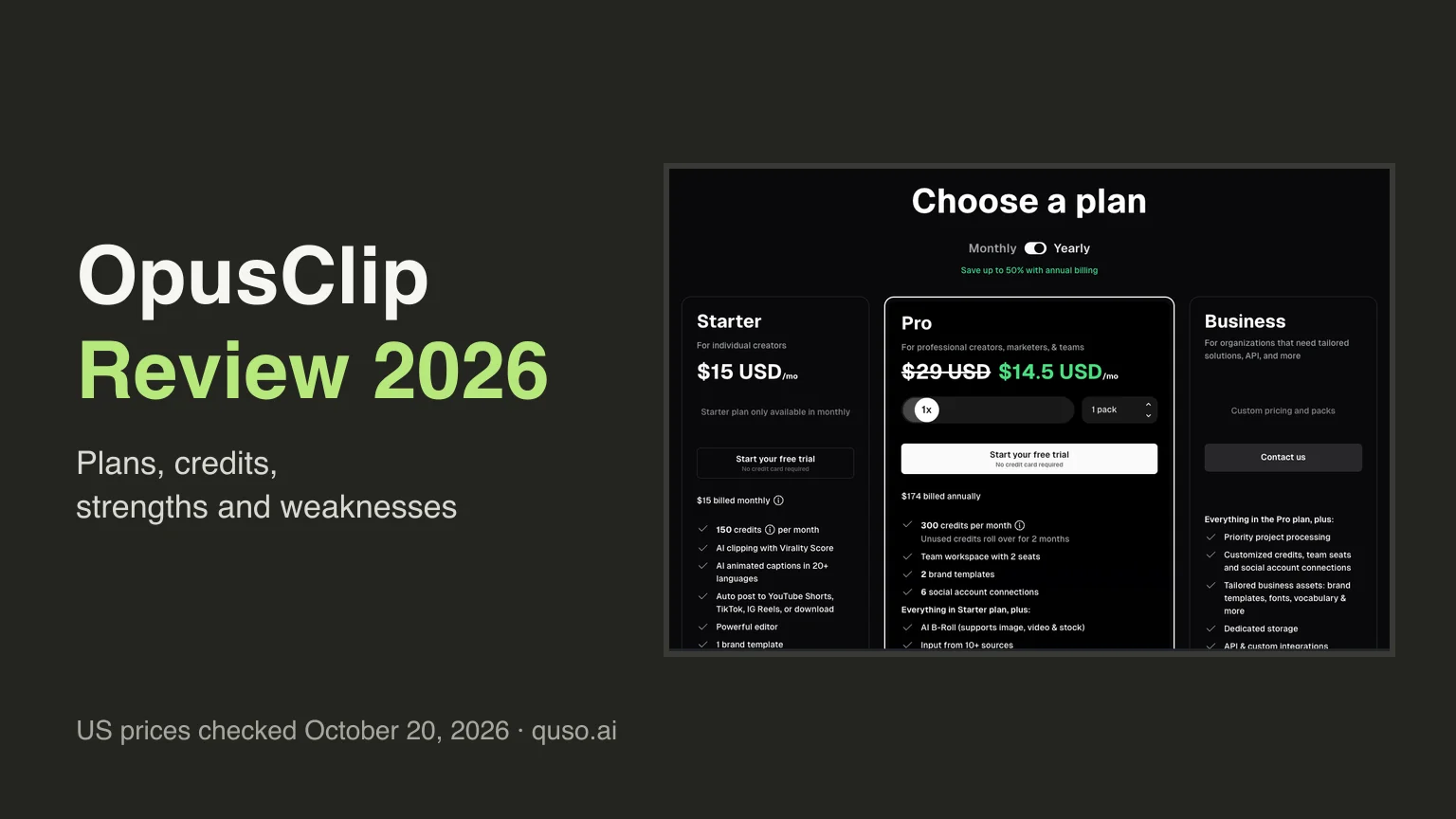
Yes. Every import source works on quso.ai's free plan, not just paid, so you can pull in a YouTube, Vimeo, Twitch, Loom, or Zoom video without upgrading. Some tools, including Opus Clip, keep link and platform import on paid plans only and limit the free plan to local uploads.