Sermon Clips Generator: short, captioned clips from a full service recording
Paste a link or upload Sunday's recording. quso.ai proposes candidate clips with captions, your team reviews each one for context and Scripture references, then exports MP4s or schedules them to the church's accounts. The free plan covers about 75 minutes of video a month, no card required.
Start free, no card requiredWhy churches use quso.ai for sermon clips
Less scrubbing, same editorial control
A 45-minute sermon takes 45 minutes to watch and longer to cut by hand. quso.ai proposes candidate clips from the transcript, so your team starts from a shortlist instead of a blank timeline. Your team still decides what goes out and what stays on the cutting-room floor.
Captions and a brand template in the same screen
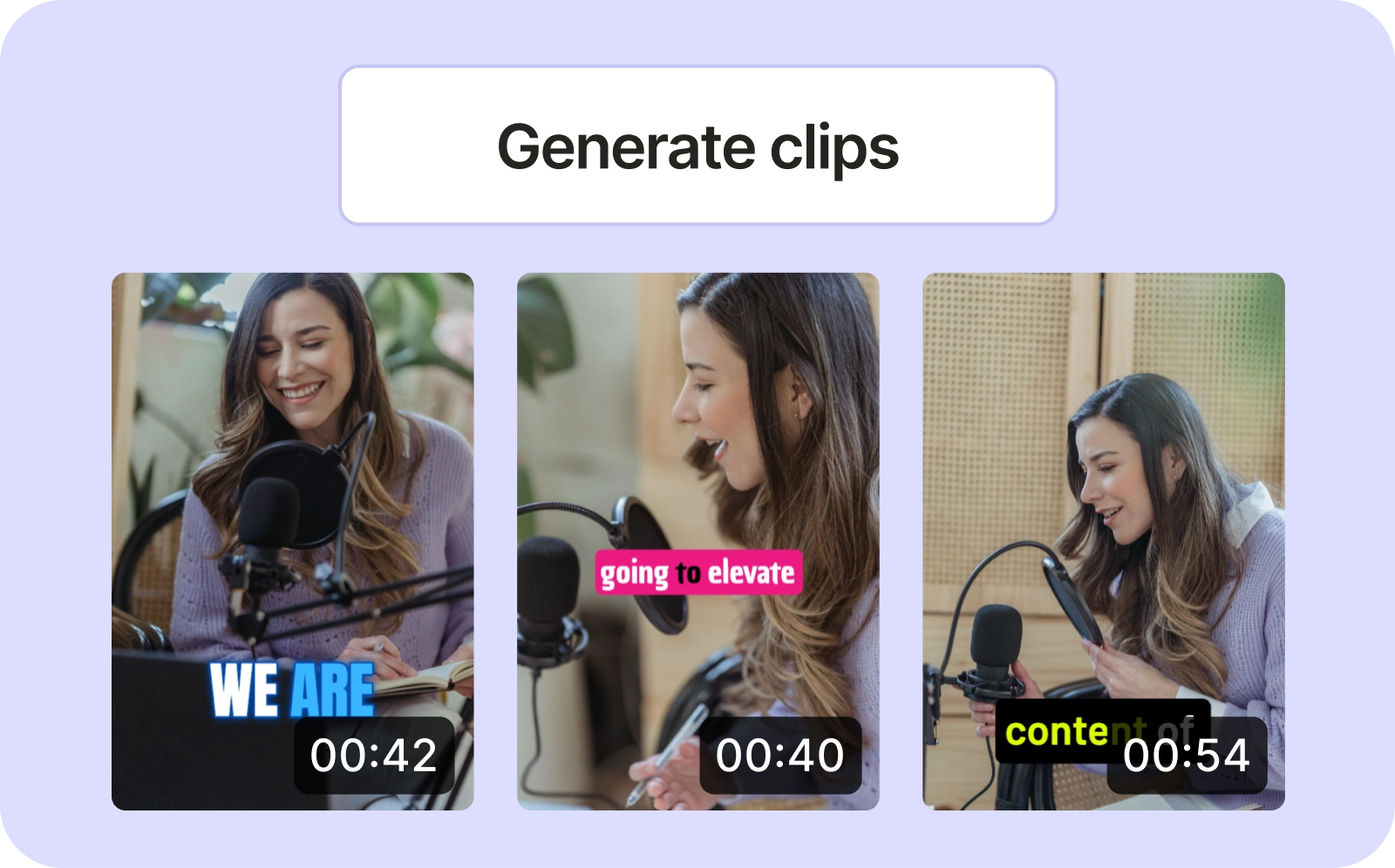
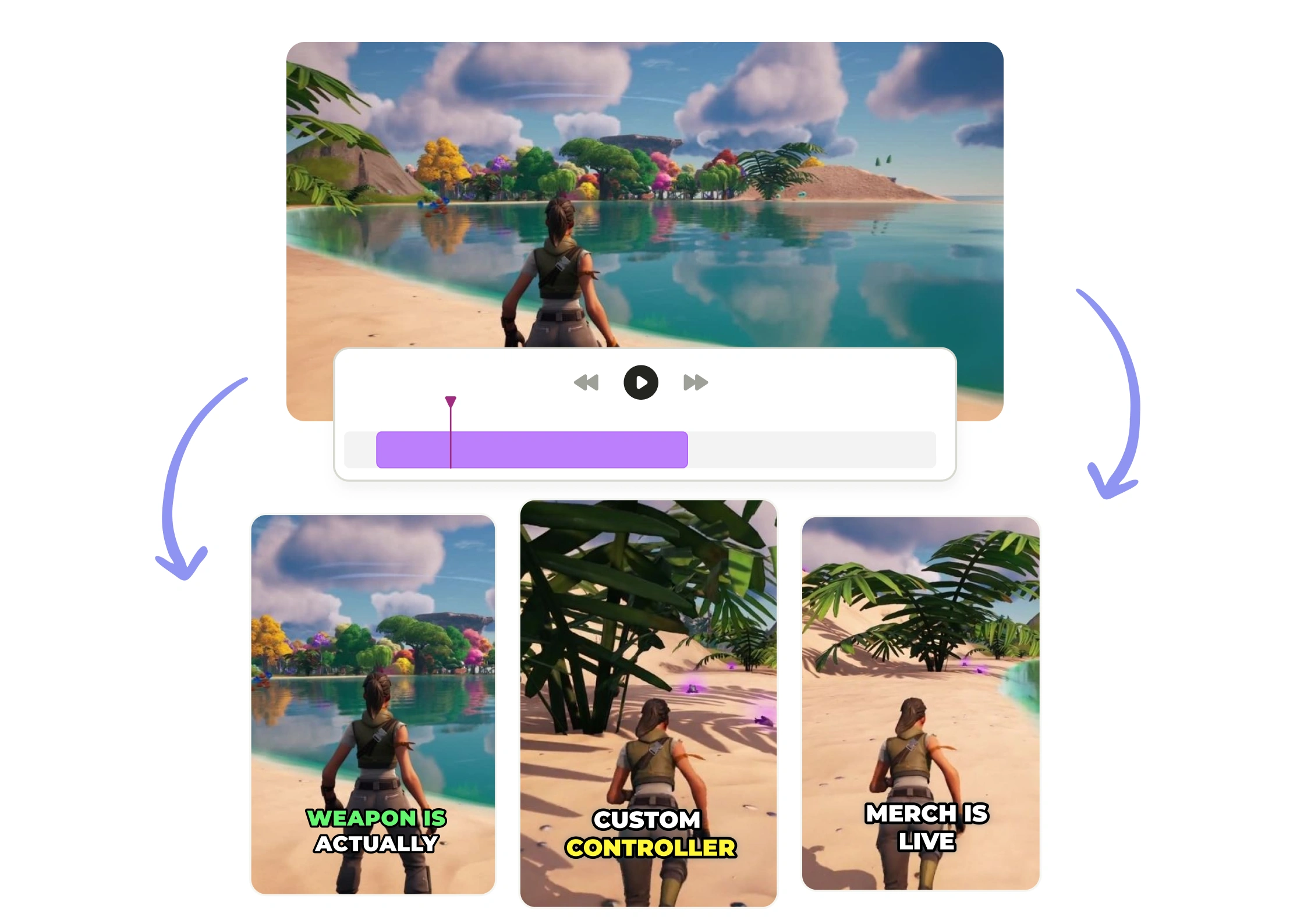
Each candidate clip comes with captions generated from the transcript, editable word by word, in one of 10 animated styles. On paid plans, a brand template with the church's logo, colors, and font can be applied to a clip from the review screen.
Export or schedule from one place
Download finished clips as MP4, or schedule them to connected accounts with a date and time you pick. The free plan publishes to TikTok. Plans that include scheduling connect TikTok, Facebook, Instagram, LinkedIn, X, YouTube, and Pinterest.
What the sermon clips generator does, and what it leaves to you
Candidate clips from speech, no sermon-specific model
Custom clips from the transcript
Chapters for a full sermon point, alongside the shorts
How to make sermon clips with quso.ai
- Import the recording. Sign up, then paste a link (YouTube, Vimeo, Google Drive, Dropbox, Zoom, and others) or upload the file from your computer, Google Drive, or Box. File-size limits vary by plan and upload workflow.
- Wait for processing. It usually takes a few minutes, longer for a long recording. Each minute of video uses about one credit, so a 45-minute sermon uses about 45 of the free plan's 75 monthly credits.
- Review the candidate clips. Check names, Scripture references, and whether each clip keeps the point in context. Confirm the clip boundaries and read the captions against the transcript.
- Adjust what needs it. Drop clips that do not stand alone, cut a custom clip from the transcript where one is missing, change the caption style, and on paid plans apply a brand template.
- Export or schedule. Download MP4s, or schedule the approved clips to connected accounts. Nothing publishes until someone on your team chooses to export or schedule it.
A worked example: one Sunday sermon
Take a 45-minute Sunday sermon recorded to the church's YouTube channel. The communications volunteer signs in on Monday, pastes the YouTube link, and waits a few minutes. Processing uses about 45 credits, which leaves about 30 on the free plan for the rest of the month; a church posting every week would need a paid plan.
The review screen shows the candidate clips next to the transcript, plus longer 16:9 chapters. The volunteer reads each candidate against the transcript: is the pastor's name spelled correctly in the captions, is the verse reference right, does the clip start after the setup and end before the point is made? Two candidates get dropped for cutting a story in half. One passage the proposals missed, a short illustration about a neighbor, becomes a custom clip selected straight from the transcript. Each kept clip gets a caption style; on a paid plan, the church's brand template goes on at the same step.
The approved clips are downloaded as MP4s for Instagram and Facebook, and scheduled to the church's TikTok account for Wednesday and Friday. Nothing went out that a person did not read first. That is the example, not a guarantee: a noisy recording produces fewer usable candidates, and a sermon built around one long argument may yield more chapters than shorts.
If the goal is text rather than video, the same transcript is the starting point for sermon transcription. For how clips fit into the rest of a church's week, see the church social media page and the church social media strategy checklist.
Frequently Asked Questions
Is the sermon clips generator free?+
How does quso.ai choose which sermon moments to clip?+
How long does processing take?+
Does recording quality matter?+
Where can the clips be posted?+
Sermon Clips Generator: short, captioned clips from a full service recording
Start free, no card requiredA worked example: one Sunday sermon
Take a 45-minute Sunday sermon recorded to the church's YouTube channel. The communications volunteer signs in on Monday, pastes the YouTube link, and waits a few minutes. Processing uses about 45 credits, which leaves about 30 on the free plan for the rest of the month; a church posting every week would need a paid plan.
The review screen shows the candidate clips next to the transcript, plus longer 16:9 chapters. The volunteer reads each candidate against the transcript: is the pastor's name spelled correctly in the captions, is the verse reference right, does the clip start after the setup and end before the point is made? Two candidates get dropped for cutting a story in half. One passage the proposals missed, a short illustration about a neighbor, becomes a custom clip selected straight from the transcript. Each kept clip gets a caption style; on a paid plan, the church's brand template goes on at the same step.
The approved clips are downloaded as MP4s for Instagram and Facebook, and scheduled to the church's TikTok account for Wednesday and Friday. Nothing went out that a person did not read first. That is the example, not a guarantee: a noisy recording produces fewer usable candidates, and a sermon built around one long argument may yield more chapters than shorts.
If the goal is text rather than video, the same transcript is the starting point for sermon transcription. For how clips fit into the rest of a church's week, see the church social media page and the church social media strategy checklist.
Want the full workflow? This free tool is part of quso.ai's AI Clips Generator: clip, edit, caption, and schedule in one place.
quso.ai Research
The Short Form Video Performance Report
We measured 508,000 posts from 1,900 creators across 80 countries to separate what actually changes reach from what only sounds like it does.