YouTube Transcript Generator
Turn YouTube videos into instant, accurate transcripts in seconds. No more pausing, rewinding, or manually typing—just click, transcribe, and repurpose.
Generate Your YouTube Transcript NowTrusted by 4M+ Users
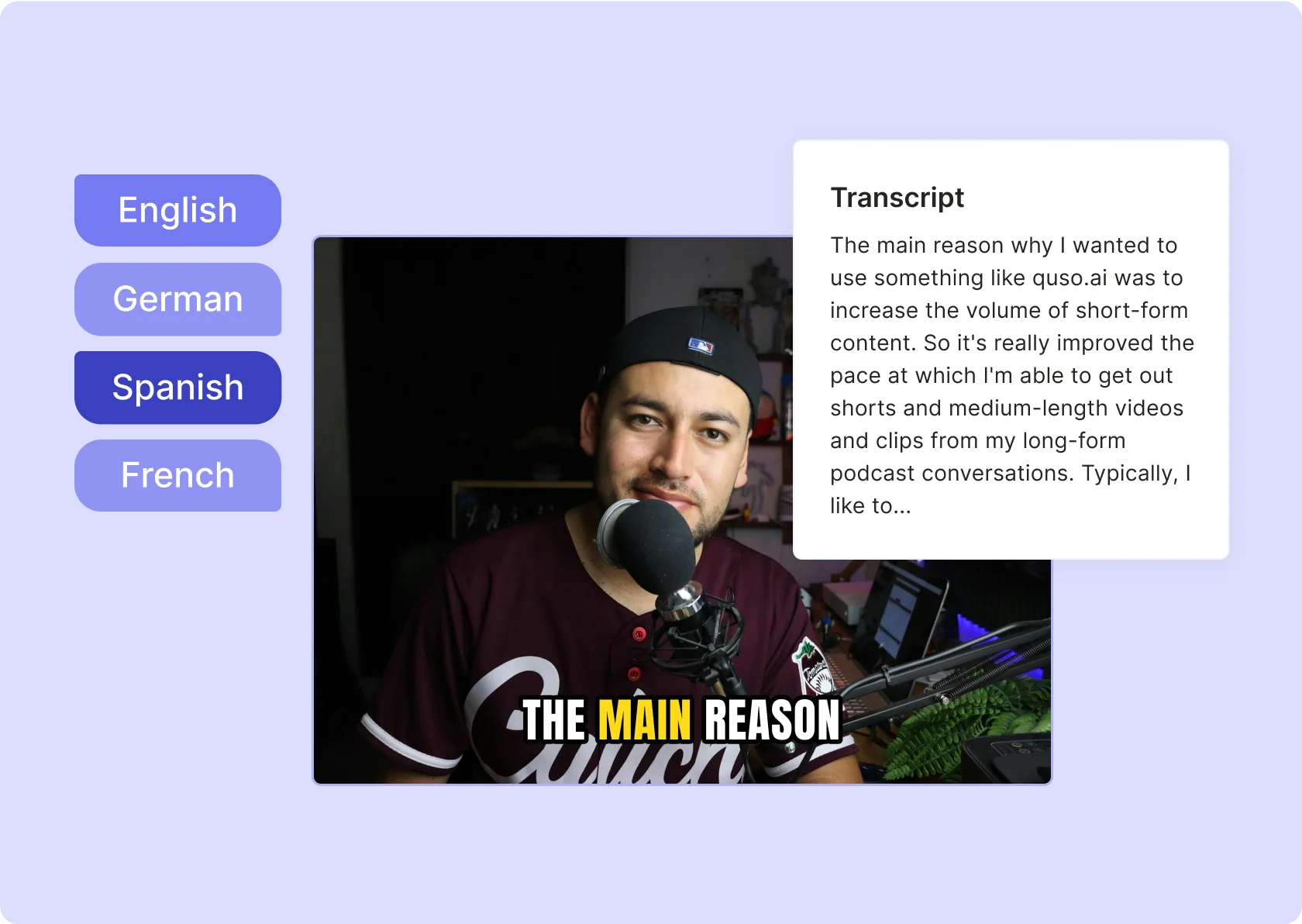
Why Use a YouTube Transcript Generator?

Content Repurposing = More Views, More Reach
One video can be ten pieces of content—blog posts, tweets, LinkedIn updates, captions. Get your transcript and start repurposing like a pro.

SEO Gold: Rank Higher, Get More Traffic
Search engines can’t watch videos, but they can read text. Transcripts boost searchability, discoverability, and engagement.

No More "What Did They Say?" Moments
Forget rewinding and guessing. Get the full transcript, word for word, in seconds.
Fast, Accurate, No Effort Required
Upload, paste the link, and boom—your transcript is ready. No manual typing, no waiting.
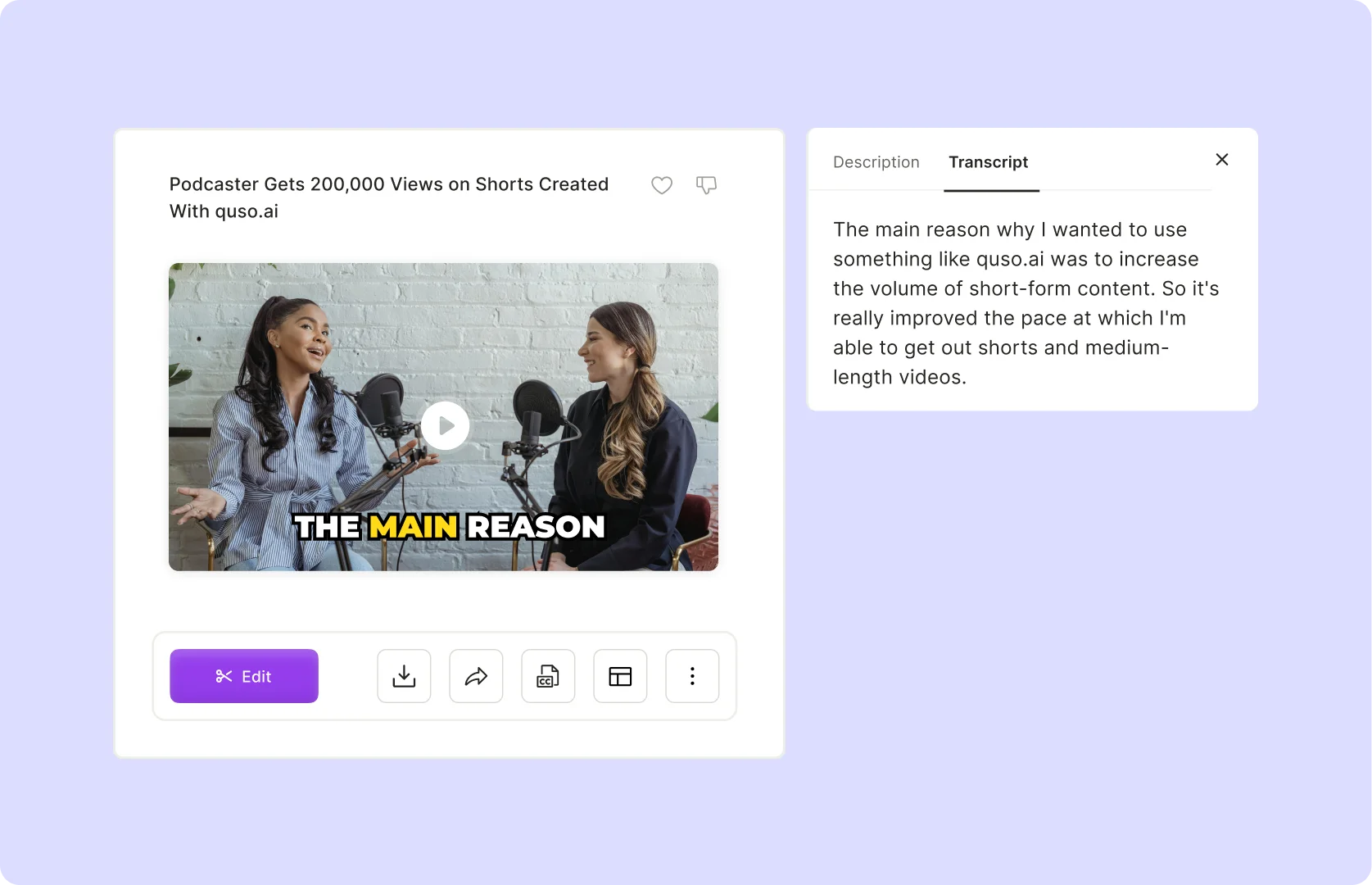
Auto-Punctuated, Readable Text
No more messy, unreadable text dumps. AI formats everything automatically so you can use it instantly.
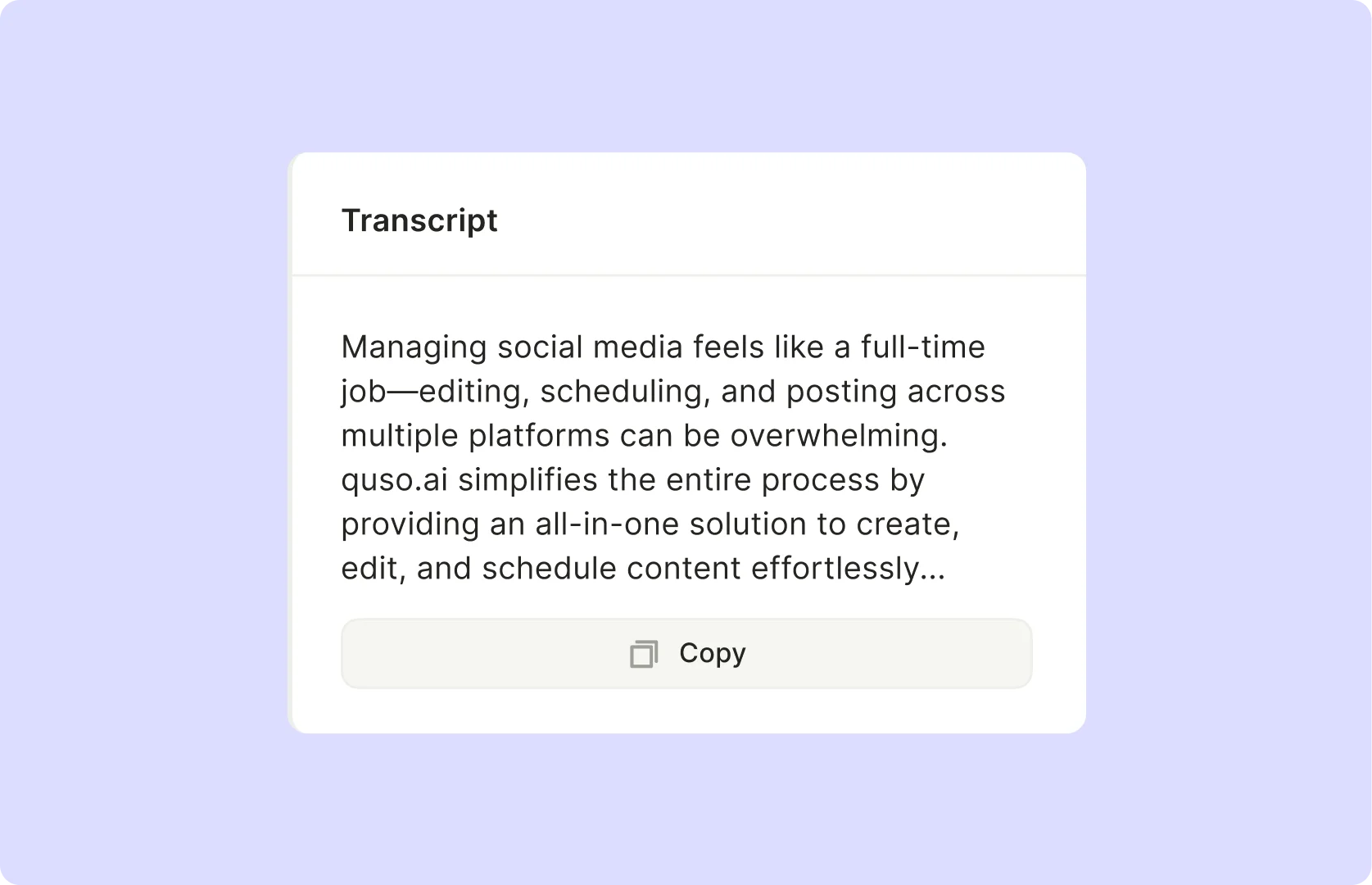
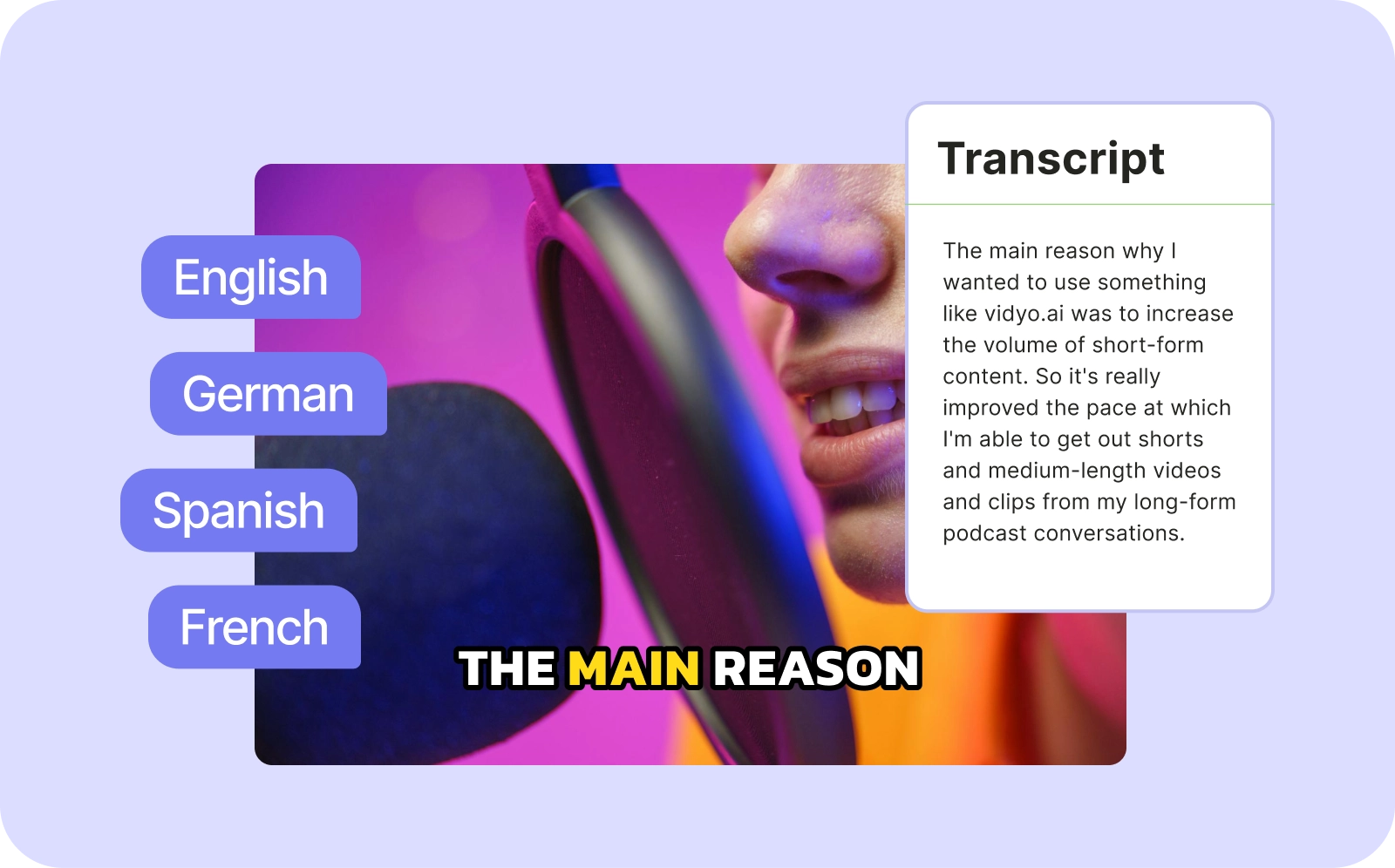
Multilingual Transcription? Done.
Need translations? AI can transcribe in multiple languages, making your content truly global.
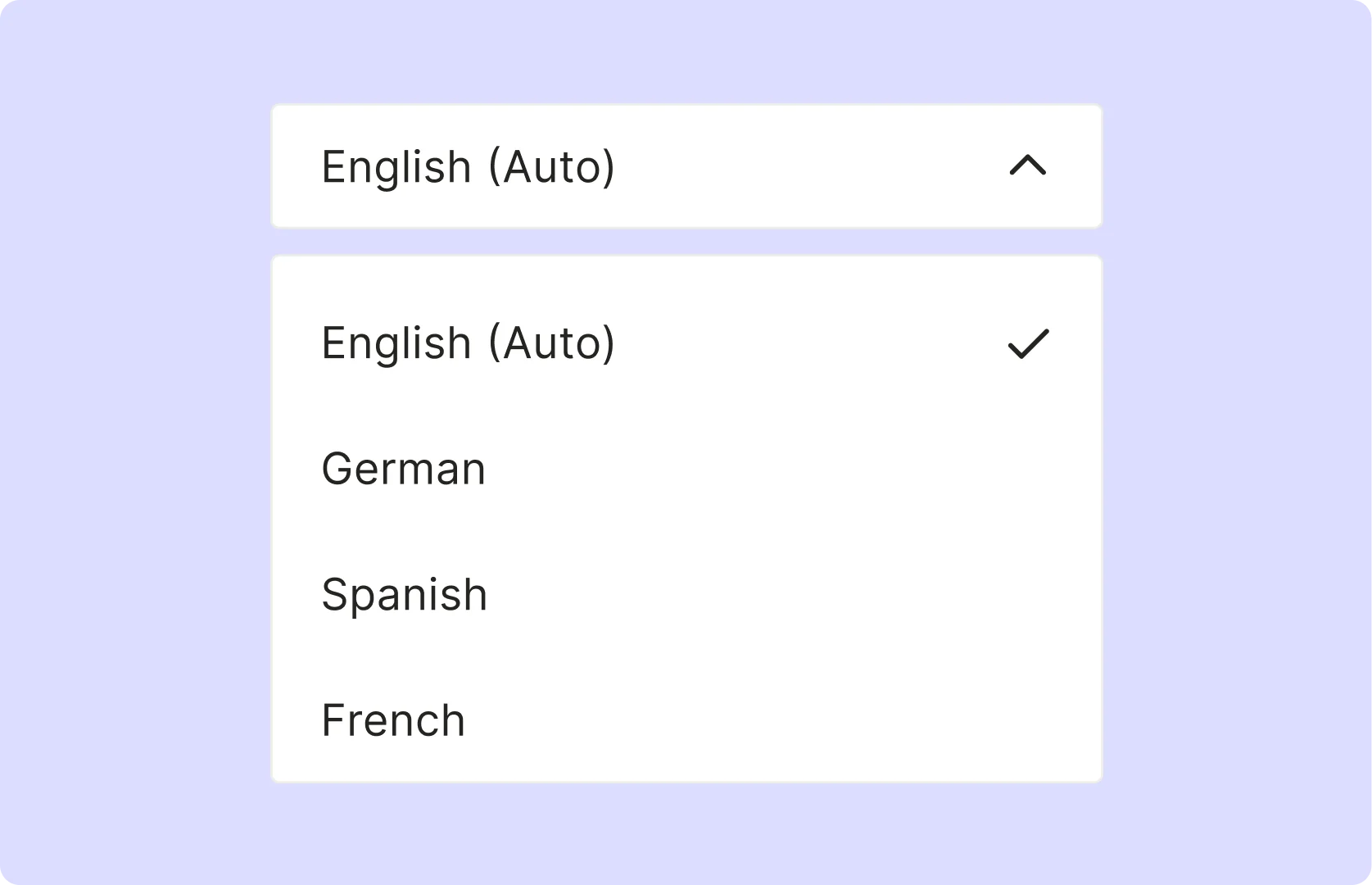
How To Generate YouTube Transcripts using YouTube Transcription Generator
- Paste Your YouTube Link
Simply enter the URL of your YouTube video into quso.ai, and the tool will automatically queue it for transcription.
- AI‑Powered Transcription
Our speech‑to‑text engine converts the YouTube audio into accurate, time‑coded text, with support for multiple languages and speaker identification.
- Review & Edit Your Transcript
Edit any mistakes, adjust timing, or fine-tune the captions directly in the built‑in editor to ensure perfect accuracy.
- Export or Integrate
Download your transcript as SRT or TXT files and directly integrate it into your YouTube video’s subtitle section for seamless sharing.
Frequently Asked Questions
What is a YouTube transcript generator?+
Why should I transcribe my YouTube videos?+
Can I use transcripts for subtitles?+
How accurate is the transcription?+
How do YouTube transcripts help with content creation?+
YouTube Transcript Generator
Generate Your YouTube Transcript Now

quso.ai Research
The Short Form Video Performance Report
We measured 508,000 posts from 1,900 creators across 80 countries to separate what actually changes reach from what only sounds like it does.