Best Content Planning Tools: Top 10 for 2026

Your content plan probably lives in five places right now. A spreadsheet for ideas, a notes app for hooks, a design folder nobody can find, DMs for approvals, and a scheduler that only handles the final post. That setup works until volume increases, clients ask for faster turnarounds, or your team starts publishing across several channels at once.
That's why content planning tools matter more in 2026. They're no longer just publishing calendars. They've become the operating layer for ideation, production, approvals, scheduling, and performance review. Adoption reflects that shift. By 2025, approximately 77% of marketing organizations worldwide reported using some form of content planning or project management tool, up from 48% in 2018, according to a global survey summarized by StoryChief. In the same dataset, 61% said they maintain a documented content calendar, and 42% centralize planning in dedicated content or marketing platforms rather than spreadsheets.
If your current setup feels messy, you don't need more hustle. You need a system. For many teams, that system overlaps with broader workflow software, especially if content planning sits inside campaign execution, approvals, and asset management. If that's your situation, this guide pairs well with a look at best project management software.
Table of Contents
1. quso.ai The All-in-One AI Creation & Planning Hub
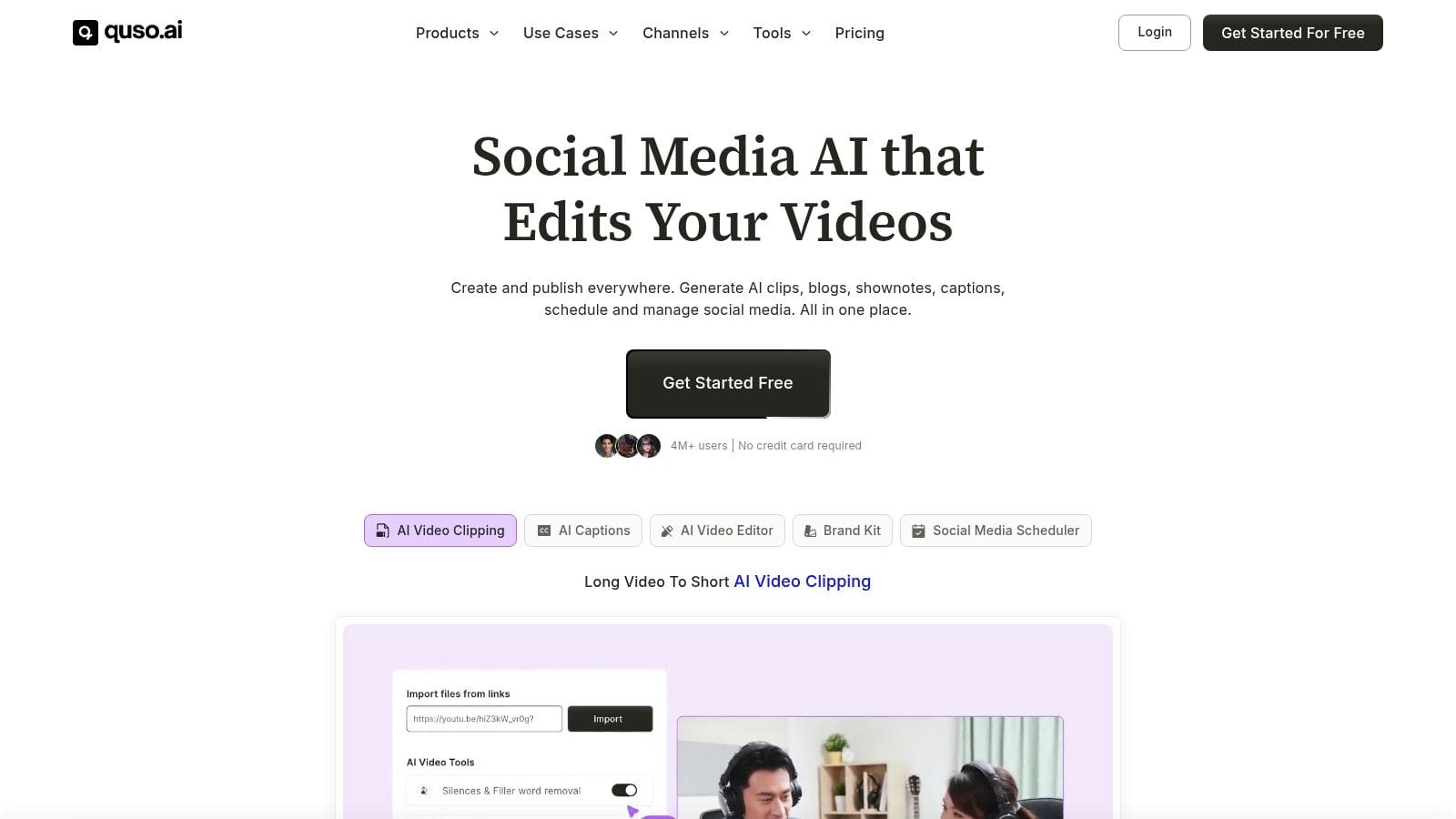
Most content planning tools start after the content already exists. quso.ai starts earlier. That's the core difference. It helps teams go from raw long-form footage to clips, captions, repurposed assets, scheduled posts, and performance tracking inside one workflow.
For creators, coaches, podcasters, and lean social teams, that matters a lot. Planning breaks down when you have to jump between a video editor, subtitle tool, document app, scheduler, and analytics dashboard. quso.ai reduces that handoff mess by combining clipping, editing, repurposing, publishing, and analytics in one place through its AI Content Planner.
Why quso.ai stands out
The strongest use case is video-first publishing. If your content engine starts with webinars, interviews, podcasts, YouTube videos, or talking-head recordings, quso.ai gives you a cleaner path from source asset to weekly content calendar.
Key capabilities include:
- Automatic clip extraction: AI Clips Generator, Intelliclips, and Custom Clips help surface usable moments from longer recordings.
- Built-in polish: Subtitle generation, caption styling, filler-word removal, B-roll, and lightweight editing tools reduce the need for a separate editing stack.
- Cross-platform execution: You can schedule and track posts across X, YouTube, LinkedIn, Pinterest, TikTok, Facebook, and Instagram from a single dashboard.
- Brand consistency: Brand Kit and brand-voice learning are useful when multiple people touch the same content pipeline.
- Repurposing beyond social posts: Long-form video can also feed blogs, show notes, and caption drafts.
Practical rule: If your weekly workflow begins with video, choose a planner that understands video natively. Calendar-first tools often feel clean in demos but create friction once editing and repurposing start.
quso.ai also matches where the market is moving. The global AI-powered content creation market was estimated at approximately USD 2.15 billion in 2024 and is projected to reach USD 10.59 billion by 2033, as summarized by Grand View Research. That doesn't mean every team needs full automation. It does mean AI-assisted ideation and production are becoming normal parts of the planning stack.
Who should choose it
quso.ai is the best fit for teams that want fewer tools, not just better scheduling.
Choose it if you're any of these:
- A coach or educator: You record lessons, interviews, or webinars and need to turn them into a steady stream of short-form posts.
- A podcaster or YouTuber: You want clipping, subtitles, packaging, and scheduling without stitching together five apps.
- A small agency: You need speed, repeatable workflows, and easier brand consistency across client accounts.
- A social manager with limited editing support: You can get publishable assets without depending on a dedicated video editor for every post.
The trade-off is straightforward. AI gets you close, fast. It won't make every creative decision for you. The best teams still review clips, rewrite weaker captions, and adjust platform context before publishing.
2. Hootsuite The Enterprise-Grade Social Media Manager
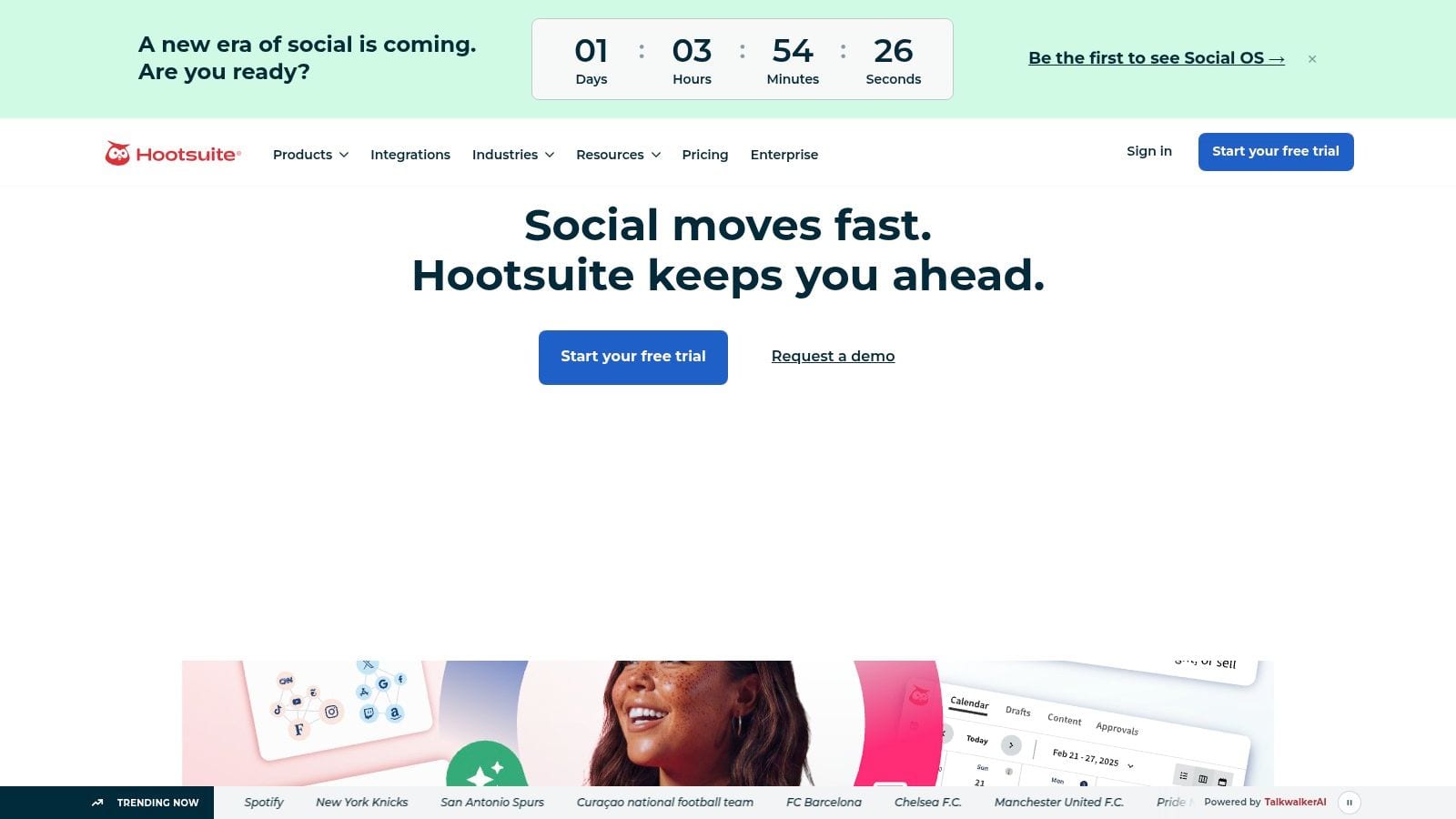
Hootsuite is what many teams choose when content planning isn't the only problem. They also need approvals, inbox routing, campaign visibility, stakeholder permissions, and social reporting that works across multiple brands.
It's a mature platform, and that maturity shows up in the calendar, governance controls, and integrations. If your team manages a lot of accounts and needs a stable operational center, Hootsuite is still one of the safer picks.
Where it fits best
Hootsuite works best for marketing departments that already have a process and need software to enforce it. It's less appealing for solo creators because the platform assumes team coordination, not just simple scheduling.
What it does well:
- Structured publishing: Drag-and-drop planning and bulk scheduling help teams manage high post volume.
- Operational coverage: A centralized inbox and workflow routing reduce context switching for community managers.
- Enterprise path: Teams can add deeper analytics, listening, advocacy, chatbot, and CRM-oriented extensions as needs grow.
- Cross-brand management: Permissions and account structure make it easier to avoid the chaos that comes with shared logins and informal review processes.
A practical issue is cost expansion. Pricing by user can become expensive as more reviewers, managers, and specialists need access. And while Hootsuite covers a lot, some of the more advanced listening and analytics capabilities sit behind add-ons.
If your main bottleneck is getting posts out on time, Hootsuite can feel heavier than necessary. If your bottleneck is coordination across people and brands, it starts making much more sense. Teams that want a stronger publishing process can pair planning discipline with a cleaner posting cadence using guidance on how to schedule social media posts.
3. Sprout Social Best for Analytics and Governance
Sprout Social is a premium choice for teams that need content planning to connect cleanly with reporting and stakeholder visibility. Plenty of tools can help you queue posts. Fewer can help you explain performance to leadership without exporting half your data into slides.
That's where Sprout usually wins. It combines a visual calendar, approval workflows, unified inbox, and stronger reporting than most mid-market alternatives.
Why teams pay more for Sprout
Sprout Social tends to appeal to teams that manage reputation and reporting as seriously as publishing. If your content operation includes review management, competitive monitoring, and executive reporting, the extra cost often feels justified.
Its strongest points are easy to spot:
- Reporting depth: Strong analytics and cleaner stakeholder-facing outputs than simpler scheduling tools.
- Governance: Good approval controls for brands with tighter review standards.
- Inbox and engagement: Useful when planning and audience interaction need to live in the same environment.
- Scalable structure: Mid-market and enterprise teams usually find the account and user model easier to formalize than lightweight creator tools.
Better analytics doesn't automatically create better content. It helps when a team already knows what decisions it wants reporting to support.
The downside is obvious. Sprout is expensive for small teams, and some of its more advanced insight layers are tied to higher plans. It's best when your team already publishes enough content to justify governance and reporting overhead.
If your current stack struggles to connect planned posts with actual business learning, Sprout is one of the stronger options. To tighten that measurement loop, it also helps to review practical approaches for tracking social media analytics.
4. Buffer The Simple and Affordable Starter Tool
Buffer remains one of the easiest content planning tools to recommend to beginners. It doesn't try to be your whole marketing operating system. That's a strength, not a weakness, when you just need a clean planner that your team will use.
Setup is quick. The interface is approachable. The queue system makes sense immediately, even if you've never used a dedicated scheduler before.
Best use case
Buffer fits solo creators, consultants, and small businesses that publish consistently but don't need layered approvals or complex campaign management. It's especially good when the biggest problem is inconsistency, not collaboration.
Buffer works well when you want:
- Low friction: You can get from account setup to scheduled posts without much training.
- Simple queue planning: Good for recurring posting rhythms and lightweight content calendars.
- Affordable scaling for a few profiles: Per-channel pricing can be efficient if you manage a narrow set of accounts.
- Starter AI assistance: Helpful for caption drafts and basic engagement support, without turning the platform into an AI-heavy workspace.
The trade-off is ceiling, not usability. Buffer starts to feel limited once several people need to review, comment on, and sign off on content before it goes live. It's also not the best fit for teams that need deeper workflow visibility across broader campaign work.
Historically, many content planning tools followed this exact path. Teams started with spreadsheets, then moved into cloud collaboration as their coordination needs grew. A historical overview summarized by Teamwork notes that adoption of cloud project management tools among mid and large enterprises rose sharply in the early 2010s, reflecting the shift from informal planning toward more structured environments.
5. Later The Visual-First Content Planner
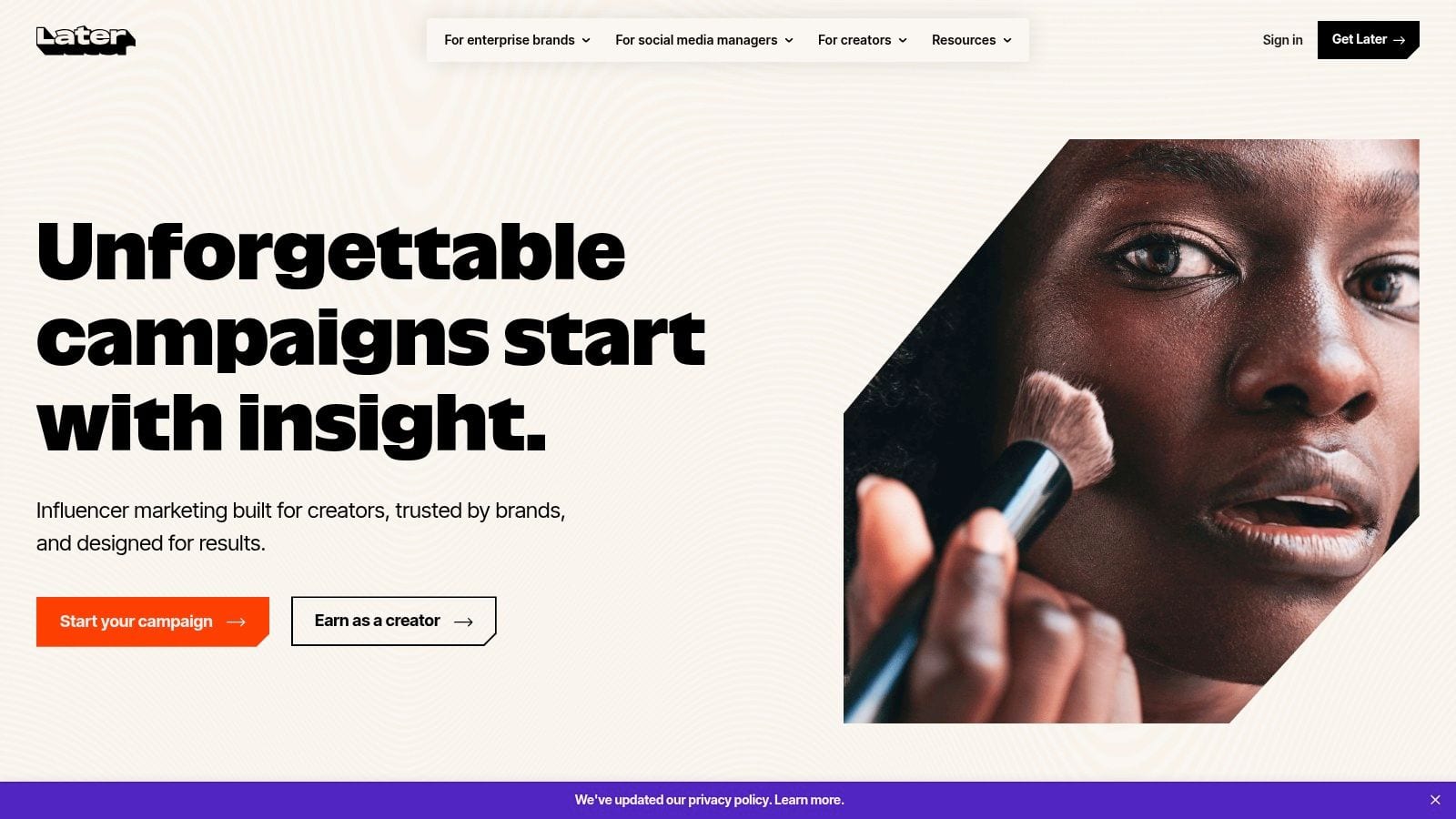
Later is one of the better choices when your team thinks visually first. If Instagram, TikTok, and Pinterest drive your publishing strategy, a text-heavy planning interface usually slows you down. Later avoids that by putting grid previews, media organization, and visual scheduling at the center.
For brands that care about feed appearance, post sequencing, and creative balance, that layout matters more than an extra analytics dashboard.
Where Later wins
Later is strongest when content planning starts with assets, not just copy. Fashion, beauty, food, travel, e-commerce, and creator brands often prefer that visual workflow because they're sequencing images and short videos, not just filling a posting slot.
It's a good choice for teams that want:
- Visual confidence: Grid previews help spot repetition, weak sequencing, or poor creative balance before anything goes live.
- Short-form friendly planning: Strong fit for image-led and short-video-led channels.
- Simple collaboration: Enough approval support for many small teams without forcing enterprise workflow complexity.
- Useful extras: Link-in-bio and caption assistance support the broader social publishing loop.
The limitation is depth. Later isn't the tool I'd choose for a heavily governed multi-brand environment with layered reporting requirements. It's best when visual planning and straightforward publishing matter more than enterprise controls.
6. Loomly Best for Agency Approval Workflows
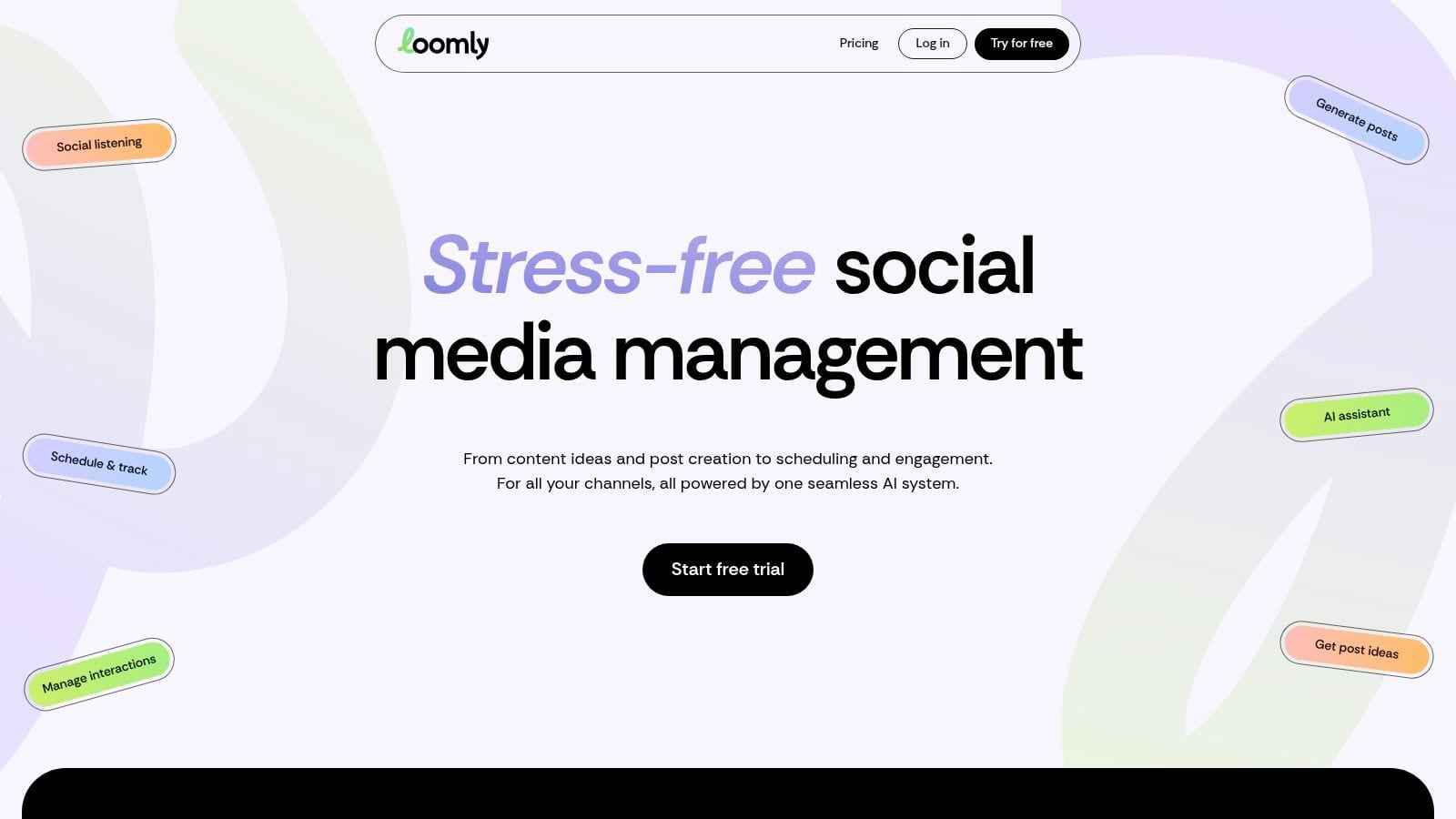
Loomly sits in a useful middle ground. It's more approval-oriented than Buffer or Later, but it doesn't feel as heavy as the big enterprise suites. That makes it attractive for agencies and in-house teams that need structured sign-off without buying a platform built for global brands.
The calendar is the center of the experience, and that's a good thing. Loomly keeps the workflow visible enough that account managers, creators, and reviewers can stay aligned without chasing updates in email threads.
Who gets the most value
Loomly makes the most sense for teams with repeatable review chains. If content needs to move from draft to internal review to client approval to scheduling, Loomly gives that process enough structure without overcomplicating it.
Reasons teams choose it:
- Approval clarity: Roles and permissions help separate drafting from final approval.
- Agency practicality: Higher account and user allowances can work well for client-heavy environments.
- Planning support: Content ideas and analytics help teams move from blank calendar to publishable plan faster.
- Usable interface: The platform is approachable enough for non-technical reviewers.
The best approval workflow is the one clients actually use. A sophisticated process fails if reviewers avoid the platform and send feedback in scattered messages instead.
The main watchout is pricing creep as account counts rise. Loomly can still be good value, but agencies should map expected growth before committing. It's a strong fit for structured publishing teams that aren't ready for enterprise-level tooling.
7. CoSchedule The Unified Marketing Calendar
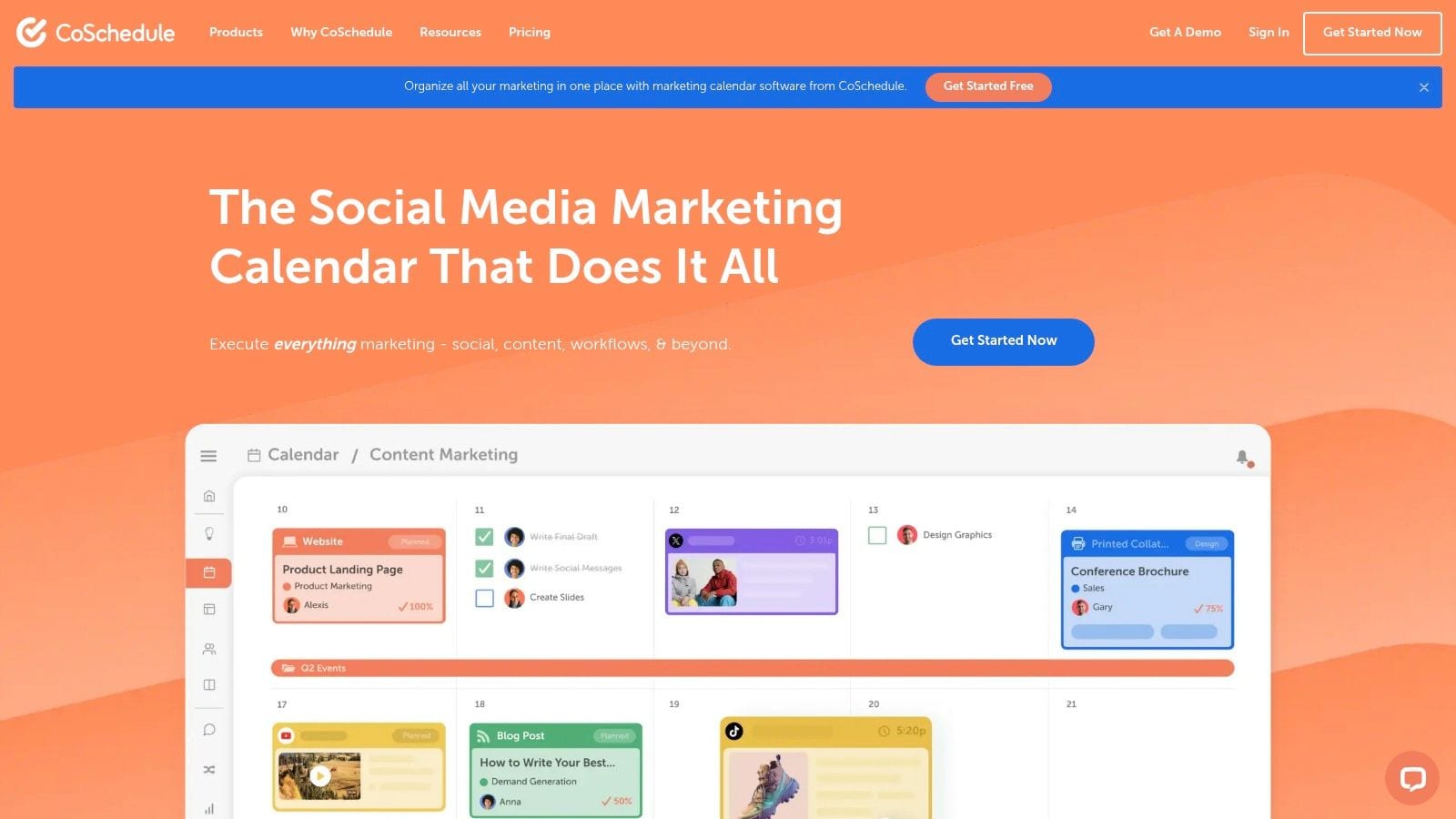
CoSchedule is less about pure social scheduling and more about campaign coordination. That distinction matters. If your content plan includes blog posts, email sends, launch assets, and social distribution, CoSchedule gives you a broader marketing calendar than tools focused mainly on post scheduling.
Consequently, many teams outgrow simpler content planning tools. They no longer need just a social queue; instead, they require one central location to see how content pieces support a campaign.
Best fit
CoSchedule works well for content marketers and small marketing teams running integrated calendars. It's especially useful when blogs, newsletters, and social posts need to launch in sync.
Its practical strengths include:
- Multi-format planning: You can map social publishing alongside blog and campaign work.
- Calendar-first coordination: Helpful for teams that need scheduling visibility more than deep social listening.
- Expandable structure: There's a path from free entry-level use to broader marketing suite options.
- Helpful automation: Best Time Scheduling and AI assistance support routine planning tasks.
A limitation is that some of the more advanced suite capabilities live beyond the self-serve experience. Small teams may start happily, then realize that richer collaboration or enterprise-style functionality requires a bigger jump. Still, for campaign-oriented marketers, CoSchedule often feels more aligned than a social-only platform.
8. Planable Built for Painless Collaboration
Planable focuses on one problem many teams underestimate. Review friction. You can have a strong content strategy and still lose hours every week because clients or stakeholders hate the approval experience.
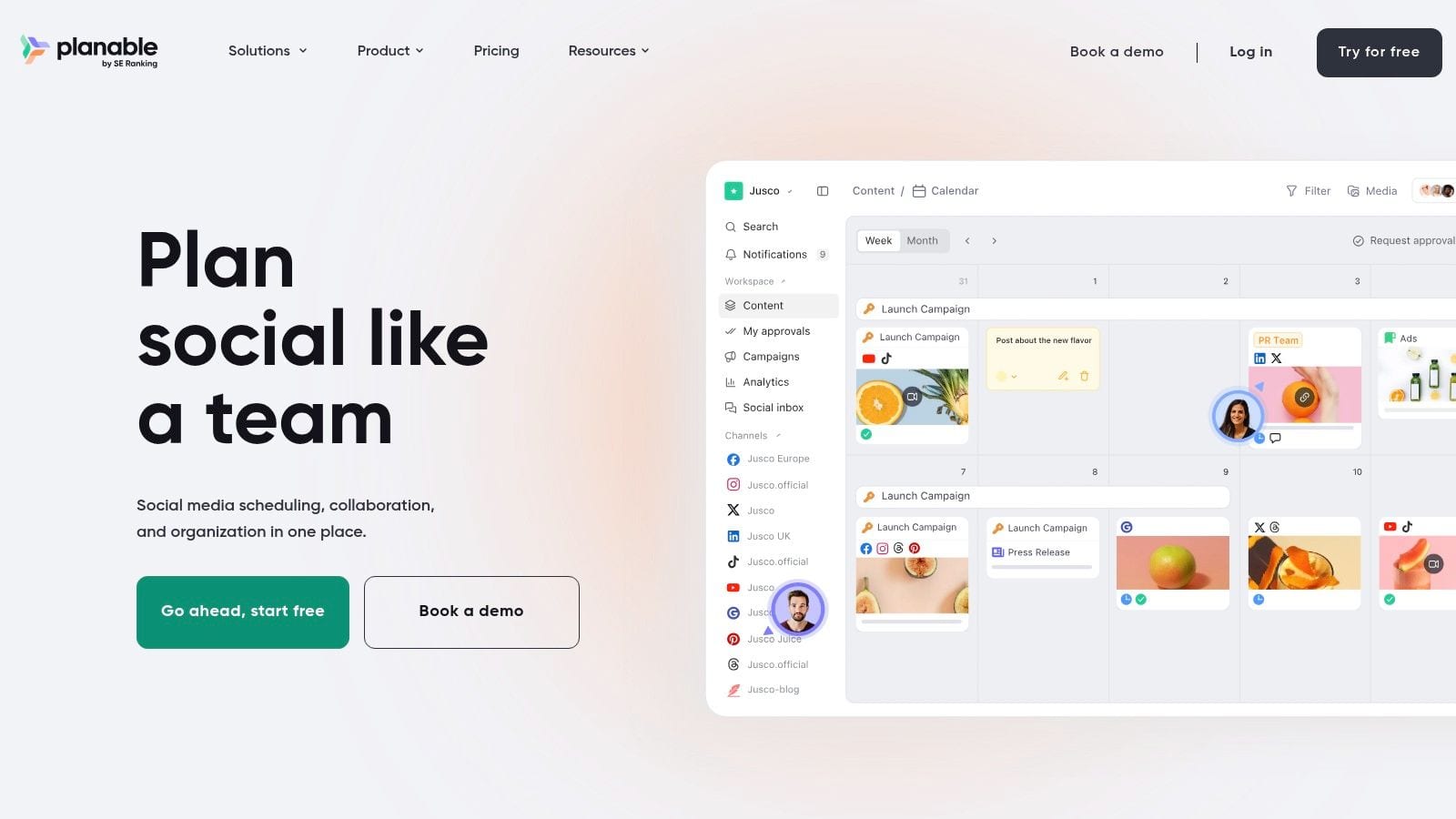
Planable is designed to reduce that friction. Feed view, calendar view, grid view, side-by-side campaign comparisons, and straightforward approval flows make it easier for non-specialists to review content without needing a tutorial.
Why reviewers like it
Planable is especially strong in agency settings and multi-stakeholder brand teams. Its workspace pricing model can also be attractive when lots of people need to review but not all of them need power-user functionality.
Where it tends to shine:
- Fast sign-off: Approvals feel lighter and more intuitive than in many traditional management suites.
- Flexible review views: Different stakeholders can review content in the format that makes sense to them.
- Collaboration economics: Unlimited users per workspace can be efficient for reviewer-heavy workflows.
- Pillar organization: Labels and planning views support campaign and content theme organization.
The trade-off is that analytics and inbox capabilities are optional add-ons rather than core strengths. Planable is best when the planning bottleneck is collaboration itself, not analytics depth or social listening.
This reflects a broader market shift. The global content analytics market was valued at over USD 11.03 billion in 2025 and is projected to exceed USD 60.73 billion by 2035, according to Precedence Research. As analytics becomes more central, some teams will want more built in than Planable offers by default.
9. ContentStudio The Agency-Ready Discovery & Planning Suite
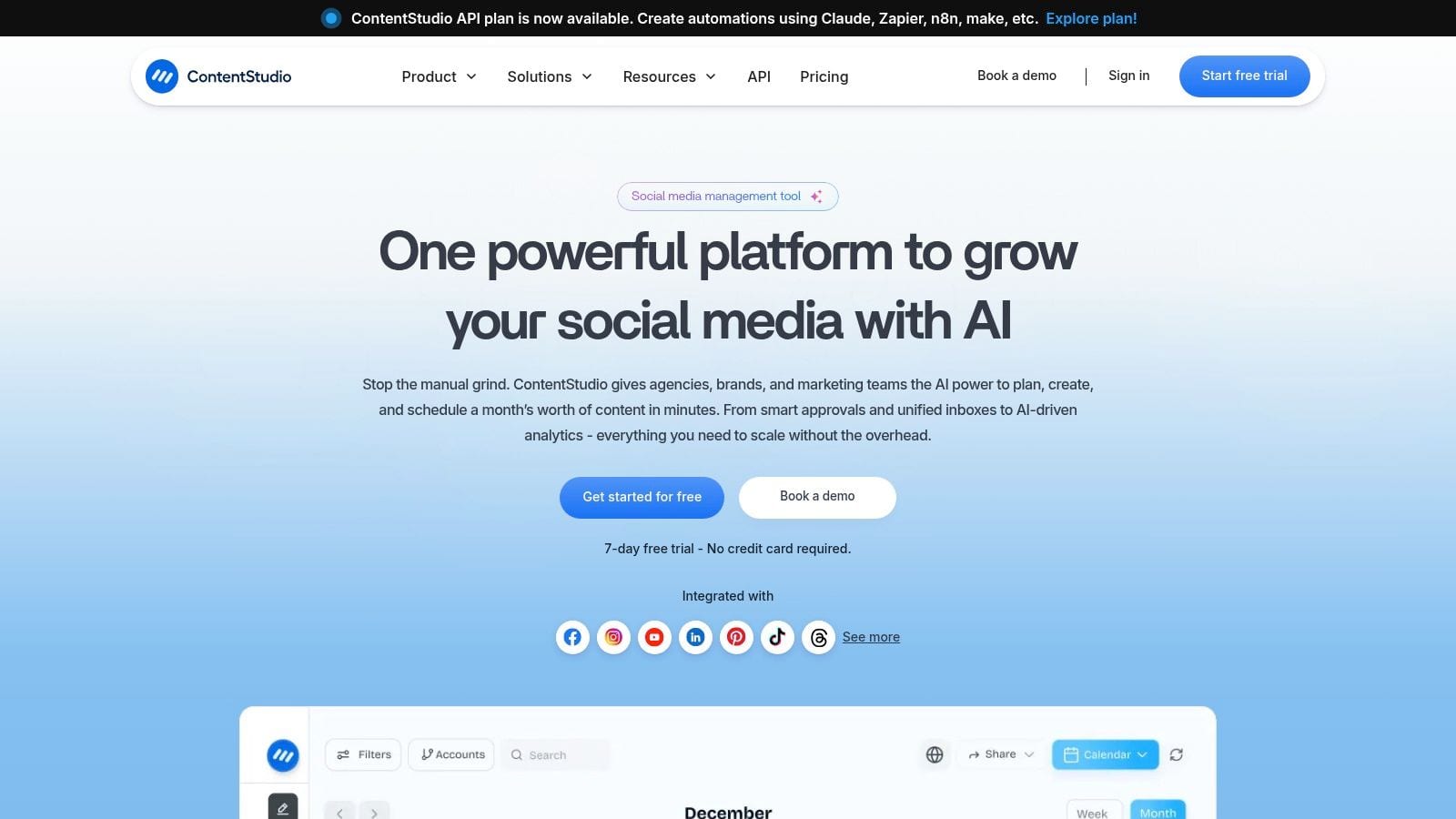
ContentStudio is a strong option for teams that want discovery, planning, publishing, and reporting in one place. That discovery angle is what separates it from many scheduling-first tools. If your team regularly asks, "What should we post next?" before asking, "When should we schedule it?", ContentStudio becomes more interesting.
It's particularly useful for agencies and multi-brand teams that curate, research, and publish at scale.
Where it earns its place
ContentStudio is a good match when your workflow includes topic research and content curation alongside original publishing. Not every brand needs that. Agencies, publishers, and high-volume teams often do.
Reasons to shortlist it:
- Discovery plus execution: Topic research, AI writing support, scheduling, and reporting sit in the same environment.
- Agency-friendly scaling: Add-ons for more accounts, users, and workspaces can be easier to manage than forced tier jumps.
- Operational breadth: Inbox and reporting features support client-facing work beyond pure scheduling.
- Useful for mixed content programs: Works for teams publishing a combination of curated and original content.
There's one practical caution. With tools like this, public pricing pages and add-on structures can shift, so teams should model likely totals before locking in. The core value is breadth. If you only need a straightforward calendar, it may be more tool than you need.
10. SocialBee Best for Evergreen Content Automation
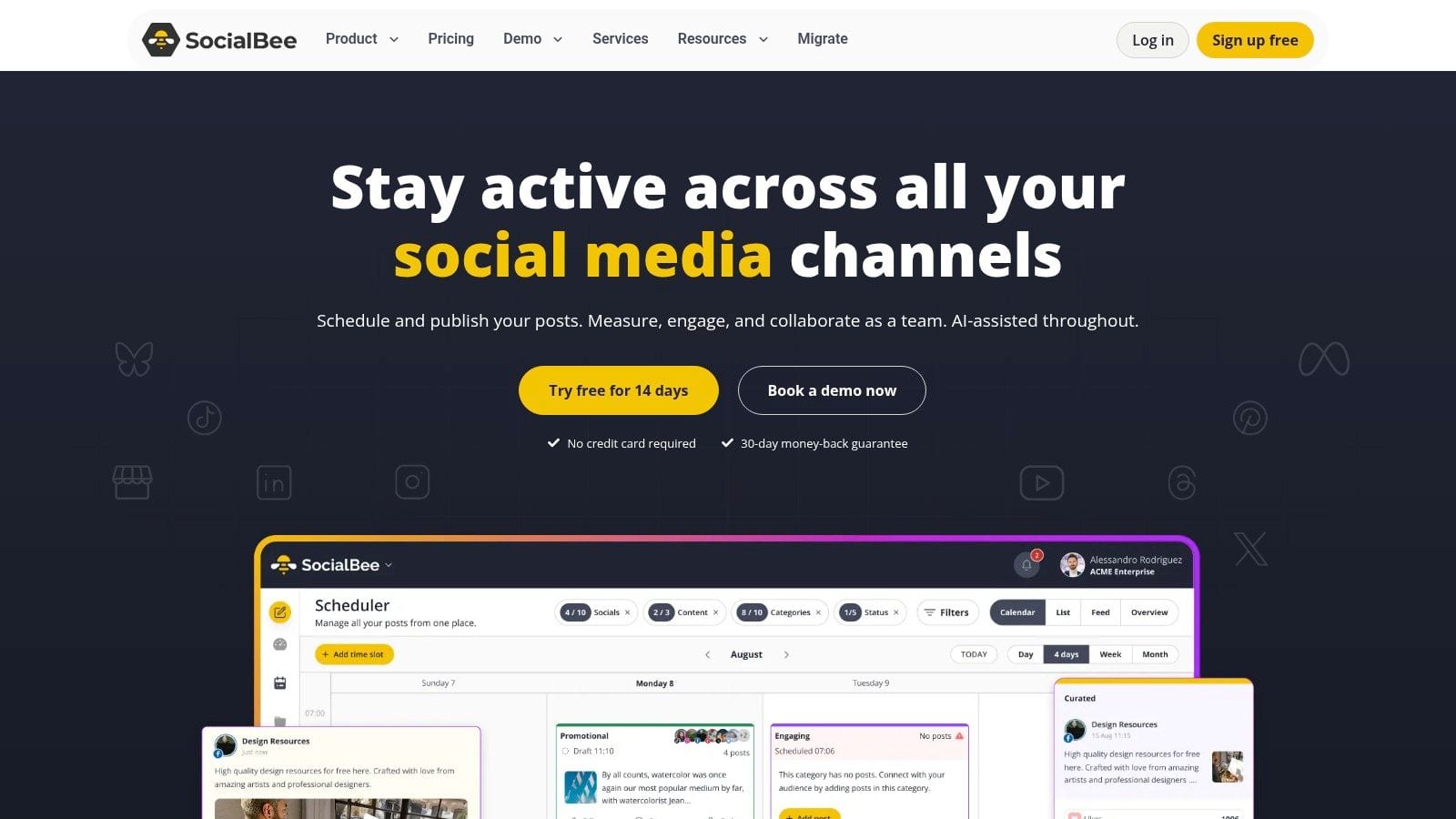
SocialBee is built around categories and queues. That sounds simple, but it changes how a team plans. Instead of asking what to post every day from scratch, you build content pillars, assign them time slots, and keep the machine running with recurring assets.
For coaches, consultants, service brands, and evergreen-heavy businesses, that model works very well.
When the queue system works best
SocialBee is strongest when your content strategy relies on repeatable themes. Educational posts, testimonials, promotional reminders, clips, quotes, and lead magnets all fit neatly into category-based planning.
Its practical advantages are clear:
- Evergreen structure: Great for keeping feeds active without reinventing the calendar constantly.
- Pillar-based planning: Categories make strategy visible in a way simple date-based calendars often don't.
- Bulk operations: Useful for teams uploading and organizing content in batches.
- AI and analytics support: Helpful for keeping the workflow moving once the strategy is already defined.
The main limitation is rigidity. If every campaign is custom, reactive, and specifically adapted, the queue approach can feel too opinionated. SocialBee is better for maintaining a content engine than for managing bespoke launch orchestration.
That strategic distinction matters because many teams still underinvest in aligning their content plan with actual business goals. A review of gaps in common guidance, summarized by Walk With Pic, notes that much of the available advice focuses on tactical calendaring instead of tying content themes and formats to funnel metrics and revenue objectives.
Top 10 Content Planning Tools Comparison
| Product | Key features | UX & performance | Value proposition & ROI | Best for | Price & unique selling points |
|---|---|---|---|---|---|
| quso.ai (Recommended) | AI Clips Generator, Intelliclips, AI Subtitle, Video Editor, Scheduler, Analytics | All‑in‑one dashboard, automated repurposing, multi‑platform publish, trusted by 4M+ | Replaces multiple tools, saves time & cost, automates brand voice, measurable growth (faster repurposing) | Coaches, podcasters, creators, social managers, SMBs & agencies | From $29/mo, free trial, multi‑language support, AI-driven clip + subtitle automation |
| Hootsuite | Unified calendar, centralized inbox, listening, enterprise add‑ons | Mature workflows & permissions, scalable for large teams | Governance & cross‑brand reporting for enterprises | Large teams, enterprises, regulated brands | Per‑user pricing (can scale), paid add‑ons for deep listening/analytics |
| Sprout Social | Visual calendar, unified inbox, deep reporting, listening | Strong analytics & governance, stakeholder-ready reporting | Robust insights for reporting and integrations | Mid‑market & enterprise teams needing governance | Premium per‑user pricing; higher tiers for advanced analytics |
| Buffer | Visual calendar, queue scheduling, AI assistant, analytics on paid tiers | Low learning curve, fast setup, simple UX | Cost‑efficient per‑channel scheduling for small setups | Solo creators, small businesses, lean teams | Per‑channel pricing, Free tier available, affordable starter plans |
| Later | Grid preview, media library, AI captions, link‑in‑bio | Visual‑first planner, intuitive for image/video workflows | Optimized for visual platforms to boost engagement | Instagram/TikTok/Pinterest‑centric brands & creators | Competitive entry pricing, 14‑day free trial, strong visual preview tools |
| Loomly | Calendar with approvals, roles/permissions, content ideas | Agency‑friendly, formal review workflows, high account caps | Clear approval paths & high limits for agencies | Agencies and brands with many reviewers/clients | Mid‑market pricing, discounts for annual/nonprofits, recent price changes noted |
| CoSchedule | Unified marketing calendar (social + content), AI assistant | Coordinates campaigns across formats, drag‑drop calendar | Aligns social with blogs/newsletters for campaign ROI | Marketing teams needing cross‑channel coordination | Free Calendar option, tiered suites (contact sales for full suite) |
| Planable | Multiple views (feed/calendar/grid), role‑based approvals, workspace pricing | Fast client/stakeholder sign‑off, collaboration‑first UX | Cost‑effective for many collaborators, easy review cycles | Agencies & brands with many stakeholders and reviewers | Workspace‑based pricing, analytics/inbox are paid add‑ons |
| ContentStudio | Content discovery, AI Studio, scheduling, agency inbox | Discovery + publishing workflow, scalable add‑ons | Research-to-publish suite for agencies at scale | Agencies & teams focused on content discovery and curation | Add‑on pricing for accounts/users, free trial (no permanent free plan) |
| SocialBee | Category queues, evergreen recycling, AI Copilot, bulk imports | Operationalizes evergreen pillars, reliable queue performance | Keeps feeds always‑on, strong for recurring content & analytics | Coaches, SMBs, agencies using evergreen strategies | Tiered pricing with flexible add‑ons, exportable analytics |
From Planning to Performance Your Next Step
The wrong content planning tool creates a hidden tax on your team. People recreate assets, approvals happen in DMs, social posts get scheduled without campaign context, and reporting turns into manual cleanup at the end of the month. The right tool removes those frictions. It gives you a reliable system for turning ideas into published content without scrambling every week.
The best choice depends less on feature count and more on workflow fit.
If you're a solo creator or small brand, start simple. Buffer and Later are easier to adopt quickly. If you need evergreen automation, SocialBee gives you stronger structure. If your workflow is visual, Later usually feels more natural than a generic calendar. If collaboration is the main pain point, Planable and Loomly solve that better than many publishing-first tools.
If you're running integrated campaigns, CoSchedule deserves a serious look because it connects social planning to the rest of your marketing calendar. If you manage multiple brands, larger teams, or stricter review requirements, Hootsuite and Sprout Social are better aligned with governance and reporting needs. If content discovery is part of the job, ContentStudio fills that gap well.
For video-first operators, quso.ai stands out because it covers the part many planning tools ignore. Most calendars assume the content is already made. In reality, a lot of modern social teams begin with long-form video and need help turning it into clips, captions, blogs, and scheduled posts. That's where an all-in-one workflow can save more time than a better calendar alone.
There's also a quality question that more teams are starting to face with AI-assisted planning. As AI usage grows, planning faster isn't enough. You still need clear editorial judgment, brand voice controls, and review discipline. Coverage summarized by Jasper highlights rising concern around AI-generated content saturation and quality drift, especially when teams scale production without guardrails. The practical takeaway is simple. Use AI to accelerate ideation and production, but keep human review where brand voice, originality, and audience trust matter most.
Shortlist two or three tools based on your real workflow, not your wish list. Then test them with an actual week of content. Draft posts, route approvals, publish something, and review the outputs. That hands-on trial will tell you more than any feature page will. If you're also evaluating broader SEO and content workflow platforms, it can help to compare related options such as Outrank alternatives.
If you want one platform that helps you plan, create, repurpose, edit, schedule, and track content without stitching together multiple tools, try quso.ai. It's especially strong for coaches, podcasters, educators, marketers, and small teams that start with video and need a faster path to consistent publishing across every major social channel.