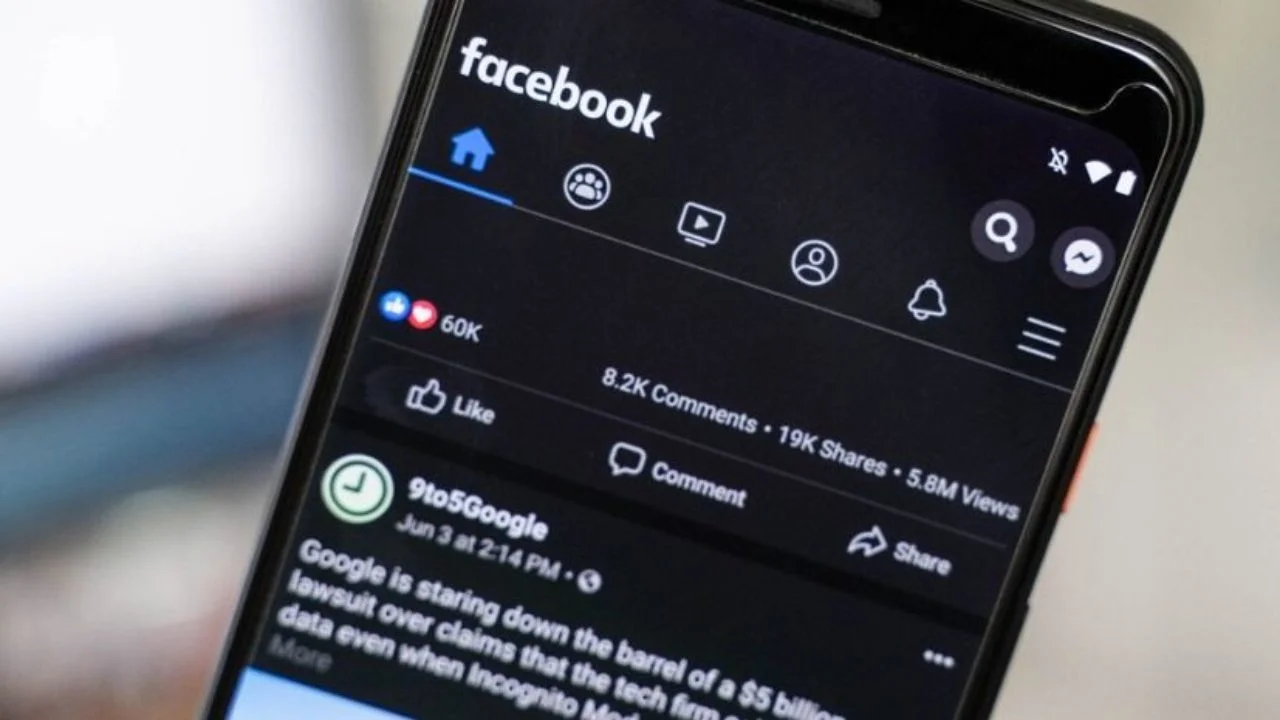
Facebook Dark Mode
Facebook Dark Mode is a feature available on iOS, Android, and the web version of Facebook that changes the background from white to black or gray , thereby reducing glare from your device and offerin
More About Facebook Dark Mode
Did you know? Facebook introduced Dark Mode in 2020! Not only does this sleek, darker color scheme look super cool, but it also helps reduce eye strain. It’s like giving your eyes a little break while keeping the app fresh and modern.
Here’s how you can enable dark mode on Facebook:
- Tap the menu icon located at the bottom right corner of your screen.
- Choose ‘Settings & Privacy,’ then tap on ‘Settings.’
- In the ‘Preferences’ section of the Settings menu, find and select ‘Dark Mode.’
- You can toggle dark mode on or off directly within this menu.
Let's take a look at Facebook's Dark Mode in action—here's how it looks on desktop!
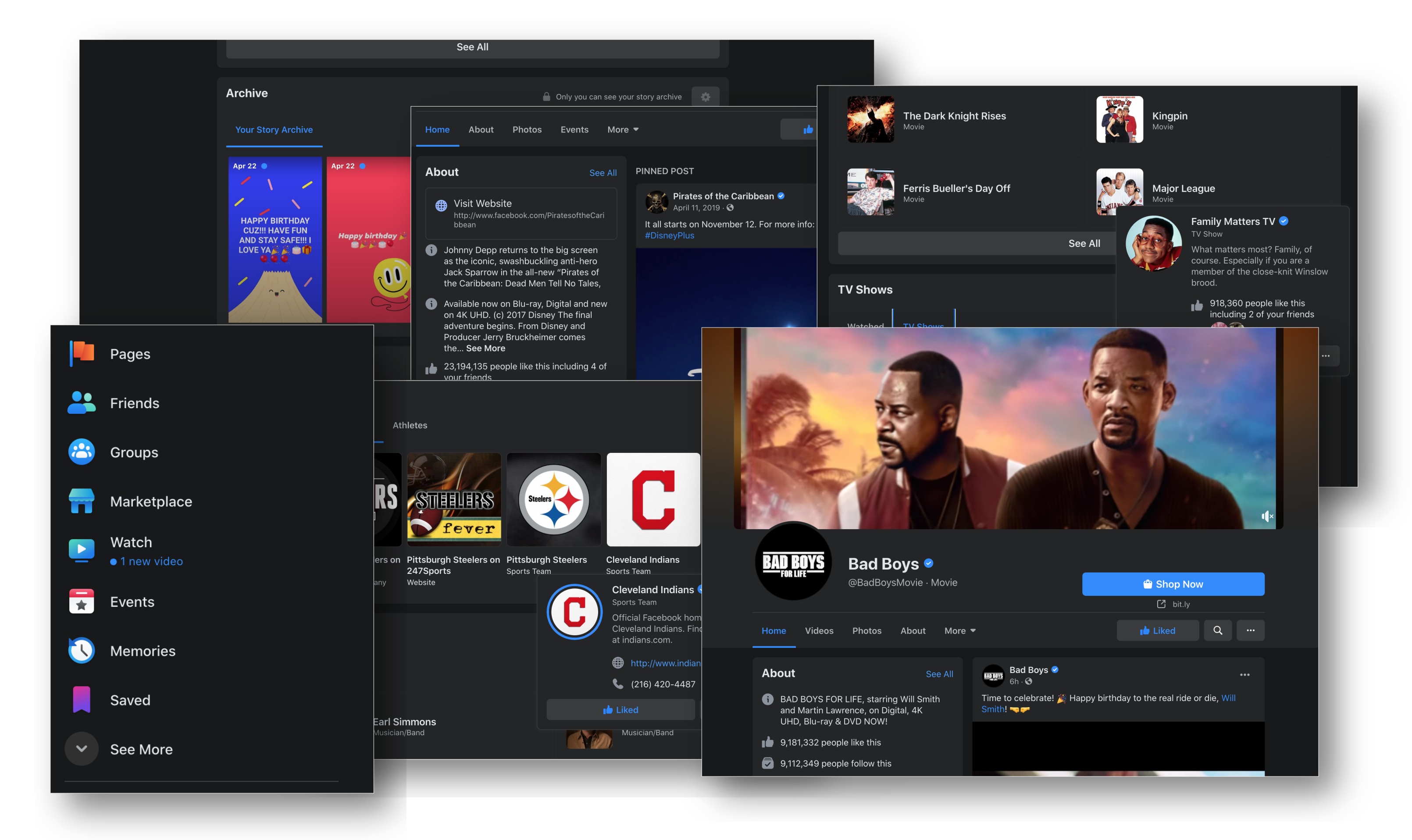
There's more to it than just the looks! Ever wondered why so many people are switching to Facebook's Dark Mode? Well, it's packed with benefits. Let’s take a look at them:
- Reduced Eye Strain: Dark mode minimizes the amount of blue light emitted by your device, which can disturb your sleep cycle by hindering the production of melatonin, the sleep hormone. This makes it easier to use Facebook at night without disrupting your sleep.
- Battery Efficiency: Devices with OLED or AMOLED screens can benefit from dark mode as it consumes less power, thereby extending battery life.
- Enhanced Readability: The dark background makes text and images stand out more, improving readability and making the content easier on the eyes.
- Aesthetic Appeal: Many users find the dark mode visually pleasing and more modern compared to the traditional light mode.
Additionally, the Facebook algorithm might be subtly influenced by your settings. While dark mode itself doesn't directly change your feed, Facebook’s algorithm considers user engagement patterns. If you spend more time engaging with content due to the improved readability and reduced eye strain, you might see more of what you love in your feed.
Dark mode is widely supported across most modern devices and operating systems, including iOS, Android, and various web browsers. Users can easily toggle dark mode on or off based on their preferences, and some devices even provide a system-wide dark mode setting that automatically switches Facebook to dark mode.
Let's see how Facebook's Dark Mode looks on mobile.