AI Video Editor
quso.ai's AI video editor lets you clip, caption, and reframe social videos in a few clicks. Professional results, no editing skills needed.
Try AI Video Editor For FreeTrusted by 4M+ users
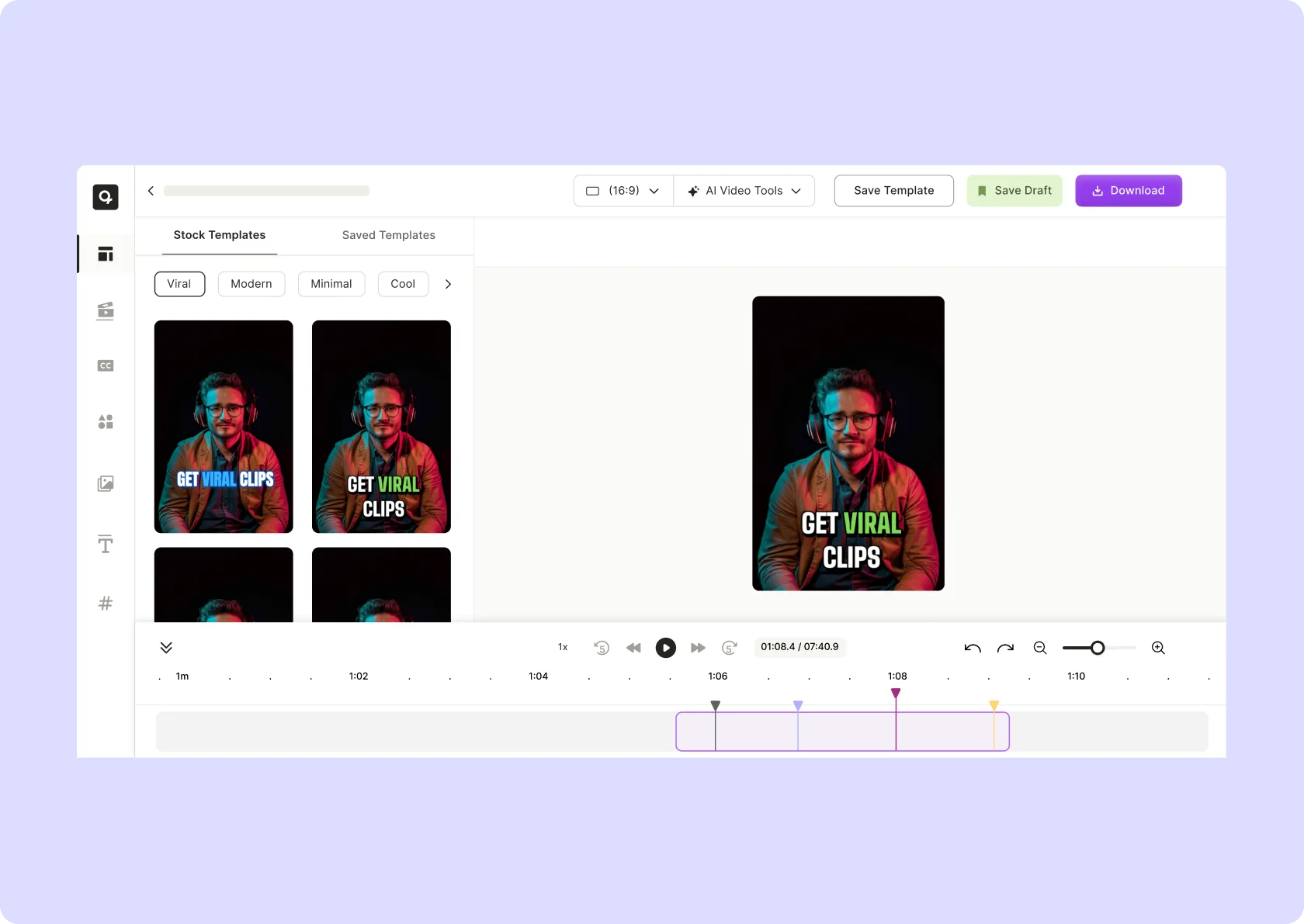
Why use quso.ai's online AI video editor?

Save 10X Time with AI
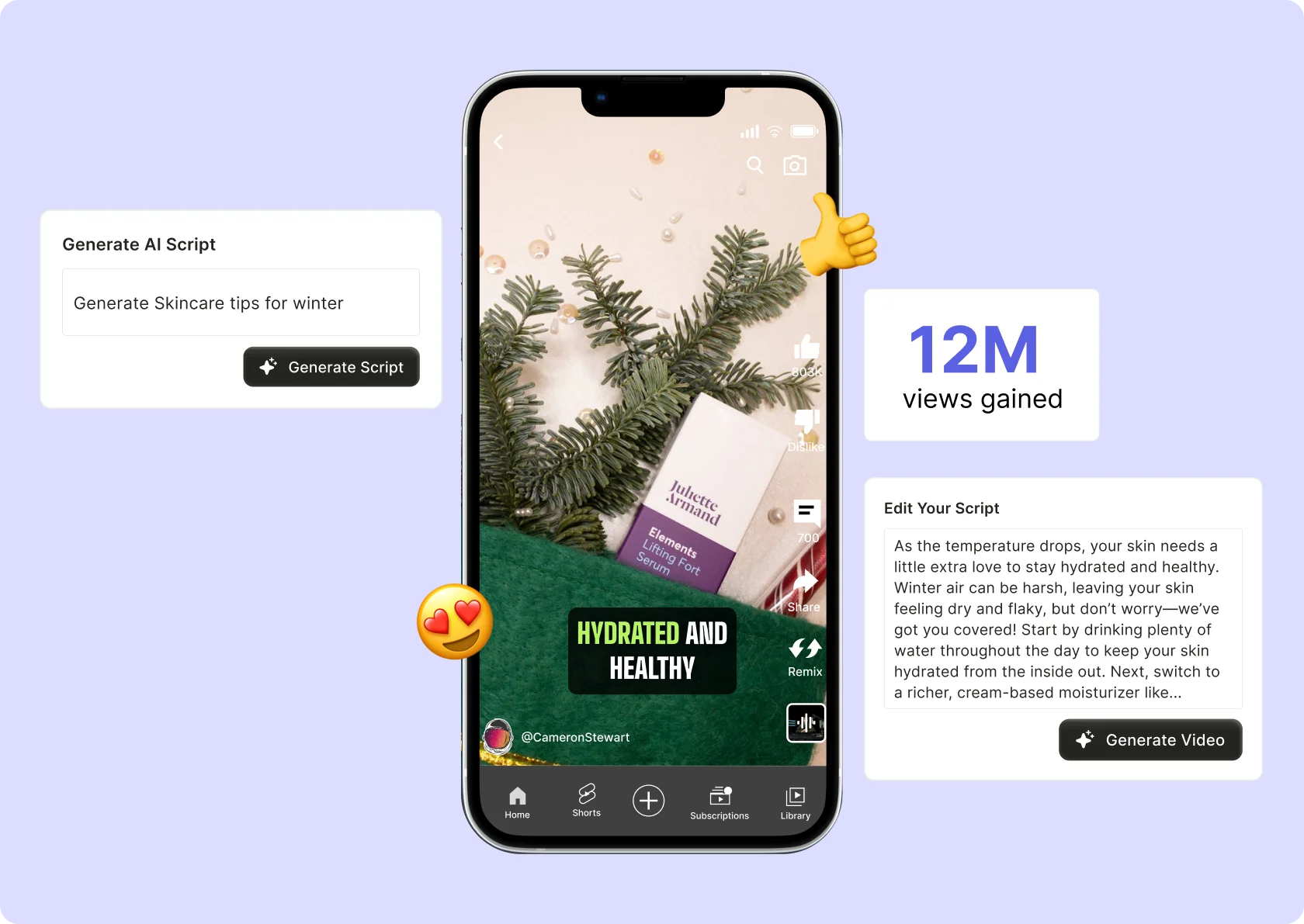
Our AI-powered video editor will dramatically decrease the hours you spend on creating and editing videos. With features like video trimming, video resizing, social media layout selection, adding B-rolls, adding music, and more you can do it all with just a click.

Browser Compatible
All of our AI powered video editing tools are available in quso.ai's web-native video editor, there's no software to download and no plugins to install. quso.ai is free to get started and gives you access advanced AI features.

Set up for your success
Our feature-packed online AI video editor is made for you to easily plan and execute a video content strategy that will significantly increase your exposure, awareness and engagement. Publish videos frequently with Al to keep your viewers engaged.
Create complex videos easily with CutMagic
With features like CutMagic, add video background, smart transcription, and more, quso.ai has the best online ai video editor that can help you and your team accomplish a variety of editing workflows. It's really simple for our AI to navigate and edit multi-cam and complex videos with automatic scene change detection. You can also add simple cuts within your video to detect scene change and apply to your generated video clips with just a click.
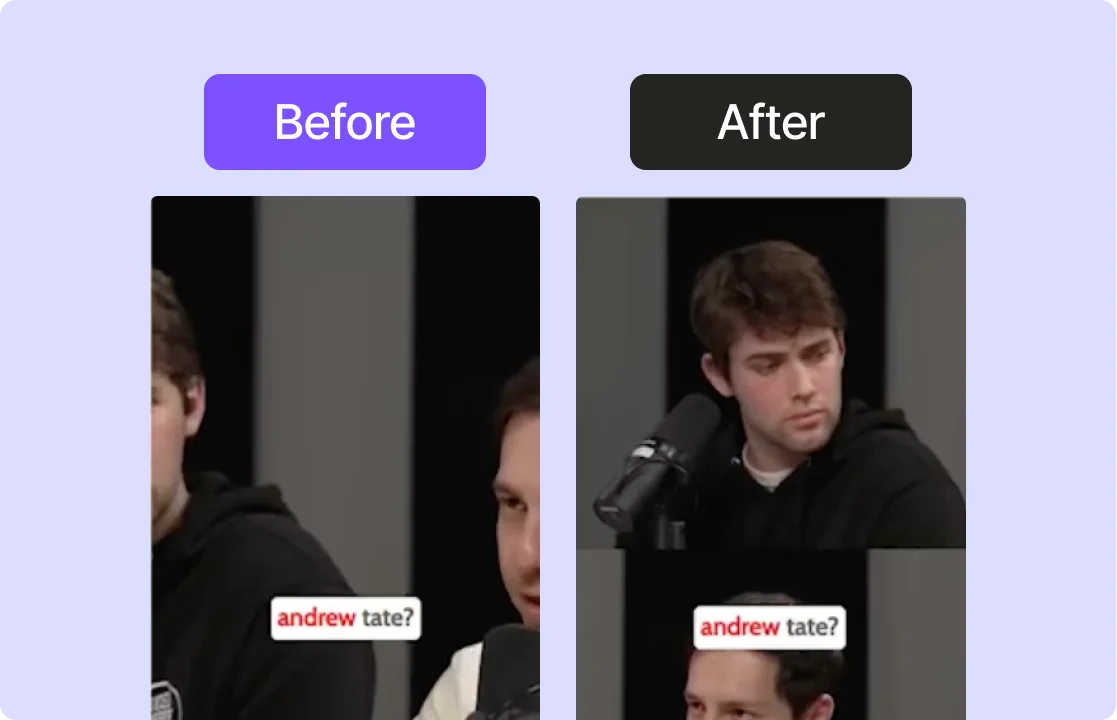
Free access to customizable stock media library
Convert your videos to become social ready with quso.ai's online AI video editor. Our AI video editor for TikTok, Instagram, YouTube, and all major social media platforms gives you custom acsess to a full suite of video editing tools. Add free video templates and royalty-free stock media library to enhance your video. Or just customize your video by adding your own brand video templates.
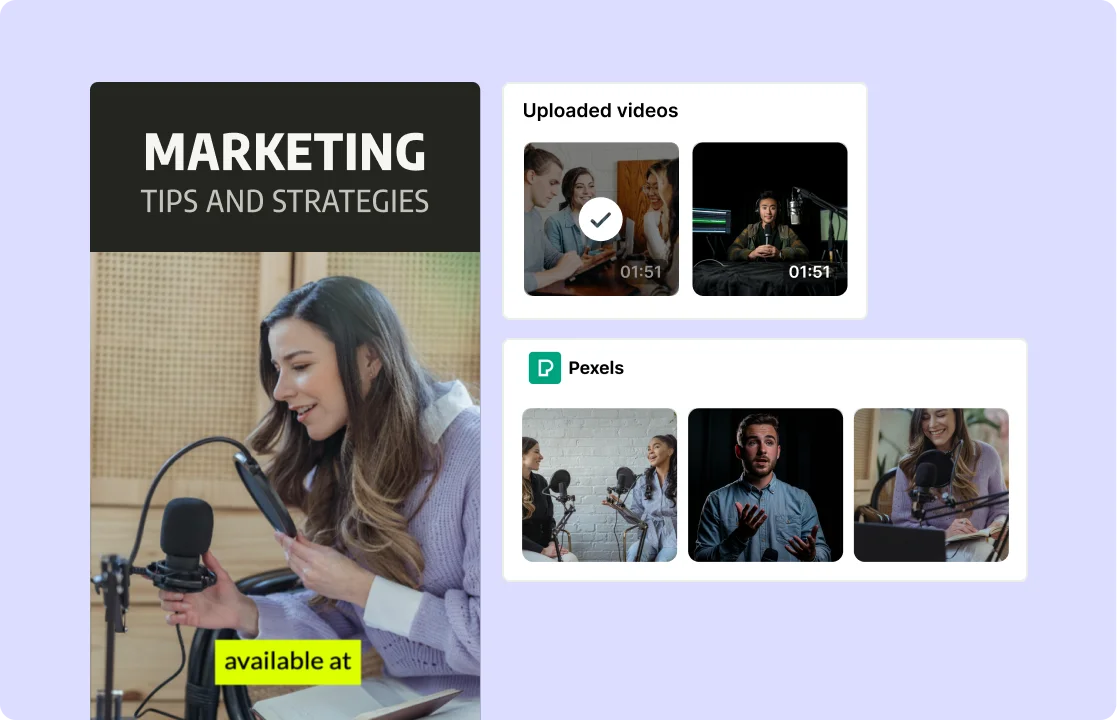
Design elements at your fingertips
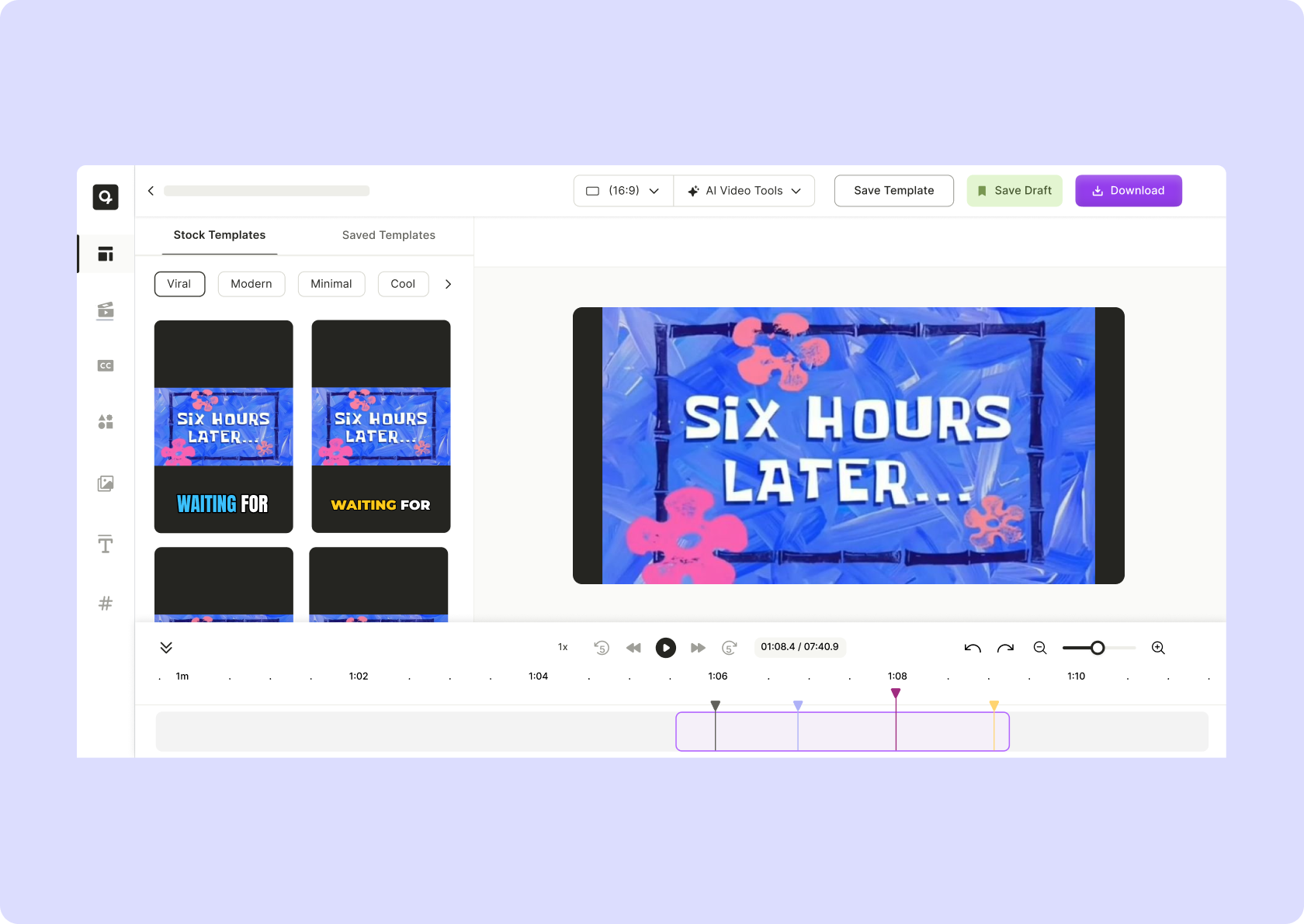
AI video editing doesn't have to be hard, inaccessible, or expensive. Add and edit texts, subtitles, images, video clips, progress bar and more elements on the online video editor for free. From transcript based video editing, to timestamp video editing, to automatic video transcription and subtitles, quso.ai has the perfect AI-powered video editing tool that you can use today.
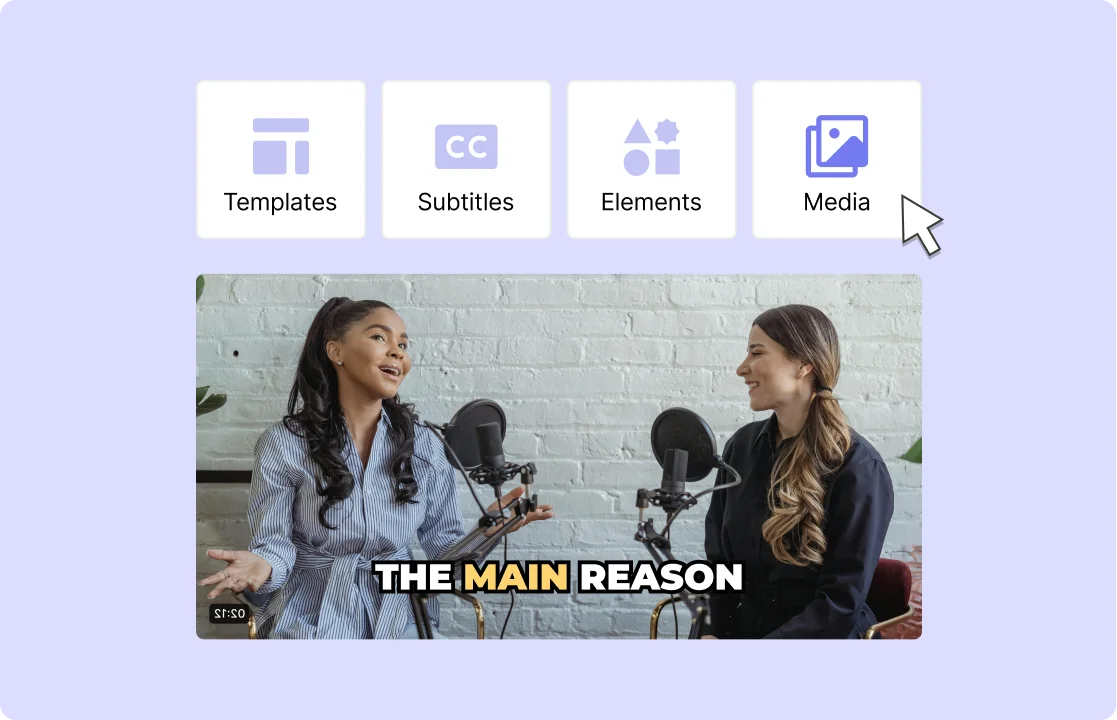
How to Edit Videos Using AI Video Editor
- Upload Your Footage
Drag & drop any MP4, MOV, or MKV file—or paste a YouTube link—to start your project instantly.
- AI‑Powered Editing
Let our AI analyze your video and automatically apply cuts, animated subtitles, and remove filler words and silences.
- Fine‑Tune & Enhance
Adjust clip order, trim scenes, and add animated captions or branding with intuitive timeline and preset templates.
- Export or Share
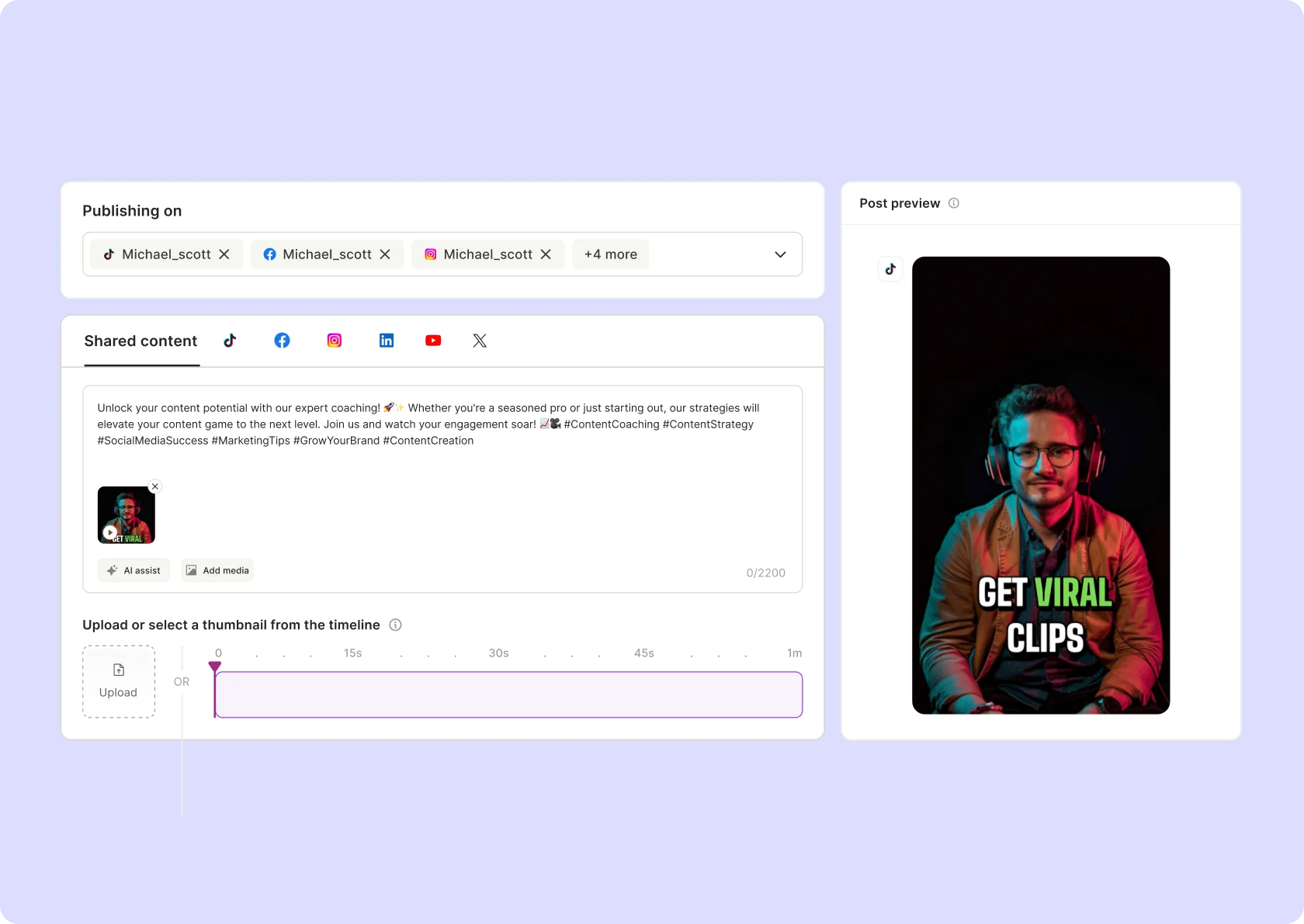
Render your final video in any resolution or format, or publish directly to YouTube, TikTok, Instagram, and other platforms—all from one dashboard.
Frequently Asked Questions
Is there a free AI video editor?+
Can I use quso.ai's AI video editor for TikTok and Instagram?+
Does the AI video editor add watermarks to the videos?+
What platforms are supported by quso.ai's AI video editor?+
Can I edit podcasts with quso.ai's AI video editor?+
AI Video Editor
Try AI Video Editor For Free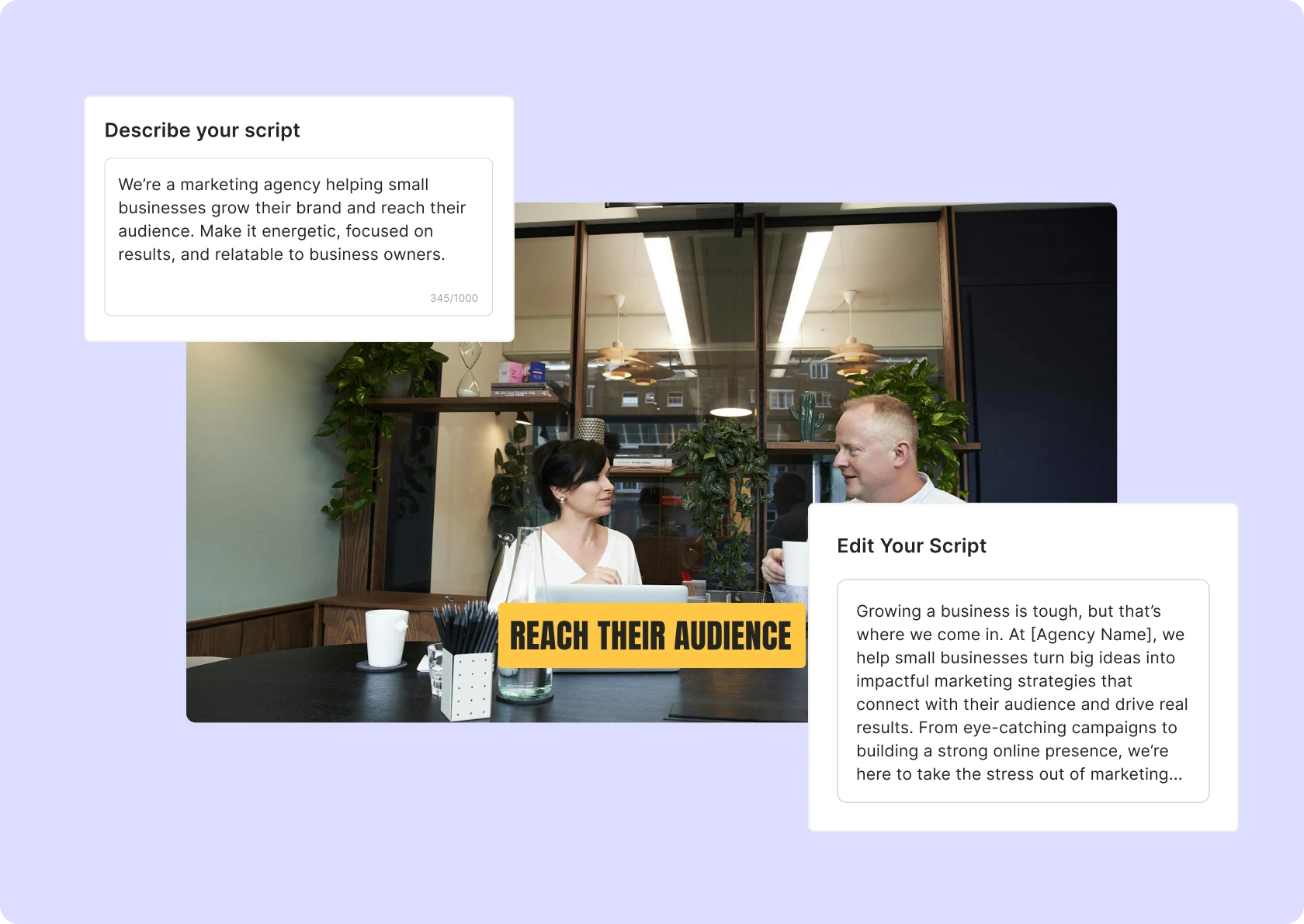

quso.ai Research
The Short Form Video Performance Report
We measured 508,000 posts from 1,900 creators across 80 countries to separate what actually changes reach from what only sounds like it does.