Meme Video Maker
Turn ordinary videos into meme-worthy masterpieces in seconds. Add text, effects, and captions that make people stop scrolling and start sharing.
Create Your Meme Video NowTrusted by 4M+ Users
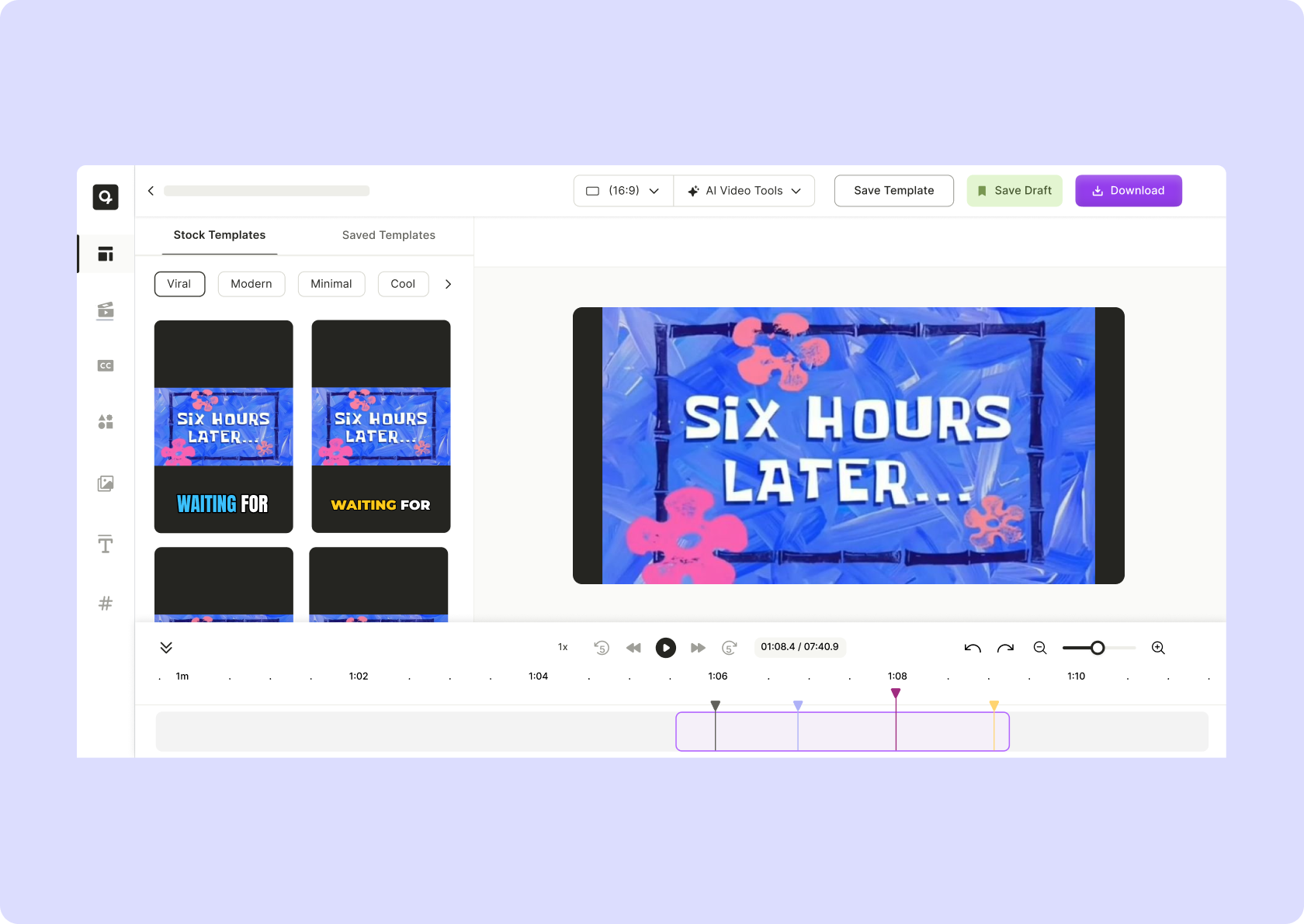
Why Use an AI-Powered Meme Video Maker?

Meme Culture = Engagement Gold
If your content isn’t making people laugh, react, or comment, it’s invisible. Memes drive shares, start conversations, and keep your brand relevant.

Instant Meme Magic – No Editing Skills Needed
Upload a video, slap on text, tweak the timing, and BOOM—your meme is ready to break the internet.

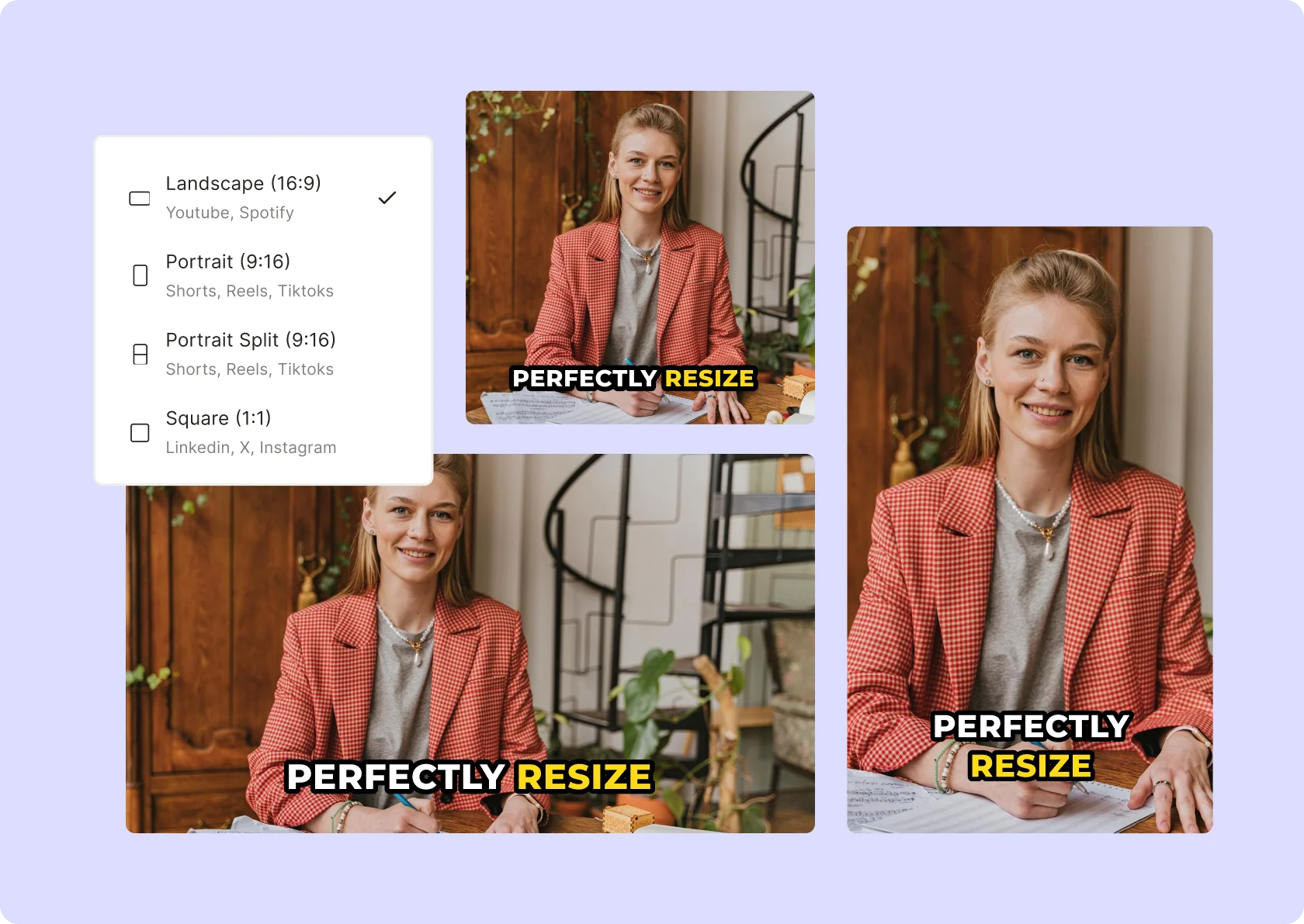
Optimized for Every Platform
Instagram, TikTok, Twitter, Reddit—wherever memes live, your video will fit perfectly.
Turn Any Clip Into a Viral Sensation
Upload your own videos or pull clips from trending content. Add captions, emojis, and effects in seconds.
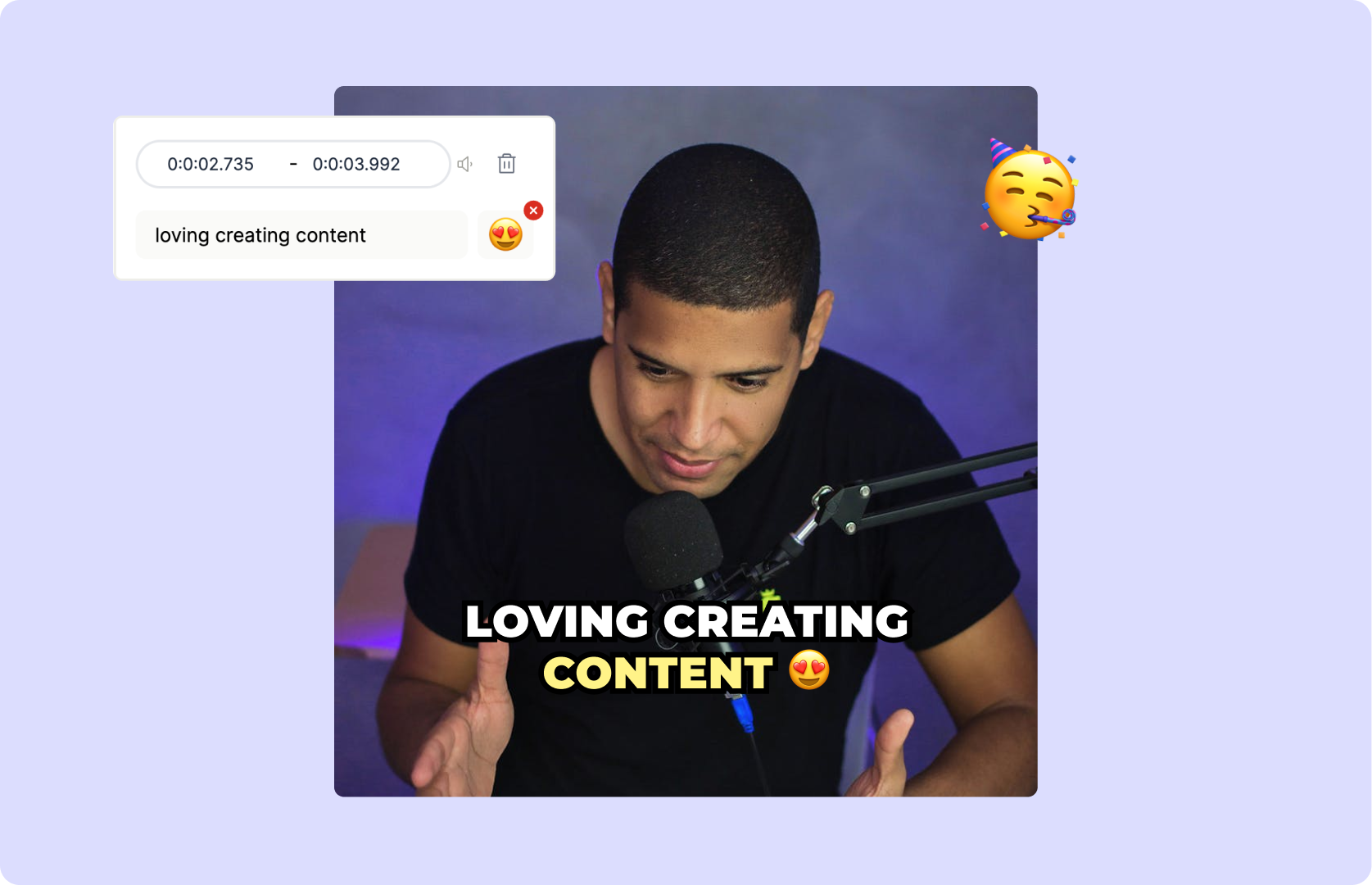
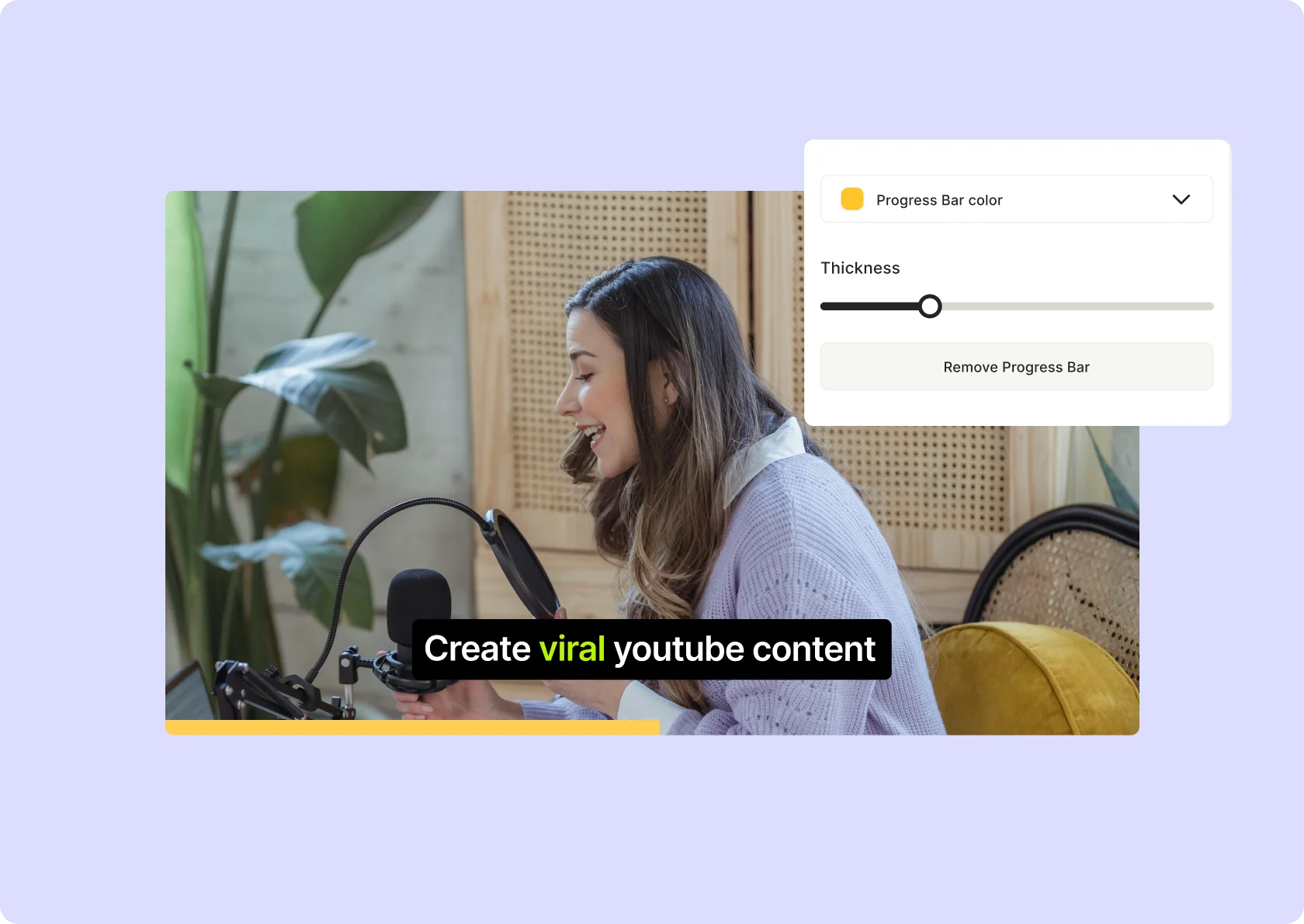
Customizable Captions & Effects
Top text, bottom text, animated text—customize your meme exactly how you want it.
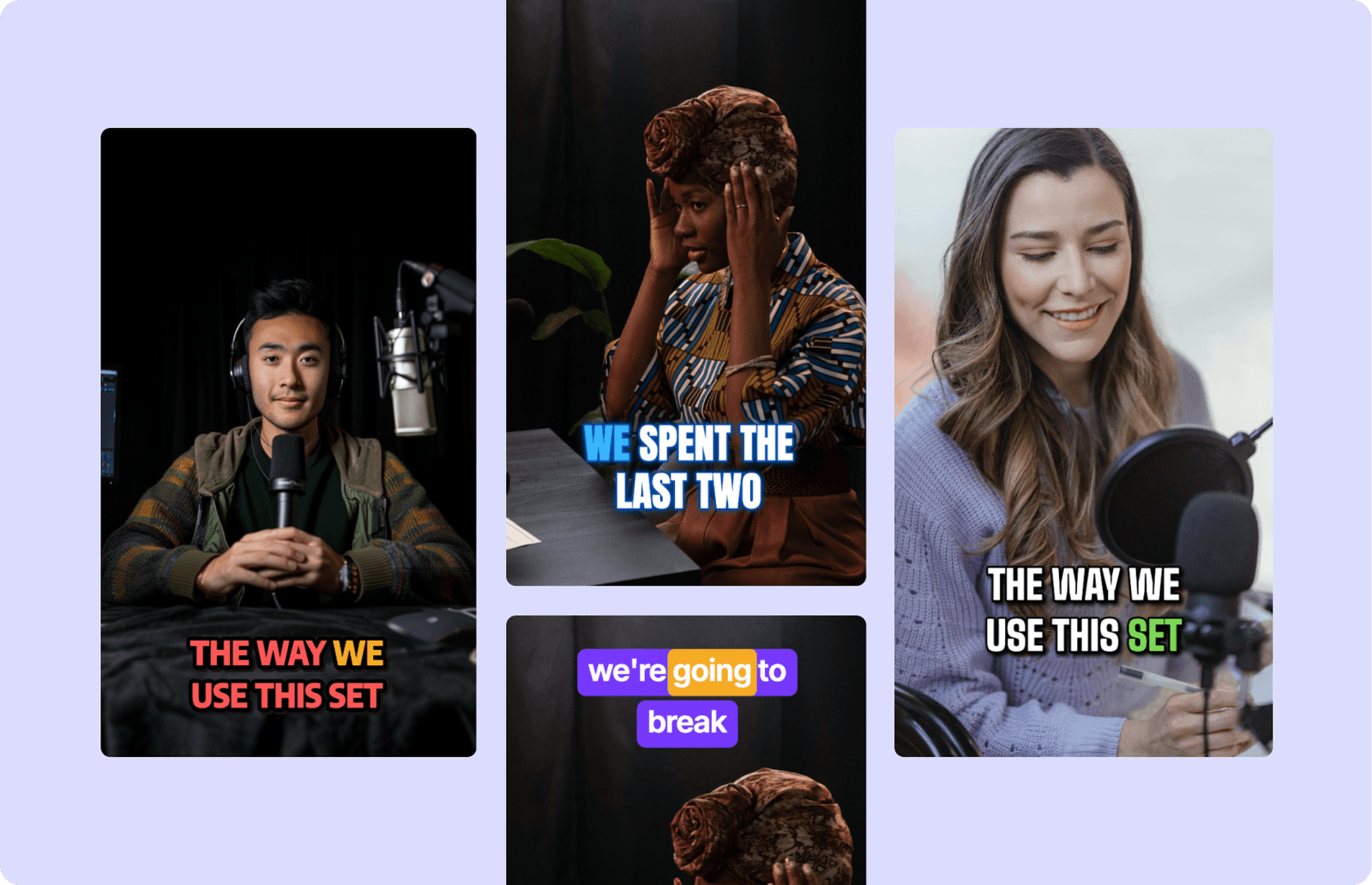
Export in the Right Format, Every Time
Crop, resize, and optimize for TikTok, Instagram, or YouTube Shorts—no more weird aspect ratios.

How To Create A Meme Video Using Meme Video Maker
- Upload Your Footage
Select a video clip—whether it’s your own or a trending clip—and upload it to your editing tool for quick access.
- Add Meme Elements
Enhance the humor or message by inserting captions, emojis, sound effects, or stickers that make your meme pop.
- Trim and Time It Right
Edit the length of the video, sync your text to punchlines, and adjust the pacing to ensure the joke lands perfectly.
- Export and Share
Download your meme video as an MP4 and post it directly to social platforms like Instagram, TikTok, or Twitter to reach a wide audience.
Frequently Asked Questions
How do I make a meme video?+
What is a meme video maker?+
What’s the best format for a meme video?+
How do I make sure my meme gets engagement?+
What’s the difference between a video meme and a GIF meme?+
Why are meme videos so popular?+
Meme Video Maker
Create Your Meme Video NowWant the full workflow? This free tool is part of quso.ai's AI Video Editor: clip, edit, caption, and schedule in one place.
.webp)
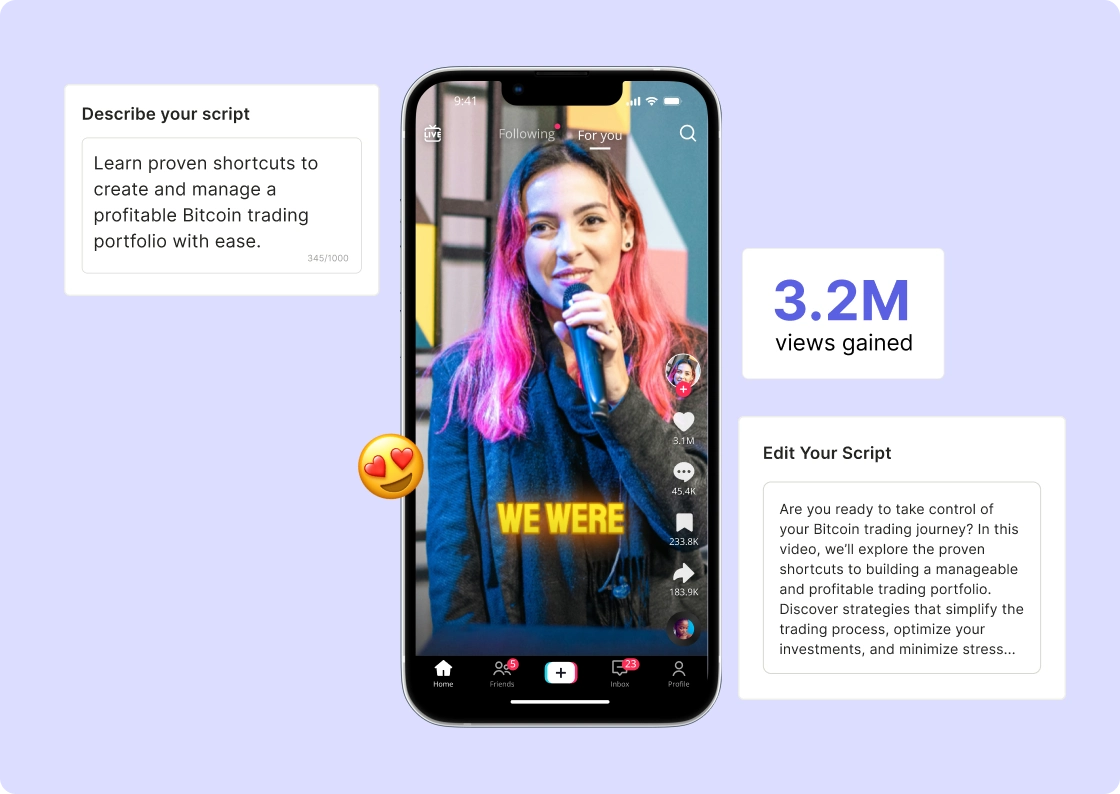
quso.ai Research
The Short Form Video Performance Report
We measured 508,000 posts from 1,900 creators across 80 countries to separate what actually changes reach from what only sounds like it does.