Resize video for Facebook for free
quso.ai's aspect ratio changer resizes your video to fit Facebook and Reels in one click, with presets built in.
Resize video for FacebookTrusted by 4M+ Users

Why resize a video file for Facebook using quso.ai?

Adjust aspect ratio
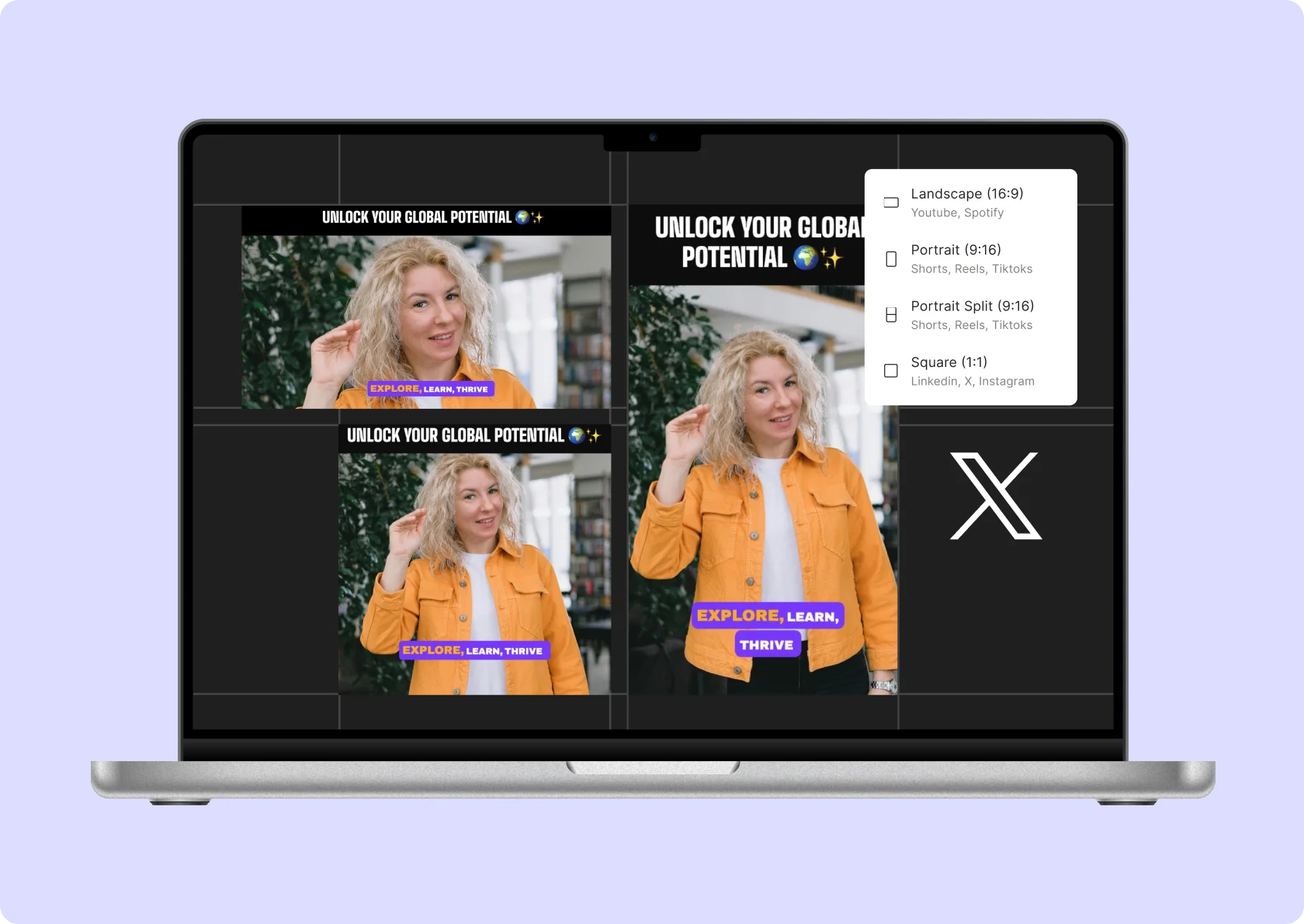
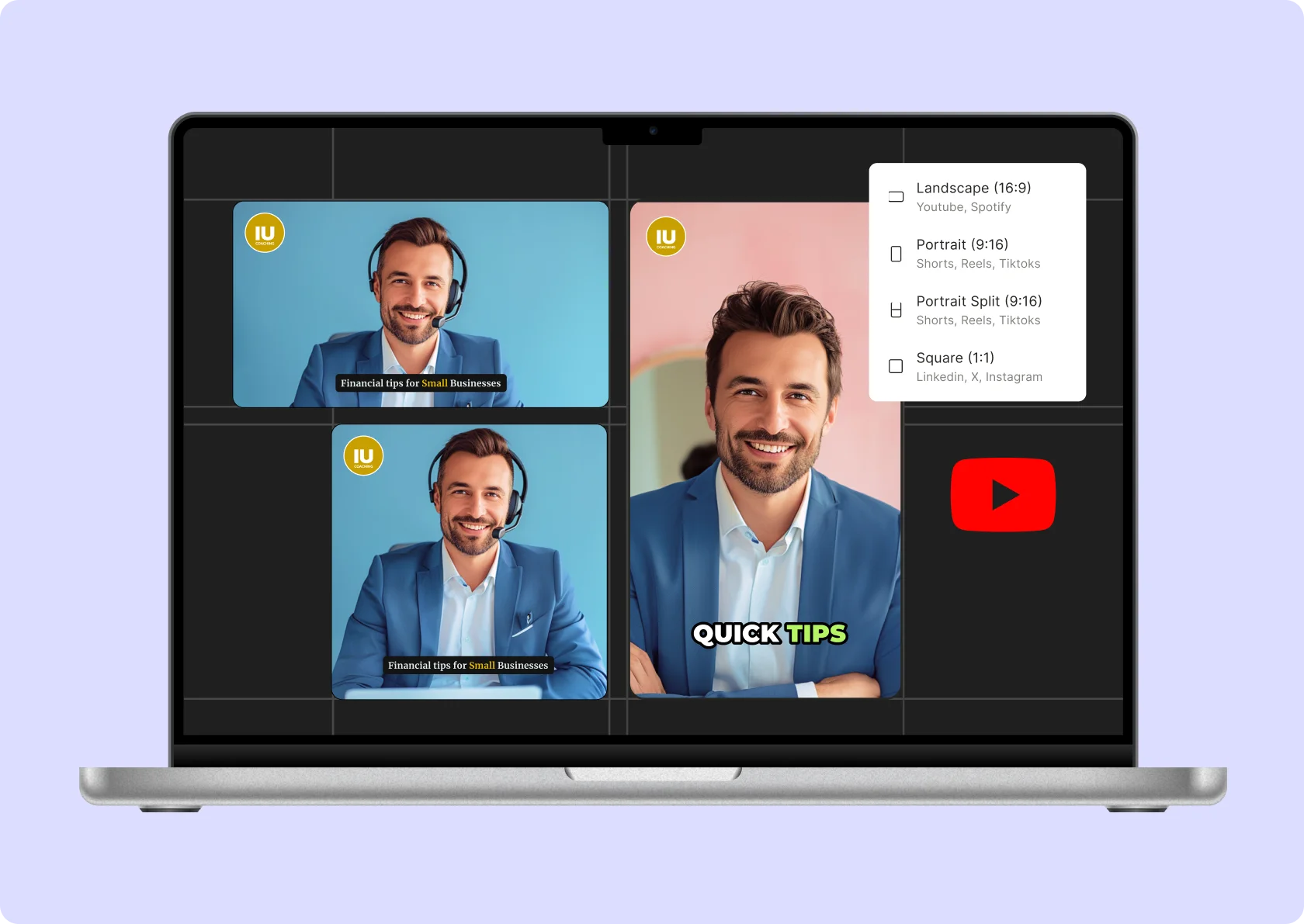
Ensure your resized video maintains the correct aspect ratio for a polished, high-quality result on Facebook Reels. quso.ai's preset sizes are optimized for Facebook, saving you time on cross-referencing.

Scale your video clip
After resizing your video for Facebook Reels, easily adjust the framing for the best composition. quso.ai makes this process straightforward. Click on any corner of your video to zoom in or out, allowing you to fine-tune the focus and scale. Drag the video to reposition it once you’ve achieved the desired zoom level, ensuring your subjects are perfectly centered.

Trim video to the preferred length
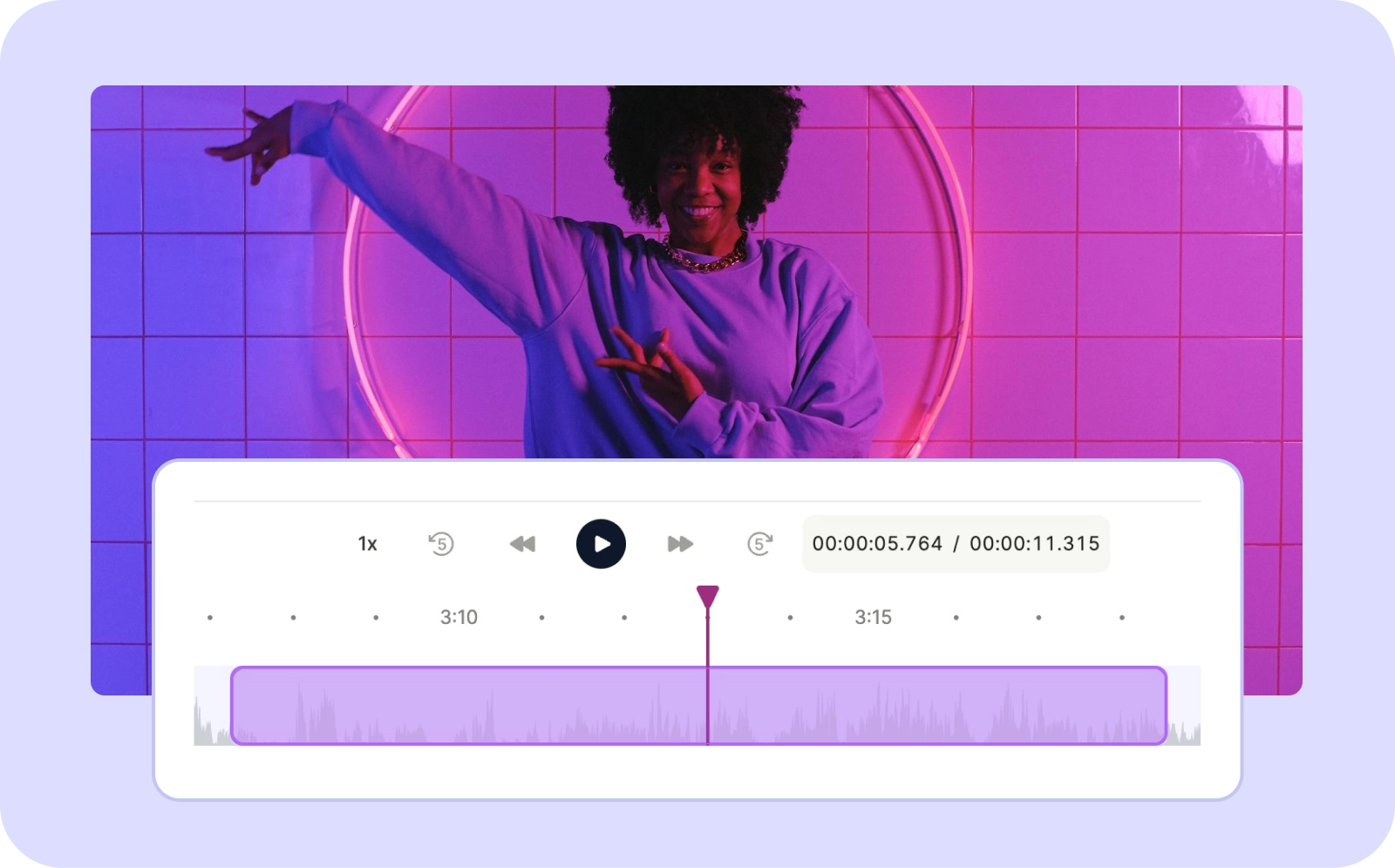
Use the timeline handlebars to visually set your start and end points, or input exact times. This feature is especially useful for pinpointing specific moments and gives you complete control over the final cut of your video for Facebook Reels.
Auto-resize videos
Automatically resize your videos with AI, ensuring that speakers are never cropped out on Facebook Reels. Our advanced speaker detection technology maintains focus on active speakers, ideal for interviews, presentations, or any video content where speaker presence is crucial.
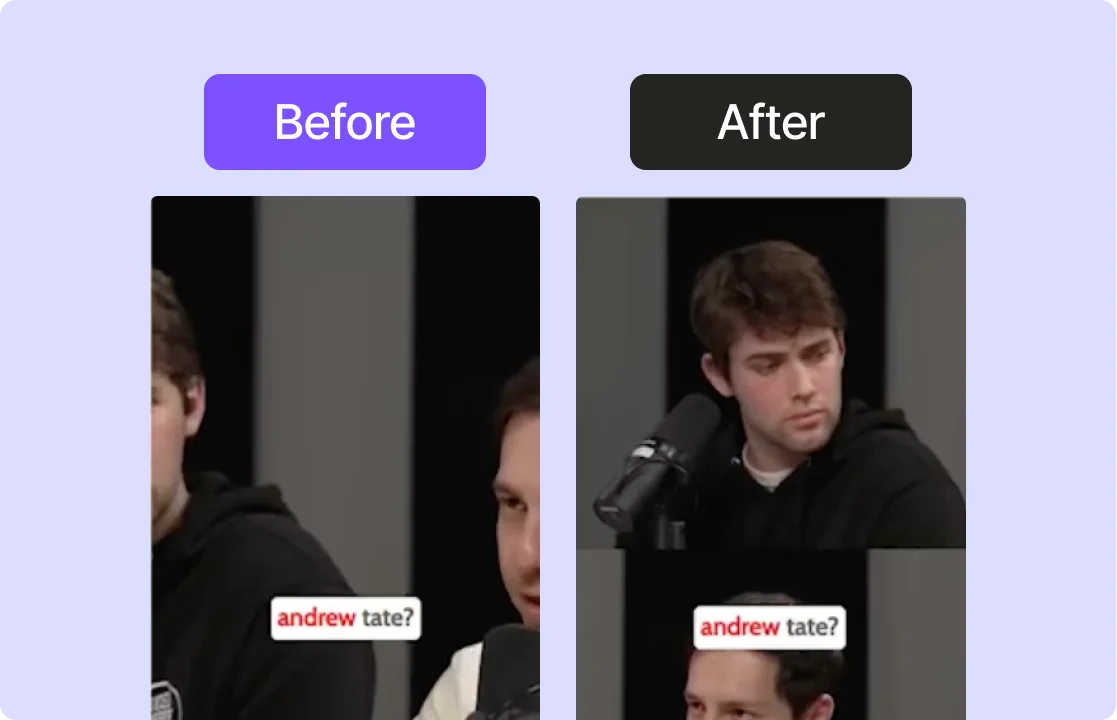
Resize for Facebook Reels
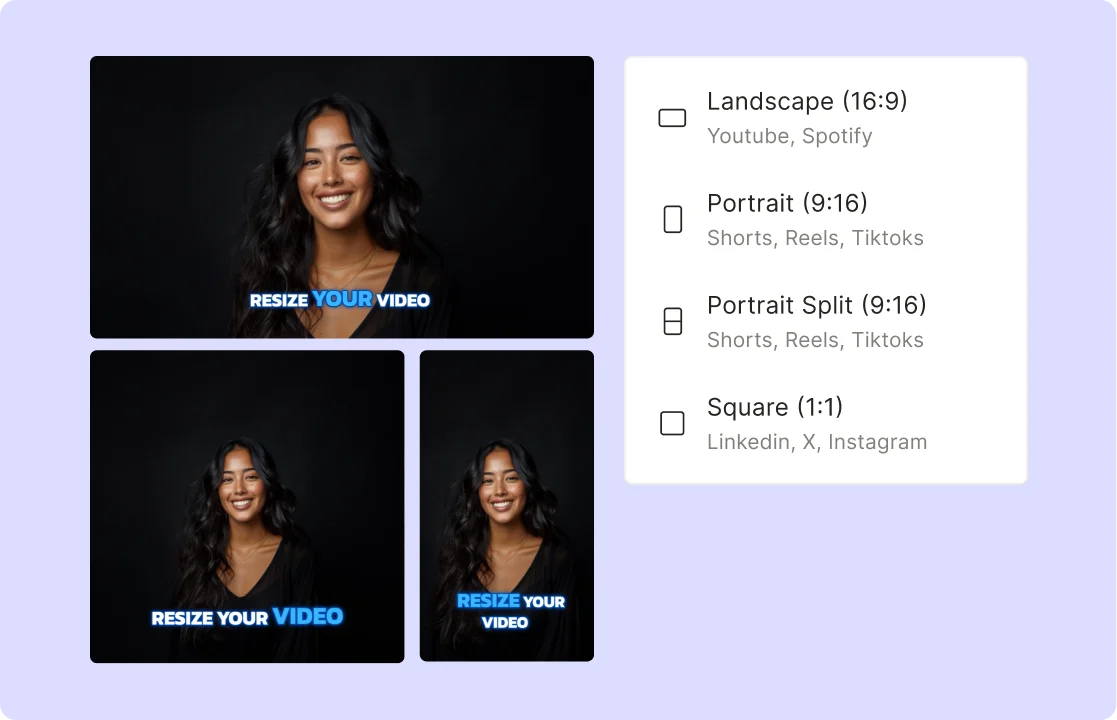
Resize a video for Facebook Reels with our simple tools. Easily switch between vertical and landscape formats. Our user-friendly editing tools make resizing your videos for Facebook Reels a breeze.
Preserve video output quality
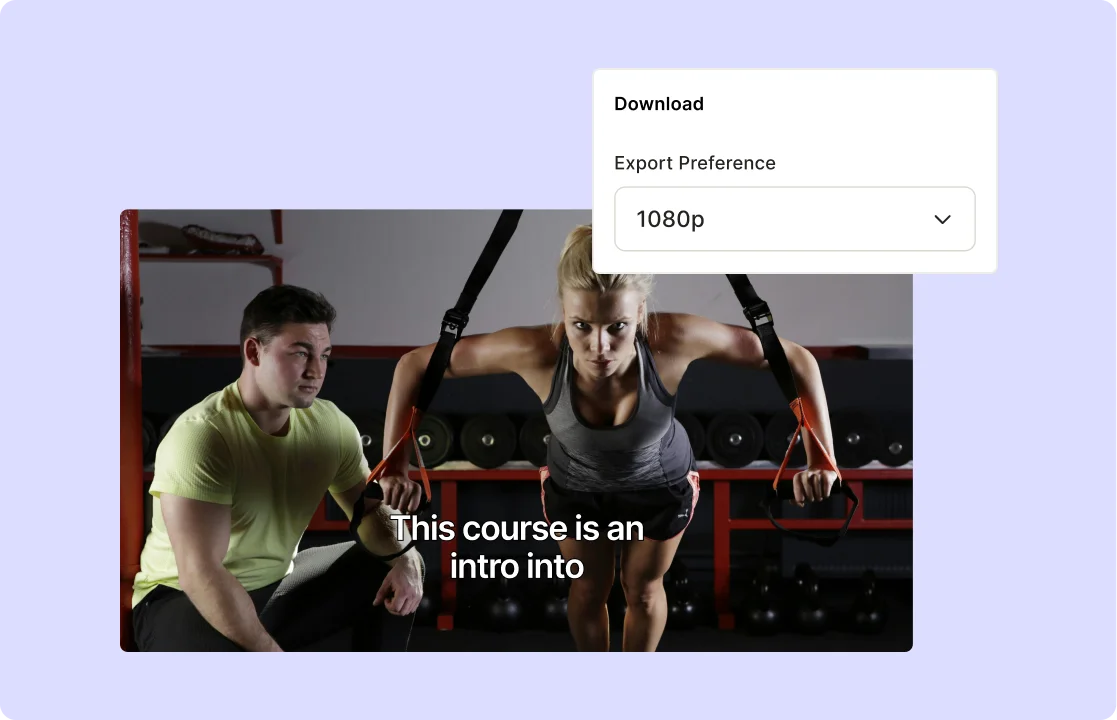
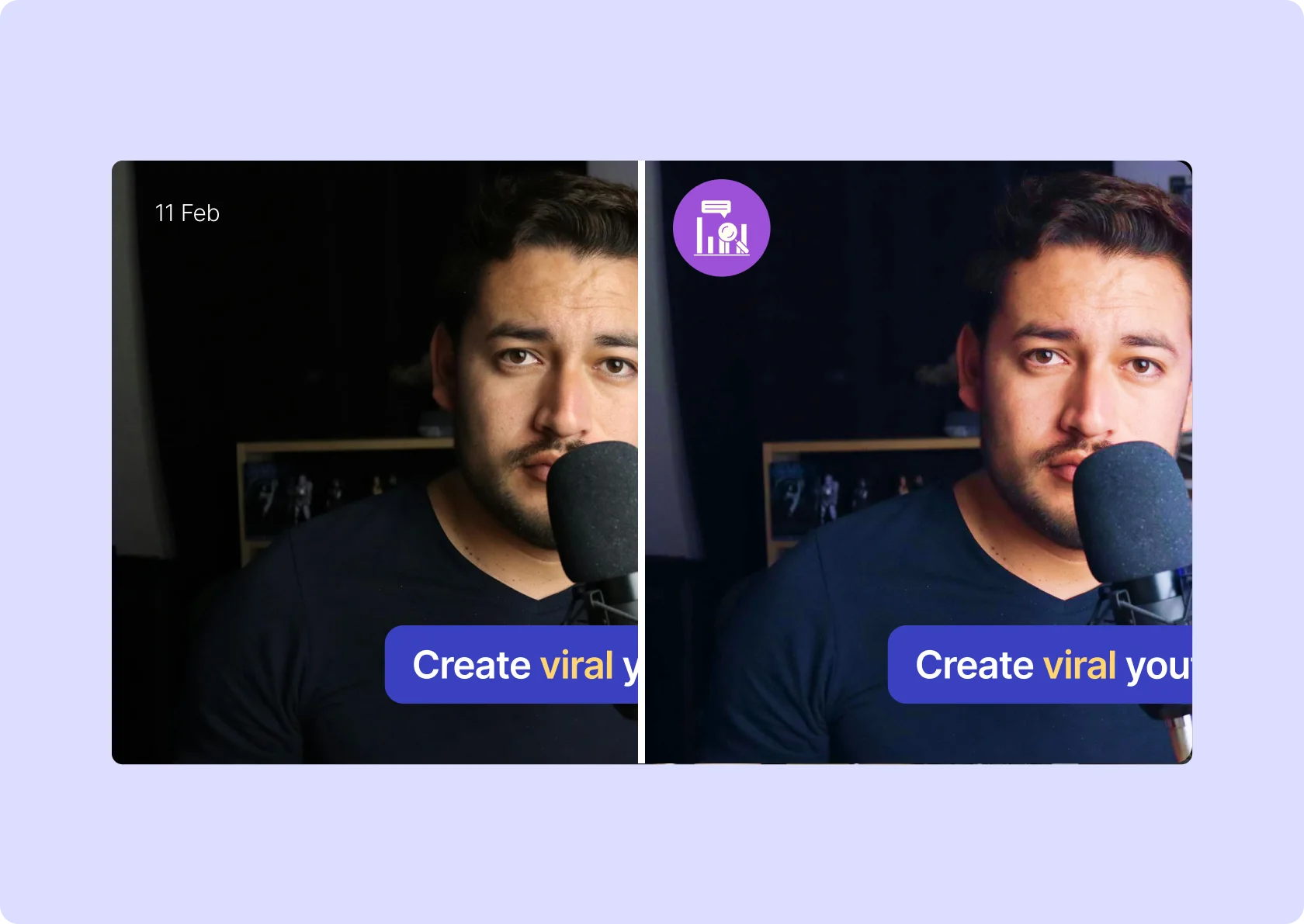
quso.ai ensures that changing the resolution does not compromise your video quality for Facebook Reels. Adjust the resolution without risking pixelation or blurriness. Choose from preset resolutions including 720p and 1080p, regardless if you're uploading from a computer, iPhone, or another device.
How to Resize Your Video for Facebook using AI
- Upload Your Video
Drag & drop any MP4, MOV, MKV file or paste a YouTube link to quso.ai and get started in seconds.
- Choose Your Facebook Format
Pick from Facebook Feed (1:1), Timeline (16:9), Stories/Reels (9:16); dimensions favored by the platform.
- Auto‑Adjust & Preview
Our AI crops, pads, and centers your content to fit the selected aspect ratio—check real‑time previews to ensure key elements stay in frame.
- Download or Publish
Export your resized video instantly or post directly to your Facebook page from quso.ai.
Frequently Asked Questions
How do I resize a video to upload on Facebook?+
What size video is best for Facebook?+
How to change Facebook video ratio?+
How to resize video size?+
Resize video for Facebook for free
Resize video for Facebook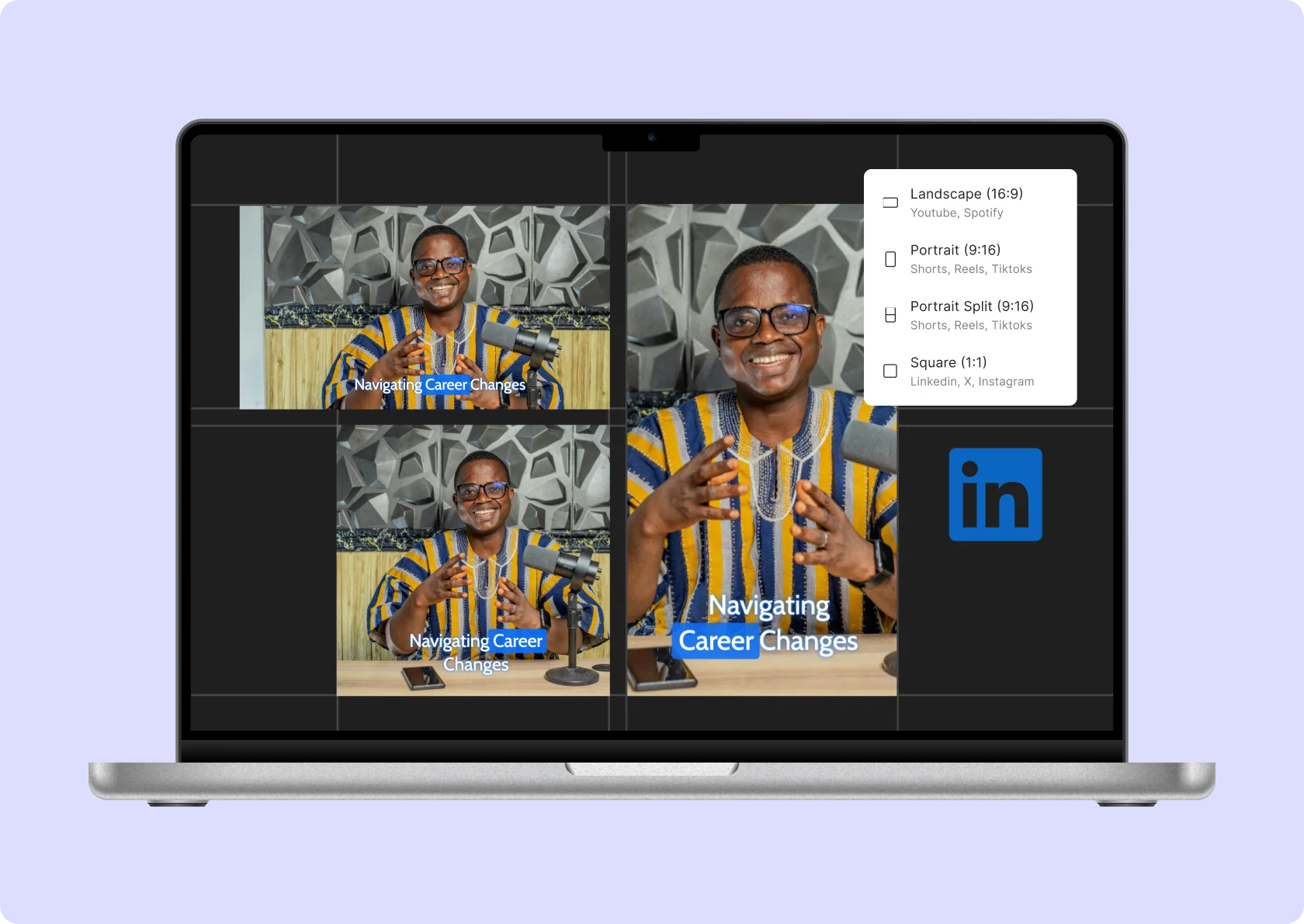

quso.ai Research
The Short Form Video Performance Report
We measured 508,000 posts from 1,900 creators across 80 countries to separate what actually changes reach from what only sounds like it does.