Instagram Post Scheduler
Plan and schedule Instagram posts and Reels from one calendar with quso.ai. Scheduling is on the Essential and Growth plans, and you can try quso.ai free first.
Schedule your Instagram postsTrusted by 500K+ Users
The short answer
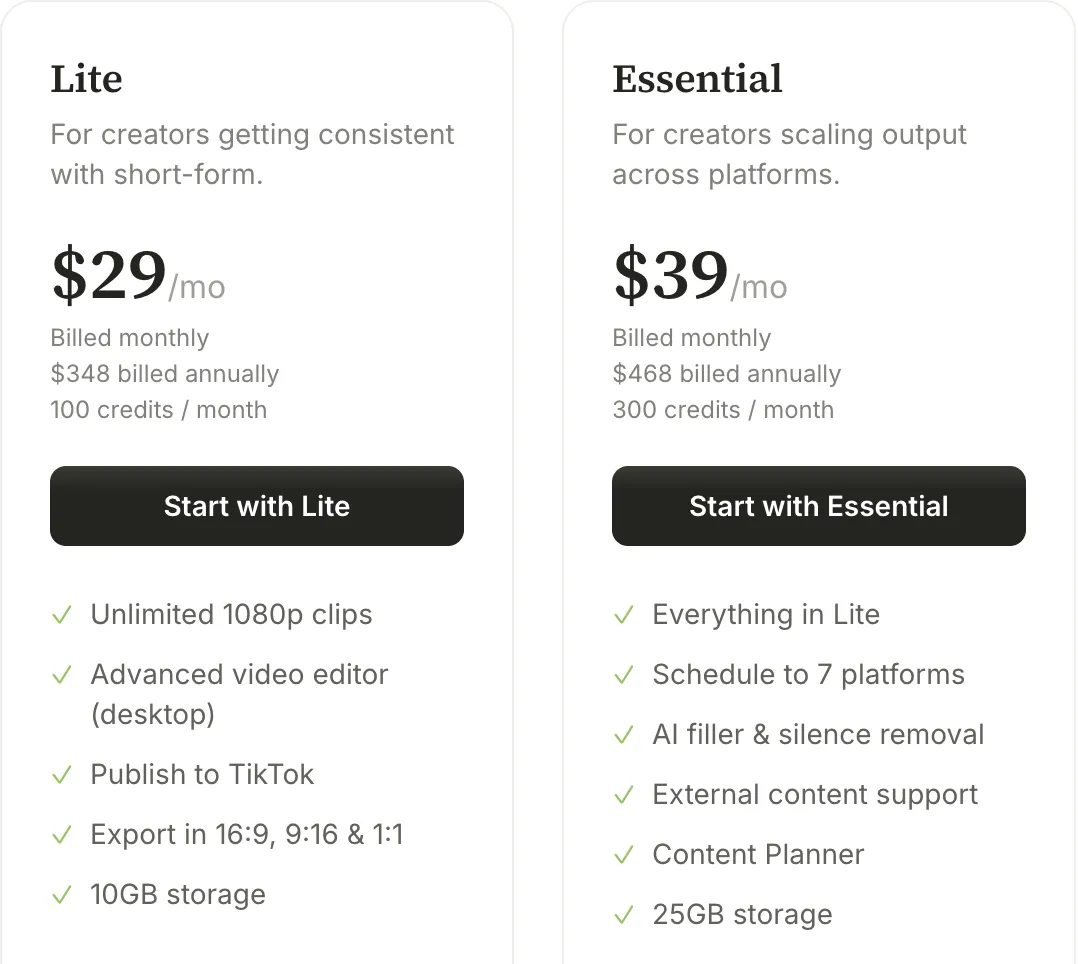
If you only need to schedule a few Instagram photos or Reels, use Instagram's own scheduler or Meta Business Suite: both are free. quso.ai's Instagram post scheduler is worth paying for when you also turn long videos into Reels and post to more than Meta's apps. It clips and captions the video, then schedules it to Instagram and 6 other platforms on Essential ($39/month) or Growth ($49/month). Its free plan publishes to TikTok only.

Why Use quso.ai for Scheduling Instagram Posts?

Automated Scheduling
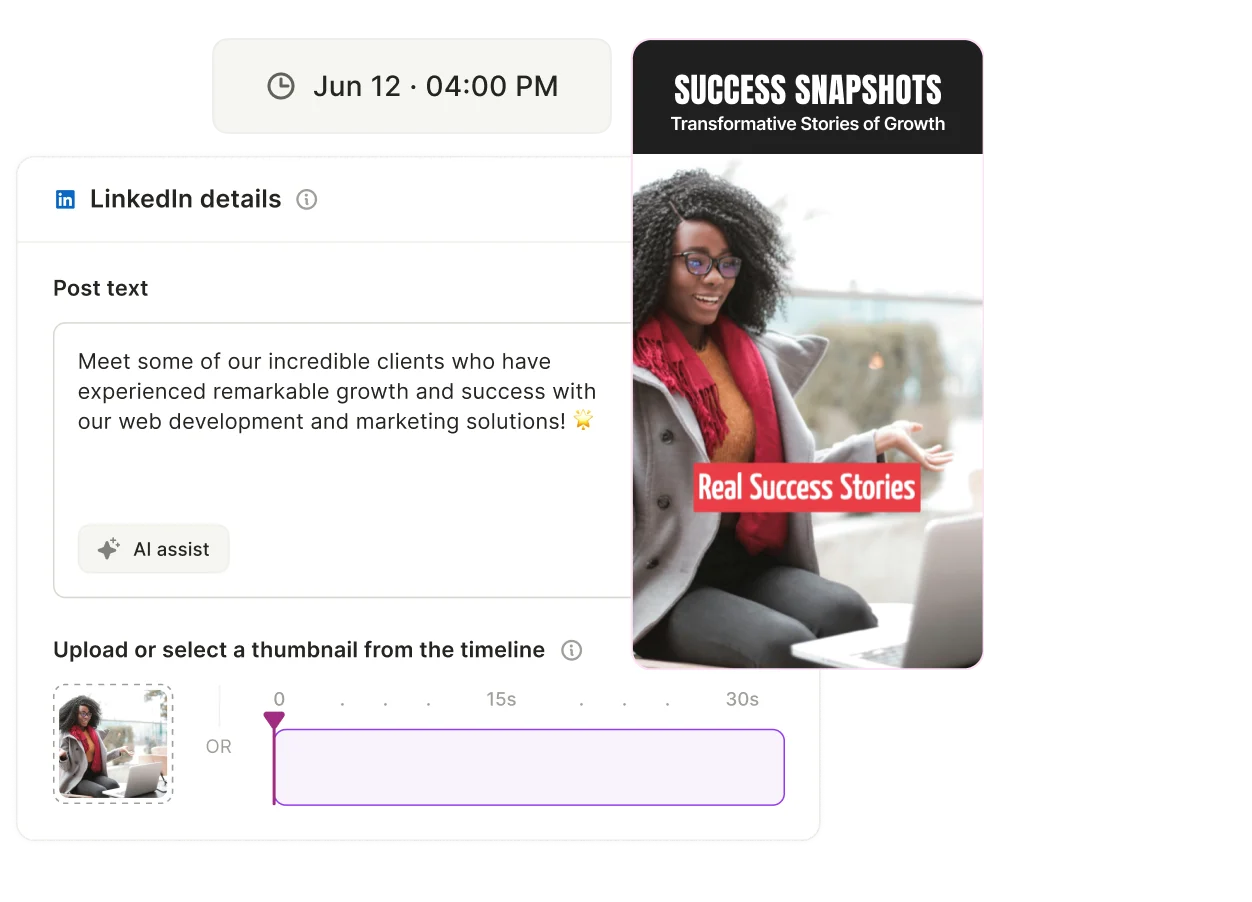
quso.ai's automated scheduling feature simplifies the process of planning your Instagram posts in advance. Select your preferred dates and times, and let quso.ai publish your content at the optimal moments, even if you’re offline. Whether you’re planning weekly or monthly, quso.ai helps you maintain a steady and impactful Instagram presence, making it an essential tool for efficient Instagram post scheduling.

Streamline Your Instagram Calendar
Manage all your Instagram content from a unified dashboard. quso.ai offers a detailed content calendar view, allowing you to see all your scheduled posts at a glance. This feature supports strategic planning, highlights any gaps in your schedule, and facilitates necessary adjustments. As a comprehensive Instagram scheduling tool, quso.ai enhances your ability to organize and schedule posts seamlessly.

Batch Content Management
Effortlessly repurpose content across multiple platforms using quso.ai's batch content feature. This functionality simplifies scheduling and ensures content is optimized for each platform. By working in batches, you streamline your workflow and bolster your social media strategy, making quso.ai an excellent choice for those seeking to automate Instagram posts efficiently.
Comprehensive Multi-Platform Support
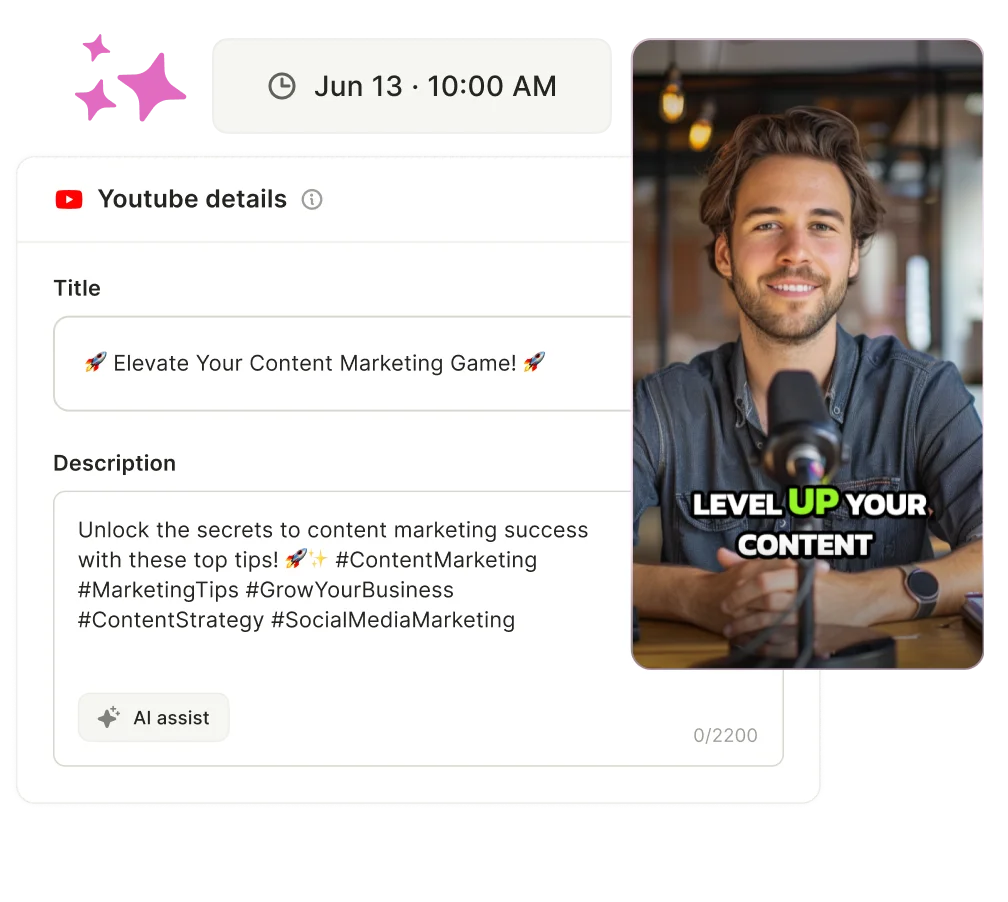
Manage your content across platforms from a single interface. On Essential and Growth, quso.ai schedules to TikTok, Facebook, Instagram, LinkedIn, X, YouTube and Pinterest, so Instagram is one channel in the same calendar.

Content Planner
Essential and Growth include the Content Planner, so you can map out the week's Instagram posts and Reels before you schedule them, then fill the gaps you can see in the calendar.

AI-Powered Hashtag Manager
quso.ai's AI-driven hashtag manager analyzes your content and suggests relevant hashtags to maximize reach and engagement. This tool ensures your hashtags are contextually suitable and varied, keeping your content fresh and engaging.

How To Schedule Posts On Instagram
- Connect Your Instagram Account
Link your Instagram account securely to the social media scheduling tool to ensure smooth and authorized posting.
- Upload Content
Select and upload your image or video content. Add a caption and relevant hashtags within the scheduler to complete your post.
- Set Time and Date
Pick your preferred date and time for posting directly inside the scheduling tool, helping you plan your content calendar in advance.
- Schedule Post
Confirm your settings and click “Schedule.” The tool will automatically publish your content to Instagram at the chosen time, saving you time and effort.
Free Instagram schedulers vs quso.ai
Plenty of tools schedule Instagram posts, and some cost nothing. Here's what each free option covers, checked on 20 October 2026, next to where quso.ai's scheduler sits.
| Tool | Cost to schedule Instagram | What you can schedule | Limits |
|---|---|---|---|
| Instagram app | Free | Reels, photos and carousels | Public account; up to 25 posts a day, up to 30 days ahead; no product tags or collab posts |
| Meta Business Suite | Free | Posts, Stories and Reels for Instagram and Facebook | Meta's apps only; you need access to the Page and Instagram account |
| Buffer | Free plan | Instagram business and creator accounts publish automatically | 3 channels, 10 scheduled posts per channel, 1 user; personal profiles get reminders |
| Later | No free plan | Paid plans only | 14-day free trial |
| quso.ai | Essential $39/month, Growth $49/month | Instagram plus TikTok, Facebook, LinkedIn, X, YouTube and Pinterest | Free plan and Lite publish to TikTok only |
When a free scheduler is enough. If you post finished photos and Reels to one Instagram account, the app's own scheduler does the job. Add Facebook and Stories and Meta Business Suite covers it, still free.
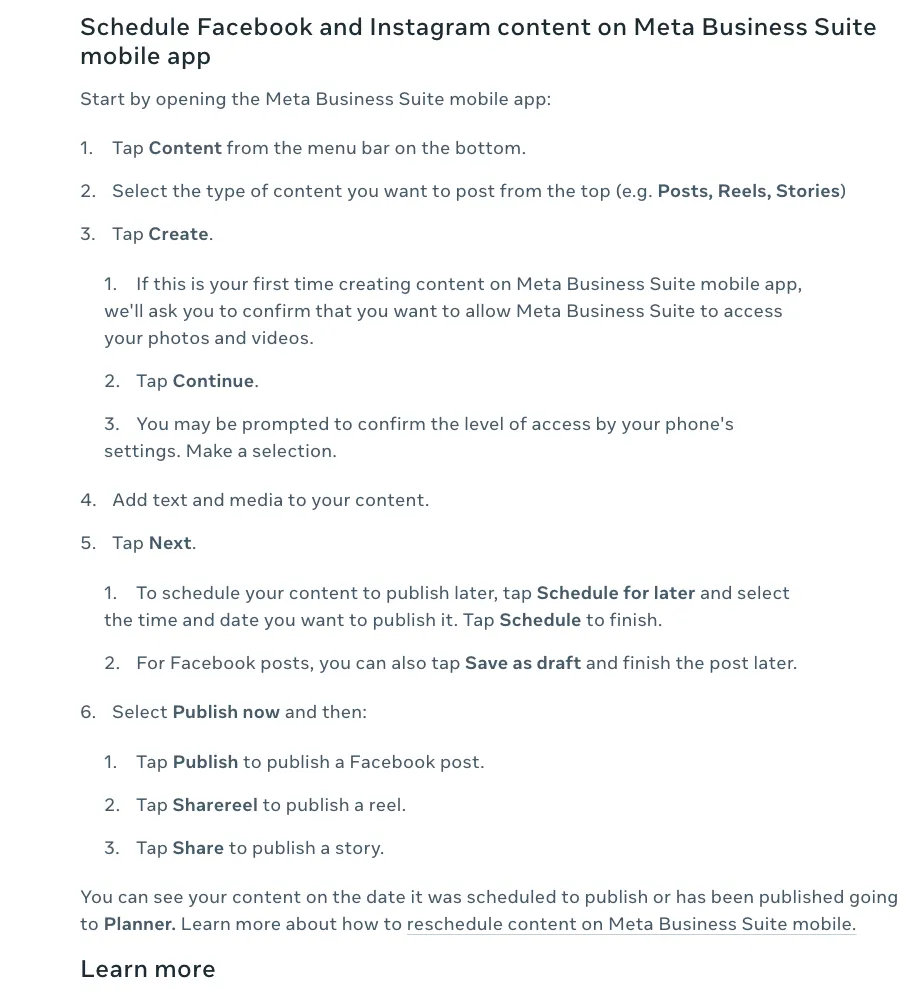
When quso.ai fits. quso.ai is built for creators whose Reels start life as long videos: podcasts, webinars, streams. It cuts the recording into short clips, captions them, and on Essential schedules each one to Instagram and six other platforms from one calendar, with the Content Planner to map the week. Growth adds social media analytics and a custom brand kit. If you don't need the clipping, a free tool above will cost you less.
Frequently Asked Questions
Does Instagram have a scheduling tool?+
Where are scheduled posts on Instagram?+
What is the best free Instagram planner?+
Is there a free social media scheduler?+
What is the 5-3-1 rule on Instagram?+
Can I schedule Instagram posts on quso.ai's free plan?+
Can I Schedule Posts for Multiple Platforms?+
How Does quso.ai's Instagram Scheduler Work?+
Which quso.ai plans include the Instagram scheduler?+
What is an auto Instagram uploader with AI?+
Instagram Post Scheduler
Schedule your Instagram postsFree Instagram schedulers vs quso.ai
Plenty of tools schedule Instagram posts, and some cost nothing. Here's what each free option covers, checked on 20 October 2026, next to where quso.ai's scheduler sits.
| Tool | Cost to schedule Instagram | What you can schedule | Limits |
|---|---|---|---|
| Instagram app | Free | Reels, photos and carousels | Public account; up to 25 posts a day, up to 30 days ahead; no product tags or collab posts |
| Meta Business Suite | Free | Posts, Stories and Reels for Instagram and Facebook | Meta's apps only; you need access to the Page and Instagram account |
| Buffer | Free plan | Instagram business and creator accounts publish automatically | 3 channels, 10 scheduled posts per channel, 1 user; personal profiles get reminders |
| Later | No free plan | Paid plans only | 14-day free trial |
| quso.ai | Essential $39/month, Growth $49/month | Instagram plus TikTok, Facebook, LinkedIn, X, YouTube and Pinterest | Free plan and Lite publish to TikTok only |
When a free scheduler is enough. If you post finished photos and Reels to one Instagram account, the app's own scheduler does the job. Add Facebook and Stories and Meta Business Suite covers it, still free.
When quso.ai fits. quso.ai is built for creators whose Reels start life as long videos: podcasts, webinars, streams. It cuts the recording into short clips, captions them, and on Essential schedules each one to Instagram and six other platforms from one calendar, with the Content Planner to map the week. Growth adds social media analytics and a custom brand kit. If you don't need the clipping, a free tool above will cost you less.
Want the full workflow? This tool is part of quso.ai's Social Media Scheduler: clip, edit, caption, and schedule in one place.


quso.ai Research
The Short Form Video Performance Report
We measured 508,000 posts from 1,900 creators across 80 countries to separate what actually changes reach from what only sounds like it does.