Online Video Splitter: Divide Your Clips in Seconds
Cut long videos into shareable clips in seconds. Keep only the best parts, create multiple stories from one video, and repurpose content for every platform—without losing quality.
Split Your Videos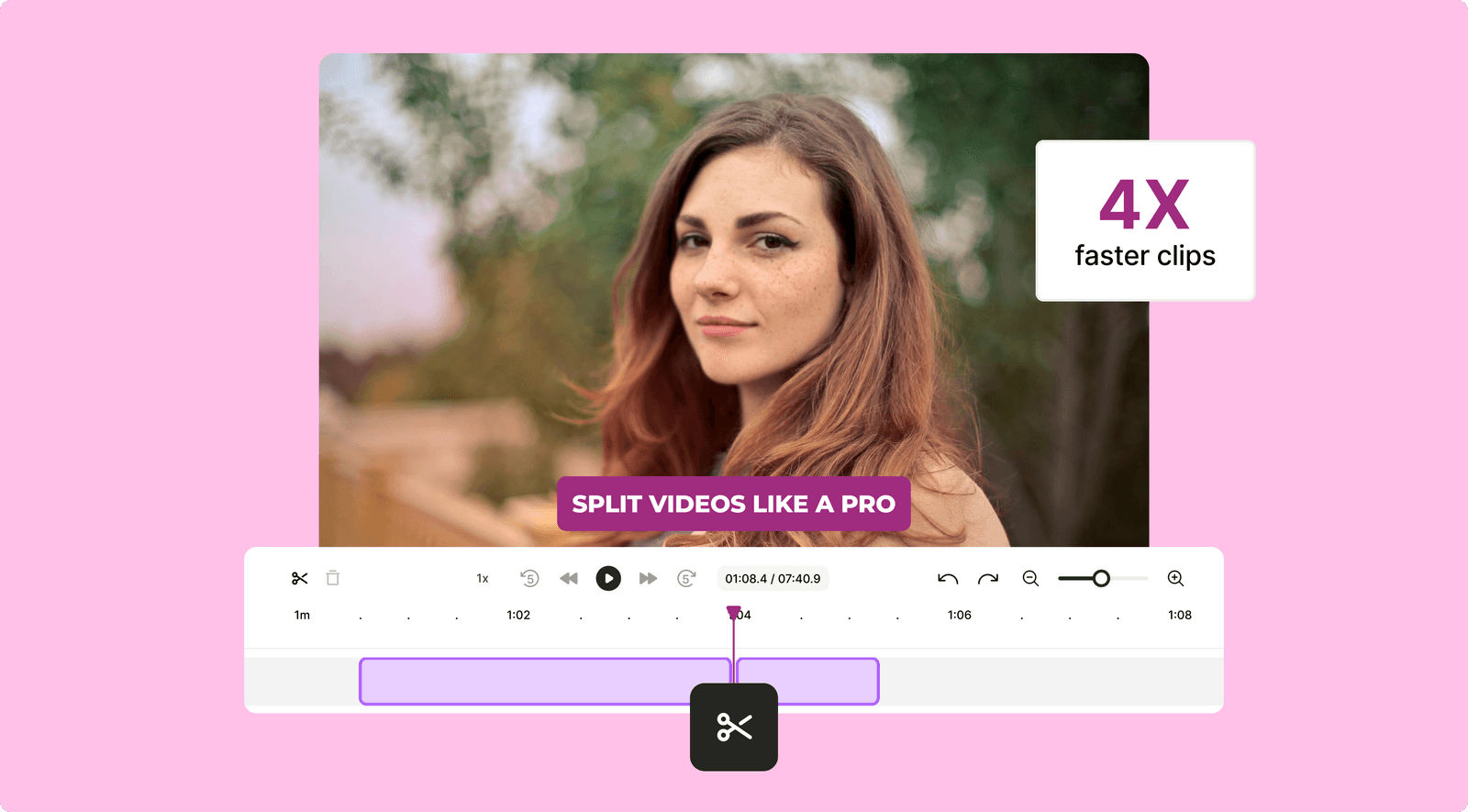
Slice Your Videos Exactly How You Want with Our Video Splitter

Split Clips Your Way
Why settle for one long clip when you can create multiple engaging moments? Whether it’s the perfect intro, a standout midsection, or the ending punchline, quso.ai’s Video Splitter lets you take control of your narrative.

One Video, Endless Stories
Social media loves short and snappy. Split your content into seamless clips for TikTok, Instagram, or YouTube Shorts. One upload, infinite possibilities—reach every platform without breaking a sweat.

Keep Quality Intact
No glitches, no pixelation, just smooth and sharp video clips. quso.ai’s Video Splitter ensures every frame stays crystal clear while you focus on getting creative.
Easily Split Videos into Highlights, Clips, and More
Effortless Scene-Based Splitting
Let AI do the hard work! Our tool detects natural scene changes, so you can split videos without lifting a finger. No guesswork, no hassle—just clean cuts where they make the most sense.
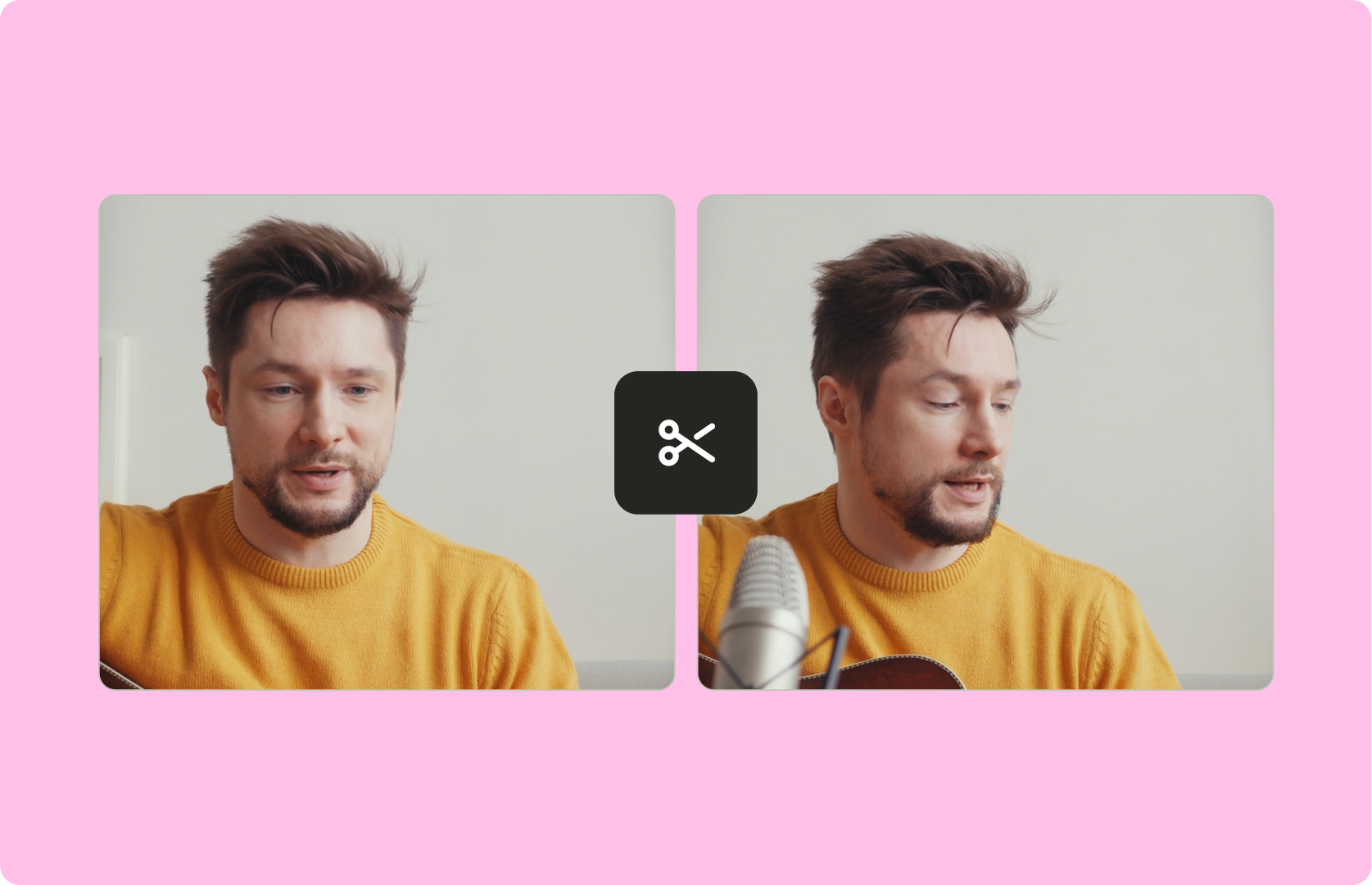
Perfect Clips for Any Story
Create multiple clips from one video to highlight key moments. Whether it’s a funny blooper or a dramatic reveal, quso.ai’s Video Splitter lets you tailor your content for maximum engagement across platforms.
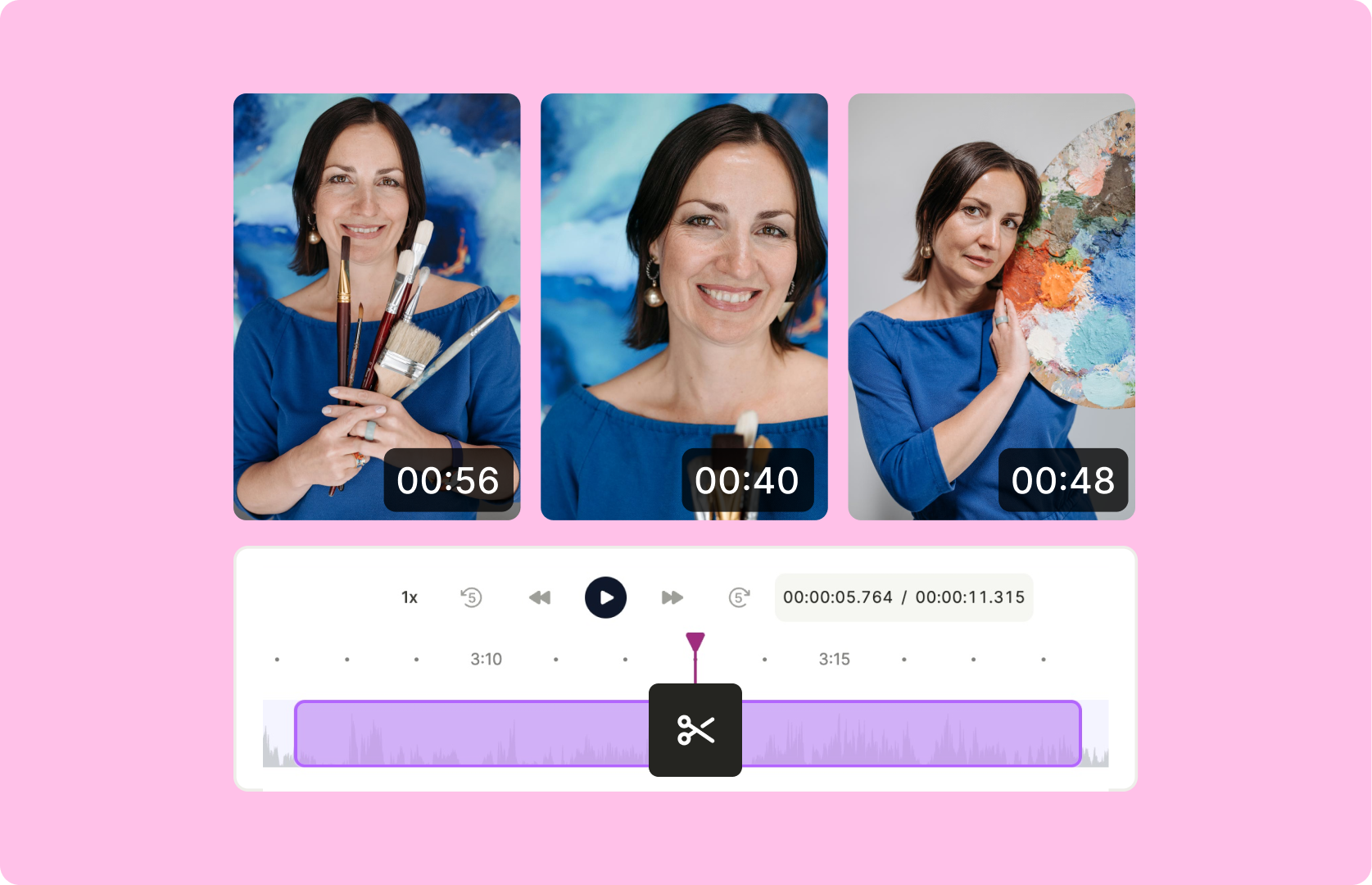
Fast, Simple, and Online
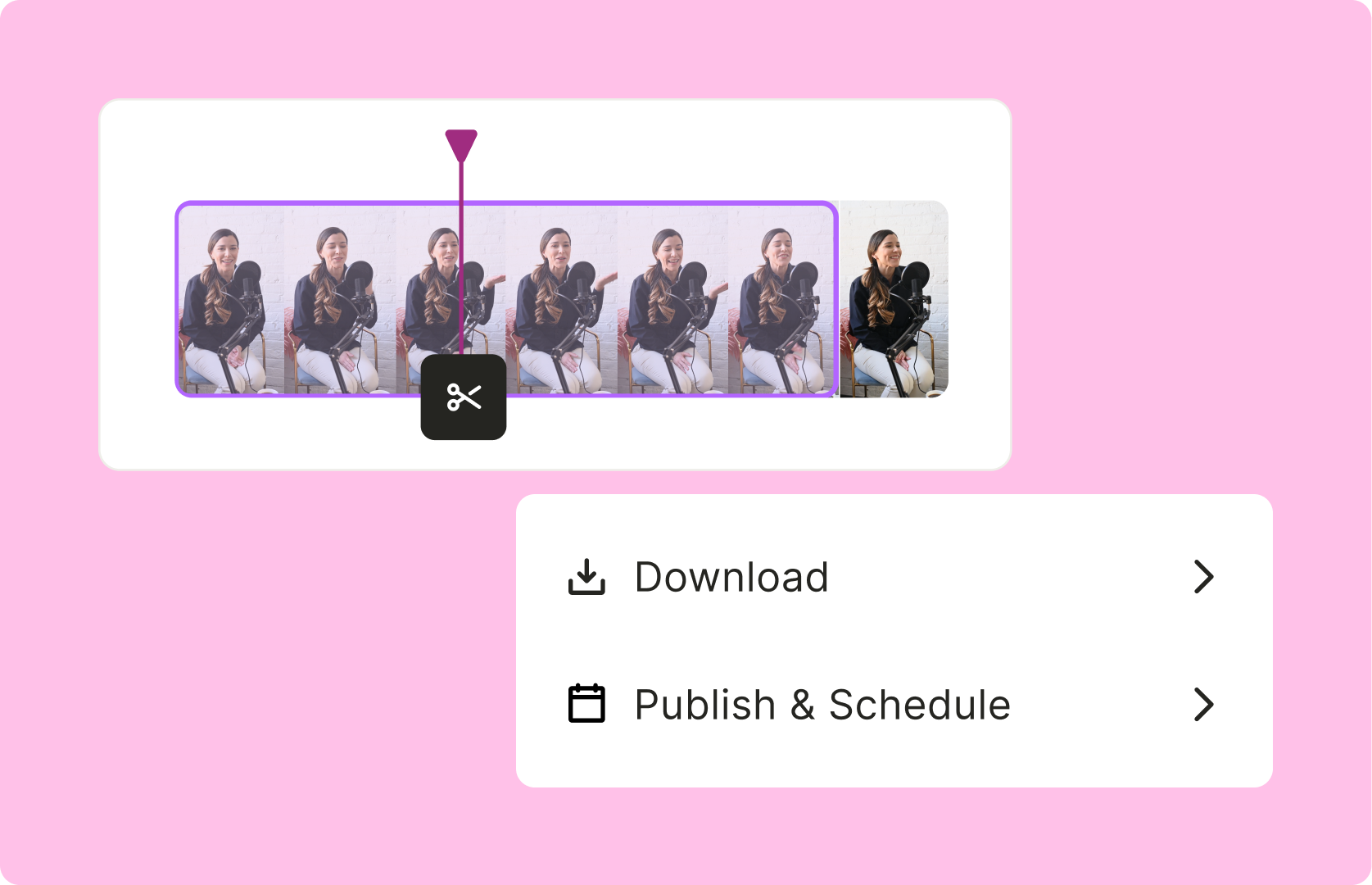
Why spend hours editing? With quso.ai’s browser-based Video Splitter, you can split and download your clips in just a few clicks.
Frequently Asked Questions
What is a Video Splitter?+
How does quso.ai’s Video Splitter work?+
Can I use the Video Splitter for social media clips?+
Does splitting a video affect its quality?+
What video formats does quso.ai’s Video Splitter support?+
Online Video Splitter: Divide Your Clips in Seconds
Split Your Videosquso.ai Research
The Short Form Video Performance Report
We measured 508,000 posts from 1,900 creators across 80 countries to separate what actually changes reach from what only sounds like it does.