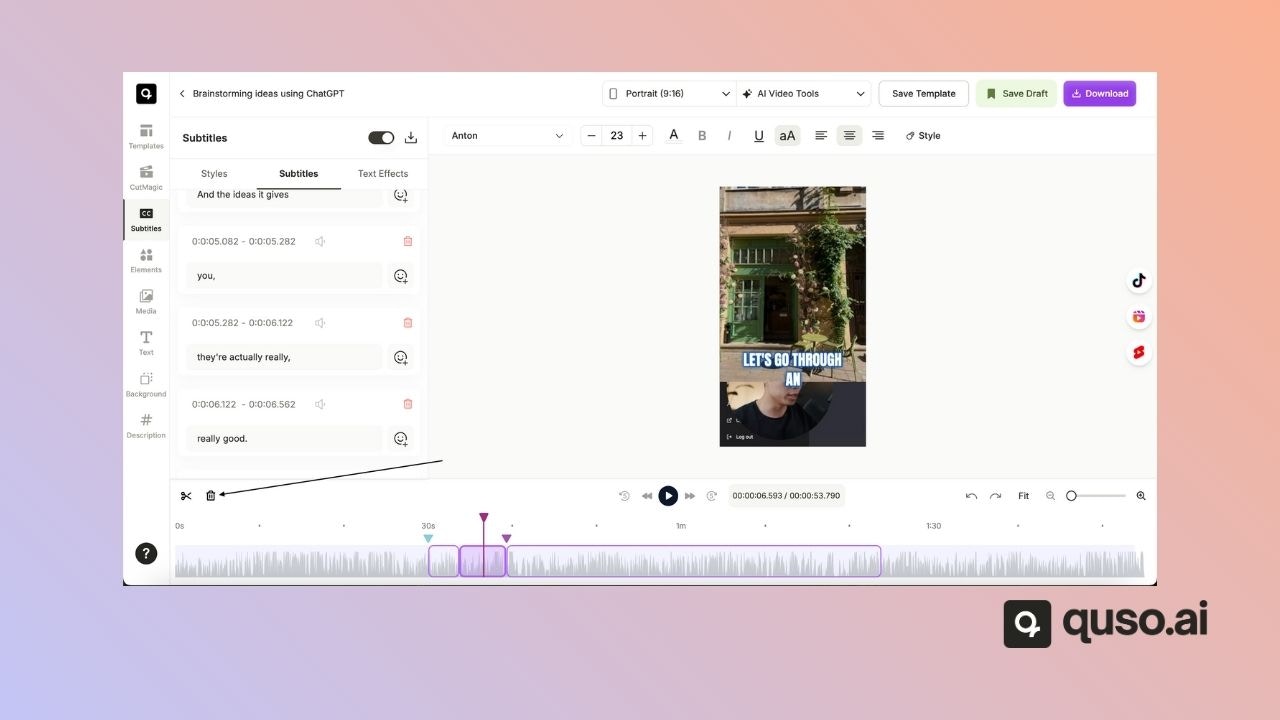
Step 1
Identify the part of the video you want to cut out.Step 2
Move your cursor to the start of the desired section in the timeline.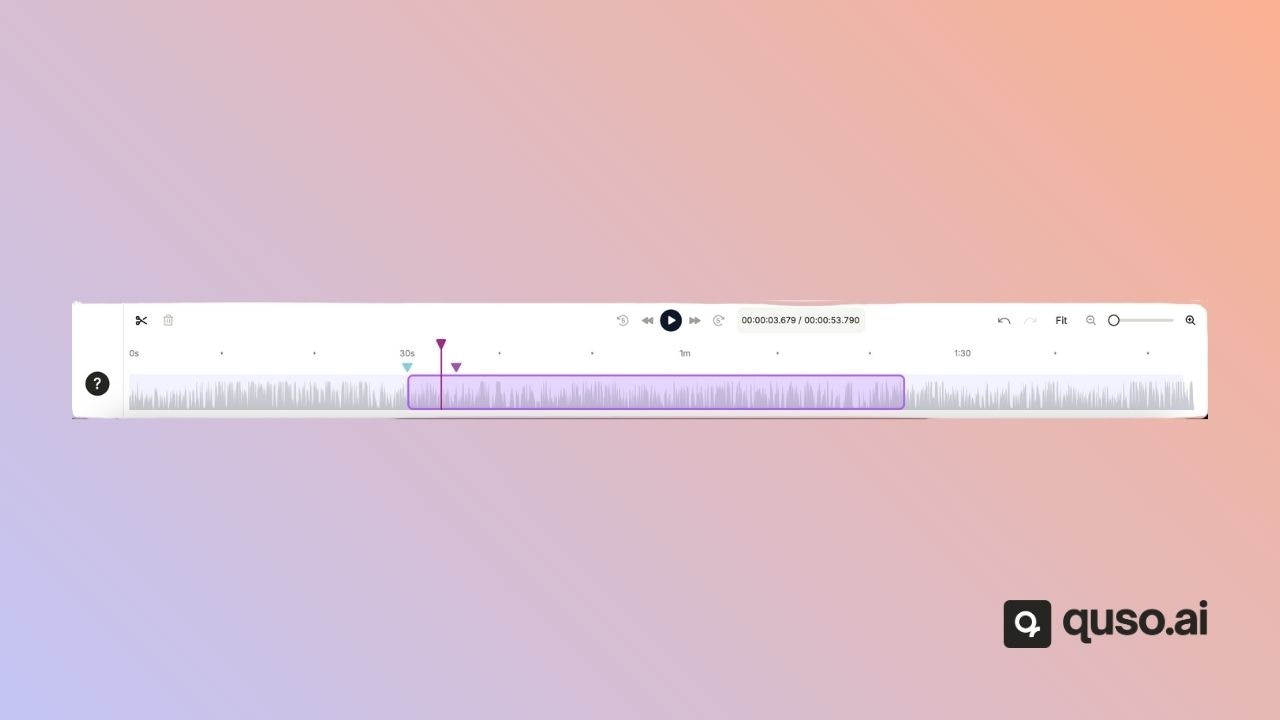
Step 3
Click on the Split Selection option. This action will split your clip at the point where your cursor is.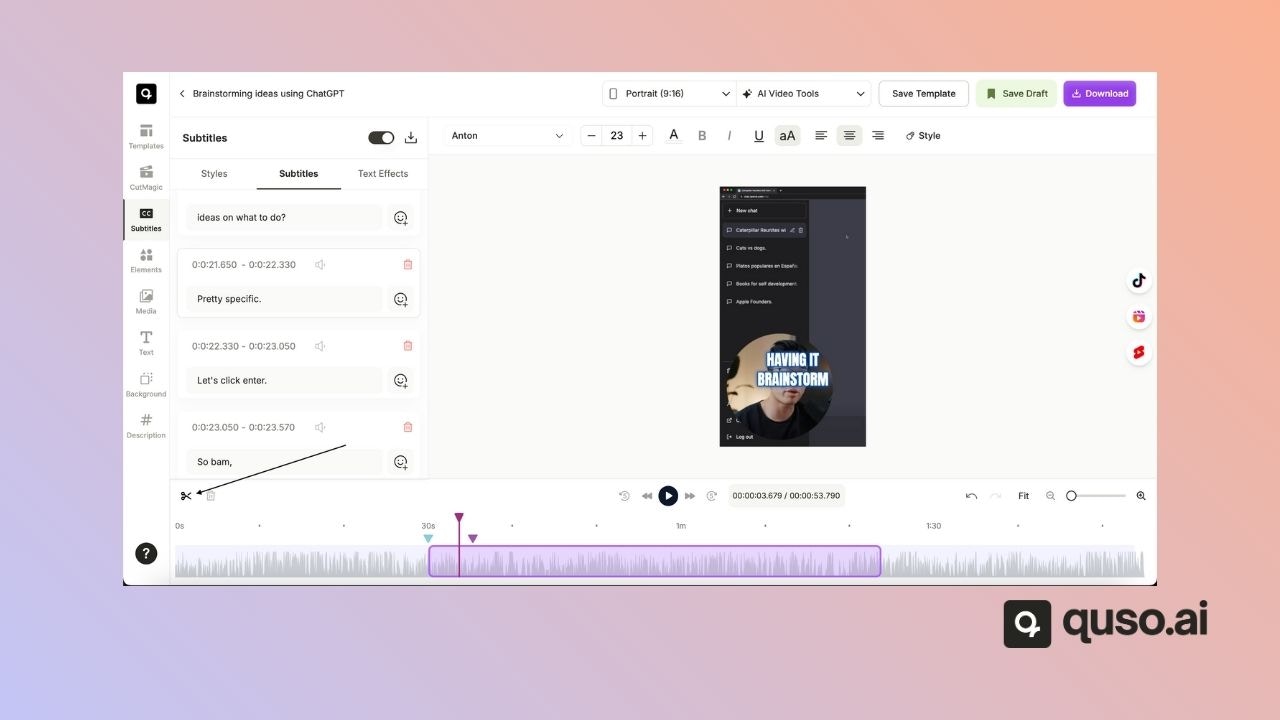
Step 4
Decide on the end of the section you want to cut out.Step 5
Move your cursor to this point and click on Split Selection again.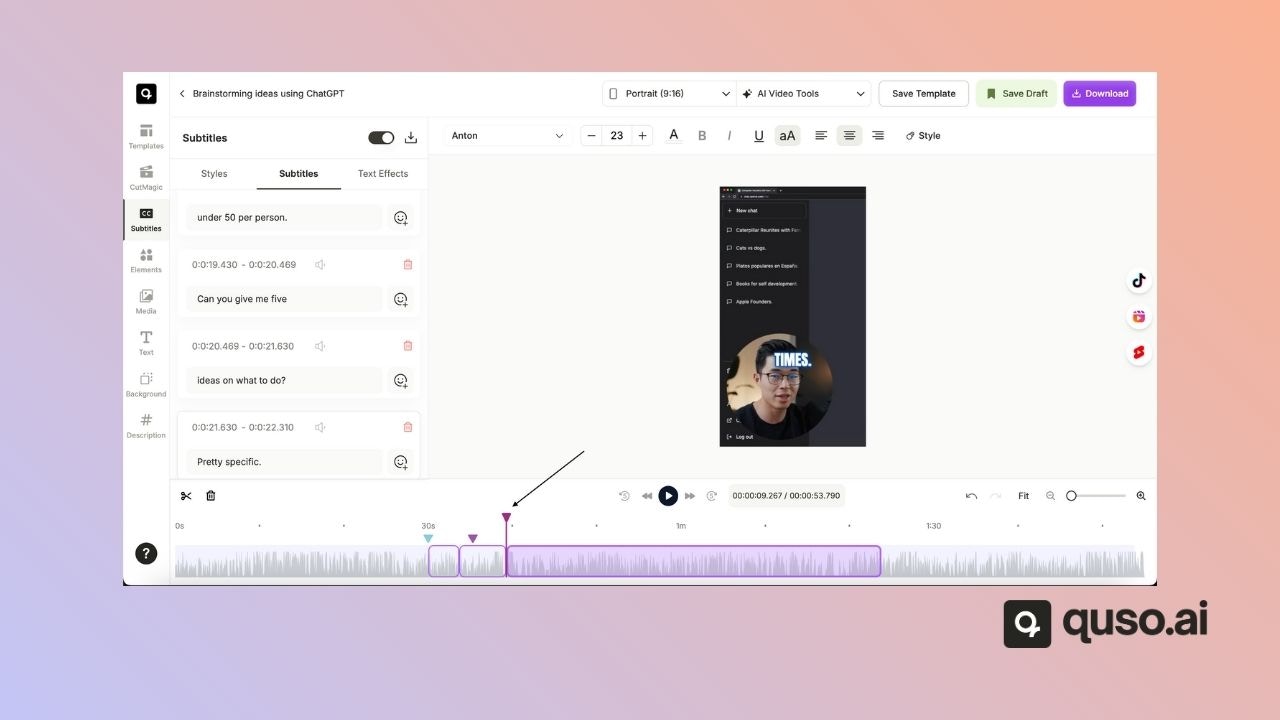
Step 6
Click on the delete option to remove the selected part of the video.