Best Tools to Convert Zoom Recordings into Shorts in 2026
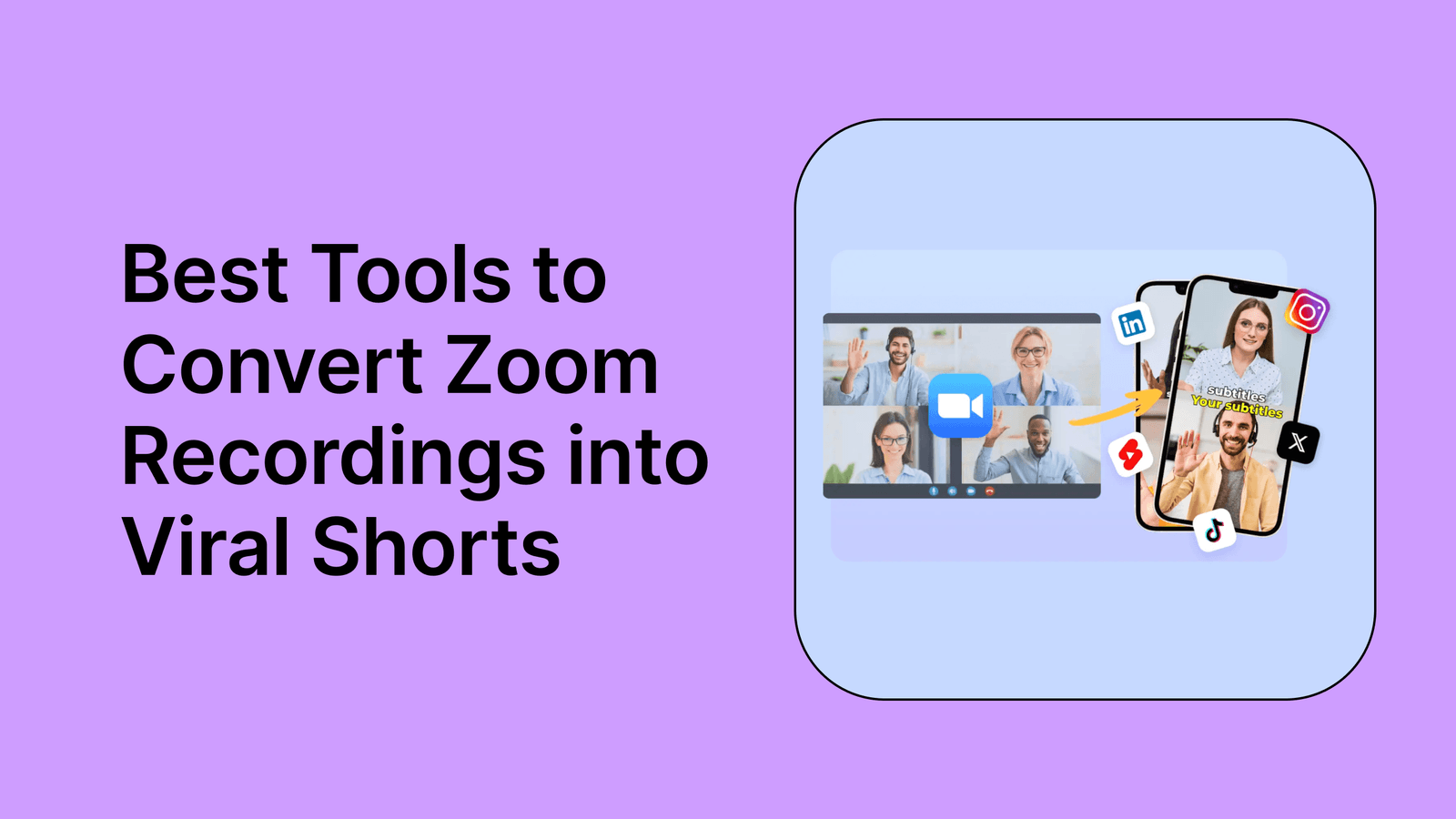
Your Zoom recordings are full of insights that only the people on the call ever see. Client presentations, podcast interviews, coaching sessions-all of it sitting in a folder, collecting digital dust.
AI-powered tools now analyze those recordings, identify the strongest moments, and convert them into vertical clips ready for TikTok, Instagram Reels, and YouTube Shorts. This guide covers the top platforms for the job, what features actually matter, and how to go from raw recording to published short in minutes.
Key takeaways
Best AI tools to turn Zoom recordings into short clips
The best tools for converting Zoom recordings into social media shorts are AI-powered platforms that automate clipping, reframing, and captioning. Rather than manually scrubbing through hour-long recordings, you upload your file and let the AI identify the most engaging segments.
Here are the top options available right now, starting with the most comprehensive solution.
quso.ai
Best for: All-in-one content repurposing and social media management
quso.ai (formerly vidyo.ai) combines AI-powered clip generation with full social media management. Unlike single-purpose tools, quso.ai lets you create, edit, schedule, and analyze your content from one platform.
The AI Clips Generator automatically identifies clip-worthy moments from your Zoom recordings. Intelliclips technology pinpoints your content's strongest segments, while the AI Subtitle Generator adds animated captions in styles popular with top creators.
Pricing starts at $29 per month. A free trial with limited credits is available.
{{cta-richtext}}
OpusClip
Best for: Quick AI-generated clips with virality scoring
OpusClip has built a strong reputation for converting long-form video into short clips, though several alternatives offer unique advantages. The platform uses AI to analyze your content and assigns a "virality score" to each suggested clip, helping you prioritize which moments to post first.
Key features include automatic caption generation with customization options, speaker detection, and smart reframing for vertical formats. Direct publishing to social platforms is also available.
The main limitation is that OpusClip focuses primarily on clip generation. You will likely want separate tools for scheduling and analytics. Brand customization options are also more limited compared to all-in-one platforms.
A free tier is available with limited features. Paid plans start around $19 per month.
Vizard
Best for: Social media optimization with AI suggestions
Vizard focuses on optimizing content for social media performance. The platform uses AI to suggest clips and automatically generates captions with platform-specific best practices in mind.
Features include AI clip suggestions based on content analysis, automatic caption generation, platform-specific optimization recommendations, and virality scoring for clip selection.
Like OpusClip, Vizard requires additional tools for comprehensive social media management. Brand customization options are more limited than all-in-one solutions.
A free tier is available, with paid plans varying based on usage.
Descript
Best for: Text-based editing and transcript manipulation
Descript takes a unique approach by letting you edit video through its transcript. Delete words from the text, and they disappear from the video. This makes editing intuitive for creators who think in terms of spoken content.
The platform offers text-based video editing through auto-generated transcripts, filler word removal, screen recording capabilities, and collaboration features for teams.
Descript provides less automated clip selection than AI-first platforms, so you are still manually identifying moments. Social media scheduling requires additional tools, and the unique editing approach has a steeper learning curve.
A free tier is available. Paid plans start around $12 per month.
Riverside
Best for: Recording and editing in one platform
Riverside combines high-quality remote recording with editing capabilities. If you record your calls directly in Riverside instead of Zoom, the workflow from recording to clips becomes seamless.
The platform offers high-quality remote recording that exceeds standard Zoom quality, AI-powered clip suggestions, automatic transcription, and direct export to social platforms.
Riverside is most valuable if you record within the platform. For existing Zoom recordings, the editing features are less comprehensive than dedicated editing platforms.
A free tier is available. Paid plans start around $15 per month.
VEED
Best for: Browser-based editing with templates
VEED offers a browser-based video editor with AI features for subtitle generation and basic clip creation. No software installation is required.
Features include browser-based editing, automatic subtitle generation, a template library for quick formatting, and basic AI clip suggestions.
VEED's AI clip selection is less sophisticated than purpose-built tools. Social media management features are limited, and processing longer recordings can feel slower.
A free tier is available. Paid plans start around $18 per month.
Kapwing
Best for: Simple browser-based editing
Kapwing operates entirely in your browser, offering accessibility from any device without downloads. The interface uses drag-and-drop simplicity for quick edits.
While Kapwing lacks the AI-powered clip detection of other tools, it compensates with flexibility. You can manually select segments, add text overlays, include background music, and export in multiple formats simultaneously.
A free tier is available with paid plans for additional features.
Munch
Best for: AI-driven content extraction
Munch uses AI to identify trending topics within your recordings and extract relevant clips. The platform focuses on finding content that aligns with current social media trends.
Features include AI-driven content extraction, trend analysis, and automatic clip suggestions based on topic relevance.
SendShort
Best for: Fast processing and vertical video optimization
SendShort prioritizes speed when processing Zoom recordings into social clips. The platform generates clips quickly and focuses on vertical video optimization for social platforms.
Submagic
Best for: Caption-focused editing with animated styles
Submagic specializes in animated subtitle styles for social media. The platform offers trending caption designs that update to match current Instagram and TikTok aesthetics.
| Tool | AI Clip Selection | Auto Captions | Social Scheduling | Brand Kit | Filler Removal | Starting Price |
|---|---|---|---|---|---|---|
| quso.ai | Advanced | Animated styles | 7+ platforms | Full customization | Automatic | $49/mo |
| OpusClip | Virality scoring | Yes | Limited | Basic | No | $19/mo |
| Vizard | Yes | Yes | Limited | Basic | No | Free tier |
| Descript | Manual selection | Yes | No | Basic | Yes | $12/mo |
| Riverside | Yes | Yes | Limited | Basic | No | $15/mo |
| VEED | Basic | Yes | No | Templates | No | $18/mo |
| Kapwing | Manual | Yes | No | Basic | No | Free tier |
What to look for in a Zoom to shorts converter
When evaluating tools, certain features make a significant difference in your workflow efficiency and output quality.
AI-powered clip detection
AI clip detection means the tool automatically analyzes your recording to find the most engaging segments. Instead of manually scrubbing through an hour of footage, the AI identifies moments with strong hooks, complete thoughts, and high engagement potential.
This feature saves hours compared to manual editing and often catches compelling moments you might have missed.
Automatic subtitle generation
Most social media videos are watched without sound. Automatic captions make your content accessible to viewers scrolling in public, non-native speakers, and people with hearing impairments.
Look for tools that generate accurate captions and let you customize the style. Animated captions with keyword highlights tend to increase viewer retention.
Vertical video and multi-platform export
Zoom recordings use a 16:9 horizontal aspect ratio. TikTok, Instagram Reels, and YouTube Shorts require 9:16 vertical format.
Good tools handle this reframing automatically, keeping speakers properly centered in the vertical frame. The best platforms also let you export versions optimized for each platform simultaneously.
Speaker layout and active speaker tracking
Zoom recordings often include multiple speakers. AI can track and focus on the active speaker, automatically adjusting the frame to show whoever is talking.
This creates more dynamic clips than static cropping and keeps viewers engaged with natural-feeling camera movement.
Social media scheduling features
Creating clips is only half the workflow. Tools with built-in scheduling let you publish directly to multiple platforms without downloading files and re-uploading elsewhere.
Integrated scheduling eliminates the need for separate social media management software and keeps your entire workflow in one place.
Why repurpose Zoom recordings for social media
Every Zoom recording contains content that only the original attendees see. Repurposing shares that value with a wider audience.
Extend the reach of your existing content
A single 60-minute coaching call or podcast episode can yield 10 to 15 short clips for TikTok, Instagram Reels, YouTube Shorts, and LinkedIn. That represents weeks of social media content from one recording.
Save time on content creation
Instead of creating new content from scratch, you extract clips from recordings you already have. The content is already created. You are simply reformatting it for different platforms.
Build authority across multiple platforms
Consistent short-form content across TikTok, Instagram, YouTube, and LinkedIn establishes thought leadership. Each clip is a new entry point for potential followers to discover your expertise.
How to convert Zoom recordings into shorts
Regardless of which tool you choose, the general workflow follows the same pattern.
Step 1. Download your Zoom recording
After your Zoom call ends, locate your recording in Zoom's local files or cloud storage. Export it as an MP4 file, which works with virtually every editing tool.
Local recordings are typically found in your Documents folder under "Zoom." Cloud recordings are accessible through the Zoom web portal.
Step 2. Upload to an AI clip maker
Import your MP4 file into your selected platform. Most tools accept files up to several gigabytes. quso.ai supports up to 15GB for paid users.
Some platforms also accept YouTube links if you have already uploaded your recording there.
Step 3. Let AI identify the best moments
Allow the AI to analyze your recording and suggest clips. This typically takes a few minutes depending on video length.
Review the suggestions and select the moments that best represent your expertise and message.
Step 4. Customize clips and add captions
Add captions, apply your brand elements, and ensure the vertical framing looks natural. Pay special attention to your opening hook.
The first two to three seconds determine whether viewers keep watching or scroll past.
Step 5. Export for TikTok, Reels, and YouTube Shorts
Export your finished clips in the appropriate format for your target platforms. Most tools offer preset export options for each platform.
If your tool includes scheduling, you can publish directly. Otherwise, download the clips for manual posting.
Best practices for creating shorts from Zoom calls
Start with a strong hook
Social media users decide within one to three seconds whether to keep watching. Start your clips with a bold statement, a direct question, or the most impactful moment.
Avoid slow buildups. Jump straight into the value.
Keep clips under 60 seconds
Shorter clips tend to perform better on most platforms. Aim for 30 to 60 seconds per clip.
TikTok and Reels perform well with clips between 15 and 60 seconds. YouTube Shorts allows up to 60 seconds.
Add animated captions for silent viewing
Most users scroll with sound off. Captions with keyword highlights help viewers follow along and increase retention.
Choose caption styles that match your brand while remaining readable on mobile screens.
Match aspect ratios to each platform
Use 9:16 vertical format for TikTok, Instagram Reels, and YouTube Shorts. Use 1:1 square format for LinkedIn and Twitter feed posts.
Most tools let you export multiple versions simultaneously.
Remove filler words and awkward pauses
AI tools can automatically detect and cut "umms," "uhhs," and dead air. This creates polished output without manual editing.
quso.ai and Descript both offer automatic filler word removal.
How to record Zoom meetings for better short clips
Better input creates better output. Before your next Zoom call, consider a few setup adjustments.
Start turning your Zoom recordings into viral shorts
Every Zoom recording sitting in your files represents content waiting to reach a wider audience. The recordings are already created. You simply need the right tool to extract the best moments.
For coaches, podcasters, and business owners who want to maximize their Zoom content without managing multiple tools, quso.ai offers the most comprehensive solution. The platform handles clip creation, captioning, branding, scheduling, and analytics in one place.
{{cta-richtext}}