Best YouTube Clip Maker: 8 Top Tools for 2026
A YouTube clip maker transforms long-form videos into short, viral-ready clips for YouTube Shorts, TikTok, and Instagram Reels. AI-powered clip makers automatically identify highlights, add captions, and resize content—saving hours of manual editing while maximizing reach.
The best YouTube clip makers use AI to scan your videos, extract engaging moments, and format clips for multiple platforms in minutes. Whether you need a free YouTube clip maker or enterprise-level automation, there's a tool for every creator in 2026.
This guide compares the top 8 YouTube clip maker tools—from budget-friendly options starting at $9.99/month to comprehensive AI editors with viral scoring and auto-publishing features.
Top 8 YouTube clip makers for 2026
The best YouTube clip makers for 2026 are quso.ai, Revid.ai, Adobe Express, Riverside.fm, Vizard.ai, VEED.IO, Kapwing, and Descript. These tools range from $9.99 to $39 per month and use AI to automatically generate clips, add captions, and optimize content for social platforms.
| Tool | Top 2 Features | Pricing |
|---|---|---|
| quso.ai | AI-Powered Clip Generation, Virality Score with Pre-made Viral Templates, Social Media Scheduler | $29/month |
| Revid.ai | AI-Powered Clip Generation, One-Click Auto-Reframing | $39/month |
| Adobe Express | AI-Powered Editing, Free Templates | $9.99/month |
| Riverside.fm | Magic Clips AI Tool, One-Click Sharing | $19/month |
| Vizard.ai | AI Highlight Generation, Streamlined Workflow | $15/month |
| VEED.IO | Magic Cut AI Editor, Customizable Formats | $12/month |
| Kapwing | Automatic Clip Generation, Auto-Framing for Speakers | $16/month |
| Descript | Transcript-Based Editing, One-Click AI Clip Creation | $12/month |
1. quso.ai
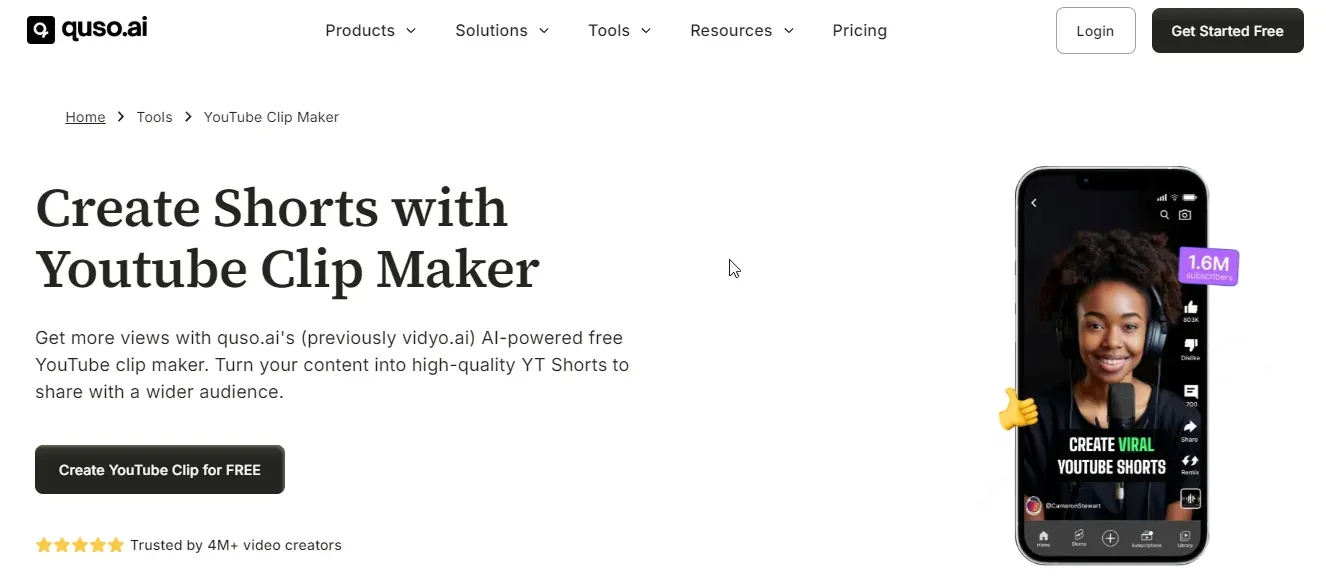
quso.ai's YouTube clip maker turns a long YouTube video into candidate clips from a pasted URL, with no downloads and no editing experience required. The AI analyzes your content, identifies hook-worthy moments, and generates optimized clips for YouTube Shorts, TikTok, and Instagram.
What sets quso.ai apart from basic clip makers:
- One-click viral optimization: AI selects shareable moments and applies proven templates
- Full automation: From clip generation to subtitle addition to direct platform publishing
- Cost efficiency: Replace multiple editing tools with one integrated solution at $29/month
Key Features
- AI Clip Generator: Automatically analyzes long YouTube videos and generates engaging, shareable clips optimized for virality—eliminating manual editing time. AI Clip Generator ensures your content reaches maximum audiences.
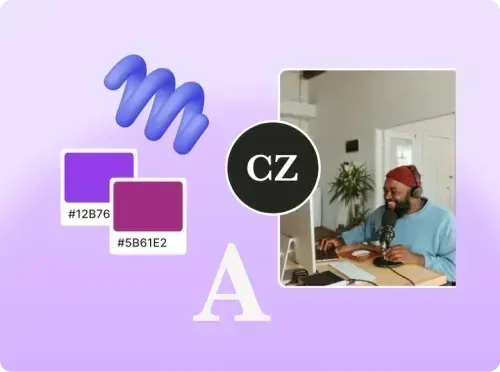
- Seamless Customization: Personalize styles, fonts, brand colors, and video ratios (9:16, 1:1, 16:9) to match your brand identity. All customizations happen within the platform without external editing tools.
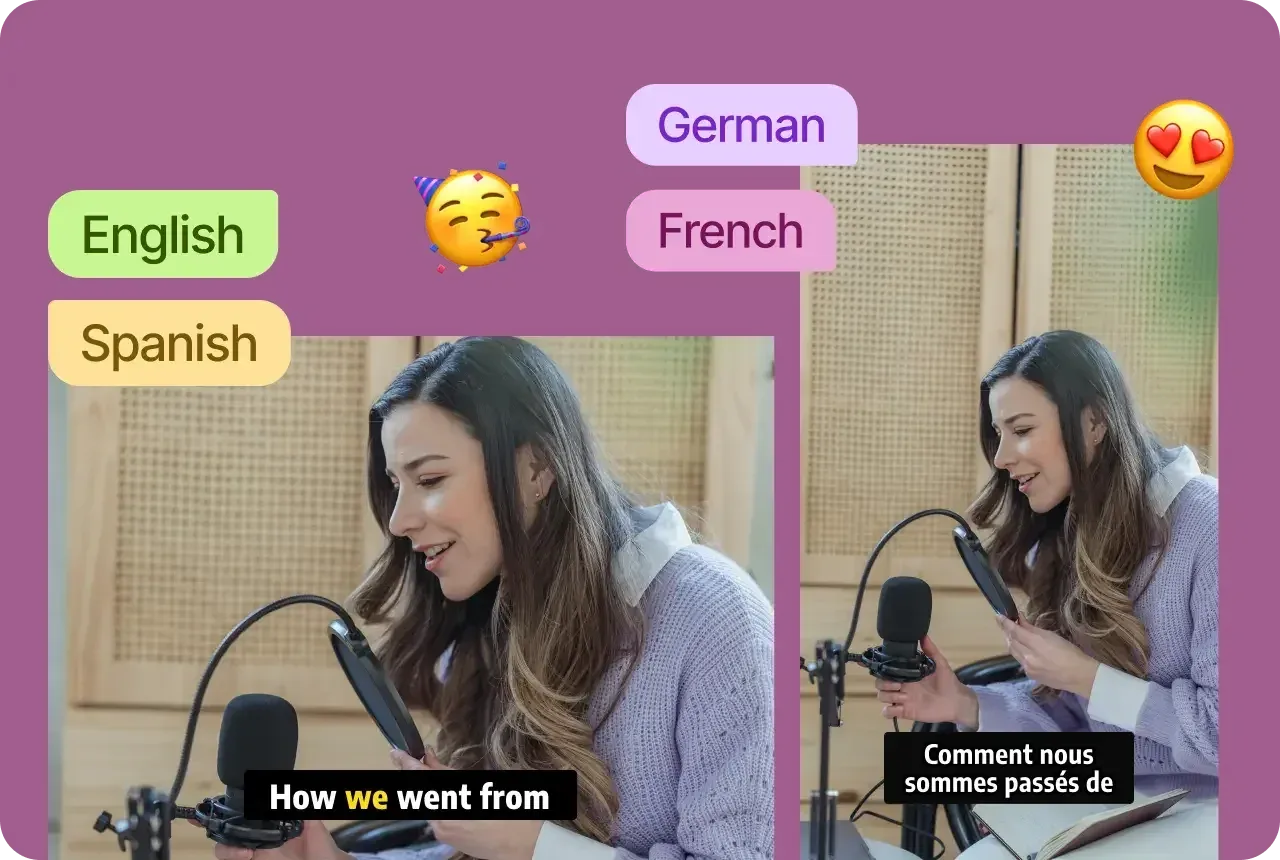
- One-Click Subtitle Addition: AI generates accurate, synced subtitles automatically upon upload—increasing accessibility and engagement rates by up to 80%.
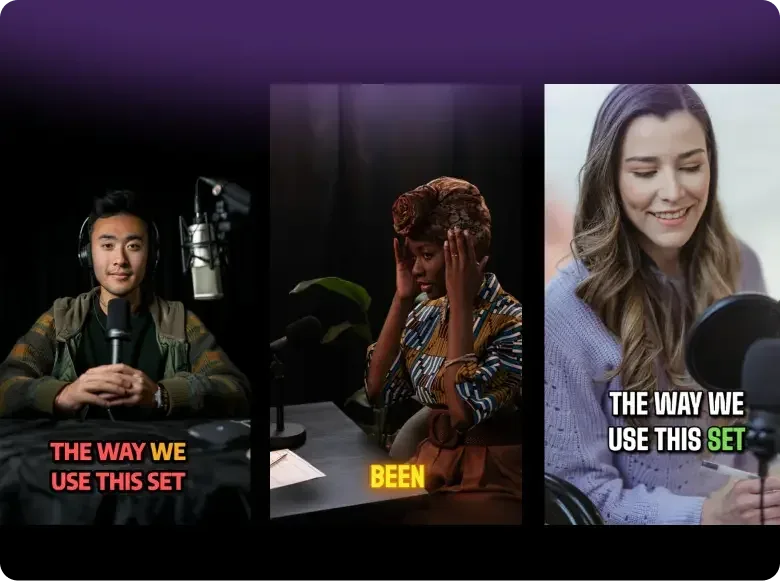
- Viral Video Templates: Access pre-designed YouTube Shorts templates optimized for YouTube Shorts performance, including trending formats for hooks, b-roll, and call-to-actions that increase share rates.
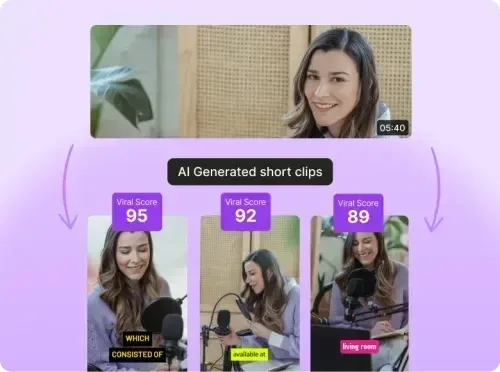
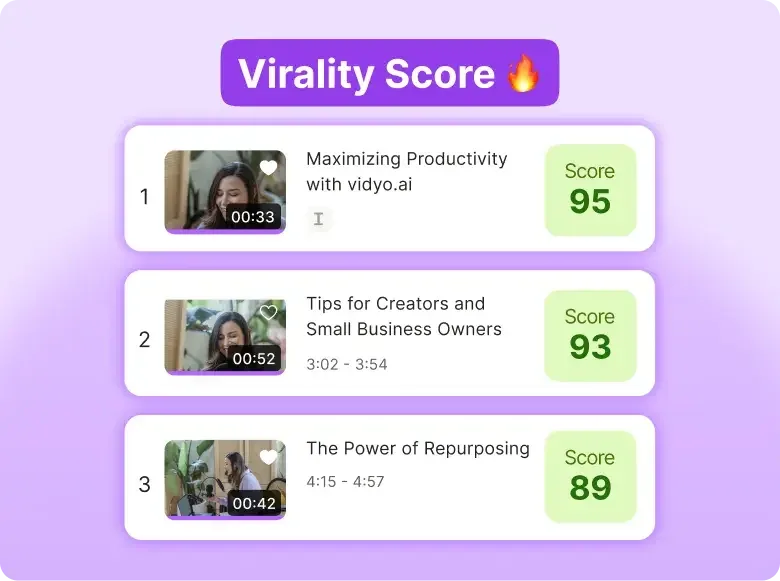
- Virality Score: Each generated clip receives a virality rating based on engagement patterns, hook strength, and trending topics—helping you prioritize which clips to publish first for maximum reach.
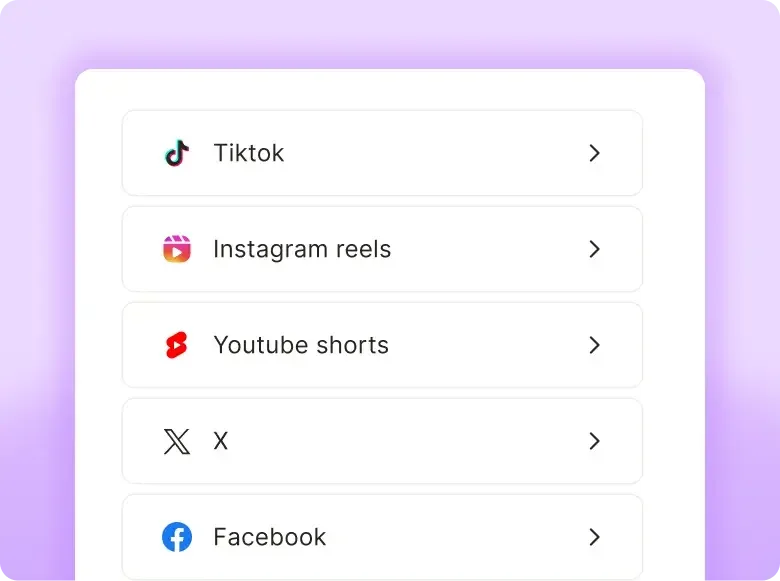
- Direct Multi-Platform Publishing: Upload clips directly to YouTube Shorts, TikTok, Instagram Reels, Facebook, and LinkedIn without downloading files—streamlining your distribution workflow.
Beyond clip creation, quso.ai includes content scheduling, social media analytics, and AI-powered marketing tools that cover your entire content lifecycle—from production to performance tracking.
Start creating YouTube clips now- Try quso.ai today!
Pricing: Starts from $29/month.
2. Revid.ai
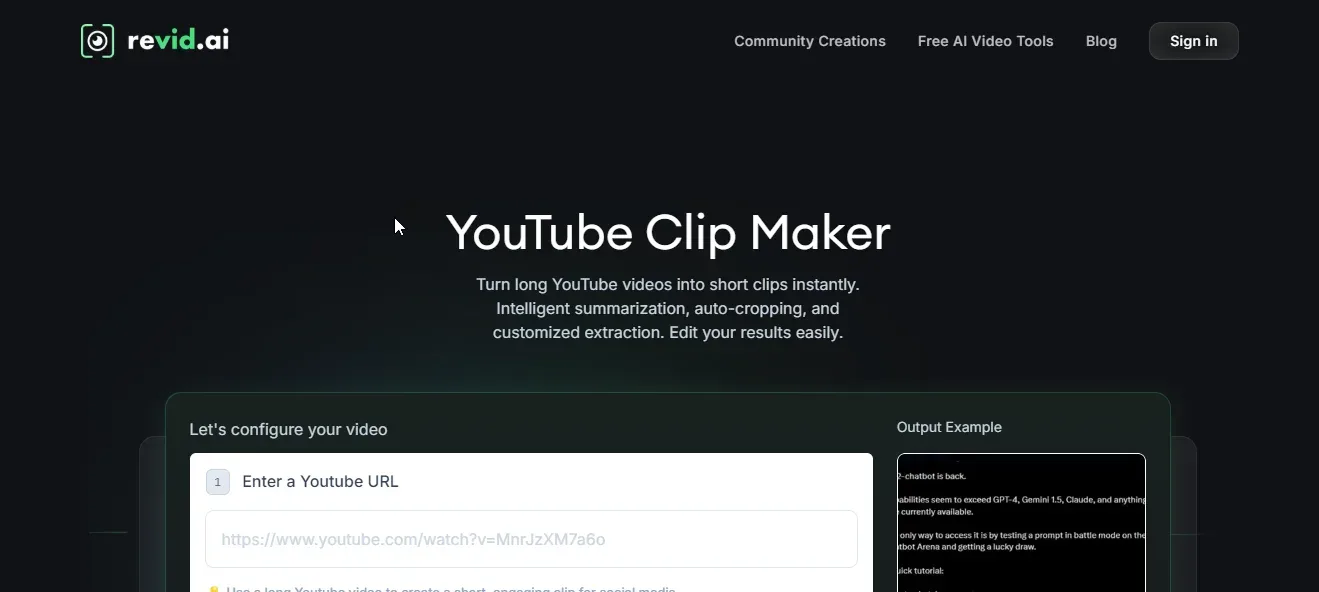
Revid.ai transforms YouTube videos into shareable clips by entering a URL and selecting preferences—the AI handles summarization, cropping, and highlight generation. It's optimized for vlogs, podcasts, and tutorials with content-specific editing templates.
Key Features
- AI-Powered Clip Generation: Generate multiple viral-ready clips from any YouTube video automatically
- Customizable Video Edits: Add stickers, backgrounds, and extract specific content segments to match your brand
- One-Click Auto-Reframing: Automatically adjusts videos to mobile-friendly aspect ratios (9:16, 1:1) for all social platforms
Pricing: Starts from $39/month.
3. Adobe Express
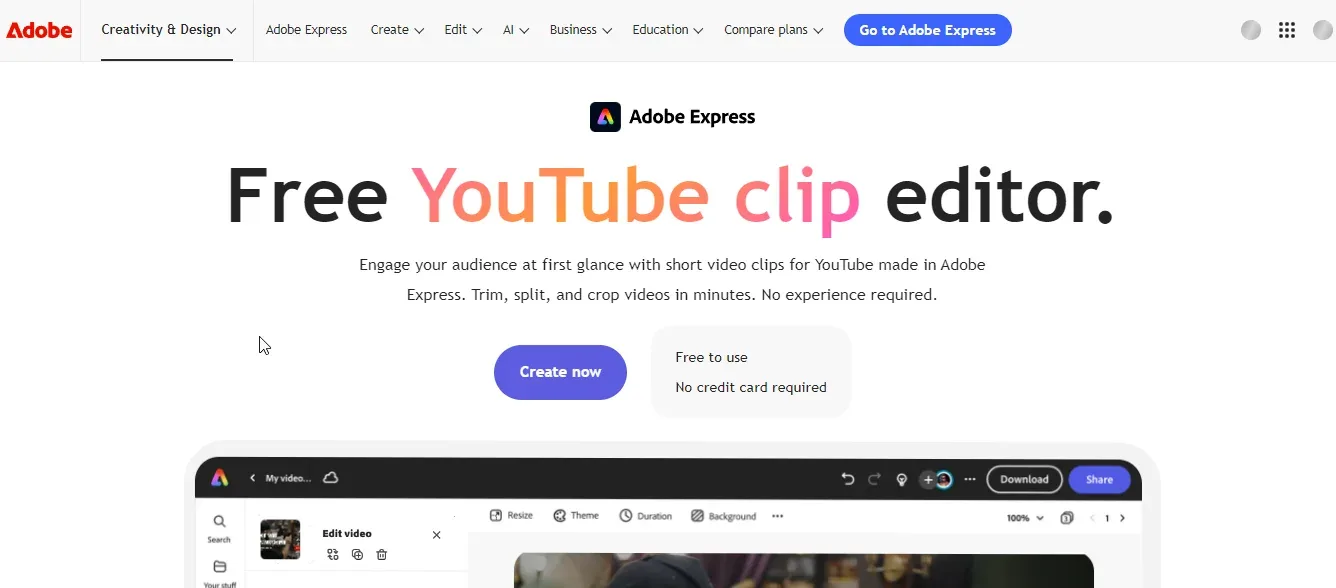
Adobe Express provides a browser-based YouTube clip maker with access to Adobe's template library and stock assets. Upload videos to trim, crop, and split key moments, then enhance with Adobe's design tools—no Creative Cloud subscription required.
The platform includes free stock videos, soundtracks, and animated effects built into the editor. All clips export directly for social media sharing.
Key Features
- AI-Powered Editing: Automatically trim, split, and crop videos to highlight engaging moments
- Adobe Design Assets: Access free templates, stock videos, music, and Adobe's professional design toolkit
- Brand Customization: Add logos, brand colors, custom fonts, and audio to match your identity
Pricing: Starts from $9.99/month.
4. Riverside.fm
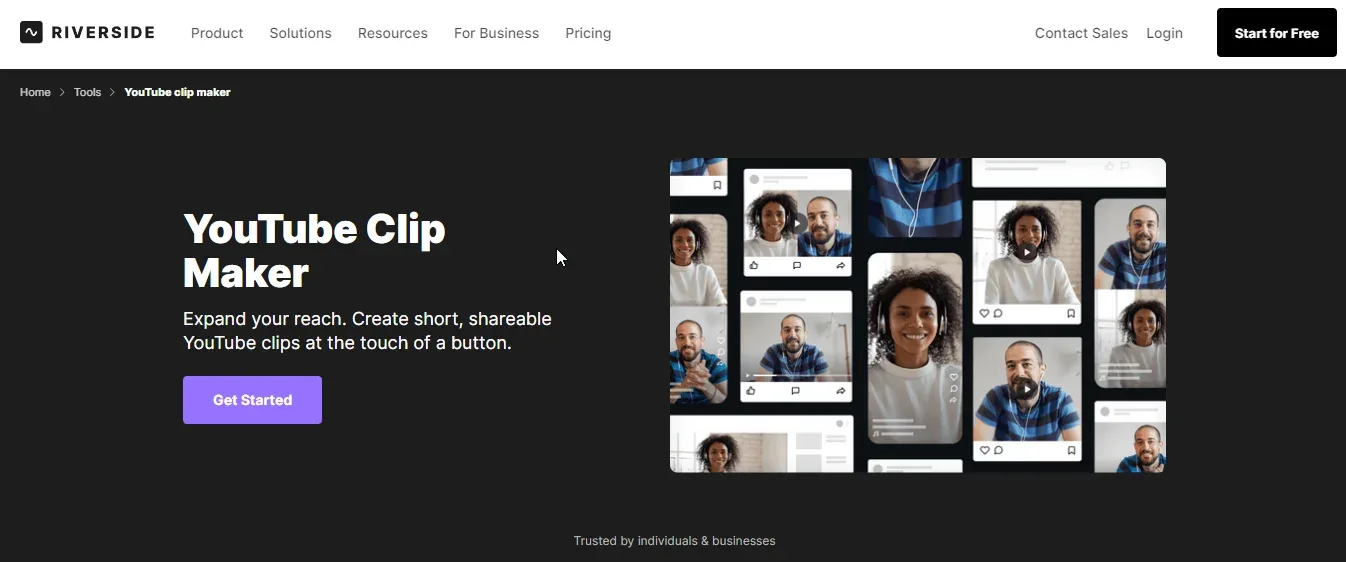
Riverside.fm's Magic Clips tool transforms long-form video and audio content into shareable social clips, with special optimization for podcast and interview content. The AI identifies key moments, conversation highlights, and quotable segments automatically.
Clips integrate directly with Riverside's recording platform, allowing creators to edit and distribute content in one workflow. Customize with branding, captions, and layout templates for each social platform.
Key Features
- Magic Clips AI: Automatically identifies conversation highlights, key quotes, and engaging moments in podcast and interview content
- Recording Integration: Edit and clip directly from Riverside recordings without exporting files
- Multi-Speaker Optimization: AI detects speaker changes and frames clips to highlight active speakers
Pricing: Starts from $19/month.
5. Vizard.ai
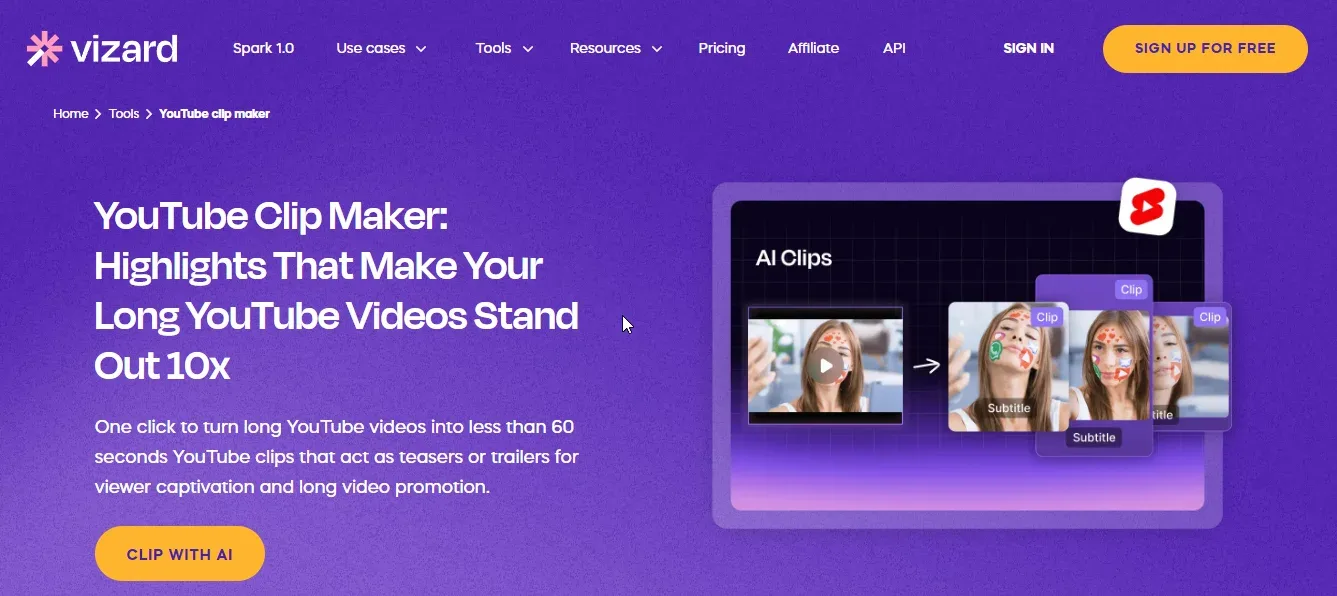
Vizard.ai specializes in transcript-based clip editing, allowing you to select and trim clips by highlighting text rather than scrubbing through video timelines. The AI detects engaging highlights and generates 60-second clips optimized for social platforms.
Clips automatically include captions, emojis, and B-roll footage to match trending styles. Manual editing options let you fine-tune AI selections by editing the transcript directly.
Key Features
- Transcript-Based Editing: Select and trim clips by highlighting text in the transcript instead of scrubbing video timelines
- Trend-Optimized Formatting: Automatically adds trending caption styles, emojis, and B-roll that match viral video formats
- Direct YouTube Integration: Upload via URL, edit, and export without downloading files
Pricing: Starts from $15/month.
6. VEED.IO
VEED.IO's browser-based clip maker focuses on removing dead air and awkward pauses with its Magic Cut feature—automatically tightening content for better pacing. The AI identifies engaging segments and generates clips optimized for different social platforms.
Upload videos to customize captions, adjust length, and add stock music or logos. The platform requires no software installation and supports multiple export formats.
Key Features
- Magic Cut: Automatically removes silences, awkward pauses, and filler words to improve pacing and watch time
- Multi-Format Export: Generate clips in square (1:1), vertical (9:16), or horizontal (16:9) formats for each platform
- Stock Asset Library: Access music, sound effects, and visual elements to enhance clips
Pricing: Starts from $12/month.
7. Kapwing
Kapwing combines AI clip generation with collaborative editing tools, making it ideal for teams managing content across multiple channels. Paste a YouTube URL to scan for viral moments, then use team workspaces to review and approve clips before publishing.
Auto-framing keeps speakers centered, while automated subtitles and background music enhance engagement. Real-time collaboration lets teams edit clips simultaneously.
Key Features
- Team Collaboration: Real-time editing with teammates, comment threads, and approval workflows for content review
- Smart Auto-Framing: AI keeps speakers centered in frame during podcasts and multi-person videos
- Viral Moment Detection: Scans videos to identify high-engagement segments based on speech patterns and visual changes
Pricing: Starts from $16/month.
8. Descript
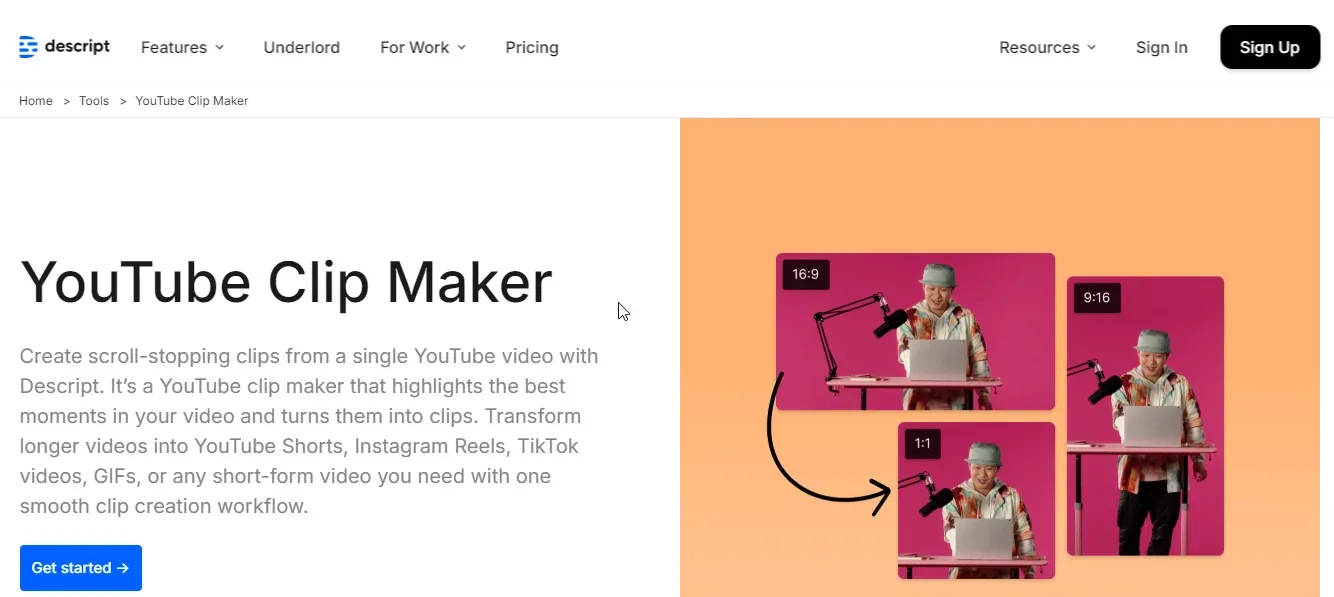
Descript transforms video editing into text editing—delete words from the transcript to remove them from the video, or highlight sentences to create clips instantly. The "Find good clips" AI feature scans content for shareworthy moments based on transcript analysis.
Edit clips by typing corrections, apply templates and animations, then publish to YouTube, Instagram, TikTok, or Facebook. The text-based workflow makes video editing as simple as editing a document.
Key Features
- Text-Based Video Editing: Edit video by editing text—delete words to remove video segments, or type corrections to fix dialogue
- "Find Good Clips" AI: Automatically identifies quotable moments, topic changes, and high-energy segments from transcript analysis
- Studio Sound & Filler Word Removal: AI enhances audio quality and removes "ums," "ahs," and long pauses automatically
Pricing: Starts from $12/month.
YouTube clip maker comparison: Which features matter most?
When choosing a YouTube clip maker, prioritize features based on your content type and workflow:
- For podcasters: Transcript-based editing (Descript, Vizard) and multi-speaker framing (Riverside, Kapwing)
- For viral content: Virality scoring (quso.ai) and trend-optimized templates (Vizard, quso.ai)
- For teams: Collaboration tools (Kapwing) and approval workflows
- For beginners: One-click automation (quso.ai, Revid.ai) and template libraries
- For budget-conscious: Adobe Express at $9.99/month or VEED.IO at $12/month
All tools on this list support auto-captions, multi-platform formatting, and direct social media uploads—these are table stakes in 2026. The differentiators are workflow integration, AI quality, and specialized features for your content type.
Which is the best YouTube clip maker for 2026?
The best YouTube clip maker depends on your workflow and content type. quso.ai ($29/month) leads for all-in-one automation with virality scoring and direct publishing. Adobe Express ($9.99/month) offers the most affordable option with professional design tools. Descript ($12/month) excels for podcast and interview content with text-based editing.
For teams, Kapwing ($16/month) provides collaboration features. For podcasters specifically, Riverside.fm ($19/month) integrates recording and clipping. Budget-conscious creators get the most features per dollar with quso.ai's comprehensive toolset, including content scheduling and analytics beyond basic clip creation.
Start creating optimized clips today—try quso.ai free to transform your YouTube content into multi-platform viral moments.