8 Best Video Aspect Ratio Converters (Free & Paid)
If you've tried posting the same video on different platforms, you know the struggle. YouTube wants 16:9, TikTok demands 9:16, and Instagram? It's a mix of square posts, vertical Stories, and everything in between.
You can't just upload the same video everywhere and expect it to work. The framing is off, important parts get chopped, and subtitles disappear. Worse? Those ugly black bars make it look unprofessional. You tweak, re-export, and repeat—for every platform. It's frustrating and a complete waste of time.
But here's the thing—you don't have to go through this every time. With the right tools, you can resize your videos instantly, without losing quality or spending hours on edits. Let's check out the 8 best video aspect ratio converters to make your life easier.
What is a Video Aspect Ratio Converter Tool?
A video aspect ratio converter is a tool that automatically resizes videos to match platform-specific dimensions—like 16:9 for YouTube, 9:16 for TikTok, or 1:1 for Instagram—without quality loss or manual editing.
These converters adjust width and height while preserving quality through smart cropping, padding, or AI-powered reframing. They ensure key content stays visible whether you're converting widescreen to vertical or resizing square clips for YouTube.
Manually adjusting aspect ratios for every platform wastes hours. A converter automates this, letting you generate multiple versions instantly with features like:
- Batch processing for multiple videos at once
- Custom presets for your most-used platforms
- Format conversion without additional software
Key Features to Look for in a Video Aspect Ratio Converter Tool
1. Multiple Preset Ratios
A good aspect ratio converter should offer preset options for all major platforms. These presets eliminate manual adjustments and ensure professional results for:
- 16:9 – YouTube, Facebook horizontal videos
- 9:16 – TikTok, Instagram Reels, YouTube Shorts
- 1:1 – Instagram feed posts, LinkedIn
- 4:5 – Instagram vertical posts, Facebook Stories
This feature is essential for social media marketers and creators who need platform-specific content fast.
2. Custom Resizing Options
While presets work for most needs, custom dimensions are essential for specialized projects. Manual input of width and height gives you creative freedom for:
- Digital billboards with non-standard dimensions
- Custom brand templates matching your website layout
- Presentation videos for specific screen sizes
- Cinematic content requiring unique aspect ratios
3. Format Compatibility
A versatile converter should support all major video formats without requiring pre-conversion. Essential formats include:
- MP4 – Most common web format
- MOV – Apple/iOS devices
- AVI – Windows legacy format
- MKV – High-quality video containers
- FLV – Streaming video format
This eliminates the need for additional software and streamlines your workflow, especially when working with footage from different cameras, editing software, and online sources.
4. Quality Retention
Many resizing tools sacrifice quality, causing pixelation and distortion. A professional converter preserves resolution through:
- Advanced encoding that maintains clarity during resize
- Lossless compression for minimal file size increase
- Smart upscaling when enlarging videos
This ensures your content looks professional across all devices and platforms.
5. Batch Processing
Batch processing lets you resize multiple videos simultaneously instead of one by one. This saves massive time for:
- Marketing agencies – Process 50+ client videos in minutes
- E-commerce brands – Resize entire product catalogs at once
- YouTubers – Convert multiple clips for different platforms instantly
What takes 3 hours manually takes 10 minutes with batch processing.
6. Editing Tools Integration
The best converters include built-in editing features, eliminating the need for multiple tools:
- Cropping – Remove unwanted edges
- Trimming – Cut video length
- Text overlays – Add captions and titles
- Filters – Adjust colors and effects
- Audio editing – Adjust volume or add music
This all-in-one approach saves time and simplifies your workflow.
7. Fast Processing Speed
Slow rendering kills productivity. The best converters process videos in minutes, not hours, using:
- Cloud-based processing – No strain on your computer
- Hardware acceleration – GPU-powered exports
- Optimized algorithms – Faster rendering without quality loss
Look for tools that can resize a 10-minute 1080p video in under 2 minutes.
8. Export Options
Flexible export settings let you balance quality and file size. Choose resolutions based on platform needs:
- 720p – Fast uploads, smaller file sizes
- 1080p – Standard HD for most platforms
- 2K/4K – Premium quality for YouTube, professional use
The tool should also support multiple formats (MP4, MOV, AVI) for compatibility with all platforms and editing software.
Why Use Video Aspect Ratio Converter Tools?
- Platform Compatibility: Every social media platform demands different dimensions. A converter ensures perfect fit across YouTube (16:9), TikTok (9:16), and Instagram (1:1, 4:5, 9:16) without awkward cropping or stretched visuals.
- Better Viewer Experience: Poorly formatted videos hurt engagement. Cropped text, missing subtitles, and black bars make content look unprofessional and drive viewers away.
- Saves Time & Effort: Manually resizing for each platform wastes hours. Converters automate the process with one-click adjustments, saving 5-10 hours per week for active creators.
- Optimized for Mobile: 75% of video views happen on mobile devices. Vertical (9:16) and square (1:1) formats dramatically improve mobile viewing experience and increase watch time by up to 40%.
- Maintains Video Quality: Smart converters preserve resolution and use AI to reframe content intelligently, keeping subjects centered and key elements visible without distortion.
- Boosts Engagement & Reach: Properly formatted videos get 35% more engagement on average. Platform algorithms favor videos optimized for native aspect ratios, increasing visibility and organic reach.
Top 8 Video Aspect Ratio Converter Tools
1. quso.ai
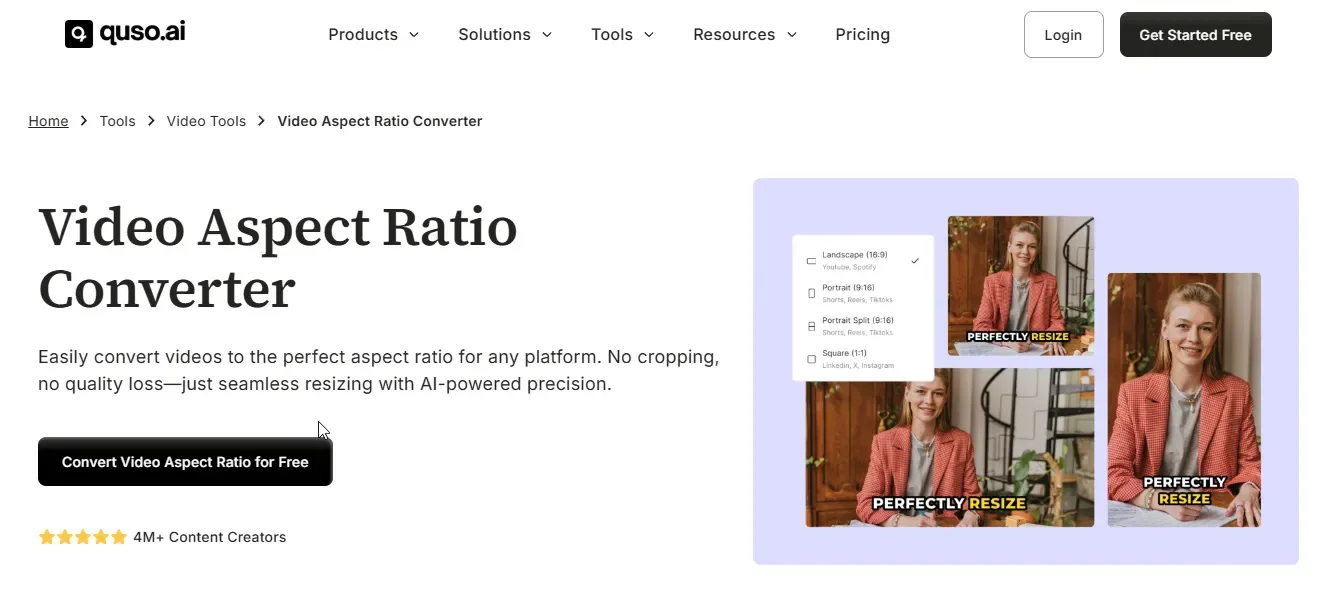
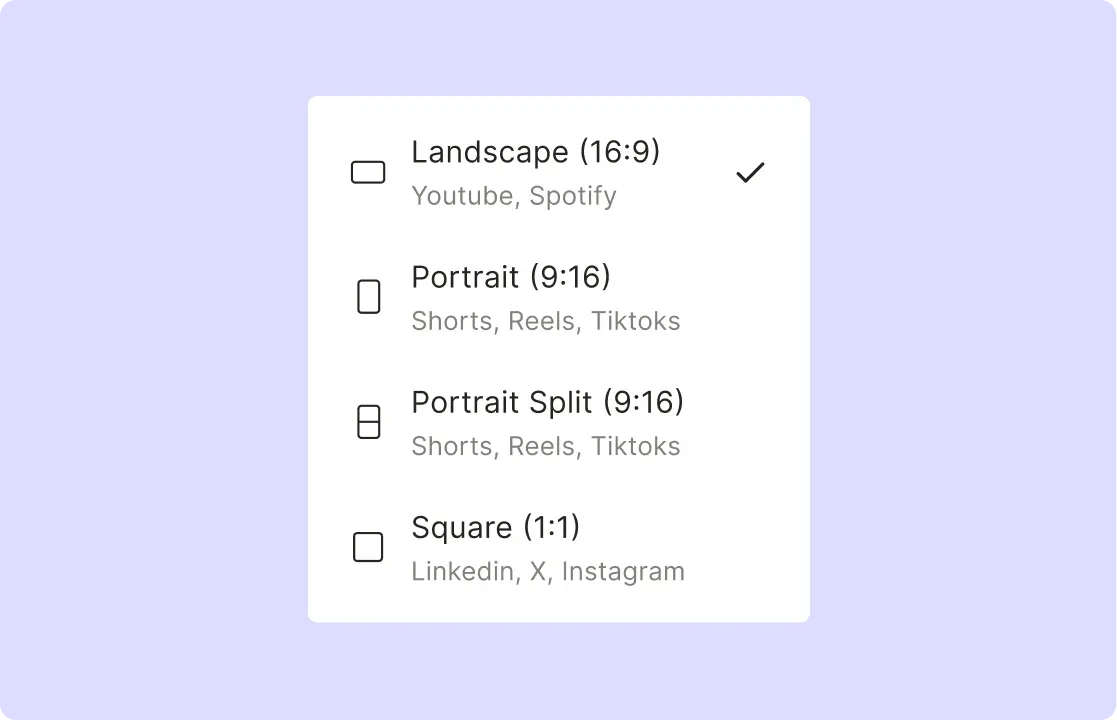
quso.ai's video aspect ratio converter is our top choice for effortless, high-quality resizing. It handles all major formats—9:16 for TikTok, 16:9 for YouTube, 1:1 for Instagram—without cropping, distortion, or quality loss.
The workflow is dead simple: upload your video, select your aspect ratio, and download in seconds. This makes it perfect for beginners and pros who need platform-optimized content fast.
What separates quso.ai from competitors is AI-powered reframing that maintains video clarity. While traditional tools create pixelation or add black bars, quso.ai seamlessly adjusts aspect ratios while preserving every detail.
Key Features
- AI-Powered Resizing
Automatically adjust your video's aspect ratio without cropping, distortion, or quality loss, ensuring a seamless viewing experience across different platforms.
- Multiple Aspect Ratios
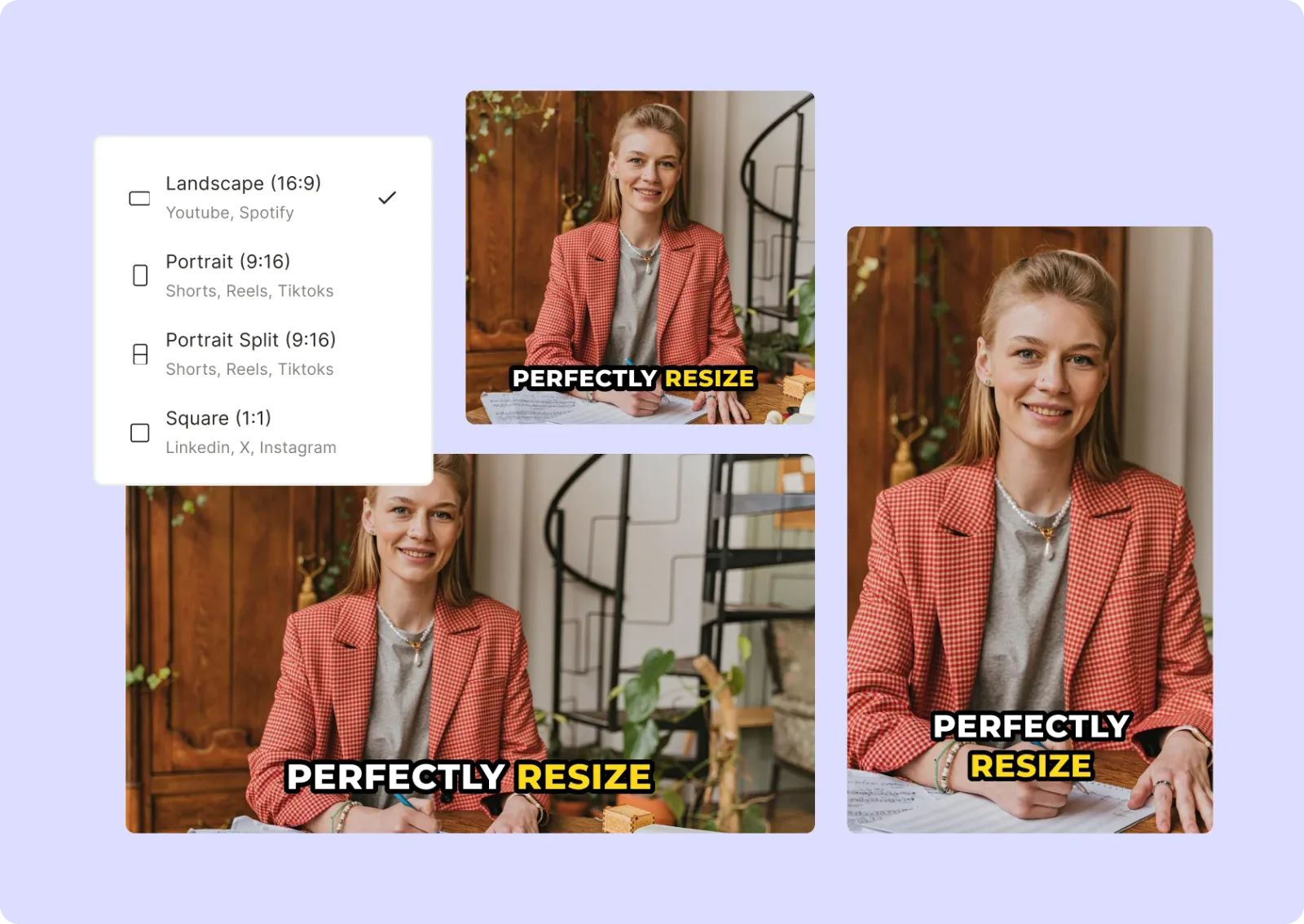
Supports a wide range of aspect ratios, including 16:9 for YouTube, 9:16 for TikTok, 1:1 for Instagram, and 4:5 for Facebook, so your content always fits perfectly.

- High-Quality Preservation
Ensures your videos maintain their original clarity and resolution, avoiding pixelation, blurry visuals, or black bars that can lower content quality.
- One-Click Conversion
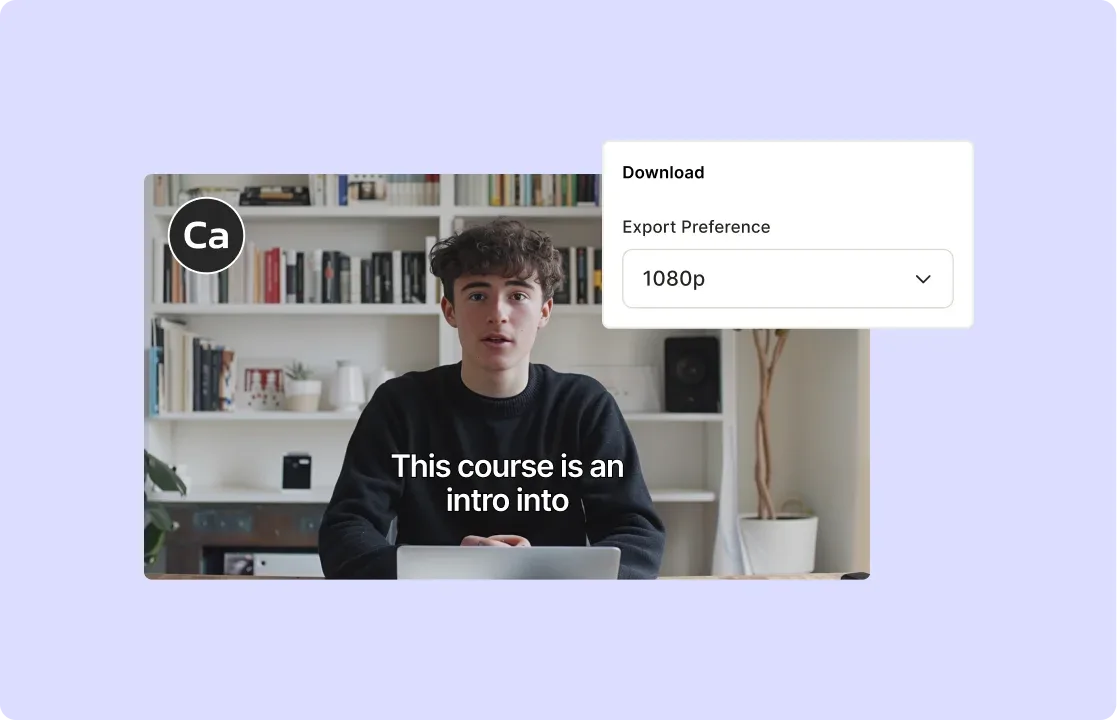
Simply upload your video, choose the desired aspect ratio, and download the resized file in just a few seconds, eliminating the need for manual adjustments.
- Supports All Major Formats
Works with popular video formats like MP4, MOV, and AVI, allowing you to convert videos without worrying about compatibility issues.
Pros:
- Beginner-Friendly – Simple interface with minimal learning curve, making it accessible for all skill levels.
- Fast and Cloud-Based – No need for heavy software; access it anytime from your browser.
- Saves Time and Effort – Cuts down hours of manual resizing and re-exporting, making video creation more efficient.
- Supports Various Social Media Platforms – Optimized presets for TikTok, YouTube, Instagram, Facebook, and more.
Cons:
- No Offline Access – Since it's a web-based tool, you can't use it without an internet connection.
- Dependent on AI Precision – While AI-powered resizing is highly accurate, complex visuals may sometimes require manual adjustments.
Start optimizing your videos for any platform— try quso.ai's video aspect ratio converter today!
Pricing: Starts from $19/month.
2. Adobe Express
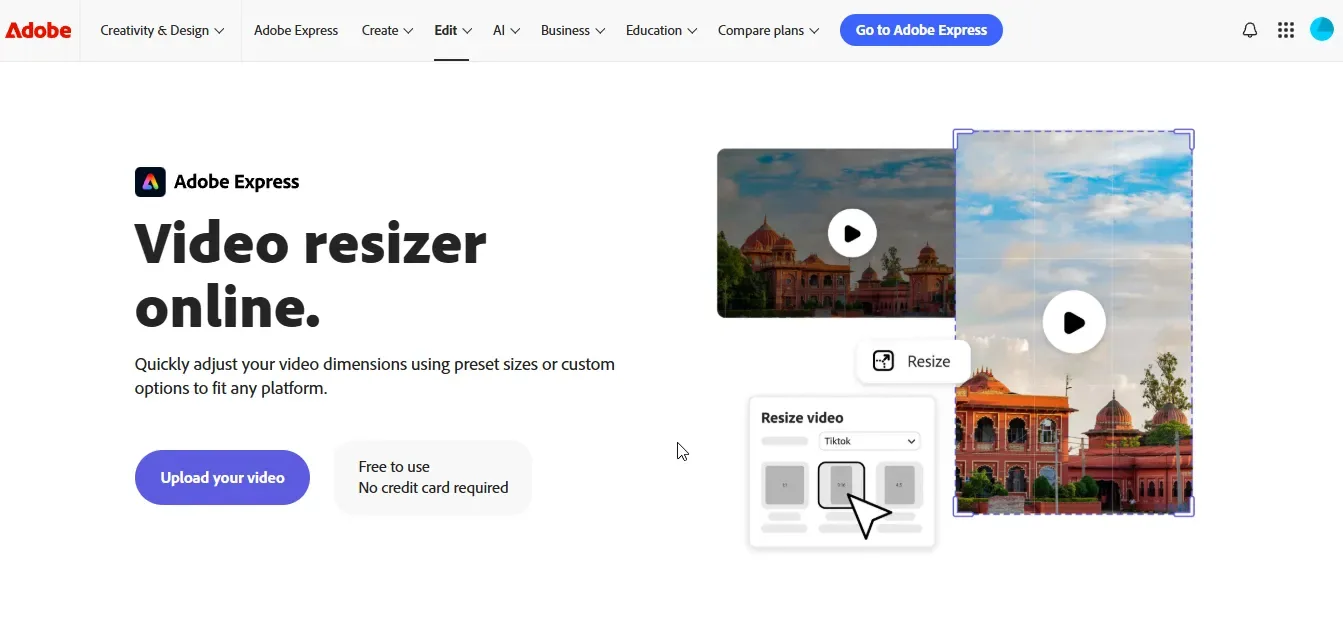
Adobe Express is a powerful online video resizer that allows you to quickly adjust video dimensions for any platform. Whether you're resizing for Instagram, YouTube, or another social media channel, it offers preset sizes and custom options to fit your needs.
With an intuitive interface, you can easily upload your video, choose the desired aspect ratio, and resize it in seconds. Beyond resizing, Adobe Express lets you fine-tune framing, trim clips, and optimize visuals, ensuring professional-quality results.
Key Features
- Quick Resizing: Instantly adjust video dimensions using preset or custom sizes.
- Frame Adjustment: Zoom in, out, and reposition subjects for perfect framing.
- Video Trimming: Easily cut videos to highlight key moments.
- Cross-Platform Compatibility: Works seamlessly on desktop and mobile.
- AI-Powered Quality Retention: Ensures no pixelation or loss of detail after resizing.
Pros:
- Fast and Easy to Use: Resize videos in seconds with a simple three-step process.
- No Software Installation Required: Works online, eliminating the need for downloads.
- High-Quality Output: Maintains video clarity and detail after resizing.
Cons:
- Maximum Video Length Limit: Videos over one hour may not be processed.
- File Size Restrictions: Limited to files under 2GB, which may be restrictive for high-resolution videos.
- Internet Dependency: Requires an internet connection to function.
Pricing: Starts from $9.99/month.
3. Flixier
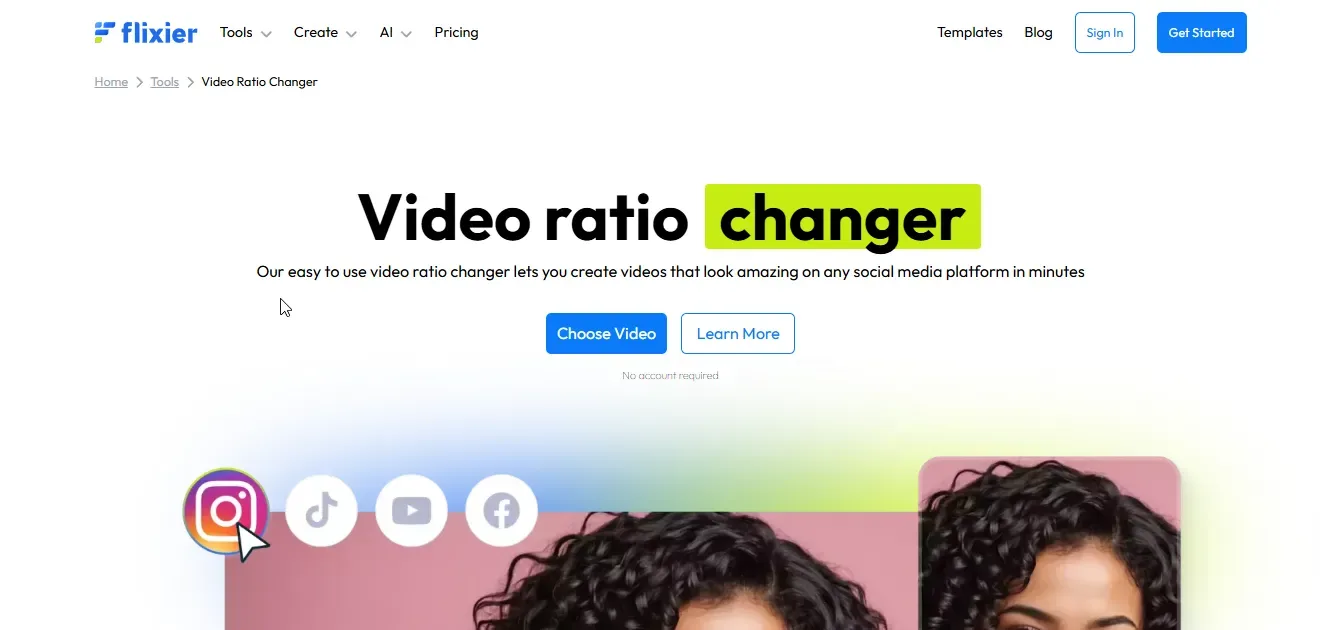
Flixier Aspect Ratio Tool is a top-tier online solution for adjusting video aspect ratios with ease. Whether you're optimizing content for TikTok, Instagram, YouTube, or custom formats, Flixier lets you resize videos quickly without requiring downloads or high-end hardware.
With lightning-fast rendering speeds, real-time collaboration, and direct integrations with platforms like YouTube and Google Drive, Flixier is the ultimate tool for content creators, businesses, and educators.
Key Features
- Effortless Resizing – Instantly change aspect ratios to fit any platform.
- Preset Ratios – Choose from popular formats like 16:9, 1:1, and 9:16.
- Custom Dimensions – Define unique resolutions for specific needs.
- Cloud-Powered Speed – Edit and export videos at lightning-fast speeds.
- No Installation Required – Works in your browser on any device.
Pros:
- Multiple Presets – It offers predefined aspect ratios for various social media platforms.
- Custom Resizing – Users can manually input dimensions for specific needs.
- Fast Processing – Cloud-based functionality ensures quick resizing and exports.
Cons:
- Glitches – Some users experience occasional bugs and performance issues.
- Learning Curve – It takes time to understand and fully utilize the tool.
- Editing Challenges – Certain features can be tricky or unintuitive to use.
Pricing: Starts from $14/month.
4. Canva
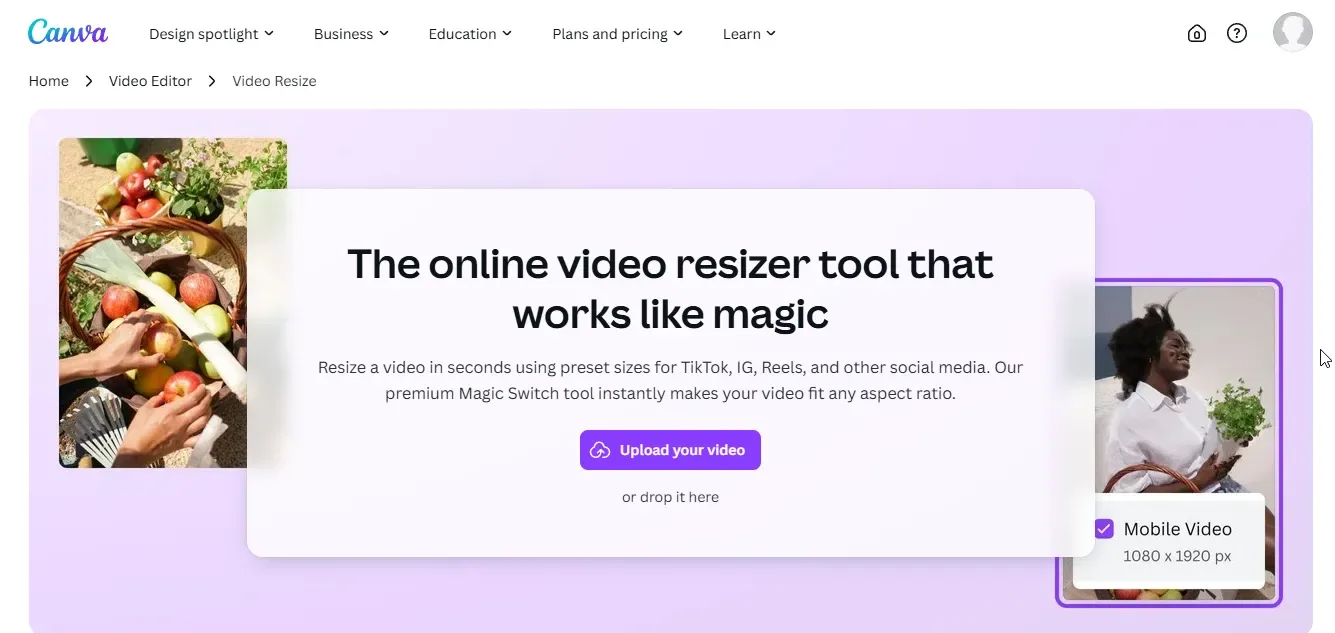
Canva's Video Resizer is an intuitive online tool designed to quickly adjust video dimensions for various social media platforms. With its Magic Switch feature, you can seamlessly resize videos without compromising quality.
Whether you need a perfect square for Instagram, a vertical format for TikTok, or widescreen for YouTube, Canva makes the process effortless. It also provides additional customization options, allowing you to crop, trim, and optimize videos with design elements.
Key Features
- Magic Switch: Resize videos instantly to fit any platform's aspect ratio.
- Preserve Quality: Ensures no loss in video resolution, keeping colors and movements sharp.
- Custom Dimensions: Choose from preset sizes or enter specific width and height.
- Editing Tools: Crop, trim, and add text, music, or design elements to your resized videos.
- Easy Sharing: Download in MP4 format or share directly to social media platforms.
Pros:
- Fast & Efficient – Resize videos in seconds with a simple interface.
- High-Quality Output – No pixelation or loss of clarity after resizing.
- Wide Compatibility – Works with various video formats like MP4, MOV, and WEBM.
Cons:
- Pro Feature Requirement – Magic Switch is only available in Canva Pro.
- File Size Limitations – Larger videos may take longer to process.
- Limited Advanced Editing – Not as powerful as professional video editing software.
Pricing: Starts from $12.99/month.
5. Kapwing
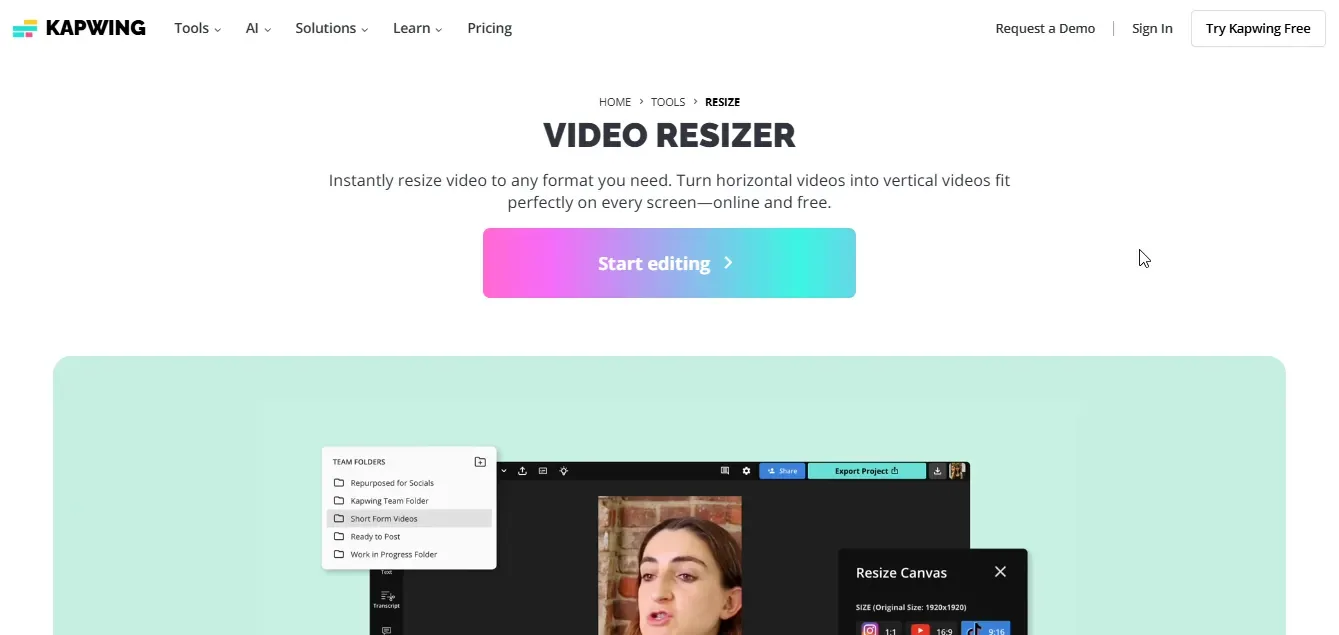
Kapwing's Online Video Resizer allows you to instantly adjust video dimensions for various social media platforms. Whether you need to turn a horizontal video into a vertical one or fit content within specific aspect ratios, Kapwing offers an intuitive, AI-powered tool.
With preset formats for TikTok, Instagram, YouTube, and more, resizing videos is seamless and efficient. The tool also includes features like automatic speaker focus and Magic Create, making content repurposing effortless for creators, marketers, and businesses.
Key Features
- Auto-Resize Videos: Automatically adjust videos to the perfect format for TikTok, Instagram, YouTube, and other platforms.
- Preset Aspect Ratios: Choose from stored presets for different social media formats, eliminating the need to remember dimensions manually.
- Speaker Focus: Ensure active speakers remain in the frame, avoiding awkward cropping in resized content.
- Save Custom Settings: Retain preferred aspect ratios and styles for future projects, streamlining video editing workflows.
Pros:
- Auto-Resizing: Easily adapts content to different platforms.
- Cloud-Based: Accessible from any device without downloads.
- Social Media Support: Preset aspect ratios for various platforms.
Cons:
- Watermark Restrictions: The free version adds watermarks to exports.
- Paid Features: Advanced tools require a subscription.
- Internet Dependency: Needs a stable connection for smooth editing.
Pricing: Starts from $16/month.
6. VEED.IO
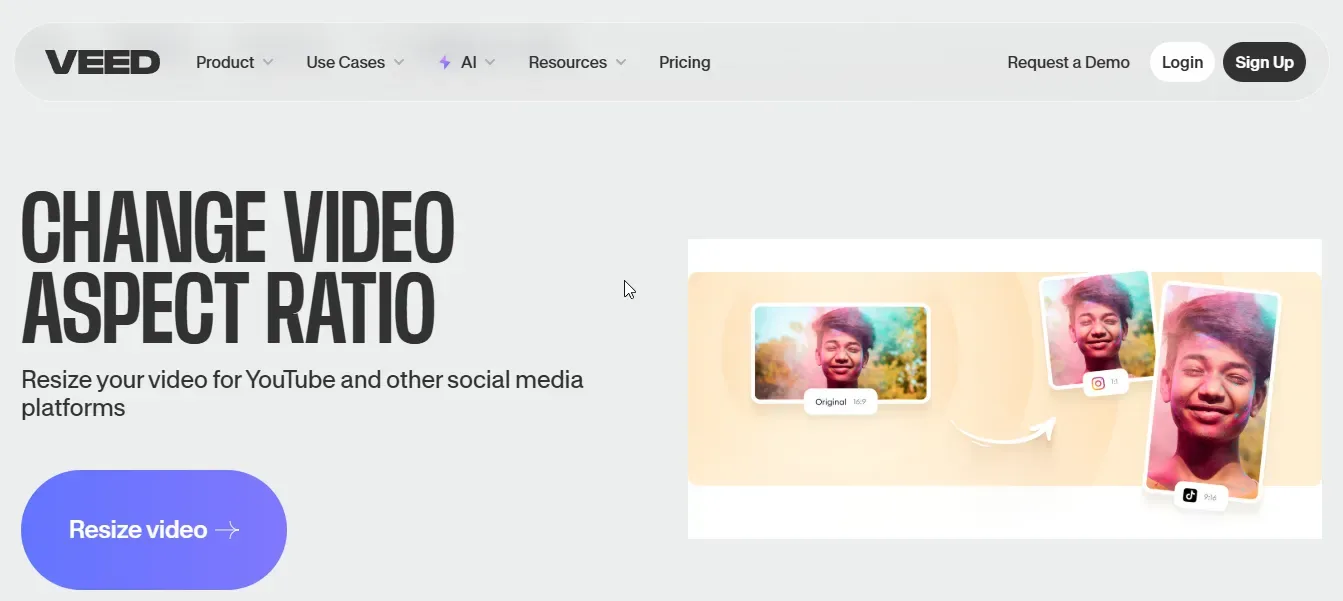
VEED.IO is a powerful online video editing tool that makes resizing videos effortless. Whether you need to adjust your video for YouTube, Instagram, TikTok, or any other platform, VEED lets you change the aspect ratio with a single click.
It offers preset sizes like 16:9, 9:16, and 1:1, ensuring your content fits perfectly without distortion. You can crop, stretch, or fit your video to avoid black bars. Best of all, it's cloud-based, so you don't need to install any software—just upload, resize, and export seamlessly.
Key Features
- One-Click Resizing: Instantly adjust videos to fit any social media platform.
- Preset Aspect Ratios: Supports formats like 16:9, 9:16, 1:1, and more.
- Crop & Fit Options: Stretch or fit videos to avoid black bars.
- Online & Cloud-Based: No software installation required.
Pros:
- Easy to Use: Simple drag-and-drop interface.
- Multiple Aspect Ratios: Resize for Instagram, TikTok, YouTube, and more.
- No Quality Loss: Keeps video clarity intact after resizing.
Cons:
- Watermark in Free Version: Requires a paid plan to remove watermark.
- Internet Dependent: Needs a stable connection for smooth editing.
Pricing: Starts from $12/month.
7. Videoleap
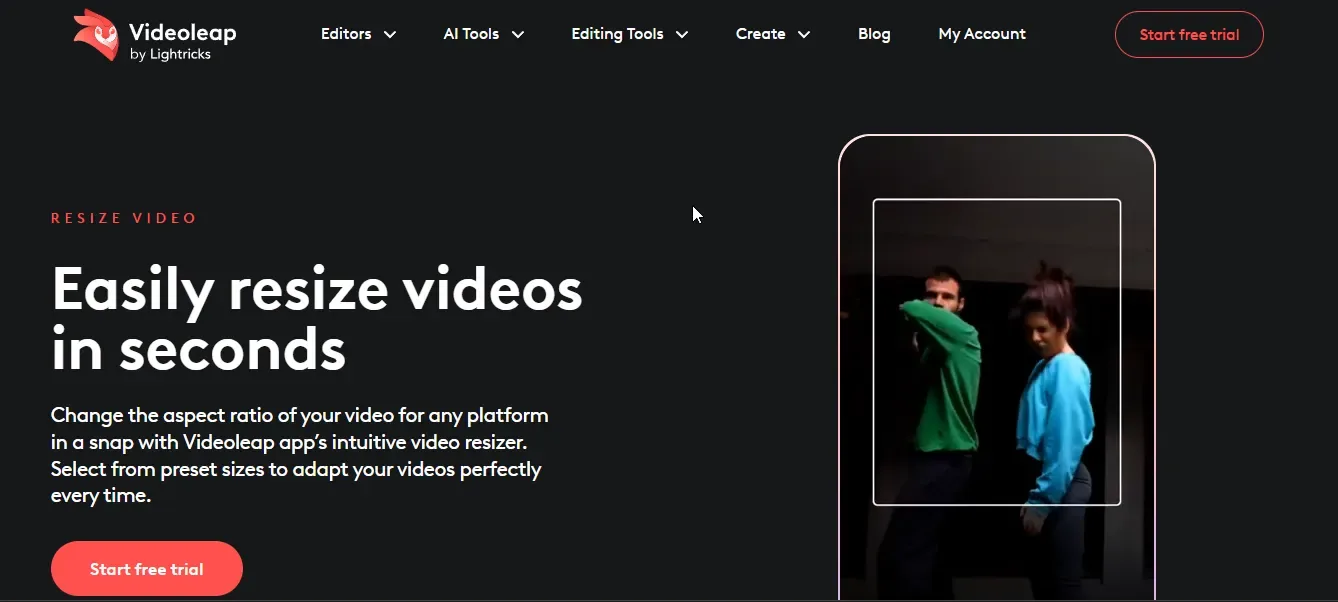
Videoleap is a user-friendly video editing app that makes resizing videos quick and effortless. Whether you need content for Instagram, TikTok, or YouTube, Videoleap's intuitive resizer helps you adjust aspect ratios seamlessly.
With preset sizes, you can fit your video perfectly to any platform. The app ensures that resizing doesn't compromise video quality, keeping your content crisp and clear. Plus, you can fine-tune your video with editing tools like trimming, merging, and adding music.
Key Features
- Aspect Ratio Presets: Resize videos for Instagram, TikTok, YouTube, and more in a single tap.
- Quality Retention: Change video size without losing clarity or definition.
- Canvas Adjustment: Modify height, width, and aspect ratio at any stage of editing.
- Additional Editing Tools: Trim, merge, and add music for a complete video creation experience.
Pros:
- Easy-to-Use Presets: Resize videos instantly for Instagram, TikTok, and more with one tap.
- High-Quality Resizing: Adjust video size without losing clarity or definition.
- Versatile Editing Tools: Trim, merge, and add music for a complete editing experience.
Cons:
- Limited Free Features: Some advanced tools require a paid subscription.
- Watermark on Free Version: Videos exported without a premium plan include a watermark.
Pricing: Starts from $5.83/month.
8. Online Video Cutter
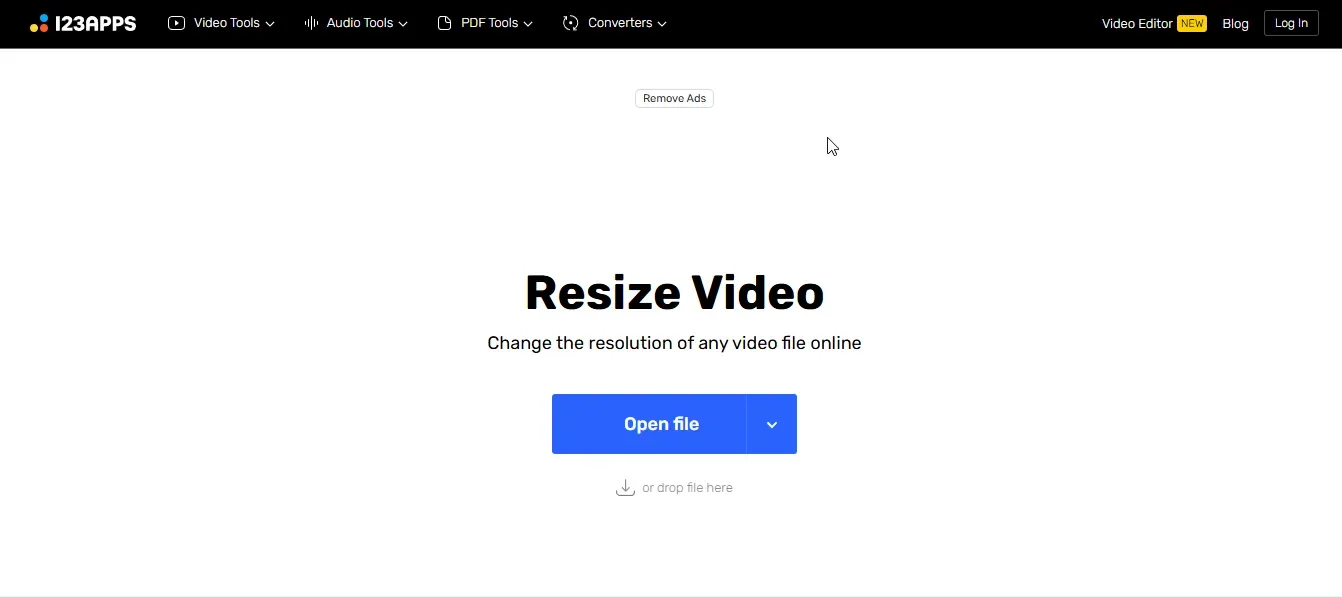
Online Video Cutter is another great tool for resizing and editing videos without needing any downloads. It allows you to change video resolution, crop, trim, and edit clips in just a few clicks.
The interface is beginner-friendly, making it easy to use even if you have no prior editing experience. It supports all major video formats like MP4, AVI, MOV, and more. Whether you're resizing for social media, presentations, or personal projects, this online tool ensures high-quality results with fast processing and no watermarks.
Key Features
- Video Resizing: Quickly adjust video dimensions and aspect ratio without losing quality.
- Format Compatibility: Supports various formats, including MP4, AVI, FLV, MOV, 3GP, WMV, and MKV.
- Online Editing: No downloads needed—edit videos directly in your browser.
- Cropping & Trimming: Cut unwanted parts and adjust framing effortlessly.
- Fast Processing: Converts and resizes videos within minutes, even for large files.
Pros:
- Easy to Use: Simple, intuitive interface suitable for beginners.
- No Downloads Required: Fully online, saving storage space.
- Wide Format Support: Works with MP4, AVI, FLV, MOV, and more.
Cons:
- Limited Advanced Features: Lacks professional-grade editing tools.
- Processing Time for Large Files: Bigger videos may take longer to process.
Pricing: Starts from $6/month.
Quick Comparison: Top 8 Video Aspect Ratio Converters
| Tool | Starting Price | AI-Powered | Batch Processing | Free Version | Best For |
|---|---|---|---|---|---|
| quso.ai | $19/month | ✓ | ✓ | ✓ | All-around best choice |
| Adobe Express | $9.99/month | ✓ | Limited | ✓ | Creative professionals |
| Flixier | $14/month | ✓ | ✓ | ✓ | Collaboration teams |
| Canva | $12.99/month | ✓ (Pro only) | Limited | ✓ | Design-focused creators |
| Kapwing | $16/month | ✓ | ✓ | ✓/td> | Social media marketers |
| VEED.IO | $12/month | Limited | ✓ | ✓ | Quick edits |
| Videoleap | $5.83/month | ✓ | Limited | ✓ | Mobile creators |
| Online Video Cutter | $6/month | ✕ | Limited | ✓ | Basic resizing |
Which is the Best Video Aspect Ratio Converter Tool?
The best video aspect ratio converter balances ease of use, quality output, and platform compatibility. After testing all options, quso.ai stands out for:
- AI-powered precision – Smart reframing keeps subjects centered
- Zero quality loss – Maintains original resolution and clarity
- Platform presets – One-click optimization for 10+ platforms
- Fast processing – Resize videos in under 30 seconds
- Best value – More features than competitors at competitive pricing
Whether you're optimizing content for YouTube, Instagram, or TikTok, quso.ai delivers professional results without the learning curve.
Sign up for quso.ai today and optimize your videos with just a few clicks!