Highlight Video Maker
Turn long videos into short highlights in minutes with this highlight video maker. Got hours of sports clips, game streams, or webinars? This highlight video maker finds the best parts for you and turns them into short, shareable videos. Save time, get more views, and make your content stand out—without the extra work. Perfect for creators who want to grow faster and do less.
Generate Highlight Videos NowTrusted by 4M+ users
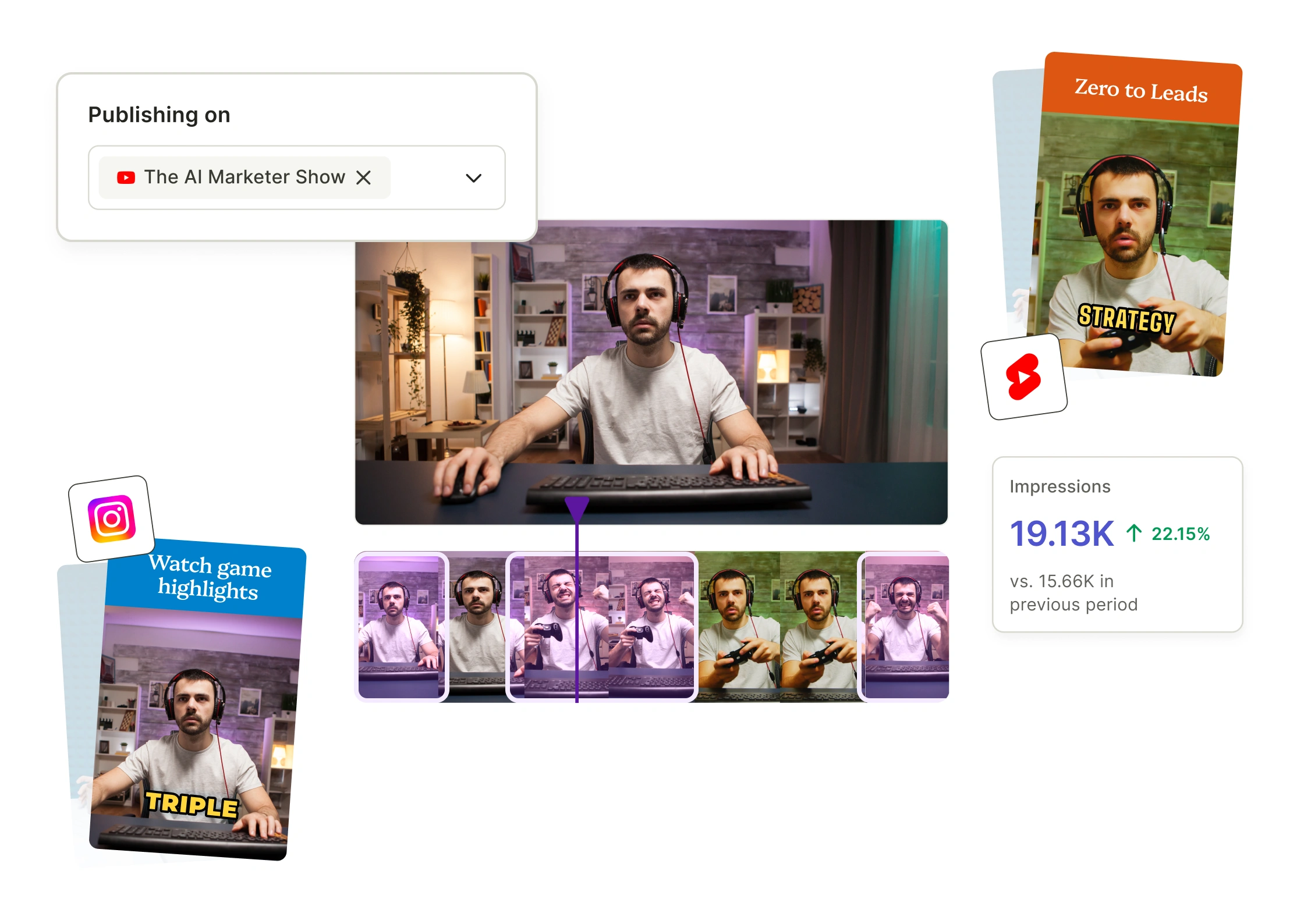
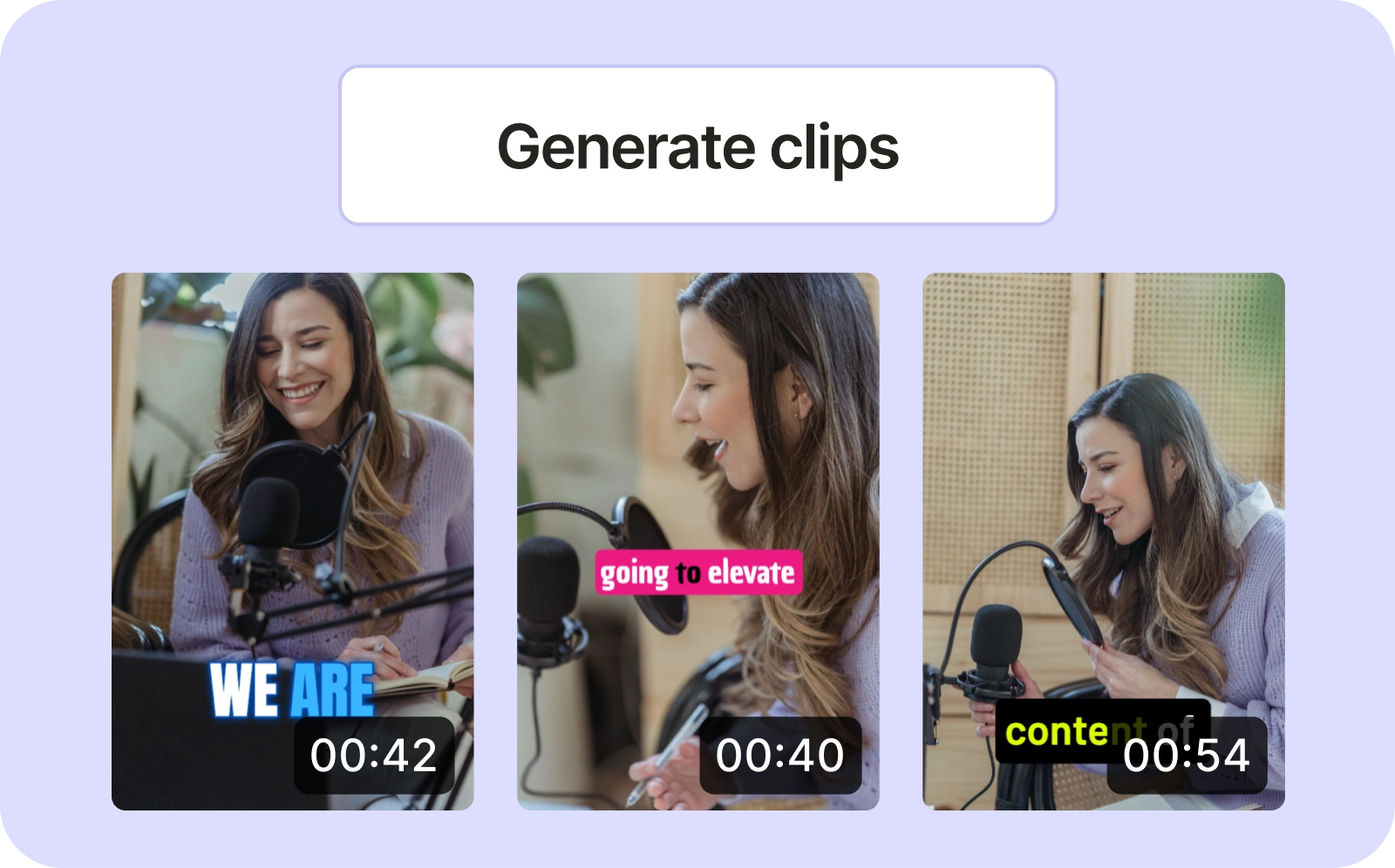
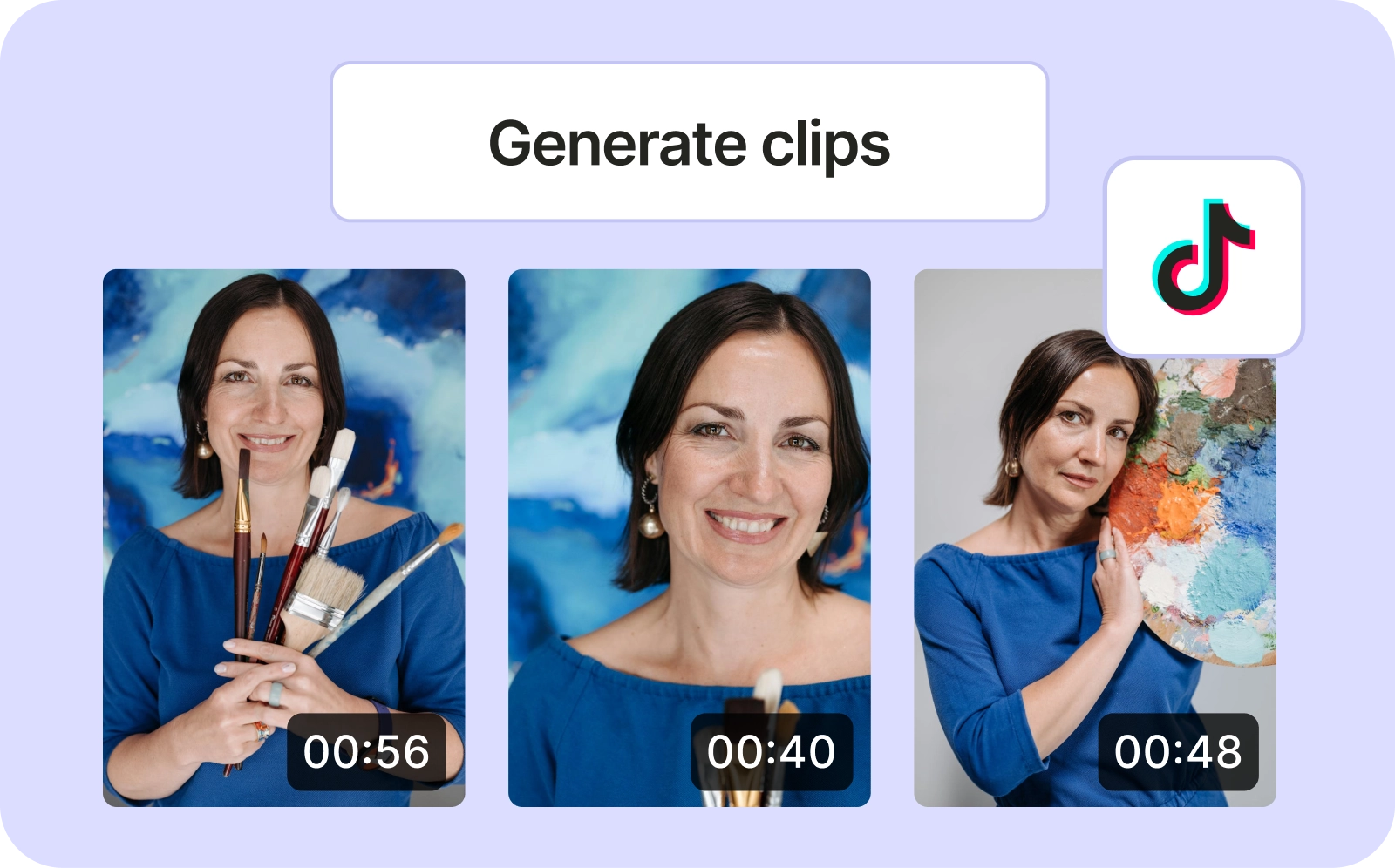
Use this highlight video maker to turn any video into shareable clips

Skip the Long Editing Process
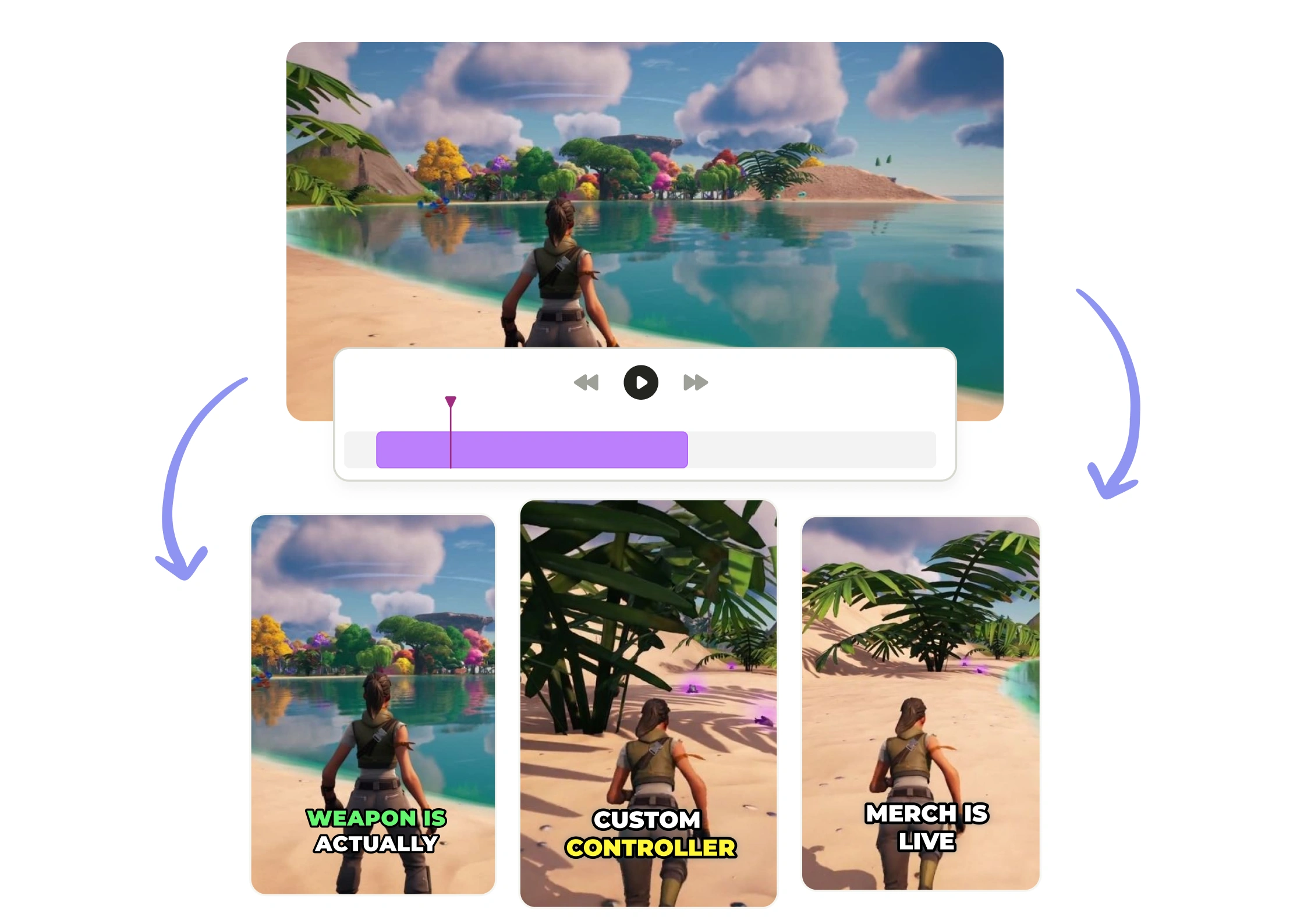
Editing highlight videos doesn’t have to be slow. With this AI Highlight Video Maker, you don’t need to sit through hours of footage. Just upload your video and it finds the key moments for you. No complicated tools, no dragging clips around. You get ready-to-post highlights in minutes, not hours.

Get More Out of Every Video You Make
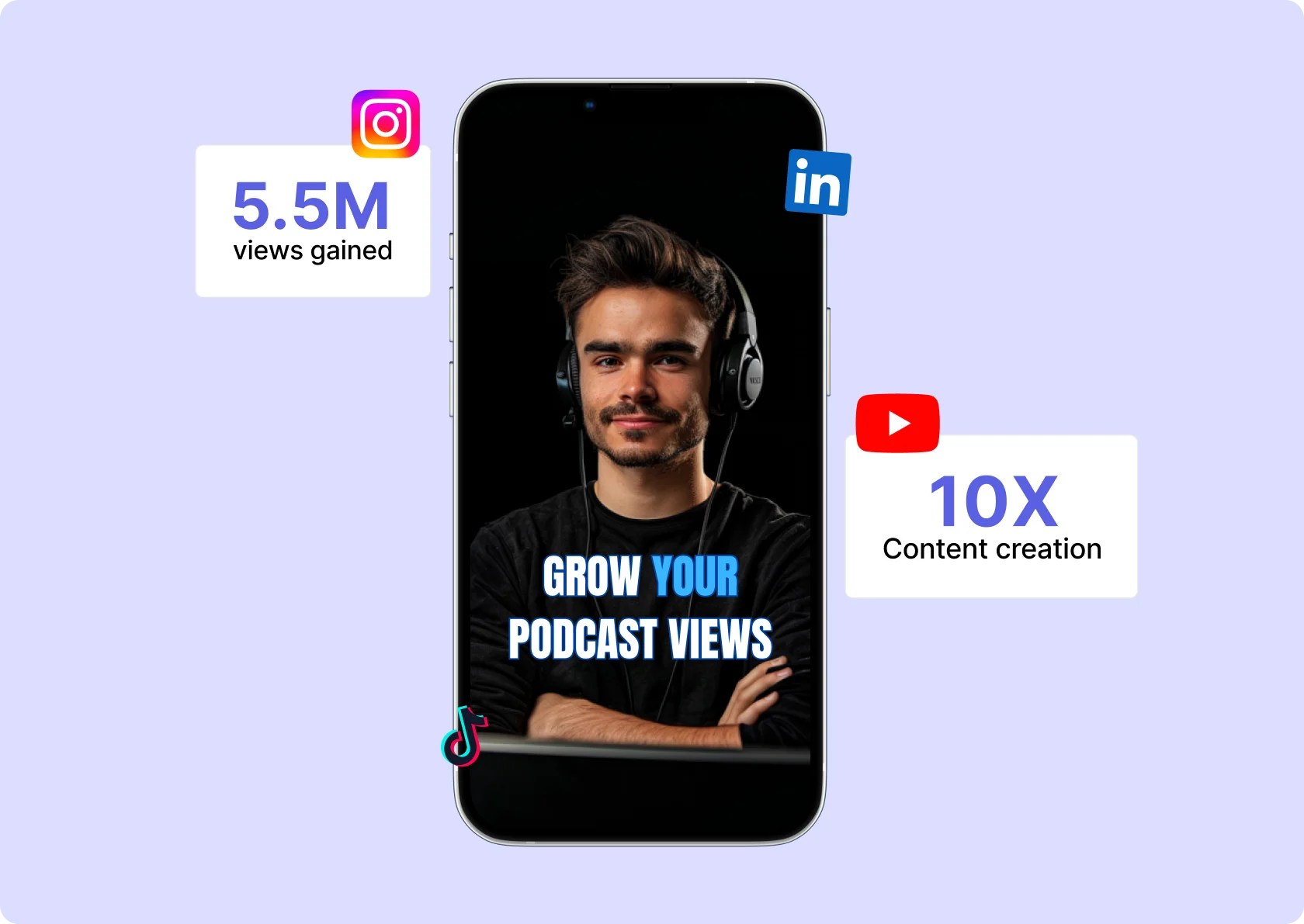
Why let your content sit unused? This highlight maker helps you turn long videos like webinars, streams, or tutorials into short, engaging clips for any platform. Repurpose your content easily and boost your reach without starting from scratch.

Let the Highlight Video Tool Do the Work
This video highlight creator takes care of the time-consuming stuff like trimming clips, choosing moments, adding captions, adjusting size for each platform, and more. You just upload and go. Your content looks sharp, sounds great, and is ready to share—without you doing any of the hard work.
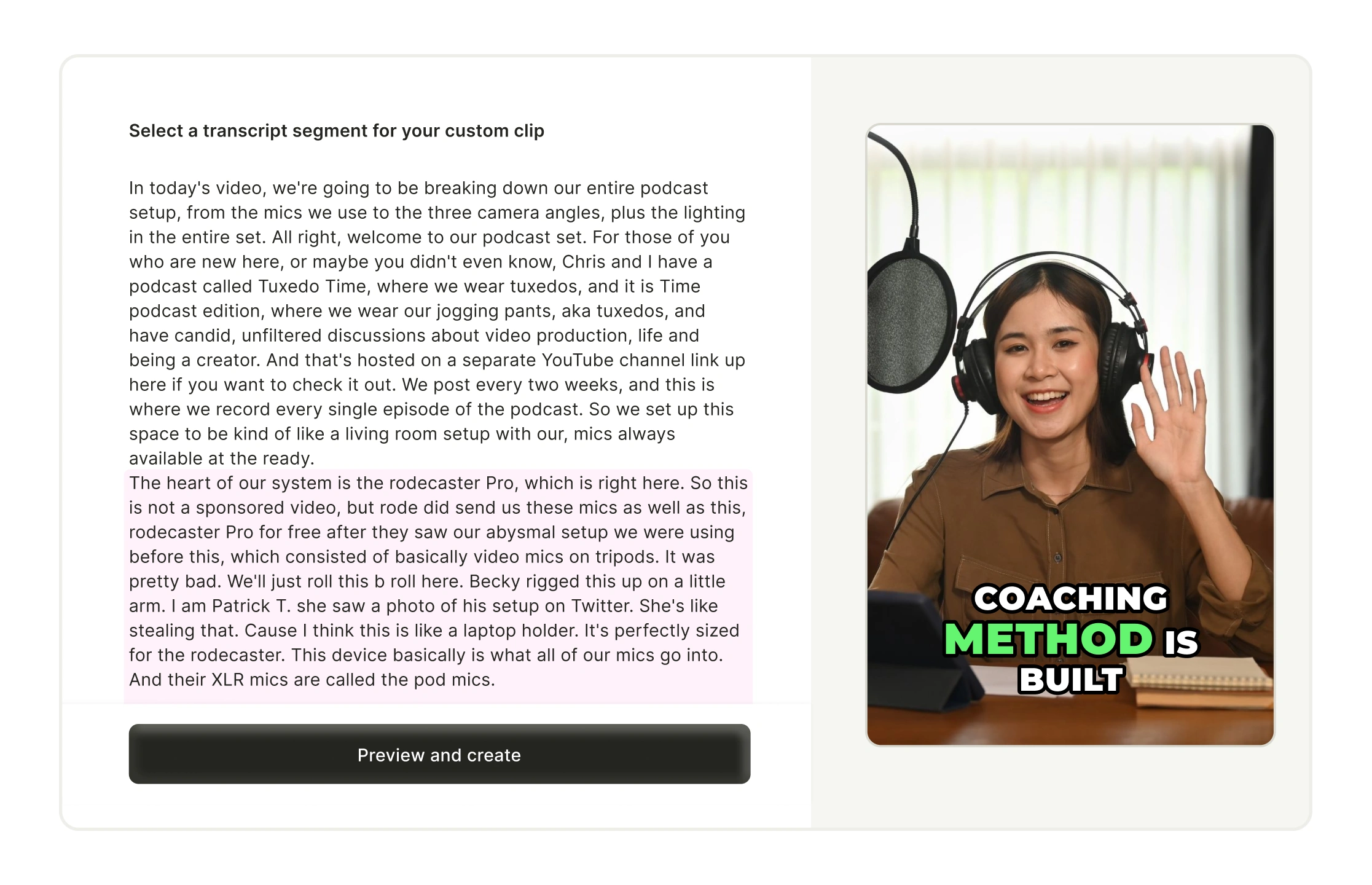
Create Highlight Using Transcript
Search your transcript like a doc. It's synced to your video timeline, so you can jump to any part and clip highlights instantly. No manual scrubbing. Just fast, clean editing with our AI highlight video maker and highlight editor.
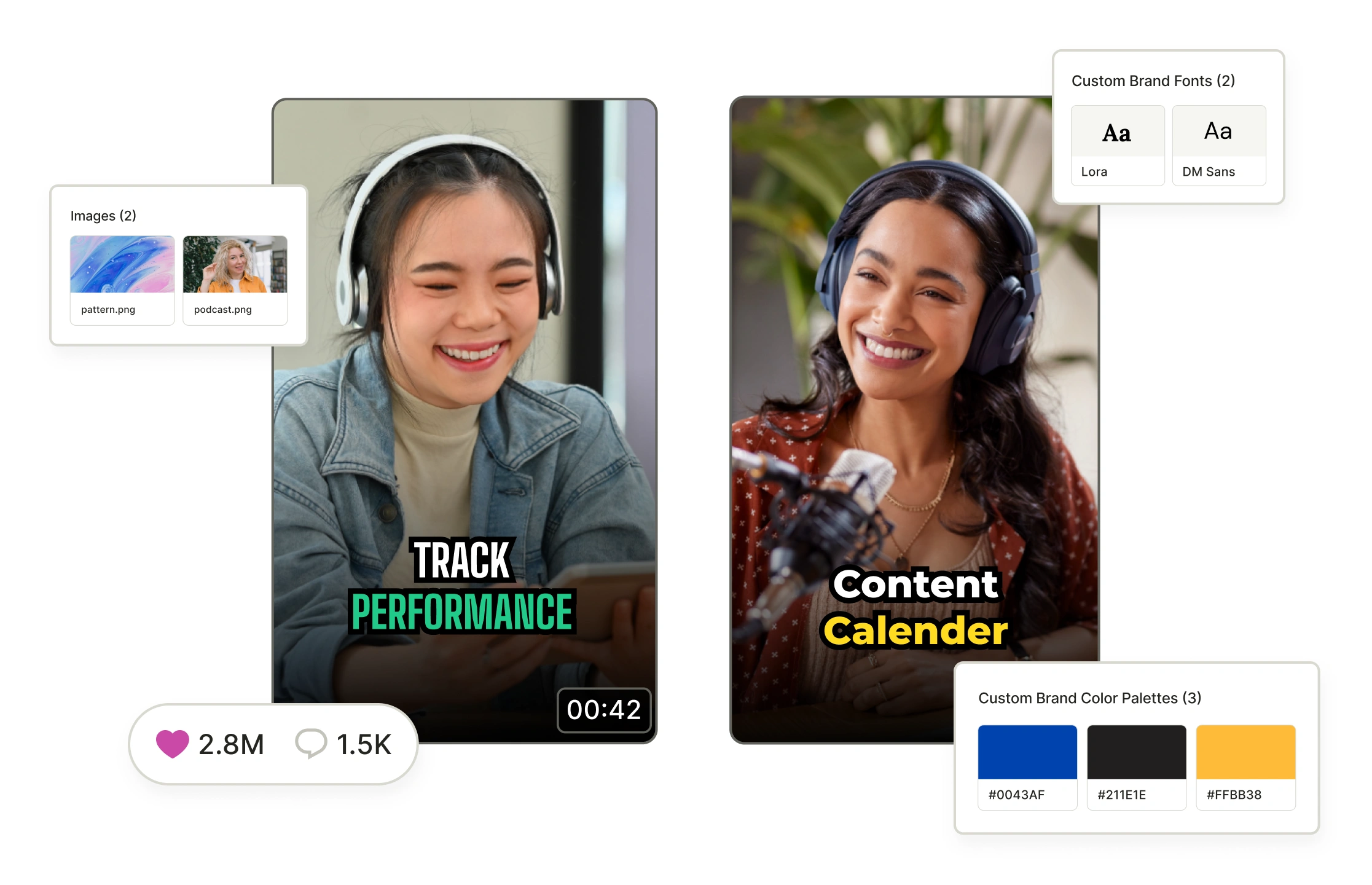
Stay On-Brand with Video Templates
Use preset layouts for your intros, logos, fonts, and colors. Every highlight reel looks consistent, great for brand recall across TikTok, YouTube, and Instagram highlights. Perfect for creators who post often.
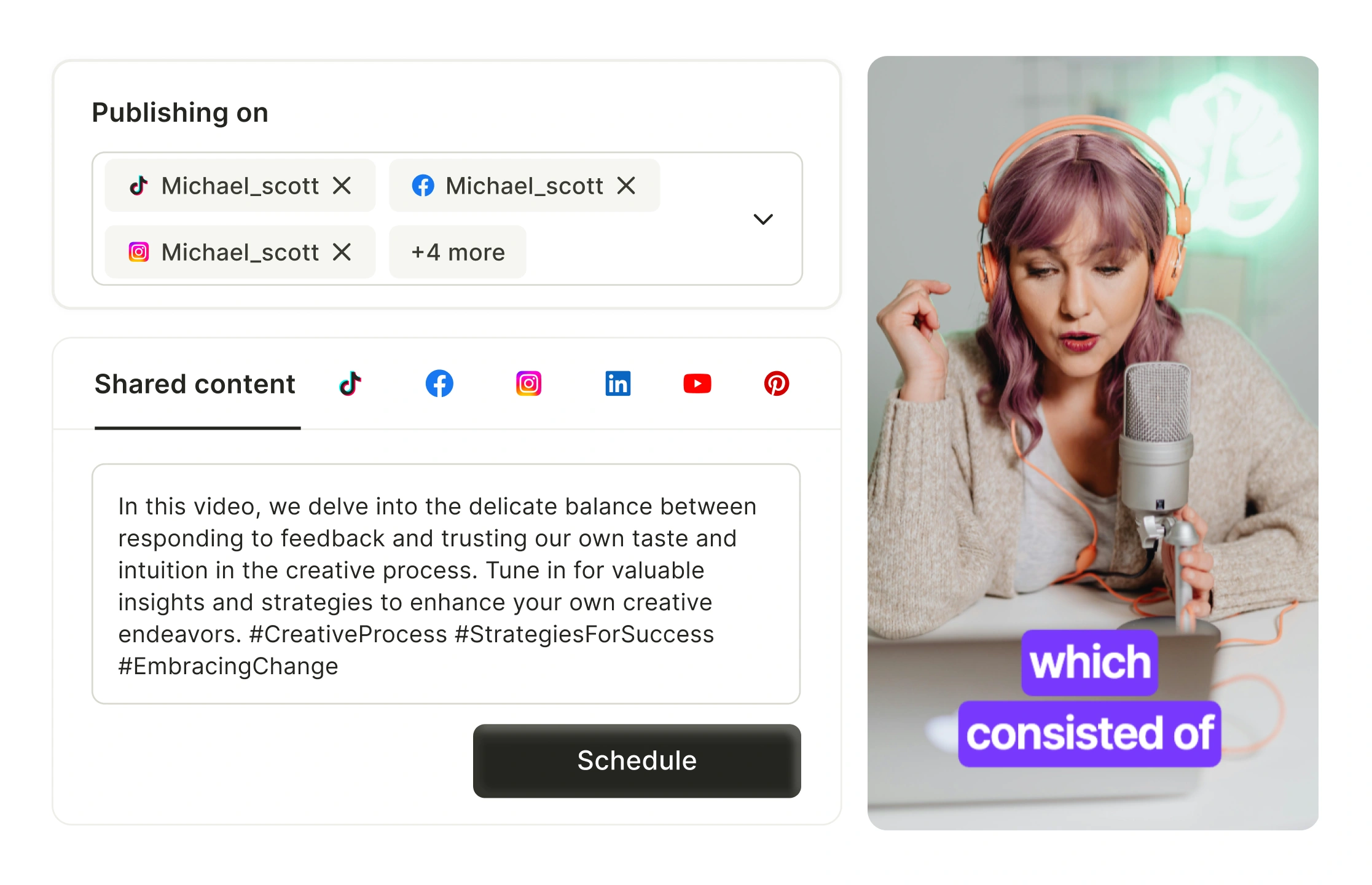
Make One Highlight, Post It Everywhere
Make one video highlight and auto-publish it to multiple platforms. This tool resizes for each format with no extra work. It’s made for fast workflows, from Instagram Highlights to AI sports highlights and more.
How to Create A Highlight Video In Minutes?
- Upload your full-length video
Start by uploading your video to the highlight video maker, either by dragging the file or pasting a YouTube link.
- Let the AI highlight video maker do the work
The AI highlight video maker scans your content to detect key moments, automatically generating engaging short clips without manual effort.
- Customize the highlights your way
Trim the clips, switch aspect ratios (square or vertical), and enhance them with captions, brand elements, or music to fit your goals.
- Export or share your highlights instantly
Download your edited highlights or share directly to TikTok, YouTube Shorts, or Instagram Reels—your highlight video is platform-ready in seconds.
Frequently Asked Questions
What is a highlight video maker?+
How do you create a highlight video? +
What is the best app to make a highlight video? +
Can AI make highlight videos? +
How to create a highlight reel for free?+
How to make highlight videos on Android? +
Highlight Video Maker
Generate Highlight Videos NowWant the full workflow? This free tool is part of quso.ai's AI Clips Generator — clip, edit, caption, and schedule in one place.
quso.ai Research
The Short Form Video Performance Report
We measured 508,000 posts from 1,900 creators across 80 countries to separate what actually changes reach from what only sounds like it does.